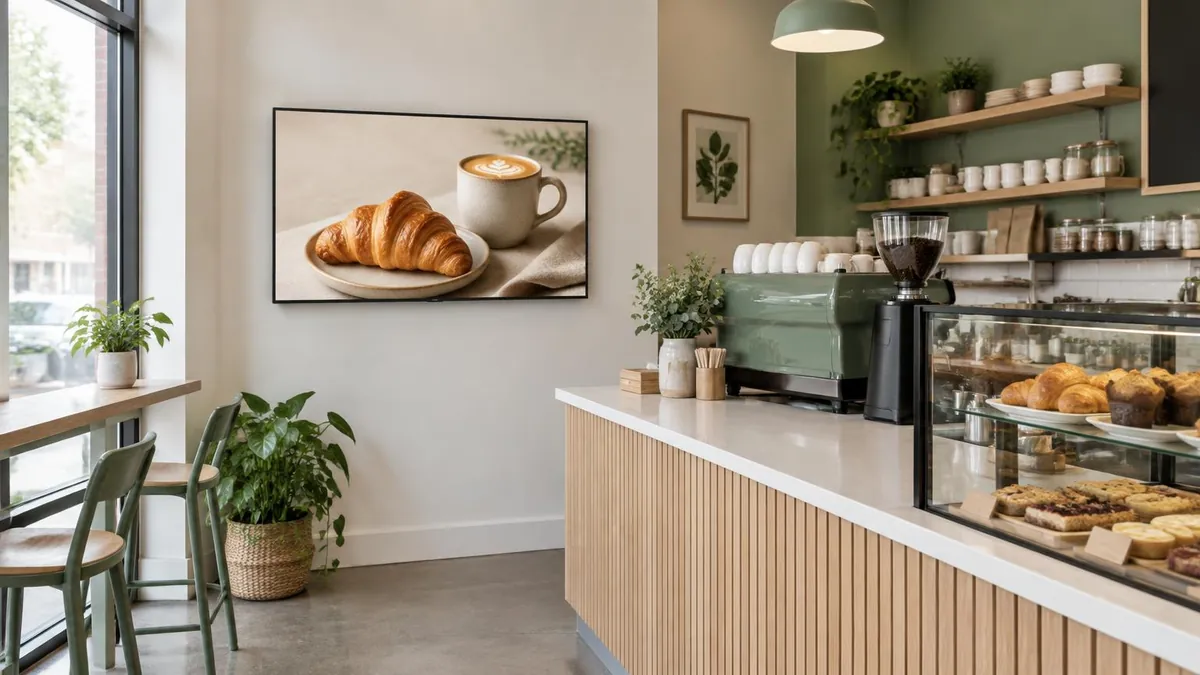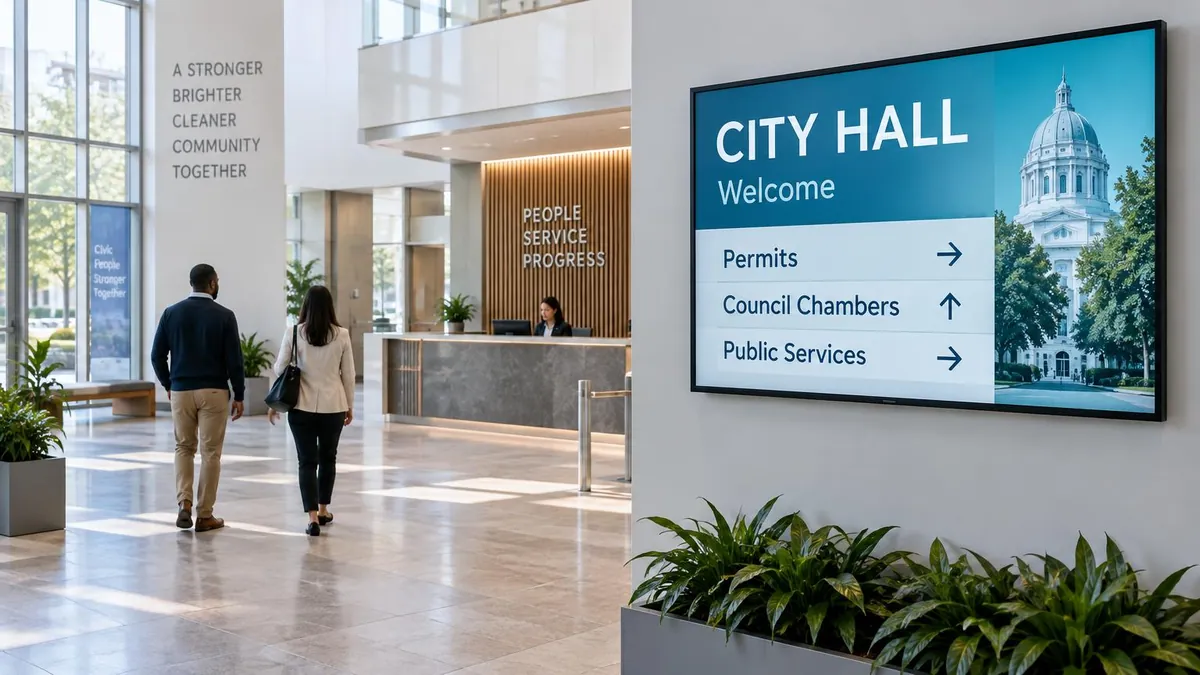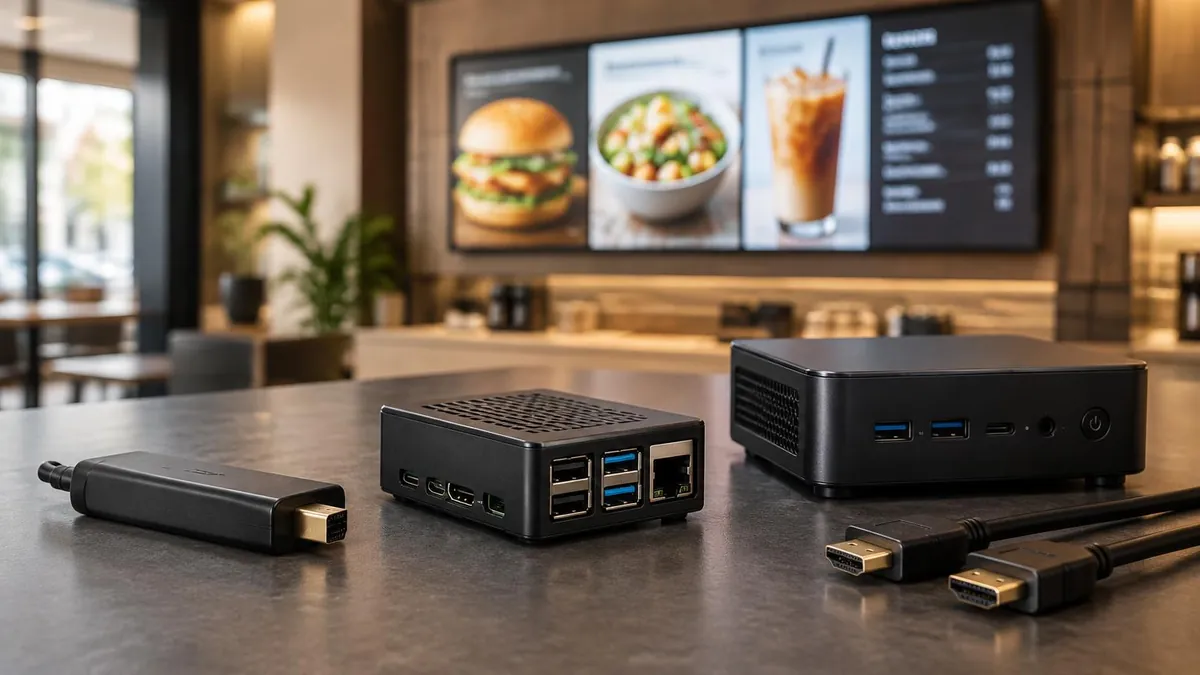
The hardest part of digital signage is rarely the screen. It is deciding what to put on it every week. The good news: the screens people actually stop and read follow a few repeatable patterns. A main message, a live zone such as weather or a clock, and a scrolling ticker along the bottom. Below are 12 digital signage content ideas, grouped by industry, with the layout that makes each one work.
The 12 content ideas, in short:
- Live weather forecast beside your main message
- A scrolling news or announcement ticker
- Clock, date and countdown timers
- Today's events and room schedules
- QR codes that turn a glance into an action
- Social media walls and customer photos
- KPI dashboards and charts for teams
- Birthdays, milestones and shout-outs
- Queue and now-serving numbers
- Health, safety and helpful tips
- Class timetables and workout of the day
- Trivia, polls and rotating fun facts
Start with a layout, not a single slide
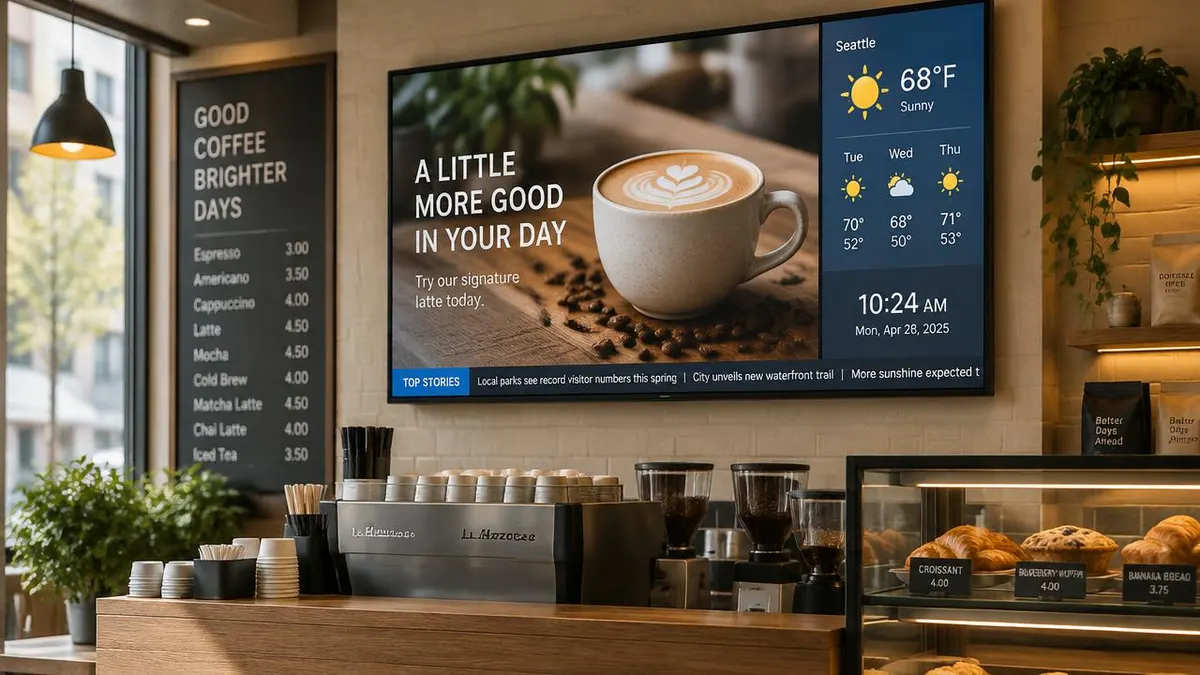
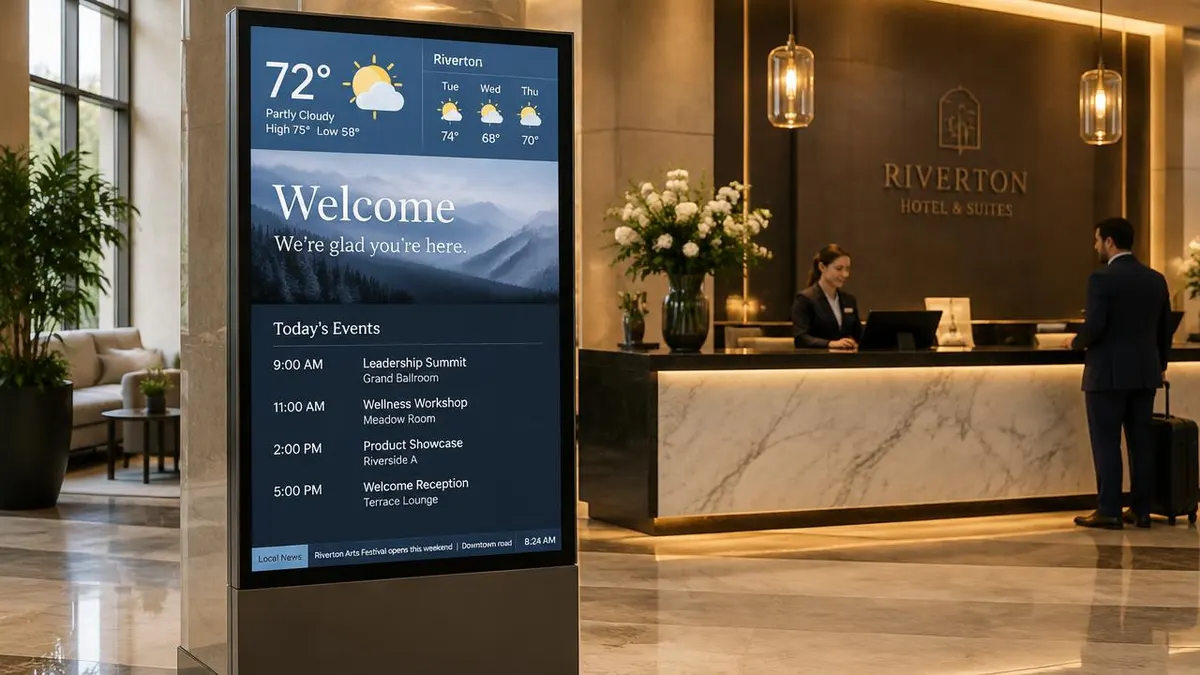
Most effective screens are split into zones. A large main zone carries the message you care about most: an offer, a welcome, an announcement. A smaller side zone runs live content that refreshes on its own, like weather and time. A thin bar along the bottom scrolls short headlines. Because the live zones update automatically, the screen always looks current even when the main slides only change once a week. In E Display's Sign Studio, weather, RSS, clock, text, QR code and chart widgets can be placed into any zone of a layout.
- Main zone (about 70%): one message per slide, five to eight seconds each
- Side zone: weather forecast, clock or a countdown
- Bottom ticker: short headlines, under 80 characters each
1. Weather forecast: the easiest way to look live
A weather widget is the single most useful piece of always-fresh content. People check it without thinking, and every glance brings their eyes to the message beside it. A current temperature plus a three-day forecast fits neatly in a side panel. Cafes can tie it to the menu (iced drinks when it is hot), hotels to activities, and offices to commuting.
2. A scrolling ticker along the bottom
A ticker carries the small updates that do not deserve a full slide: a parking notice, local news from an RSS feed, a reminder that the patio opens Friday. Keep each item short and separate them clearly. One line of moving text is enough; two competing tickers make a screen hard to read.
3. Clock, date and countdowns
A clock seems trivial until you notice how often people look for one in a lobby or break room. Countdowns work even harder: "Sale ends in 2 hours" or "Doors open in 15 minutes" create urgency that a static poster cannot.
4. Today's events and room schedules
Hotels, conference venues, campuses and offices all answer the same question all day: what is happening, and where. A simple list of time, event and room answers it before anyone reaches the front desk. Our E Display hospitality digital signage guest experience covers more hotel screen ideas.
Content ideas for offices and teams
5. KPI dashboards and charts
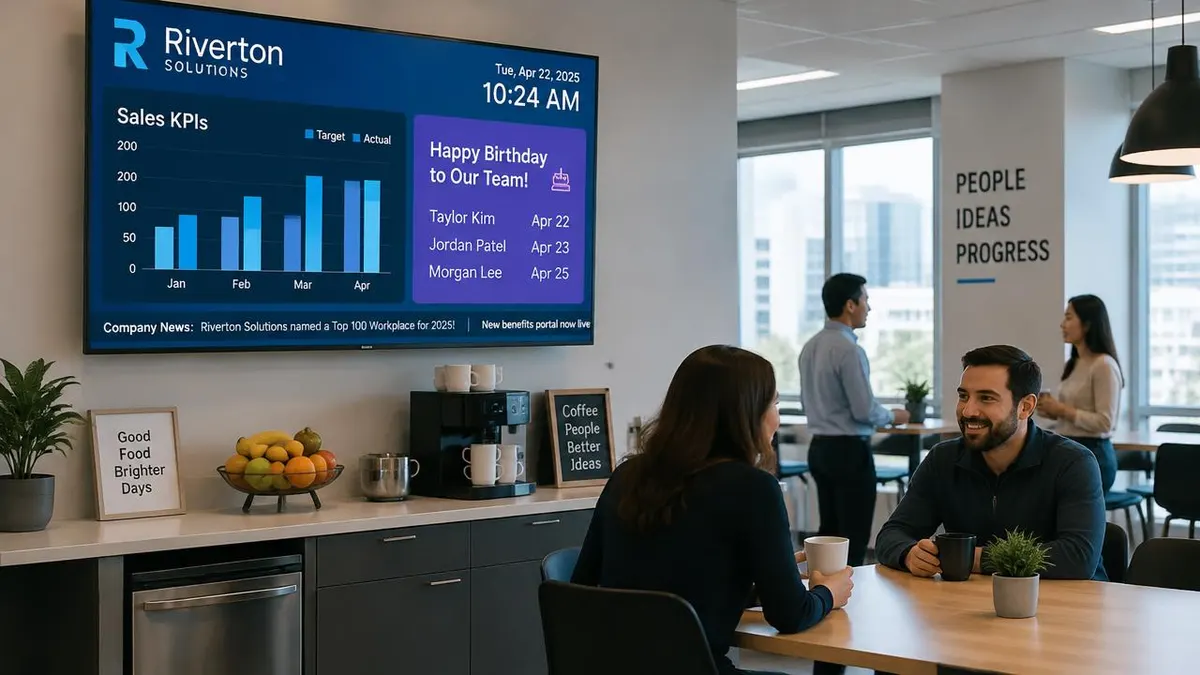
Sales targets, support response times or production output turn a break-room screen into a shared scoreboard. Show two or three numbers at most, with a simple bar chart, and refresh them from the source instead of retyping. For a full playbook, see our corporate communications digital signage guide.
6. Birthdays, milestones and shout-outs
Recognition is the content employees actually walk over to read. Rotate birthdays, work anniversaries and project wins alongside the business updates, and the whole screen gets more attention.
Content ideas for schools and campuses
7. QR codes that turn a glance into an action
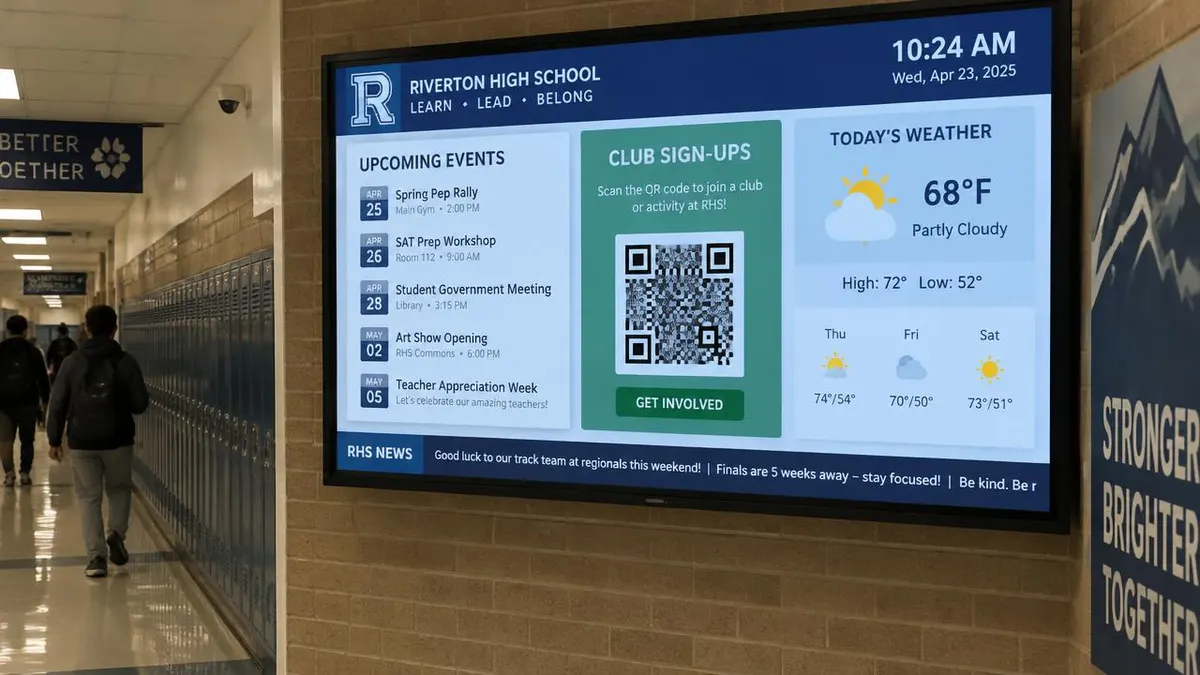
A hallway screen can only hold attention for a few seconds, so give people a next step they can take with their phone: join a club, buy tickets, fill in a form. Make the code large, put a short instruction above it, and leave it on screen for at least ten seconds. Our school digital signage ideas has eight more campus ideas.
Content ideas for retail stores
8. Social media walls and customer photos
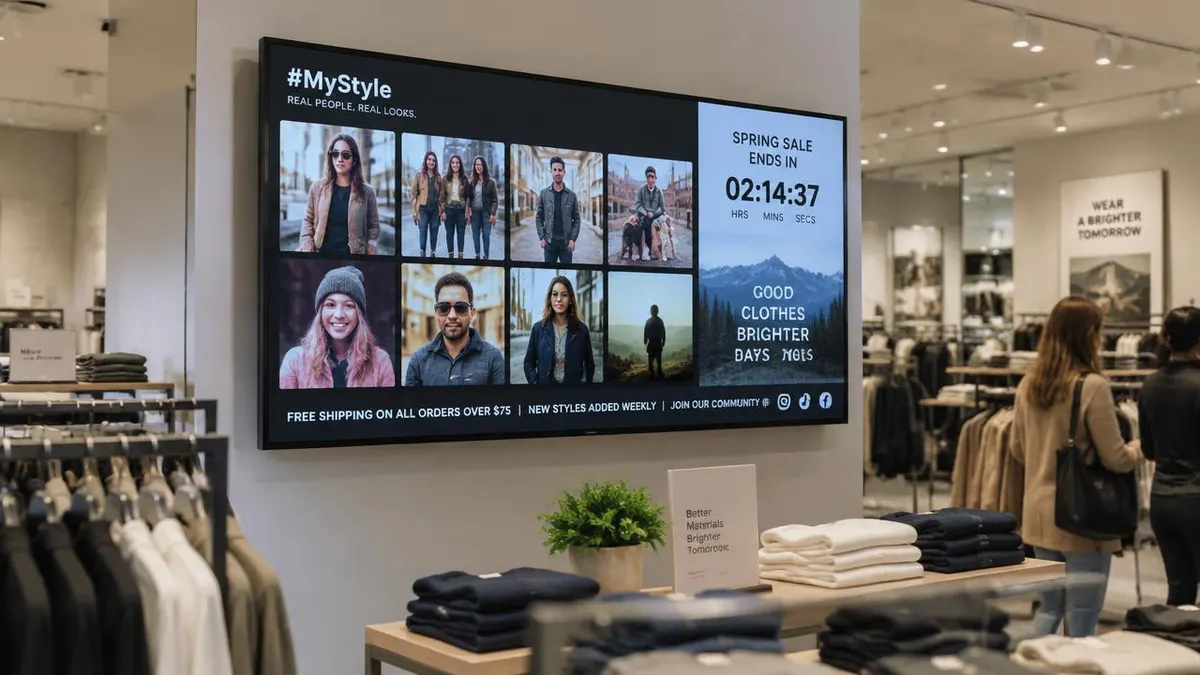
Real customers wearing or using your products are more convincing than stock images. A moderated grid of tagged posts, paired with a sale countdown and a ticker for free shipping or new arrivals, keeps a store screen fresh with almost no design work. E Display connects to social apps listed on our E Display digital signage apps page. For in-store placement ideas, read retail digital signage ideas.
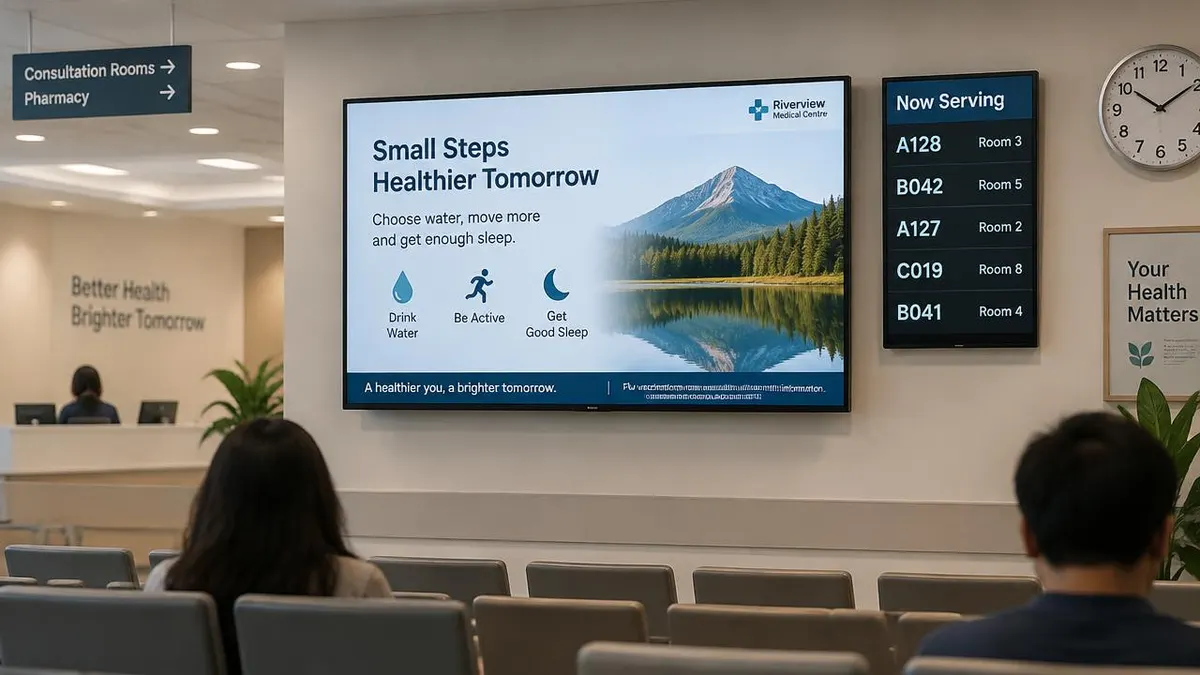
Content ideas for clinics and waiting rooms
9. Queue and now-serving numbers
Waiting feels shorter when people can see progress. A now-serving panel with ticket numbers and room assignments answers the most common question at reception and reduces interruptions.
10. Health, safety and helpful tips
Between queue updates, rotate short, calm messages: seasonal health tips, flu shot reminders, how to book online. Keep patient information off public screens. More ideas are in our E Display healthcare digital signage wayfinding wait times.
Content ideas for gyms and fitness studios
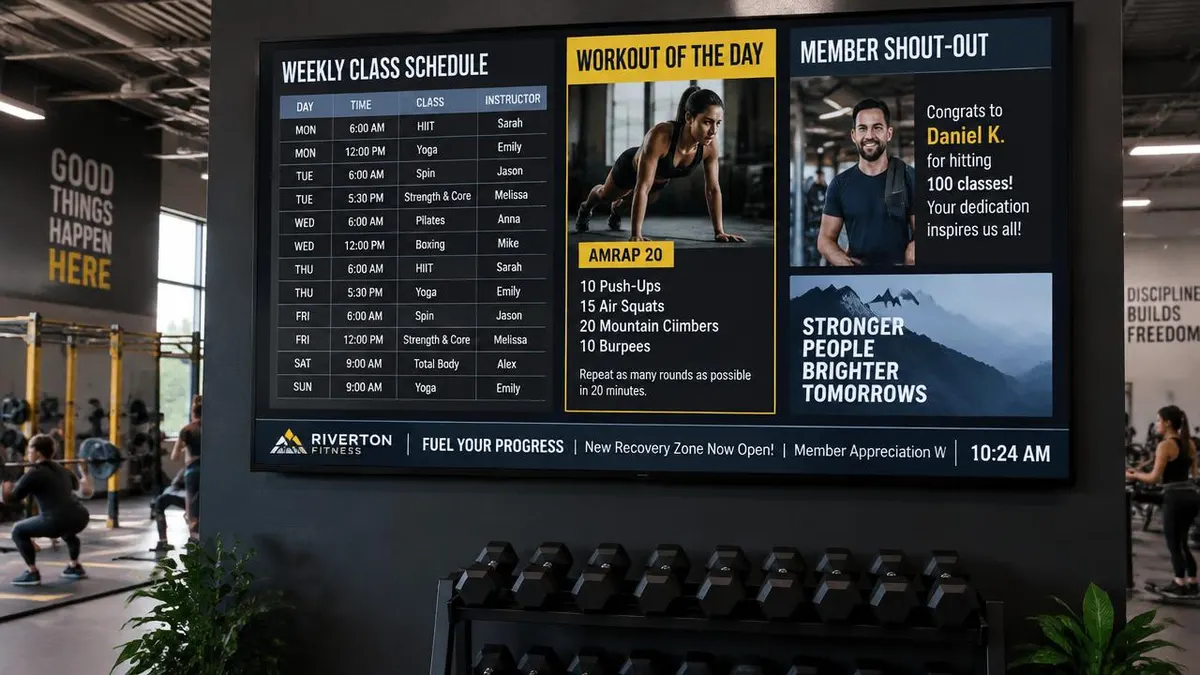
11. Class timetables and workout of the day
A weekly class schedule replaces the whiteboard, and a workout of the day gives members a reason to look up between sets. Add a member shout-out and a ticker for new classes or opening hours. See our gym digital signage guide for the full guide.
12. Trivia, polls and rotating fun facts
Light content earns attention for the serious content. A trivia question in a restaurant queue, a "did you know" about your city in a lobby, or a poll answered by QR code keeps regulars looking at the screen. Use one fun slide for every three or four business slides.
Simple rules that make any content work
- One idea per slide. If it needs a paragraph, it belongs on a website.
- Big type. Readable from the farthest normal viewing spot, not from your laptop.
- Five to eight seconds per slide, longer for lists and schedules.
- Let live zones do the work. Weather, clocks, tickers and feeds keep the screen current between updates.
- Schedule by time of day. Breakfast offers in the morning, events in the afternoon.
- Review weekly. Remove anything expired before a customer notices.
Not sure which screen to start with? Our types of digital signage overview explains the main screen types, and digital signage template library has ready-made layouts. If you would rather not create content yourself, our digital signage content design services team can design it for you.
What content should I put on digital signage?
Combine one main message (an offer, welcome or announcement) with live content that updates itself, such as a weather forecast, a clock and a scrolling news or announcement ticker. Add industry content like event schedules, KPIs, queue numbers or class timetables.
How often should digital signage content change?
Review the main slides weekly and remove anything expired. Live zones such as weather, RSS tickers and clocks update automatically, so the screen looks current even between updates.
Can digital signage show a live weather forecast and news ticker?
Yes. E Display's Sign Studio includes weather, RSS, clock and text widgets that can be placed in any zone of a layout, so a forecast and a scrolling ticker run alongside your own slides.
How long should each slide stay on screen?
Five to eight seconds for a single message, and longer for schedules, lists or QR codes. Keep loops short so returning visitors see something new.
Do I need a designer to create digital signage content?
No. Templates and live widgets cover most needs. If you want custom branded slides or motion graphics, E Display's content design team can create them for you.
Put these ideas on your screens
Tell us where your screens are and we will suggest a layout and content plan. Software is $8 per screen per month.

About the author: Khalid Qadir
Khalid Qadir is Co-Founder & VP Business Development at E Display, with 20+ years of experience as a Principal Product Manager scaling AI-driven enterprise platforms including conversational AI, agentic automation, and digital signage and CX systems for Fortune-scale organizations.
Connect with Khalid on LinkedInStill choosing a vendor? Compare digital signage platforms head to head, run your own numbers with the digital signage budget calculator, or see our digital signage pricing at $8 per screen per month with a free media player.
Related digital signage solutions
- Events & Conferences solutions Agendas, wayfinding, and sponsors on every screen.