Walk into almost any gym and you may find the same thing near the front desk: a half-erased whiteboard with last week's class times still showing underneath this week's. Someone rewrites it, a class moves, a trainer calls in sick, and the board is already wrong.
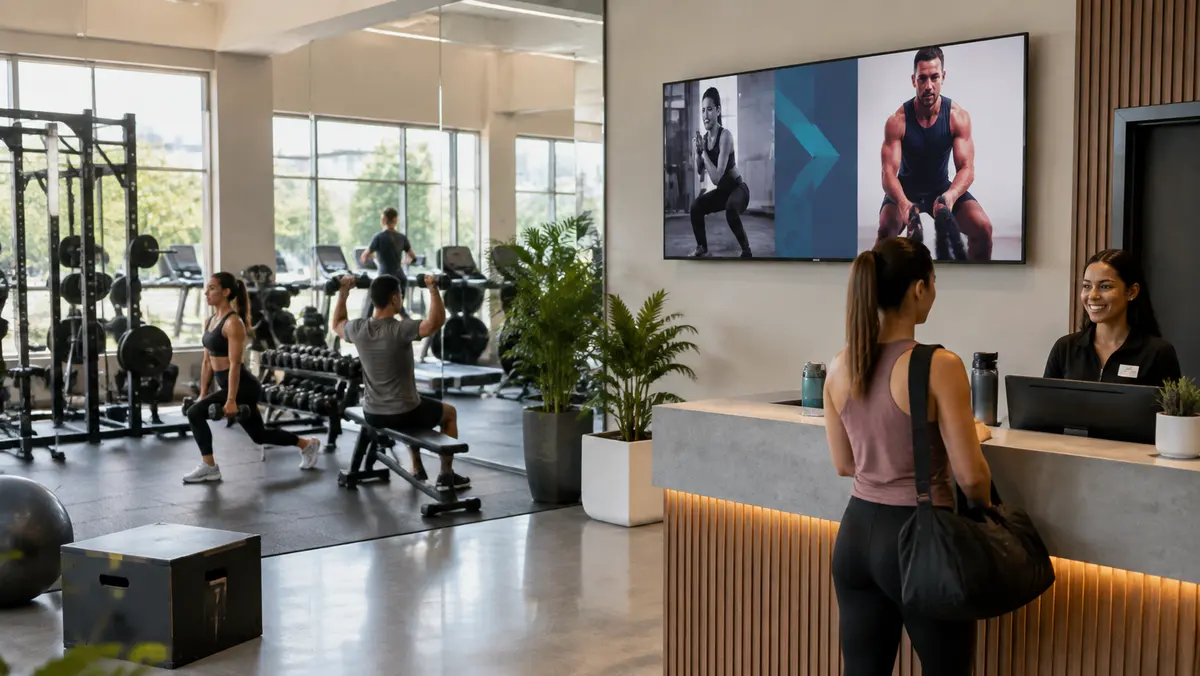
It seems like a small detail, but it can shape a member's first impression of how organized the gym is. A current, easy-to-read screen makes schedules and updates visible without asking staff to rewrite the same information every day.
Why the gym whiteboard stops working
A whiteboard only reflects what the last person wrote. It does not know that the 6 a.m. class filled up, an instructor changed, or a January membership offer should start on Monday. It stays static until someone remembers to walk over and change it.
Gym digital signage gives the person running the floor a faster workflow. If a class is cancelled early in the morning, an authorized team member can update the schedule from a phone or laptop instead of finding a marker and checking every board. See how remote scheduling and screen groups work in our digital signage software guide at digital signage software guide.
Digital signage is most useful when information changes often. If a small studio has one stable schedule and very few updates, a whiteboard may still be enough. The value grows with more classes, instructors, promotions, screens, or locations.
What gyms put on digital signage screens
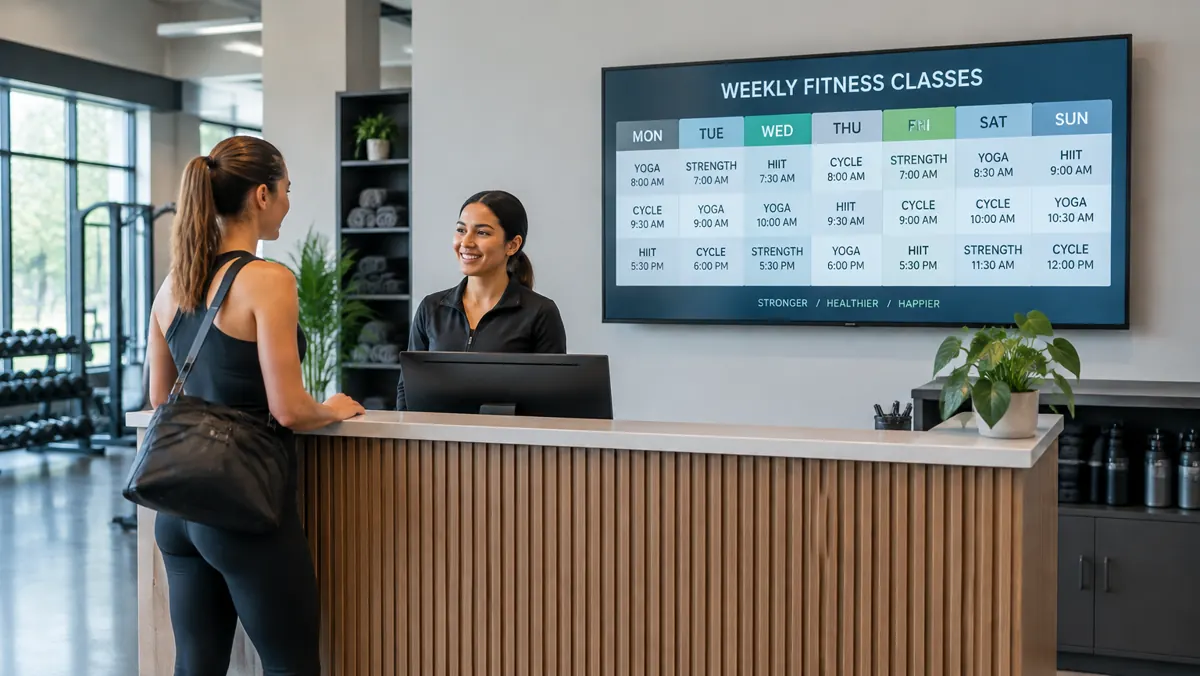
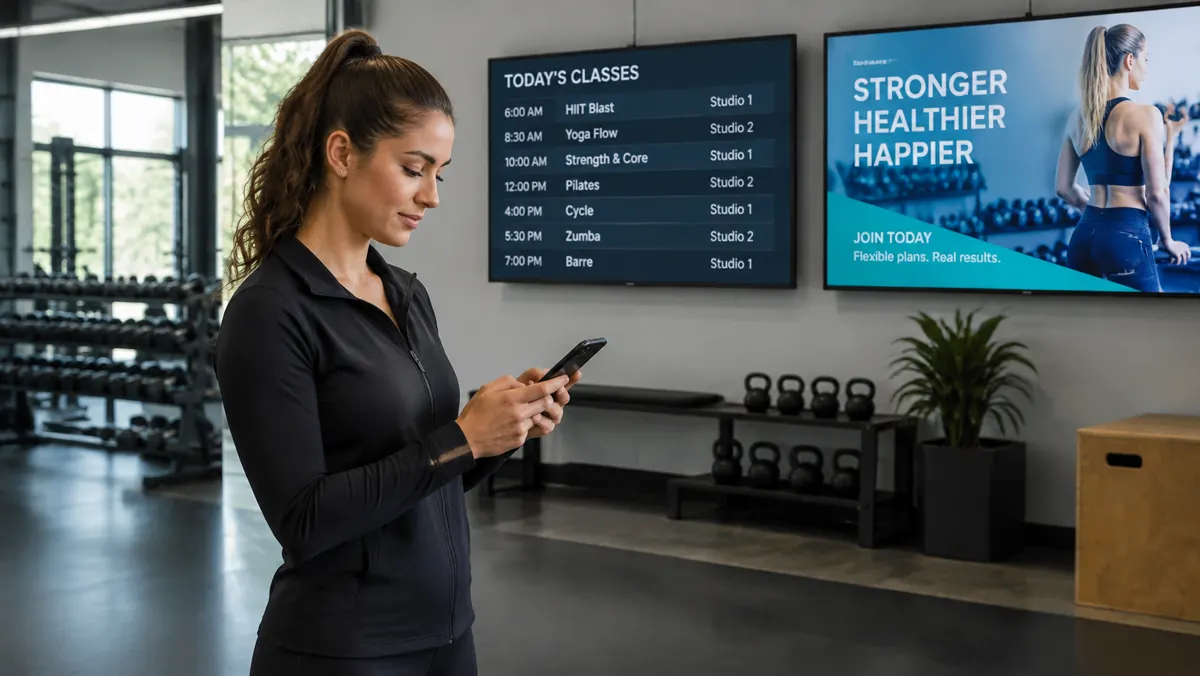
Class schedules are the obvious starting point. A member who arrives for a class that is not happening is more frustrated than they were five minutes earlier. Once screens are in place, gyms often use the same system for several other jobs:
- Class schedules and cancellations with times, rooms, instructors, and availability.
- Personal trainer spotlights that give coaches more visibility than a card on a corkboard.
- Membership and referral promotions that can start and expire on schedule.
- Leaderboards and fitness challenges that recognize participation and add energy to the floor.
- Workout videos or live sports in cardio areas where a blank television adds little value.
- Facility announcements for holiday hours, maintenance, events, and member reminders.

Managing digital signage across multiple gym locations
For one studio, keeping a board current may be manageable. When a gym group opens a second or third location, the problem multiplies: several schedules, different instructors, and more opportunities for outdated information.
A cloud-managed system lets each club keep its own timetable, trainers, and local announcements while head office publishes a brand campaign, seasonal membership drive, or company-wide challenge to every location. Screen groups and permissions help local staff change what they own without affecting another club.
What happens when the gym Wi-Fi drops?
Fitness-facility Wi-Fi can be busy, especially when dozens of members connect during peak hours. A signage system should not turn into a blank screen whenever the network briefly drops. E Display media players cache scheduled images and videos locally, so standard content can continue playing and sync again when the connection returns. Live streams and web-based feeds still require an active connection.
Before rollout, check the Wi-Fi signal, power, mounting position, glare, and viewing distance at every planned screen. Our media player guide explains supported hardware and offline playback at digital signage media player options.
Is gym digital signage worth it for a small studio?
If one boutique studio has a single schedule that rarely changes, a whiteboard may genuinely be fine. The calculation changes when there are multiple instructors, weekly timetable changes, recurring cancellations, or offers such as personal-training packages and referral promotions that need regular visibility.
A practical test is simple: count how often staff rewrite information, how many places need the same update, and how often members ask about a change that was not posted clearly. Digital signage starts earning its place when manual updates consume meaningful staff time or create avoidable member frustration.
How to start without overbuilding the system
1. Start at reception
Use one lobby screen for today's classes, cancellations, trainer features, and one current promotion.
2. Assign an owner
Give one manager responsibility for schedule accuracy and allow trusted staff to make urgent updates.
3. Build a weekly rhythm
Schedule recurring classes and campaigns in advance, then review changes at the same time each week.
4. Expand where useful
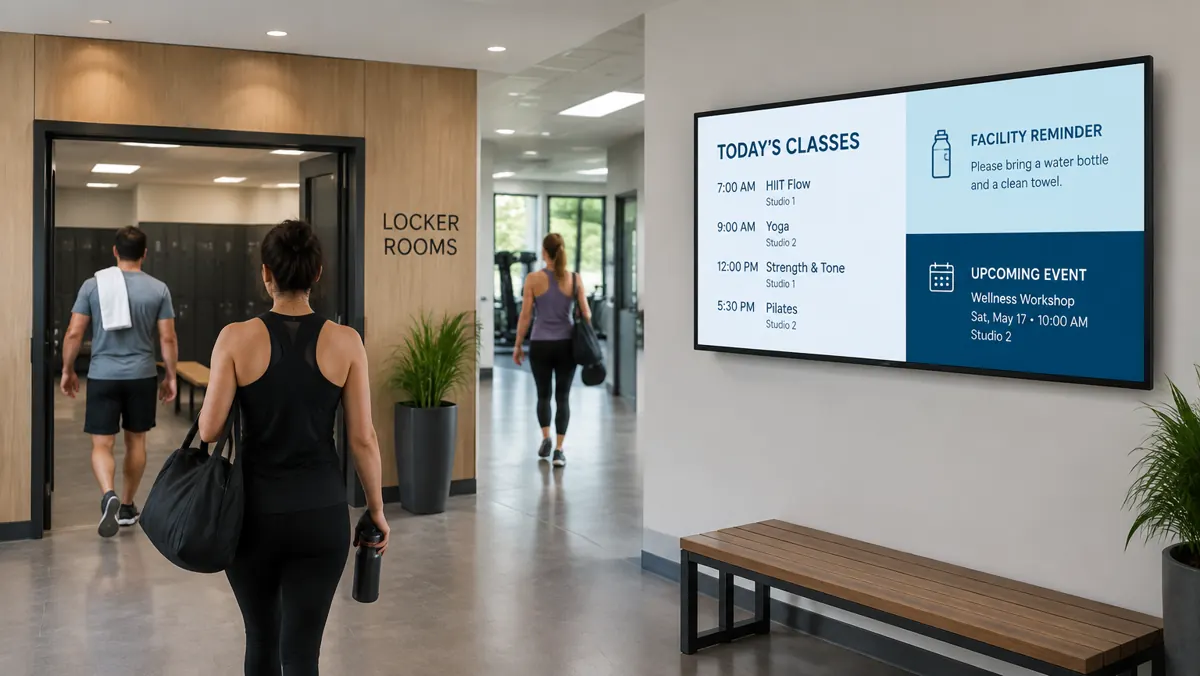
Add cardio-floor, studio-hallway, or locker-room screens only after the first screen proves valuable.
For pricing, hardware, and a full setup overview, visit the gym and fitness studio digital signage page at gym and fitness studio digital signage. The step-by-step pairing process is at digital signage setup walkthrough, and the total project budget guide covers displays, mounts, installation, and design at digital signage cost guide.
What can gyms show on digital signage?
Gyms can show class schedules, cancellations, trainer spotlights, membership offers, referral promotions, challenge leaderboards, workout guidance, holiday hours, maintenance notices, safety reminders, and live sports or entertainment where appropriate.
Can gym staff update digital signage from a phone?
Yes. With a browser-based dashboard, an authorized manager or trainer can change a schedule, remove a cancelled class, or publish an announcement from a phone, tablet, or computer.
Does gym digital signage work if Wi-Fi goes down?
Scheduled images and videos can keep playing when the media player caches them locally. Updates, live streams, and web-based feeds need an active connection, so the network should still be tested before installation.
Where should a gym install its first digital signage screen?
The lobby or front desk is usually the best first location because members naturally look there for class times and announcements. After that, add a cardio-area or hallway screen where it solves a specific communication need.
Ready to replace the gym whiteboard?
Talk to E Display about one class-schedule screen or a coordinated digital signage setup for every fitness location.

About the author: Khalid Qadir
Khalid Qadir is Co-Founder & VP Business Development at E Display, with 20+ years of experience as a Principal Product Manager scaling AI-driven enterprise platforms including conversational AI, agentic automation, and digital signage and CX systems for Fortune-scale organizations.
Connect with Khalid on LinkedInStill choosing a vendor? Compare digital signage platforms head to head, run your own numbers with the digital signage budget calculator, or see our digital signage pricing at $8 per screen per month with a free media player.
Related digital signage solutions
- Fitness & Gyms solutions Motivate members every visit.