Production floors and process lines
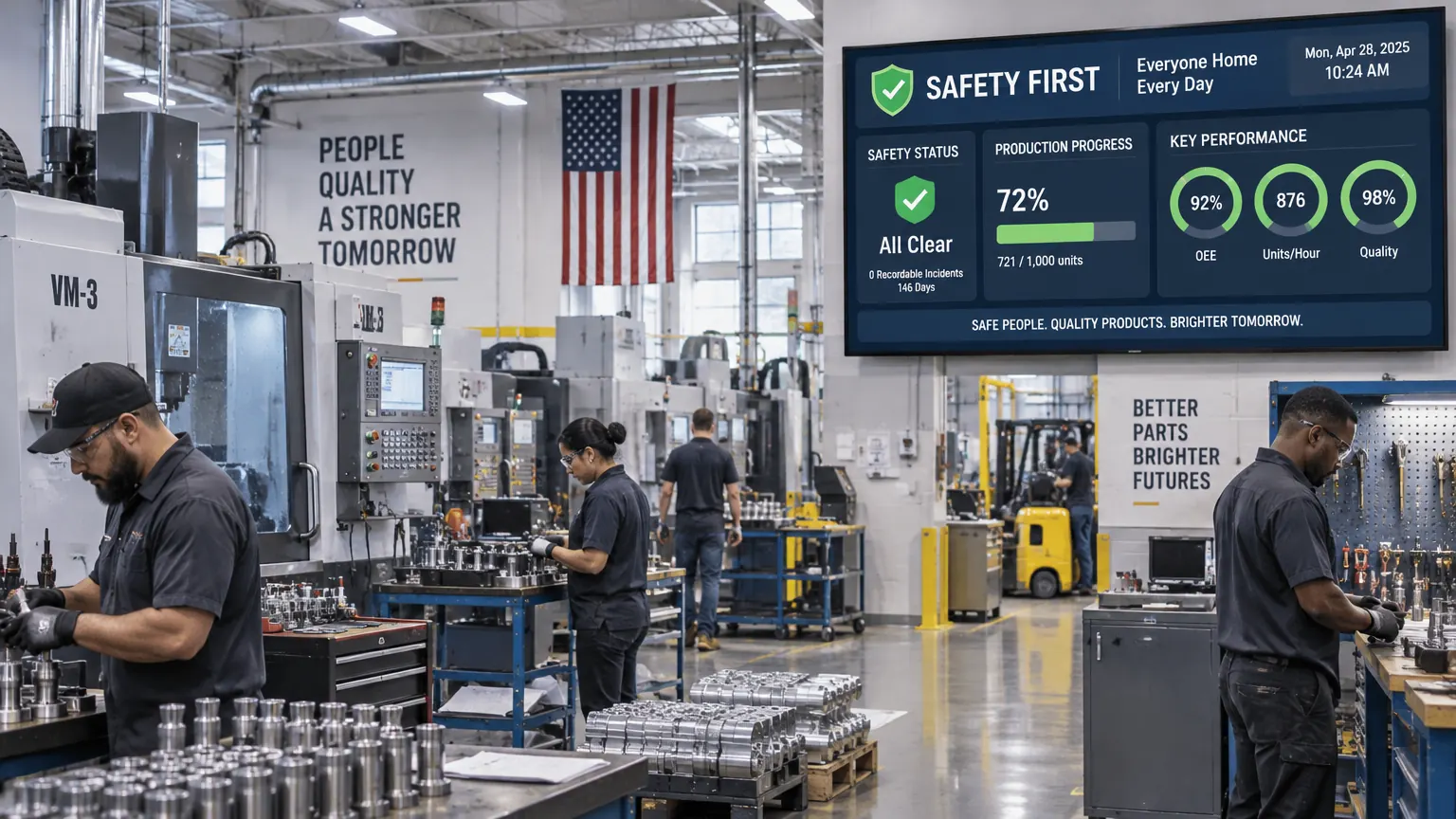
Keep safety messages, shift targets, output, downtime, and quality metrics visible where the work happens. An urgent alert can replace scheduled content across every floor screen.
Keep safety alerts, production metrics, shift updates, and logistics status visible across every line, warehouse, and facility, managed from one browser dashboard.
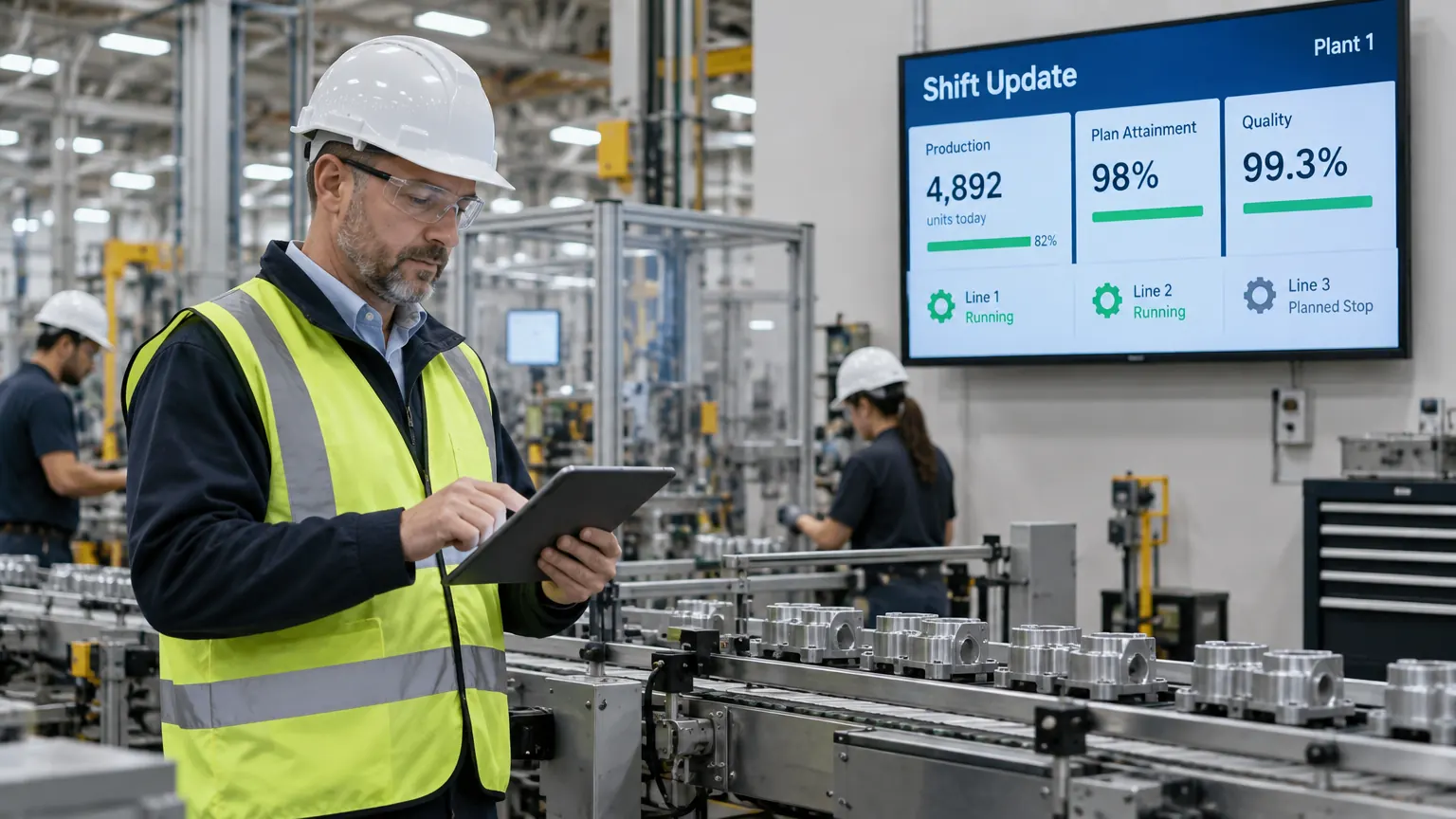
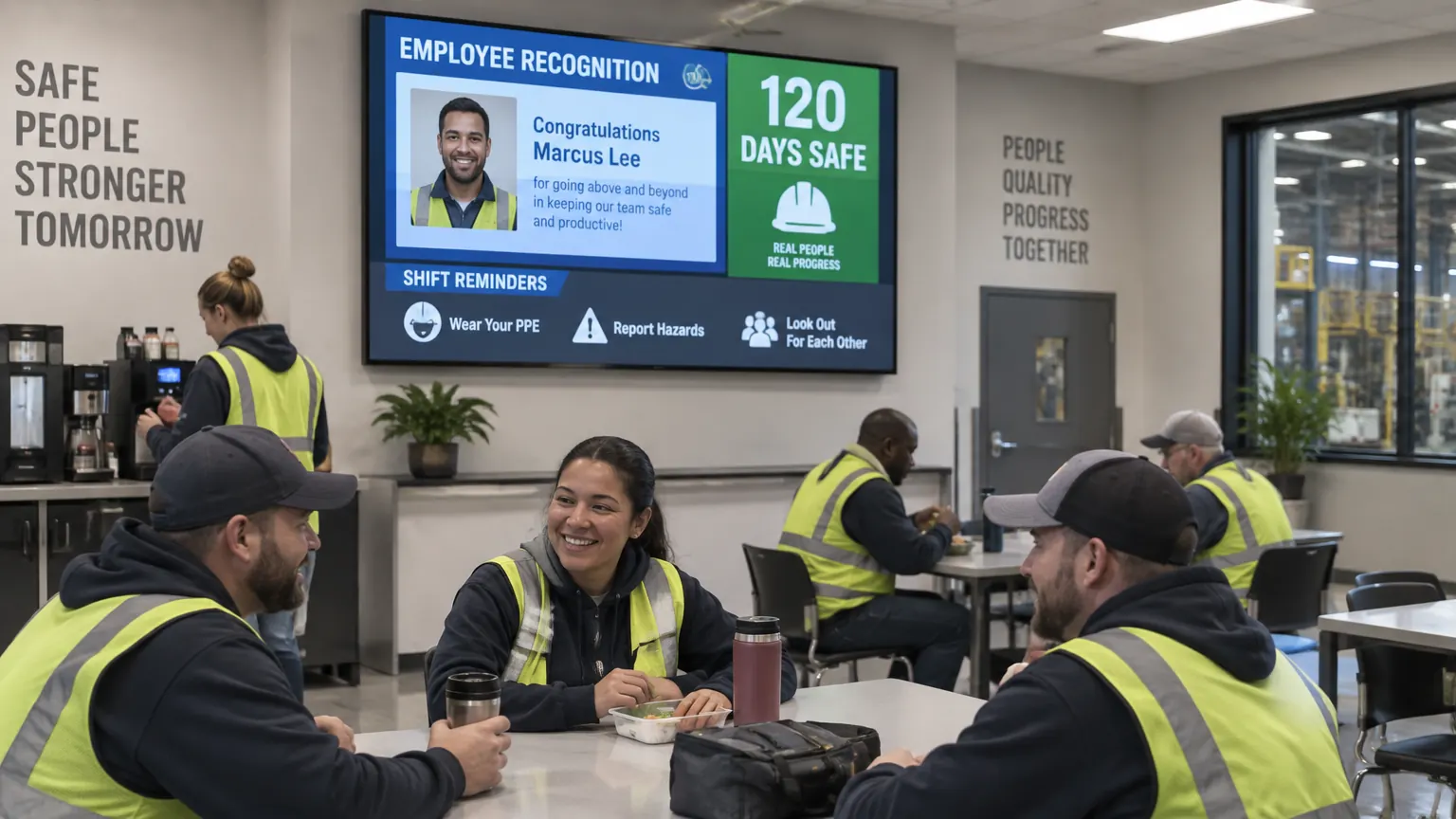
Most people on a factory floor are not sitting at a desk checking email. They are on the line, moving between stations, or working in shipping and receiving. Manufacturing digital signage puts safety notices, shift updates, production targets, and company announcements on screens where frontline teams can see them.
A plant manager, safety officer, or shift lead can update any screen from a browser. Group displays by production line, breakroom, entrance, control room, warehouse, or facility, then send local content to one group or use a priority alert to take over selected screens when an urgent message needs attention.
One account can cover a single factory or a multi-plant network. Corporate teams publish shared policies and company announcements across every facility, while local teams retain control of shift information and plant-specific content. Offline caching keeps scheduled content playing through network interruptions, and proof-of-play records what ran on each screen.
Manufacturing digital signage software is $8 per screen per month billed annually, with a free media player included on new annual license activations, see full pricing, browse the free signage templates you can adapt for your screens, or read about our digital signage media player that runs them.
Each area needs different information. Assign a focused playlist to every screen group, then override them together when a plant-wide alert matters more.
Keep safety messages, shift targets, output, downtime, and quality metrics visible where the work happens. An urgent alert can replace scheduled content across every floor screen.
Share employee recognition, work anniversaries, benefits deadlines, company news, and safety milestones while teams have time to read them.
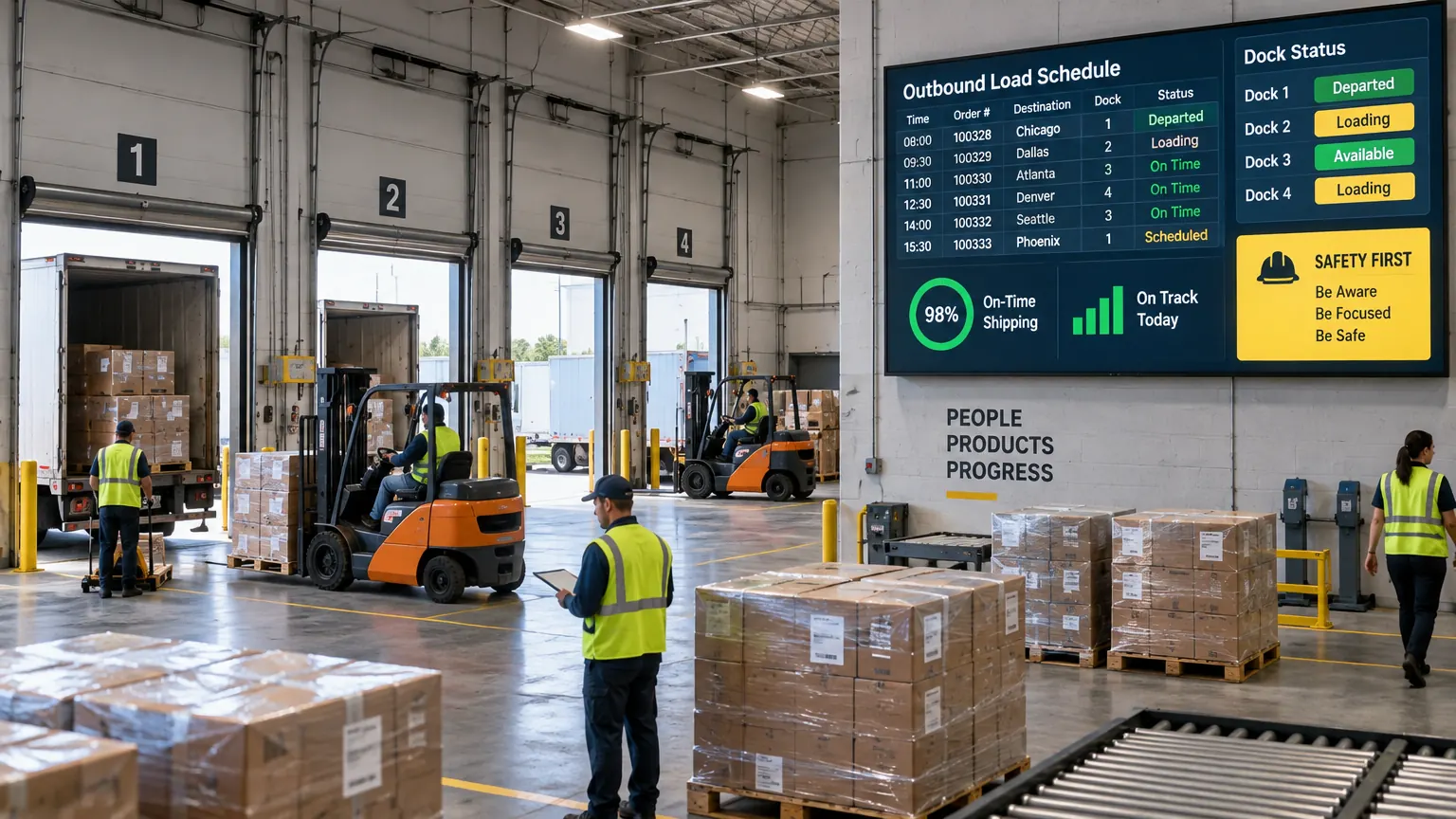
Display dock assignments, outbound load schedules, on-time shipping status, safety notices, and handoff information for logistics teams.
A plant manager, safety officer, HR lead, or shift supervisor can publish routine updates without waiting for a printed notice or a visit from IT. Permissions keep each person focused on the screens and content they manage.
Explore the softwareA production display board can show output against target, quality metrics, downtime, and line status alongside scheduled safety reminders. Live dashboards and data feeds can update those figures automatically when the plant already tracks them digitally; teams can also update a KPI layout manually at each shift change.
Screens can be assigned to different zones so a factory floor, breakroom, front entrance, and distribution area each receive useful information rather than one generic playlist. Role-based access lets operations, safety, and HR manage their own content while an approval workflow controls plant-wide messages.
Manufacturing facilities often have network dead spots around metal structures and machinery. Each player downloads its assigned content and stores it locally, so normal playlists continue if the connection drops and synchronize again when the network returns.
For areas with extreme heat, cold, dust, vibration, or washdown requirements, choose a display and enclosure rated for that environment. E Display manages the content and playback; our team can help match the player and screen approach to the location.
Pair a player with a 4-digit code and publish to any plant screen.
Locally cached content continues through temporary network interruptions.
Give local teams access while corporate manages shared messages and alerts.
Proof-of-play records what ran on each screen, location, and schedule.
Urgent notices can take over every selected plant screen at once.
Shared production displays keep current targets and downtime visible.
One consistent screen gives each shift the same current information.
Three steps from unboxing to a live screen. No IT ticket, no proprietary hardware, no month-long deployment.
Connect a media player to any screen, join the plant network, and register it to your account with the 4-digit pairing code.
Choose a free template or build your own, then assign playlists and schedules to production, breakroom, entrance, and logistics screen groups.
Send updates to one screen or every facility. Proof-of-play confirms what ran, where, and when.
"e-display is an easy to use software which is awesome in terms of learning and training the other staff. Customer support of e-display has been always helpful to us."
Plant teams often shortlist more than one platform. These side-by-side guides compare pricing, media player options, shift and safety messaging, offline playback, and support.
Compare pricing, included hardware, shop-floor templates, and offline playback.
Read comparisonCompare plan structure, plant communication tools, media players, and support.
Read comparisonCompare cost per screen, content tools, hardware choices, and deployment support.
Read comparisonManufacturing facilities use digital signage for safety alerts, production and KPI dashboards, shift handover notes, employee recognition, breakroom announcements, entrance information, and shipping or logistics status updates.
A priority safety or emergency message can take over every screen in a selected zone or across the facility, replacing regular scheduled content until the alert is cleared.
Assigned content is cached on the media player, so scheduled playback continues during a network interruption. New updates synchronize automatically after connectivity returns.
Yes. Group screens by production floor, breakroom, entrance, control room, warehouse, or facility. Each group can run its own playlist while still receiving a plant-wide priority message when needed.
Yes. Corporate teams can publish shared safety policies and company announcements to every facility, while local teams manage their own shift schedules, targets, and location-specific content.
Software is $8 per screen per month billed annually ($96 per screen per year), with a free media player on new annual license activations. Existing TVs or compatible displays can be reused, and free templates are included. Custom-branded layouts are a one-time $200 fee each.
A standard commercial display and compact media player suit many indoor plant areas. Locations exposed to extreme temperatures, heavy dust, vibration, moisture, or washdown procedures should use a properly rated display or protective enclosure.
Yes. Screens can display live dashboards, web pages, spreadsheets, and compatible data feeds. If no live reporting feed exists, a supervisor can update the KPI layout manually from the browser dashboard.
Plant managers, safety officers, HR or communications leads, and shift supervisors commonly manage the screens. Role-based access limits each person to the content and screen groups they are responsible for.
Get a personalized demo of E Display for manufacturing & distribution, see how easy it is to launch, schedule, and scale digital signage across every location.