Digital Signage for Hospitals & Clinics
Improve patient experience and staff efficiency with digital displays in hospitals and clinics. Use them for check-in guidance, wayfinding, health education, waiting room entertainment, and emergency alerts.
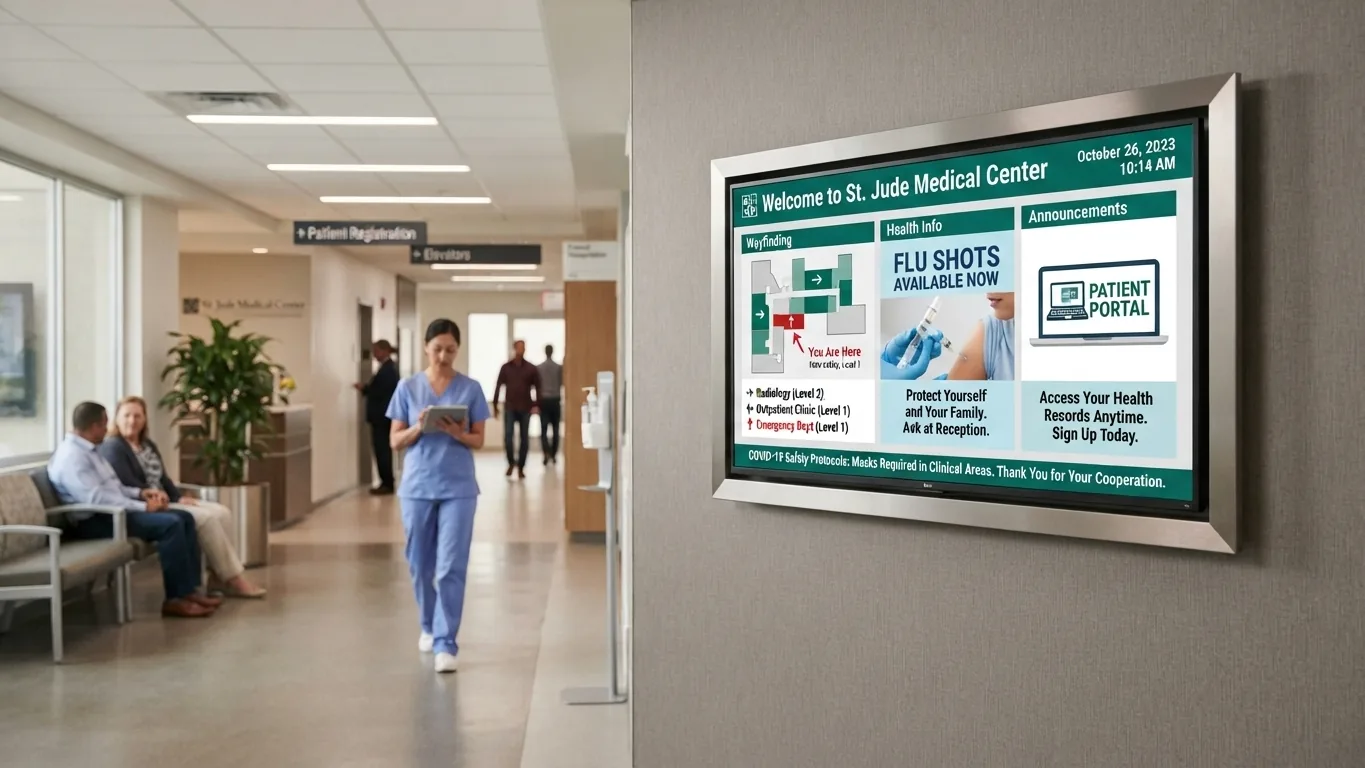
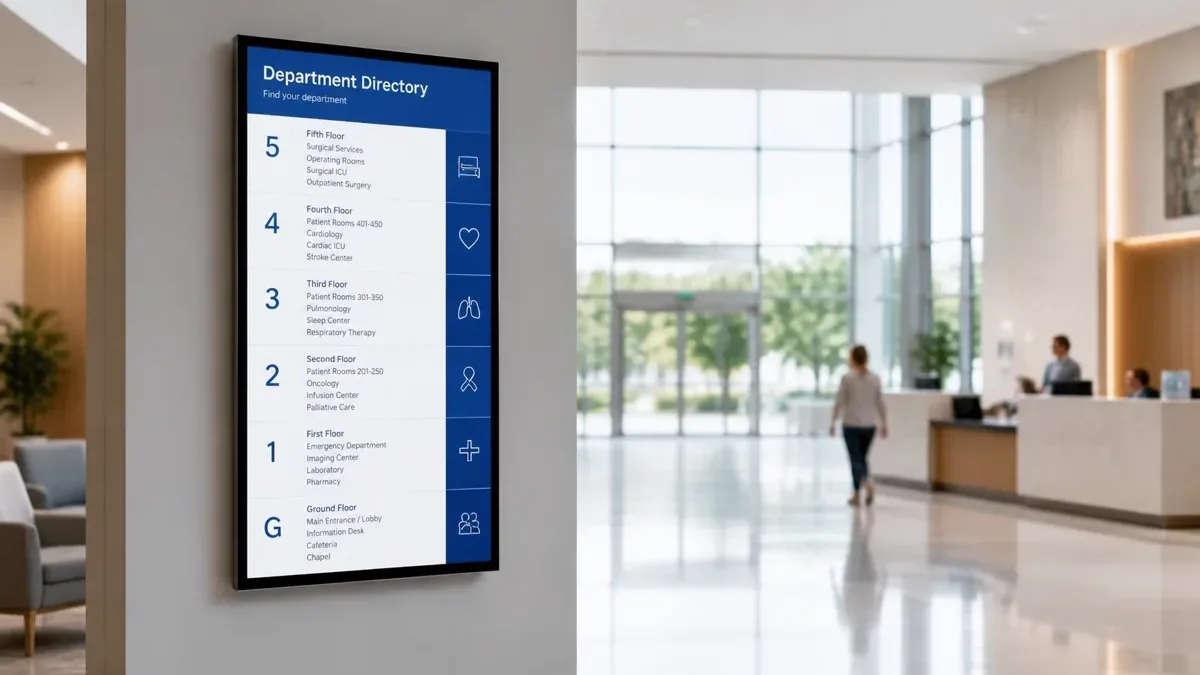
Why hospitals and clinics choose E Display
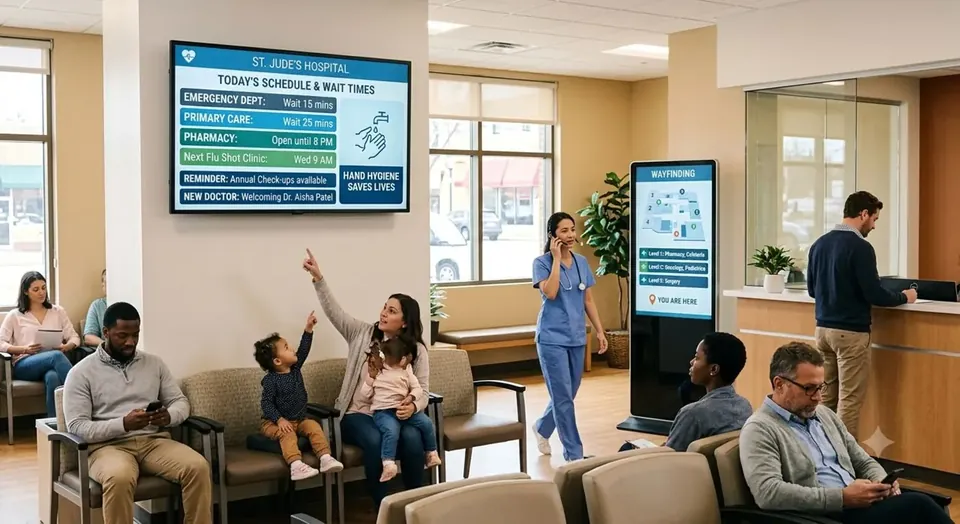
A waiting room sets the tone for the whole visit. Patients want to know where to go, how long the wait is, and what happens next, and your front-desk staff answer those same three questions hundreds of times a day. E Display healthcare digital signage puts that information on the wall, so check-in queues, department wayfinding, and patient education run themselves while staff focus on care.
Waiting room information screen runs on our compact digital signage media player, or on our player app installed on any supported device, and is managed from a browser dashboard, so a clinic manager can update a provider list, post a flu-clinic notice, or change waiting-room content without an IT ticket. Queue numbers, appointment status boards, and health-awareness loops can be scheduled by department, floor, or time of day, and an emergency broadcast can take over every screen in the facility in one click, code alerts, weather closures, or lockdowns.
Content workflows are built for a regulated environment: role-based publishing and approval steps mean nothing goes live without a designated approver, patient-identifying detail stays off public screens by design, and offline caching keeps wayfinding and safety content playing if the network drops. Start with one waiting-room TV or standardize across a multi-site health system, the same dashboard covers both.
Healthcare digital signage software is $8 per screen per month billed annually, with a free media player included on new annual license activations, see full pricing, browse the free signage templates you can adapt for your screens, or read about our digital signage media player that runs them.
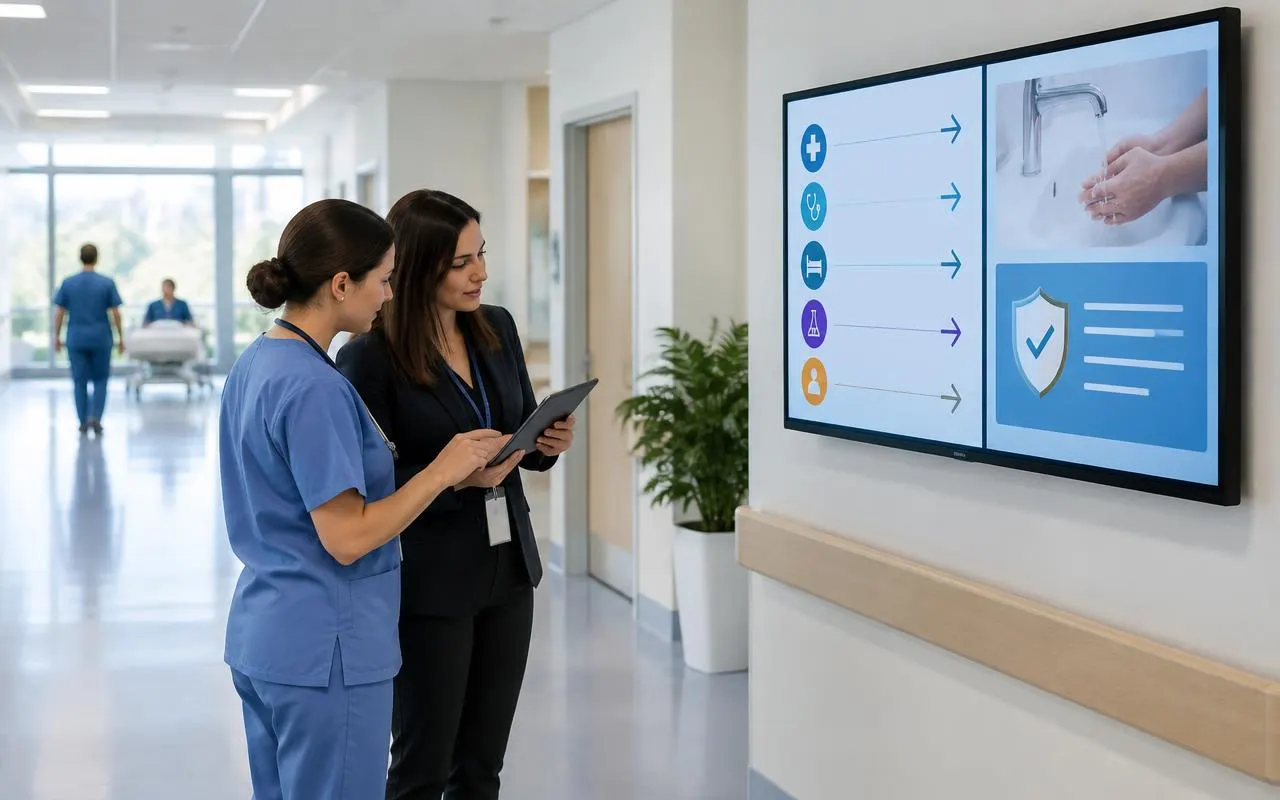
Hospital digital signage software for regulated content
In a hospital, the hard part is not putting a screen on the wall. It is making sure the right message reaches the right floor, and that nothing reaches a public screen without approval. E Display hospital digital signage software handles that with role-based accounts: a department lead edits only their own screens, a communications approver signs off before content goes live, and administrators keep control of system-wide messaging.
Patient-identifying details stay off public screens by design. Queue boards call people by ticket number or initials, and education loops use approved, scheduled content rather than live feeds from clinical systems. Content plays from a local cache, so screens keep showing directions and safety notices if the network drops.
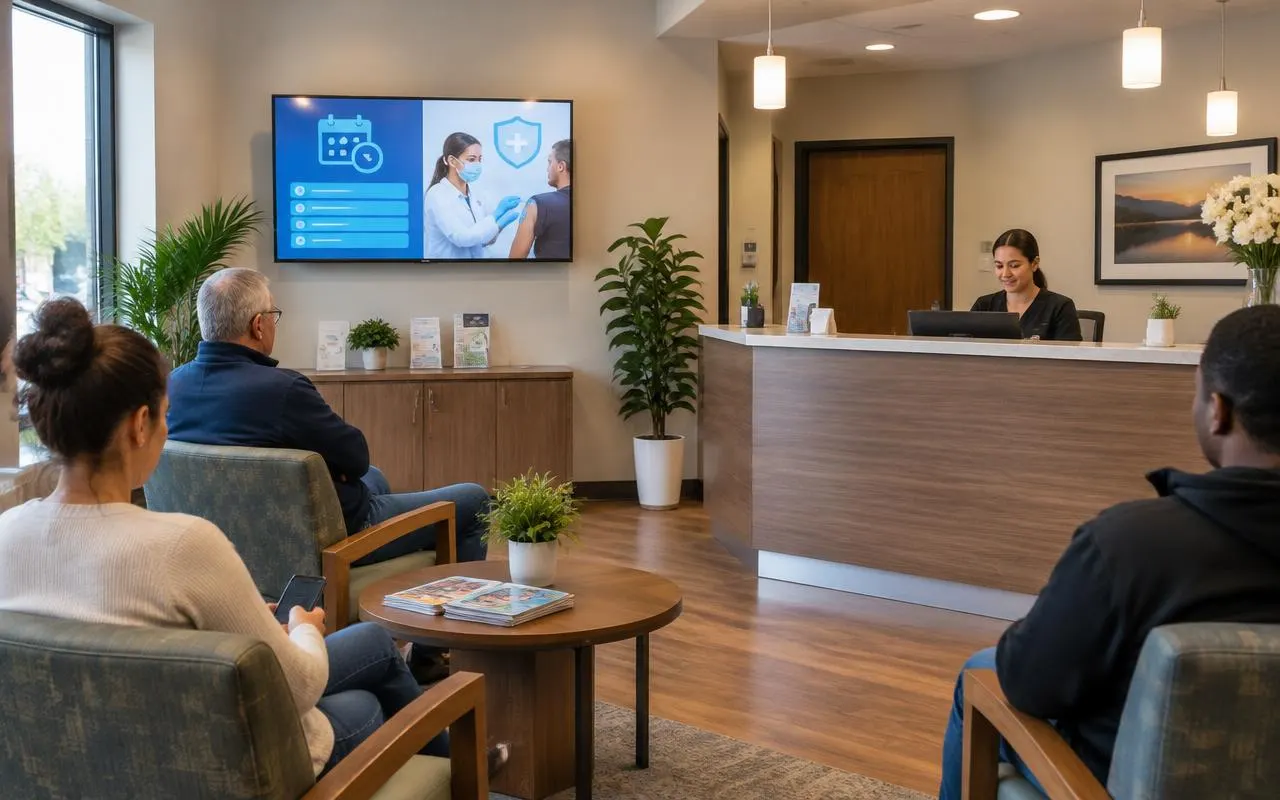
Digital signage for clinics and medical offices
Most clinics, dental offices, pharmacies and urgent care centers start with a single waiting-room TV. Plug the media player into the TV's HDMI port, connect it to Wi-Fi, pair it with a 4-digit code, and choose a template. Office staff can then update provider hours, holiday closures, flu-shot dates and service promotions from a browser at the front desk or from home.
Because pricing is per screen, a small practice pays for one screen, not an enterprise package. When a second location opens, its screens are added to the same account and grouped separately, so each office keeps its own hours and providers.
Rolling out screens across a health system
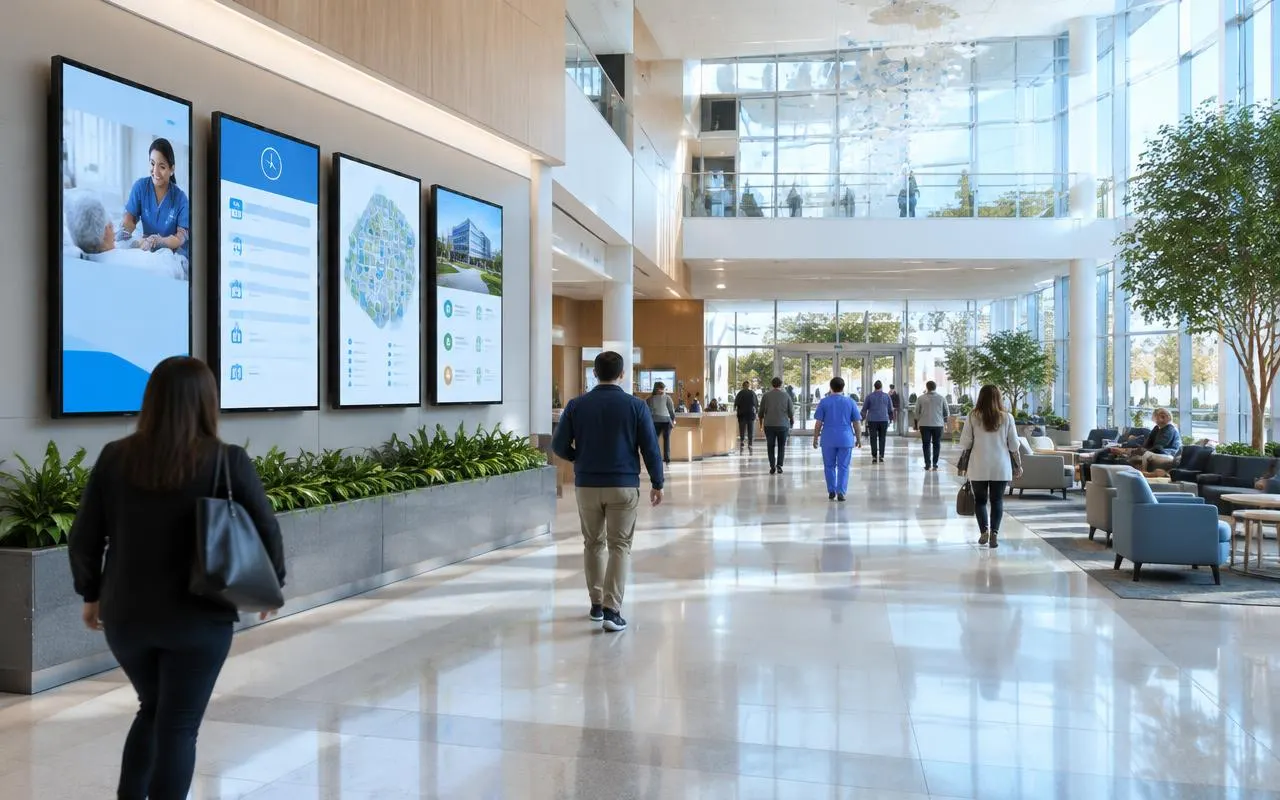
Larger networks usually pilot one high-traffic area, such as a main entrance or emergency waiting room, then expand by building and department. Screens are grouped by site, floor or department, so the central office can schedule a system-wide campaign while each unit keeps its own local content.
Scheduling by time of day lets the same screen show visiting hours in the evening and clinic services in the morning. Emergency messages override every screen in a department, a building or the whole system in one click, then release back to normal content when the alert clears.
Connecting the data that keeps screens current
Screens stay accurate when they read from sources your team already updates. Sign Studio CMS includes 60+ apps and integrations, so a provider list can come from a Google Sheet, an events board from a calendar, and lobby screens can add weather, news and social feeds without manual edits.
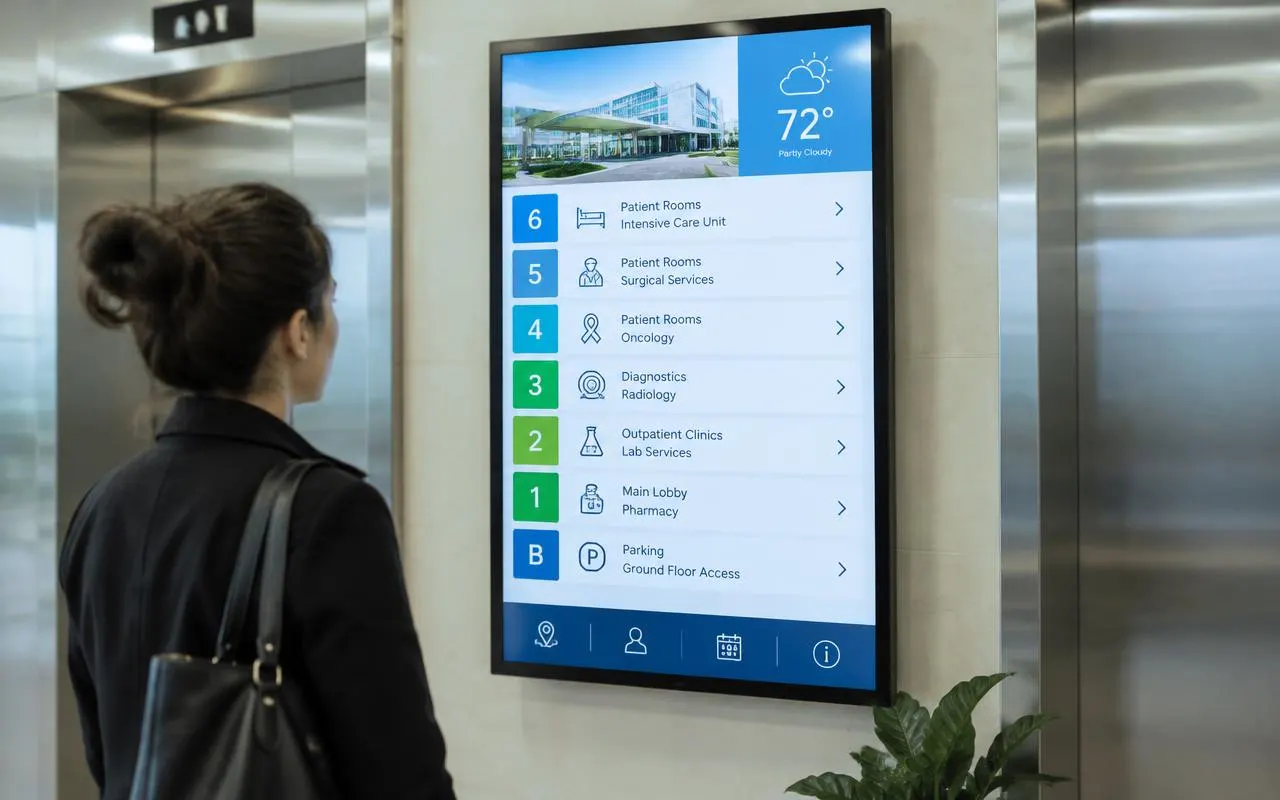
For department wayfinding at entrances, a digital directory lists every floor and service and updates the moment a clinic moves. Our guide to digital wayfinding explains how directories and touchscreen maps fit into a larger campus.
Ideas for hospital and waiting room screens
Looking for specific screen ideas, such as wait-time displays, entrance wayfinding or patient communication loops, with example budgets? Our healthcare guide walks through each one with real-world examples.
Deploy in minutes
Plug in a TX9 TV Stick, sign in, and start publishing to any screen.
Beautiful by default
Free template library and drag-and-drop editor — no designer required.
Enterprise-grade
Encrypted delivery, role-based access, and 99.9% uptime SLA.
Measurable ROI
Track dwell time, playback proof-of-play, and campaign performance.
Healthcare digital signage in the real world
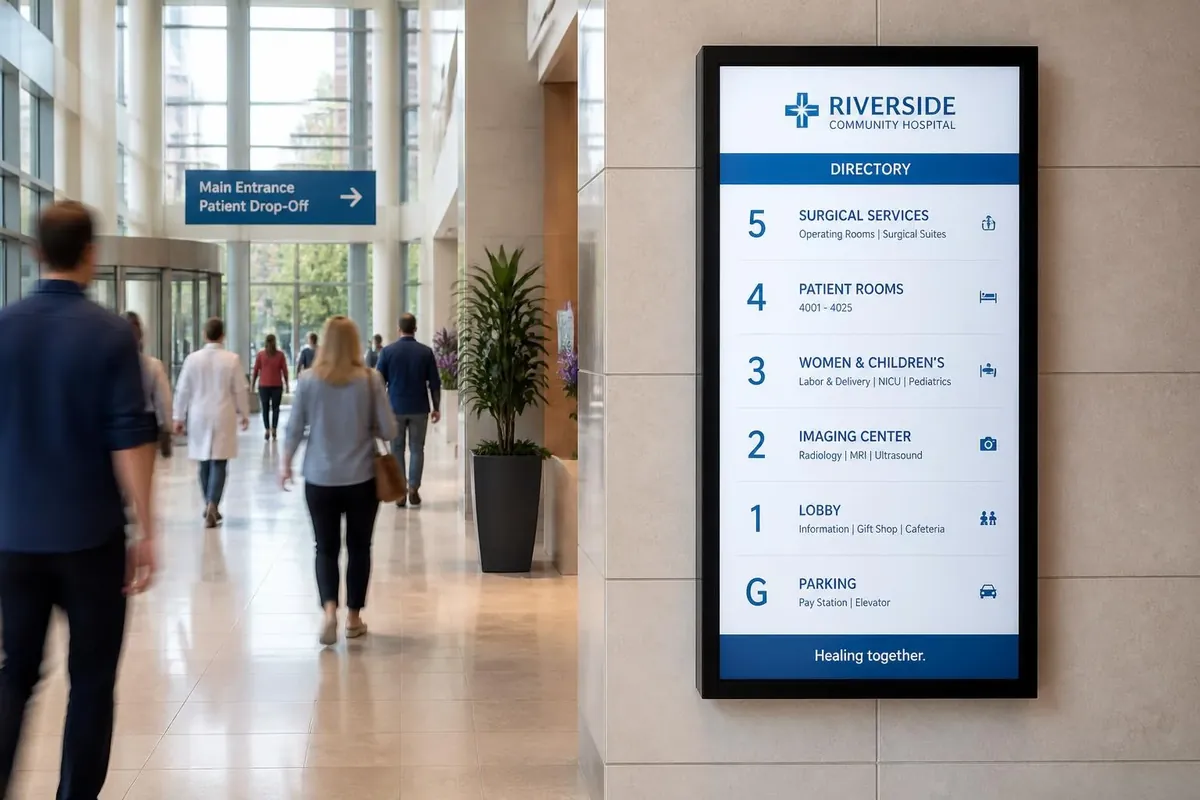
Pharmacy, clinic and medical office digital signage installations running on E Display digital signage software.
What's included
- Queue and check-in displays
- Health awareness campaigns
- Wayfinding to departments and rooms
- HIPAA-aware content workflows
- Emergency broadcast override
Why teams choose it
Calmer waiting rooms
Informed patients feel less anxious.
Fewer missed appointments
Clear queue displays keep flow moving.
Staff time saved
Automate the announcements staff repeat all day.
How healthcare digital signage works
Three steps from unboxing to a live screen. No IT ticket, no proprietary hardware, no month-long deployment.
Plug in the TX9
Connect the TX9 TV Stick to any TV screen, connect to Wi-Fi, and register it to your E Display CMS account with a 4-digit code.
Design & schedule
Pick a free template or upload your own content, then set playlists, dayparts, and location targeting from the cloud dashboard.
Go live everywhere
Publish to one screen or thousands with a single click. Real-time proof-of-play confirms every screen is on-brand and on-time.
"We are happy with the results, and look foreword to adding more signage in the future."
Healthcare digital signage FAQs
What is healthcare digital signage used for?
Hospitals and clinics use digital signage for check-in and queue displays, department and room wayfinding, provider directories, patient education on conditions and procedures, wait-time transparency, staff communications in break rooms, and emergency or code alerts that override every screen at once.
How much does digital signage for a clinic cost?
E Display healthcare signage software is $8 per screen per month billed annually ($96 per screen per year), and annual plans include a free media player. You can reuse TVs you already own, so a single waiting-room screen often starts under $100 per year in software. Free templates are included; a custom branded layout is a one-time $200 fee per design.
Is digital signage HIPAA compliant?
Public-facing signage should never display protected health information. E Display supports HIPAA-aware workflows: role-based permissions control who can publish, approval steps gate what reaches a public screen, and queue displays can call patients by ticket number or initials instead of full names.
Can screens display real-time wait times and queue numbers?
Yes. Queue and check-in data can be fed in from your practice management or queuing system so the waiting-room screen shows current numbers, room assignments, and estimated waits automatically, with no manual updates from the front desk.
Can we push a code or emergency alert to every screen?
Yes. An emergency message overrides every screen in a department, building, or the whole health system in one click, then releases back to normal content when the alert clears.
Can one system cover several clinics or a whole health system?
Yes. Group screens by clinic, building, floor, or department so each site keeps its own providers and hours, while the central office pushes system-wide campaigns and alerts from one cloud dashboard.
Ready to modernize your healthcare screens?
Get a personalized demo of E Display for healthcare, see how easy it is to launch, schedule, and scale digital signage across every location.