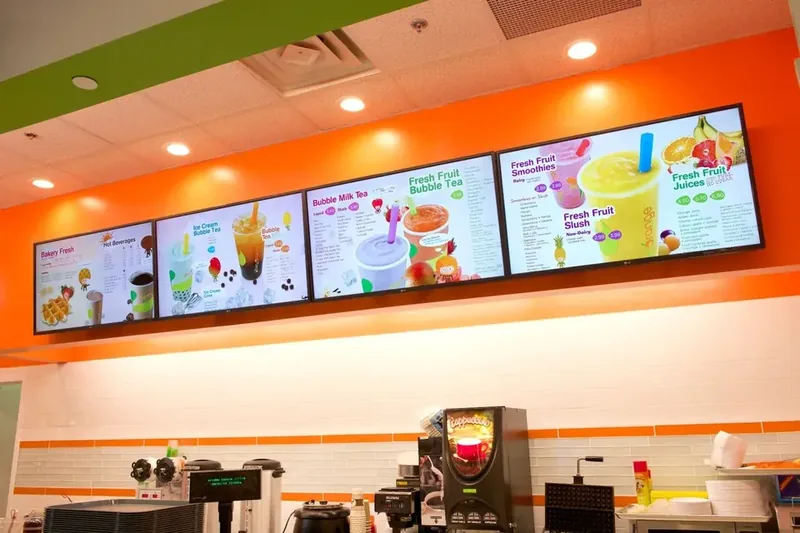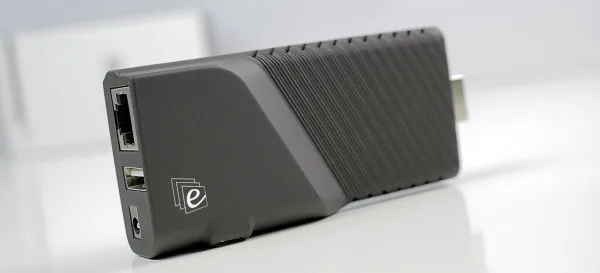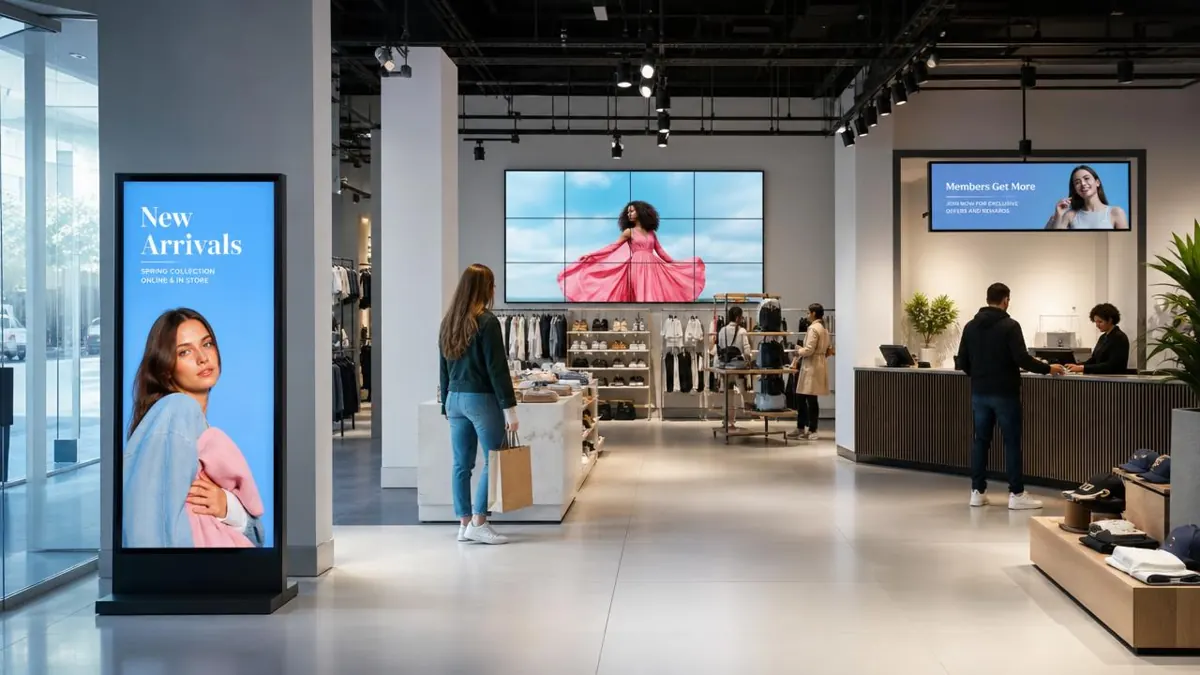
Retail digital signage works when every screen has one job. The eight ideas below are the in-store screens we deploy most often, with the format that works, the benefit to expect, and the mistake to avoid. All of them run on the same cloud software at $8 per screen per month, with a free media player on annual plans.
The 8 retail digital signage ideas, in short:
- Entrance and window screens that stop foot traffic
- Live weekly deals driven from a spreadsheet or price feed
- Shelf-edge and endcap product screens
- Interactive touch kiosks for endless aisle
- Queue and checkout screens for loyalty and add-ons
- A video wall for brand storytelling
- A moderated social and user-generated content wall
- Back-of-house screens for staff communication
If you want the platform detail rather than the ideas, see retail digital signage solution for POS price sync, dayparting, chain publishing and proof of play.
1. Entrance and window screens that stop foot traffic
The first screen a shopper sees should do one thing: give a reason to walk in. A bright portrait display at the door running one offer per slide, in three to five second rotations, outperforms a printed poster because you can change it in the morning and again at 4pm without printing anything.
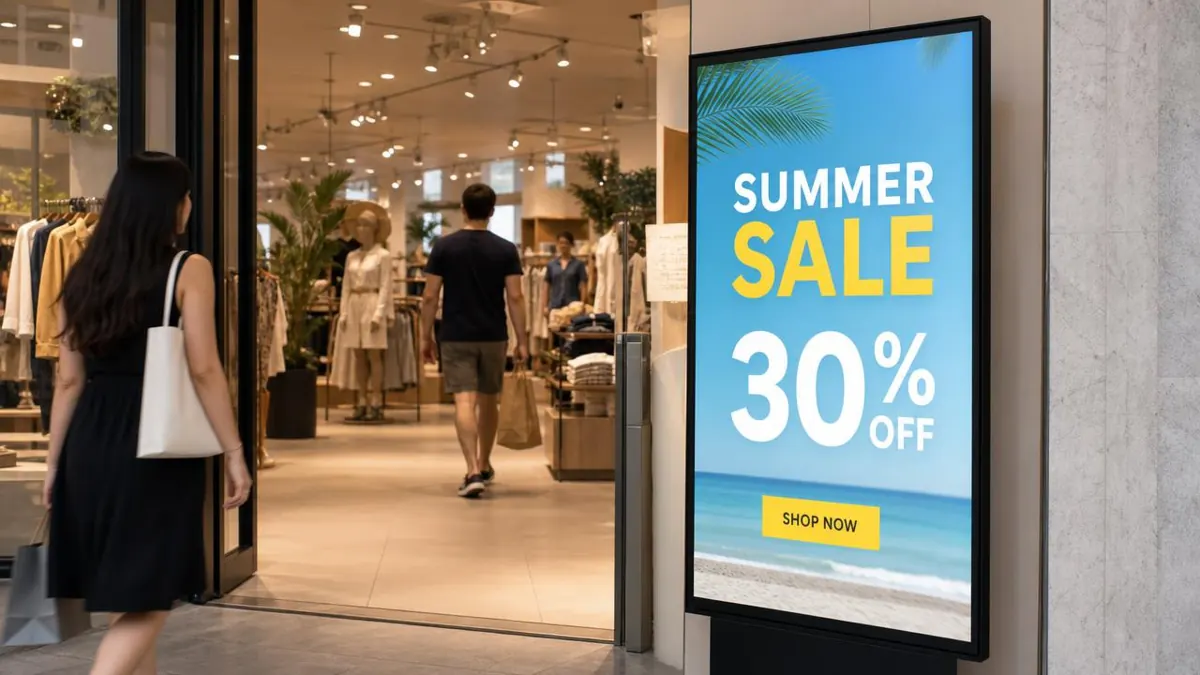
- Best format: portrait, one offer per slide
- Benefit: more entries from passing traffic and same-day promo changes
- Watch for: brightness, a 700+ nit display if the window gets direct sun
2. Live promotions and weekly deals pulled from a spreadsheet
Instead of designing a new slide every week, connect the screen to a Google Sheet or a price feed. Staff edit a row, the screen updates on its own. This is the single biggest time saver for grocery, convenience and specialty food retail.
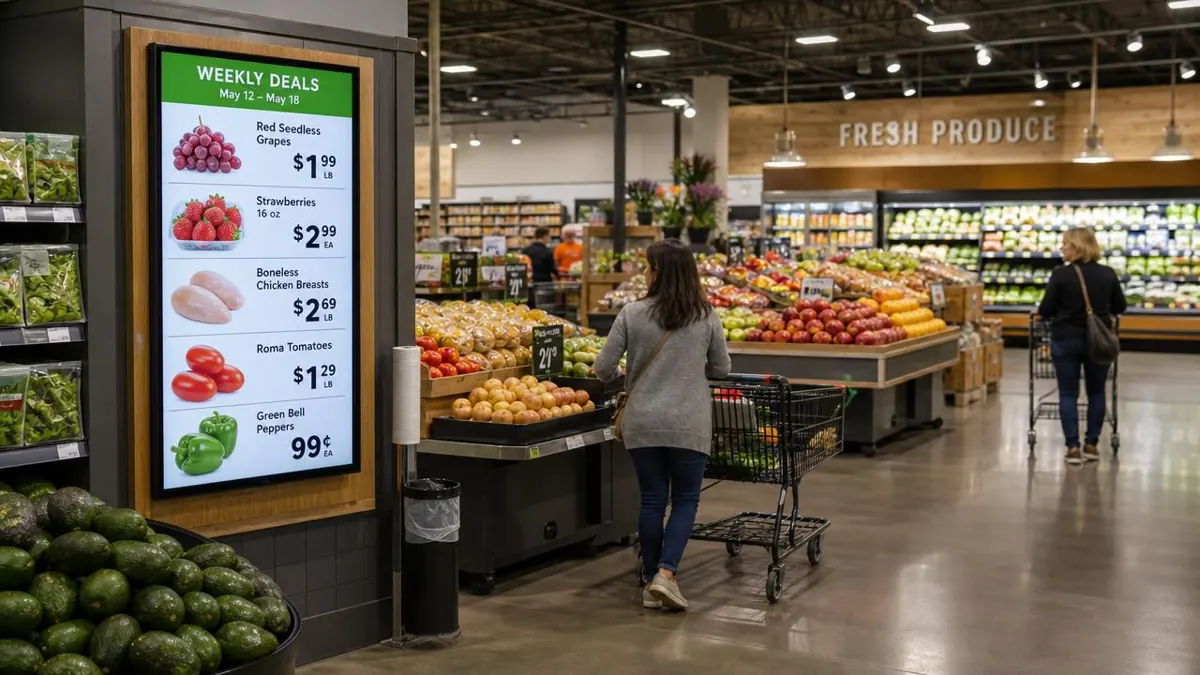
- Best format: portrait price list, 5 to 8 items maximum
- Benefit: no reprints, no design bottleneck, no expired pricing on the floor
- Watch for: rounding and unit labels, format them in the sheet, not by hand
3. Shelf-edge and endcap product screens
Small screens next to a product do the job a sales associate would do: three benefits and the price. They are especially effective for considered purchases where the packaging cannot explain the product on its own.
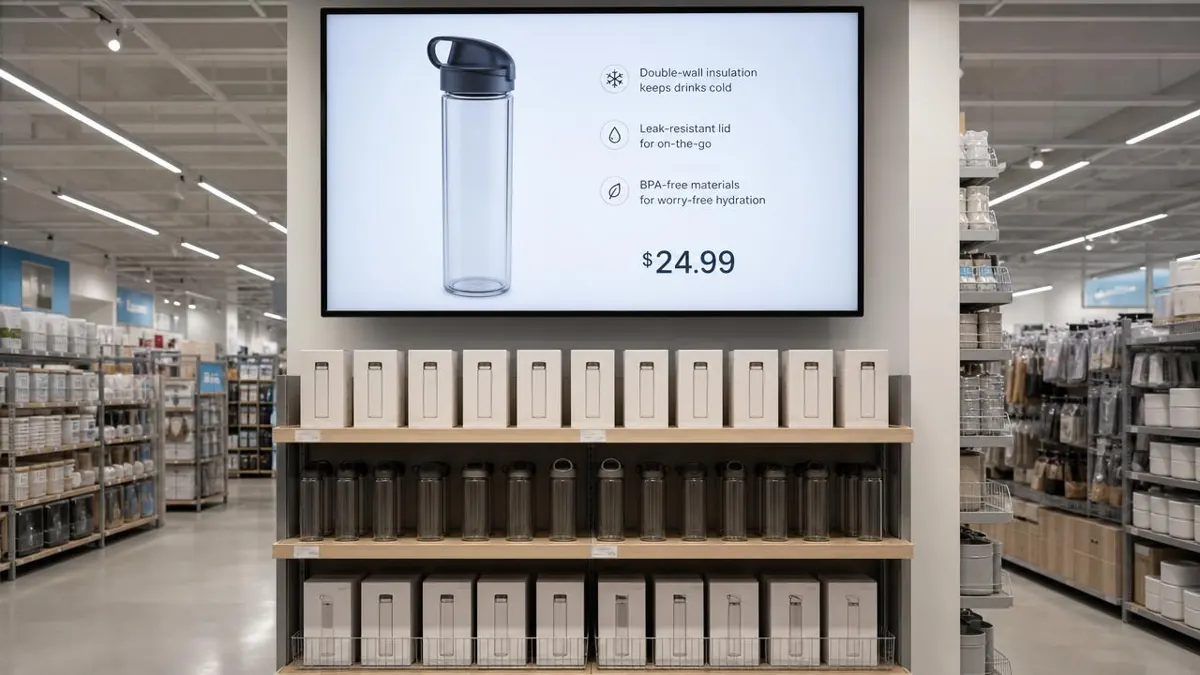
- Best format: landscape, product photo left, benefits right
- Benefit: higher attach rate on featured SKUs and fewer basic questions for staff
- Watch for: keep the on-screen price synced to POS so it never contradicts the shelf tag
4. Interactive touch screens for endless aisle
A touch screen lets shoppers browse sizes, colours and stock you cannot physically fit in the store. It converts a would-be walkout into an order, and the interaction data tells you what people looked for and did not find.
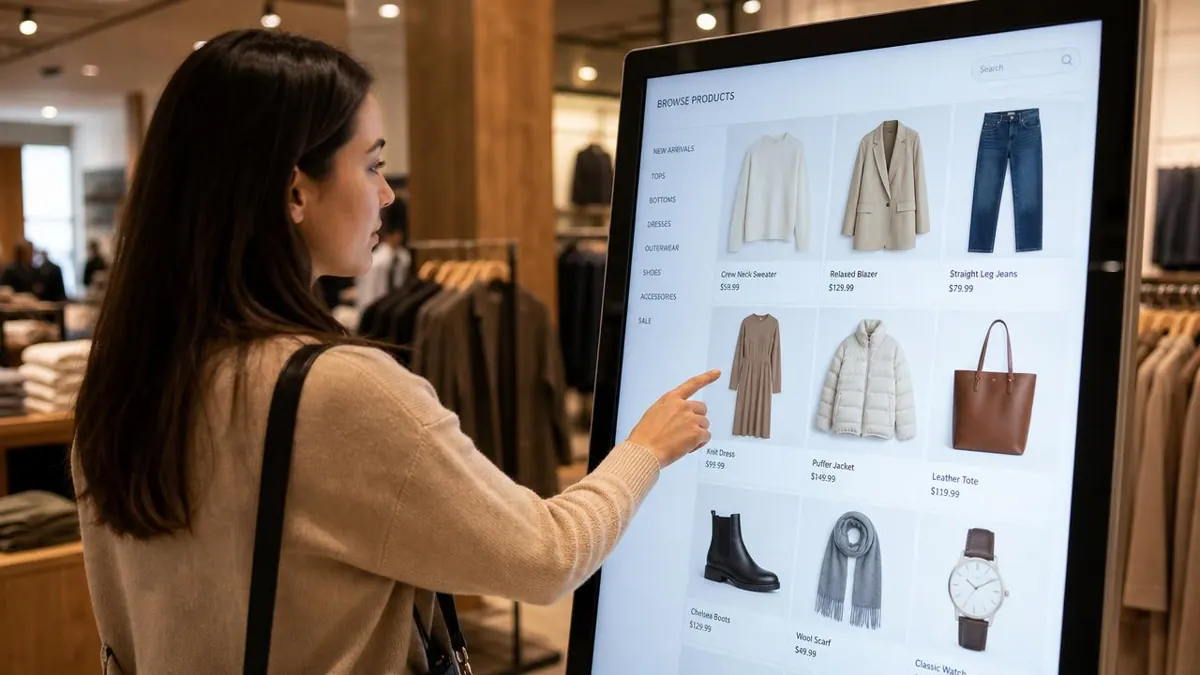
- Best format: portrait touch screen, 32 inch or larger, at standing height
- Benefit: recovered sales on out-of-stock items and useful demand data
- Watch for: an idle-timeout that returns to the home screen automatically
5. Queue and checkout screens for loyalty and add-ons
The checkout line is the only place in the store where a shopper is standing still with nothing to do. Use that time for loyalty sign-ups, app downloads, and low-friction add-ons rather than brand video nobody asked for.
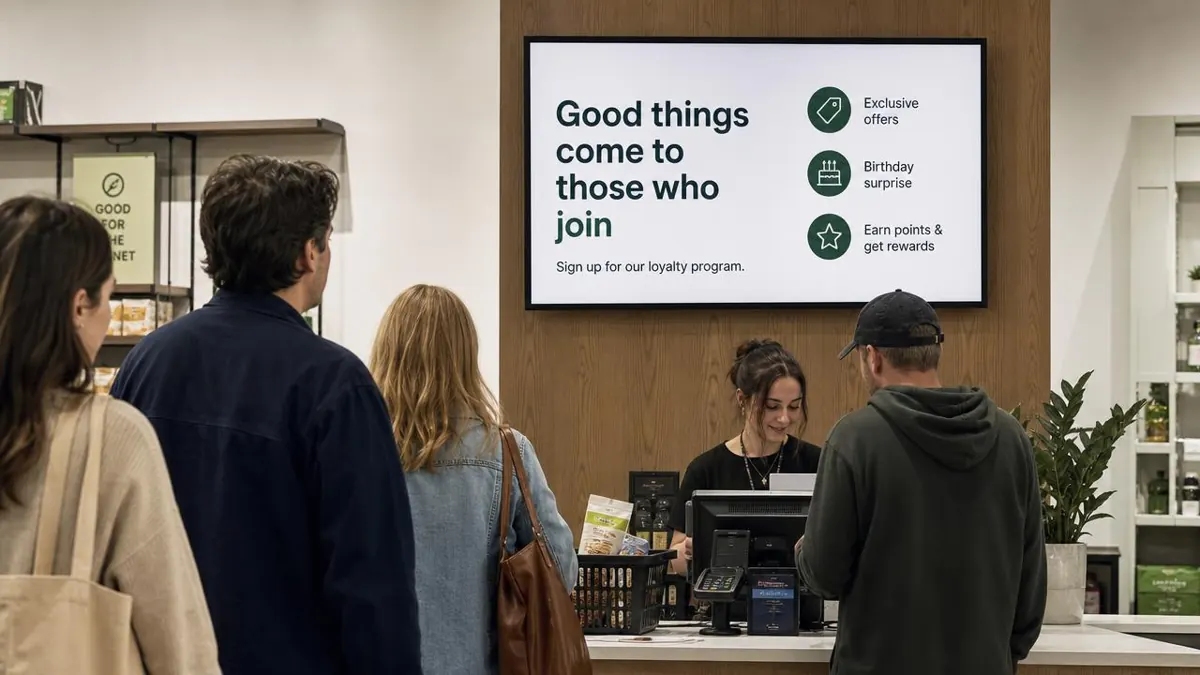
- Best format: landscape, above the till, readable from 3 metres
- Benefit: more loyalty enrolments and a shorter perceived wait
- Watch for: no audio at the till, staff will mute it within a week
6. A video wall for brand storytelling
One large canvas at the back of the store pulls people through the whole floor. Video walls are not for pricing or detail, they are for atmosphere and campaign imagery, so treat the content like a film loop and keep text to a few words.
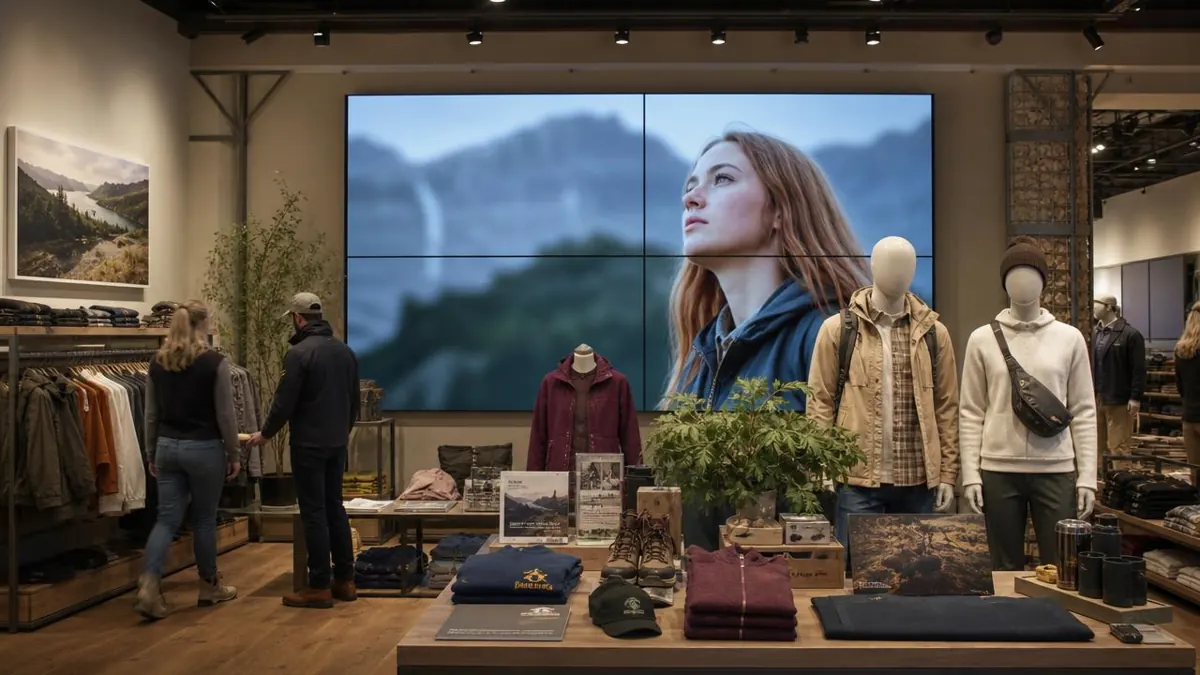
- Best format: 2x2 or 3x3 commercial panels driven as one canvas
- Benefit: longer dwell time and stronger campaign recall
- Watch for: design content for the bezel grid so nothing important lands on a seam
7. A social and user-generated content wall
Pull your hashtag feed or curated customer photos onto a screen near fitting rooms or the checkout. It is social proof at the exact moment of decision, and it refreshes itself without anyone touching the CMS.
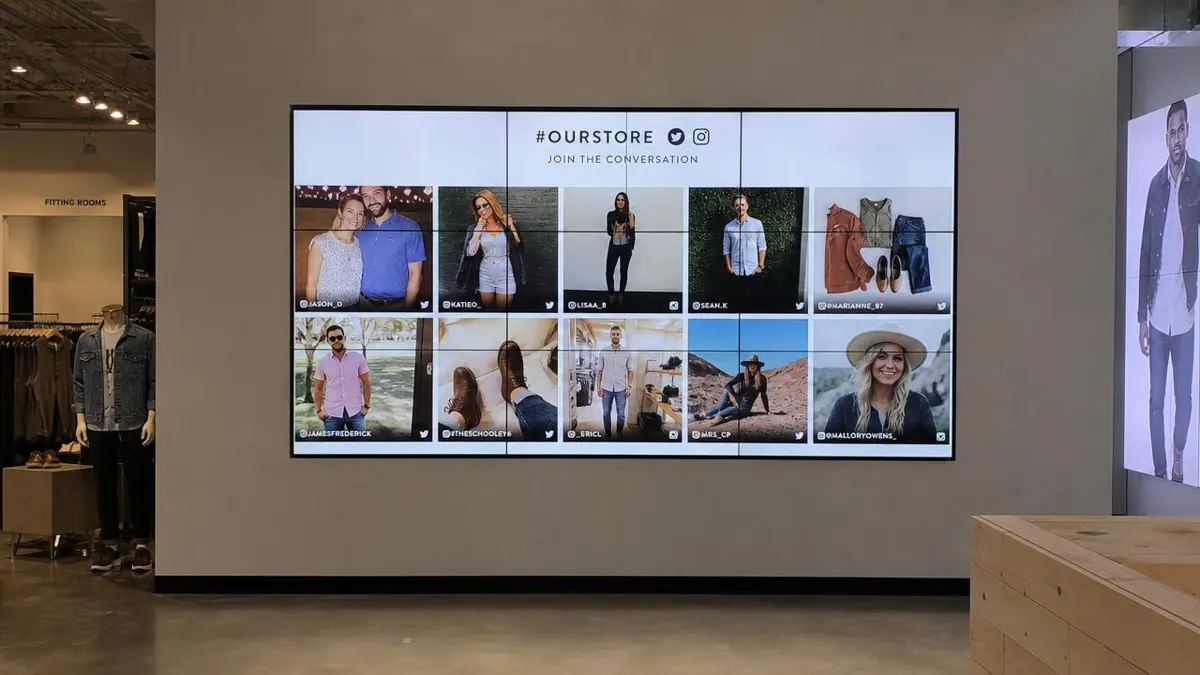
- Best format: grid of 8 to 10 posts with the hashtag in the header
- Benefit: social proof in-store plus more tagged posts from customers
- Watch for: always moderate, use an approval queue rather than a raw hashtag pull
8. Back-of-house screens for staff communication
The screens customers never see are often the ones managers value most. A break room display with targets, shift notes and safety reminders replaces the noticeboard nobody reads and reaches part-time staff who miss email.
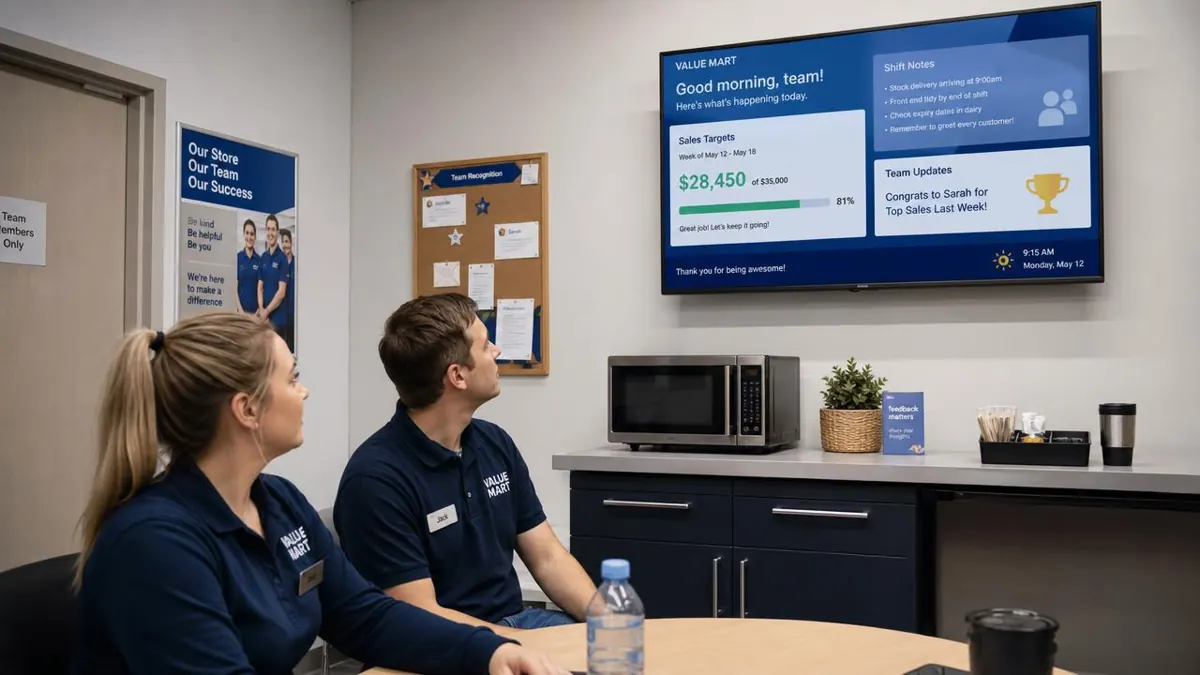
- Best format: dashboard layout with 3 or 4 zones, refreshed daily
- Benefit: better shift handover and fewer missed operational updates
- Watch for: keep it current, a stale staff board loses attention within days
The benefits retailers actually measure
Same-day promo changes
Pricing and campaigns update across every store in minutes instead of a print and courier cycle.
No printing costs
Recurring poster, shelf-talker and menu print spend disappears after the first rollout.
Attention where it counts
Motion at the entrance, in aisle and at the till lifts featured products and loyalty sign-ups.
Consistency across locations
One dashboard pushes the same approved content to every screen in every store.
Which screen to start with, by store type
If you only budget for one screen this quarter, put it where the decision happens in your format of store. This is the order we recommend most often after a walkthrough.
| Store type | Start with | Add next |
|---|---|---|
| Grocery and convenience | Spreadsheet-driven weekly deals board | Entrance promo screen |
| Fashion and apparel | Window or entrance screen | Touch kiosk for sizes and colours |
| Electronics and appliances | Shelf-edge and endcap product screens | Comparison touch screen |
| Pharmacy and health | Queue screen at the counter | Aisle category screens |
| Quick service and cafés | Digital menu board | Promo screen at the entrance |
| Showrooms and dealerships | Video wall or brand canvas | Back-of-house sales dashboard |
Swipe the table sideways to see all columns.
What a retail screen actually costs
| Item | Typical cost |
|---|---|
| Signage software, per screen | $8 / month |
| Media player | Free on annual plans |
| Commercial display, 43 inch | From $495 |
| Touch screen or kiosk | Quote by size |
| Content design | Optional, per template |
Swipe the table sideways to see all columns.
For a full line-by-line breakdown at 1, 5, 25 and 100 screens, see our digital signage cost guide. You can also compare digital signage platforms side by side before you commit, or price a store rollout with the digital signage budget calculator.
Ready to build the screens? Start from the digital signage template library for retail layouts, check current digital signage pricing, or see how other stores rolled out in our E Display case studies.
How many screens does a retail store need?
Most single-location stores start with two or three: one at the entrance, one in the highest-margin aisle, and one at the checkout. Add screens once each existing one has a clear job and someone owns the content.
Does digital signage increase retail sales?
It increases sales where it changes a decision: featured-product screens at the endcap, loyalty prompts at the till, and same-day price and promo changes on the floor. Independent industry studies report double-digit uplift on promoted items; the reliable pattern is that a screen with one clear job outperforms a screen playing brand video.
What content works best on retail screens?
One message per slide, price or offer in the largest type, three to five second rotations, and no more than five to eight items on a list. Feed-driven content, such as a deals sheet or POS price feed, keeps the screen accurate without weekly design work.
Can I use regular TVs for retail digital signage?
Yes for back-of-house and low-light areas. For window and entrance placements, use a commercial display rated for extended hours and higher brightness, since consumer TVs dim and fail faster under all-day use.
Who updates the content?
Usually one head-office marketer for brand content, with store managers limited to approved playlists. Feed-driven boards such as weekly deals update themselves from a spreadsheet or price feed.
How much does retail digital signage cost per screen?
Software is $8 per screen per month billed annually, the media player is free on new annual licences, and a commercial 43 inch display starts at $495. A three-screen store is about $288 a year in software plus the one-time hardware and mounting.
How long does a retail rollout take?
A single store is typically live the same day the hardware arrives: plug in the media player, enter the 4-digit pairing code, and assign content. Multi-store rollouts are limited by installation scheduling, not software.
Plan your retail screens with us
Tell us your store layout and we will recommend where the screens go and what each one should show.
Still choosing a vendor? Compare digital signage platforms head to head, run your own numbers with the digital signage budget calculator, or see our digital signage pricing at $8 per screen per month with a free media player.
Related digital signage solutions
- Retail solutions Sell more with every glance.