The average employee gets buried in email: internal announcements, HR reminders, safety notices, and company updates all competing with client messages in the same crowded inbox. Most of it goes unread. Corporate digital signage puts the messages that matter in front of employees in the spaces they already pass through every day, from break rooms and hallways to elevator lobbies and reception areas. No login, no inbox, no scrolling required.
Here are 10 ways companies use digital signage for internal communication, and what to plan for before a rollout.
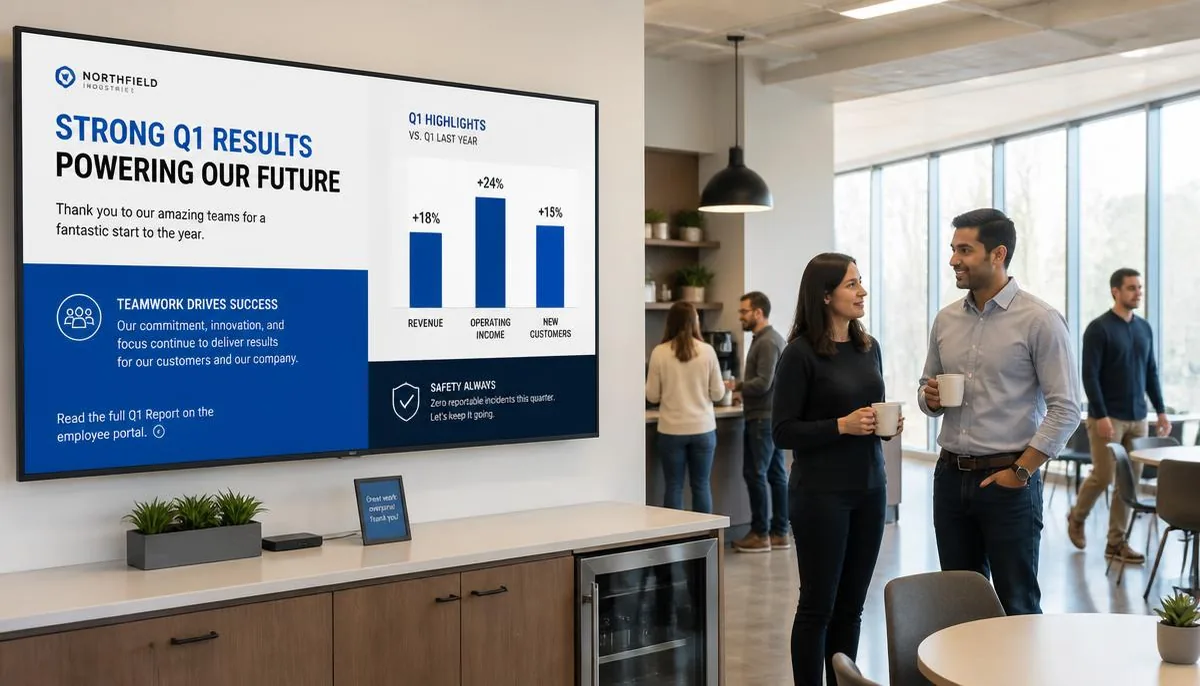
1. Company announcements and news
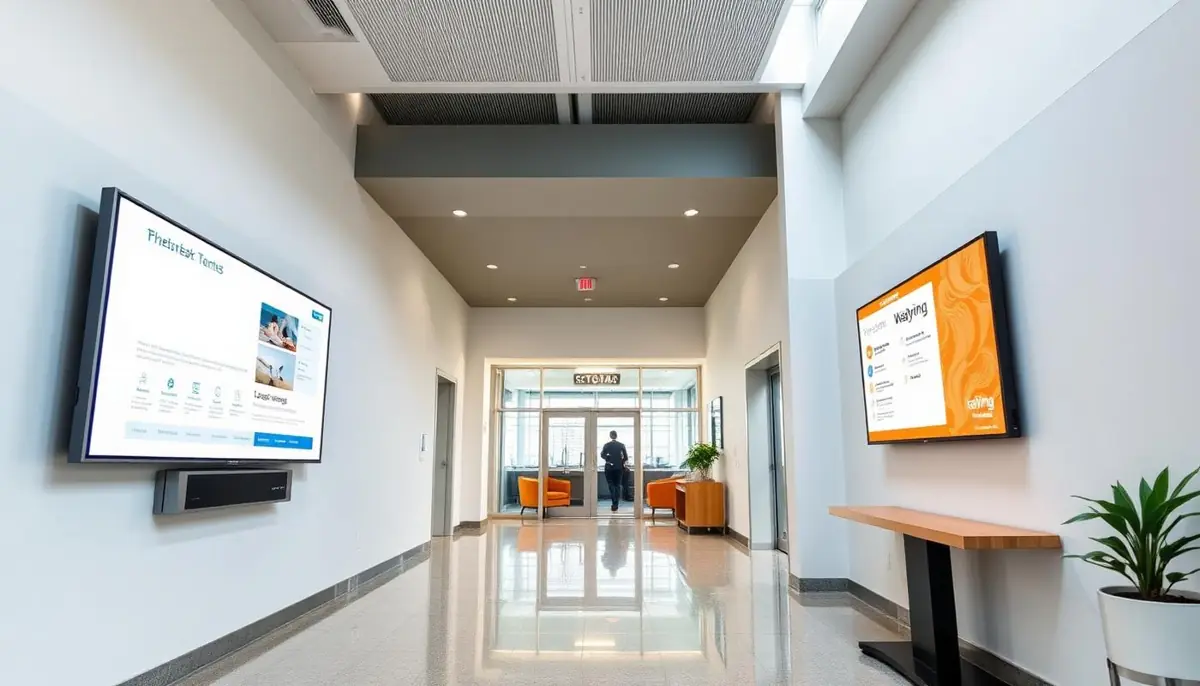
The most straightforward use case: a rotating screen of company news, policy updates, and general announcements in high-traffic areas like break rooms and elevator lobbies. Employees see the content simply by walking past, without needing to open an email.
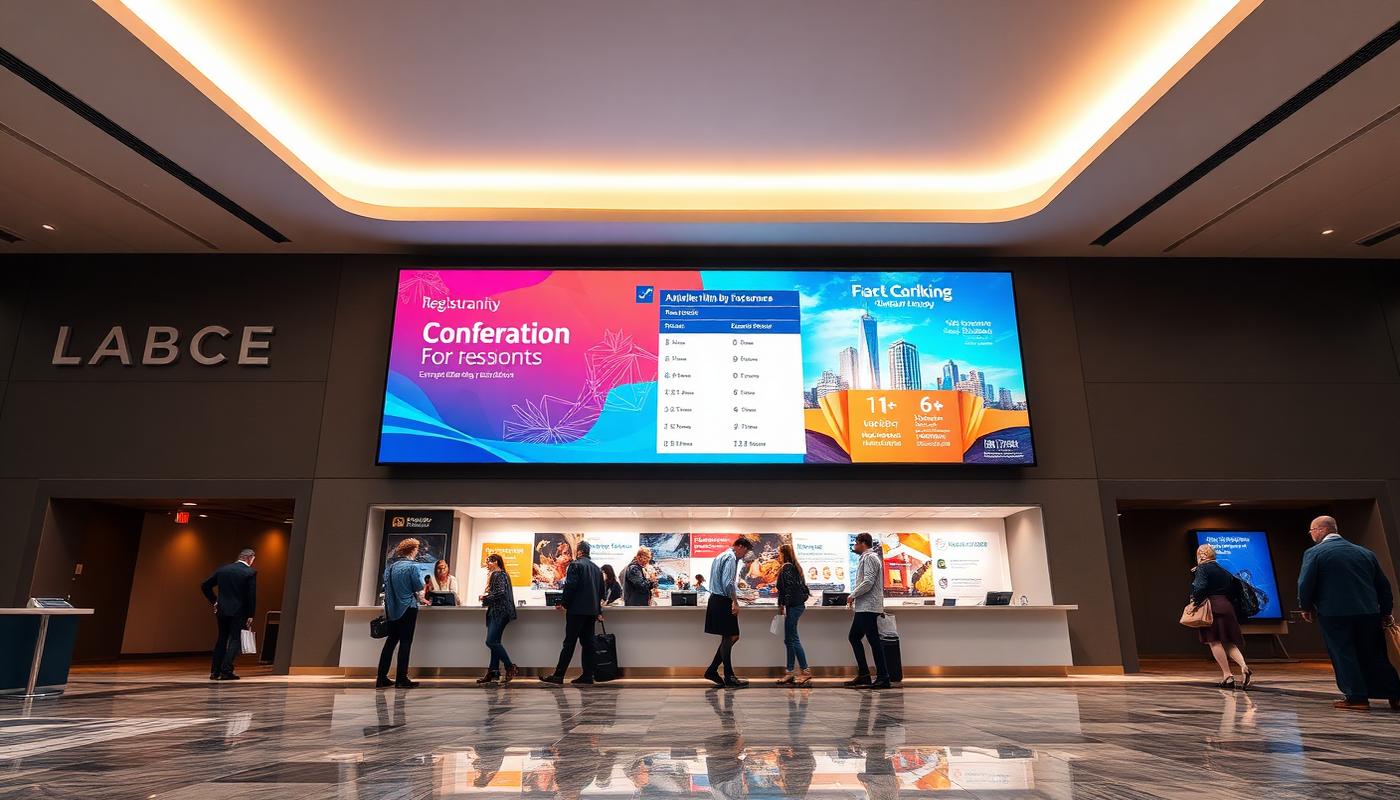
2. Reception and visitor welcome screens
A lobby screen welcoming visitors by name or company, alongside general branding content, makes a strong first impression and doubles as a light wayfinding aid for guests trying to find the right meeting room.
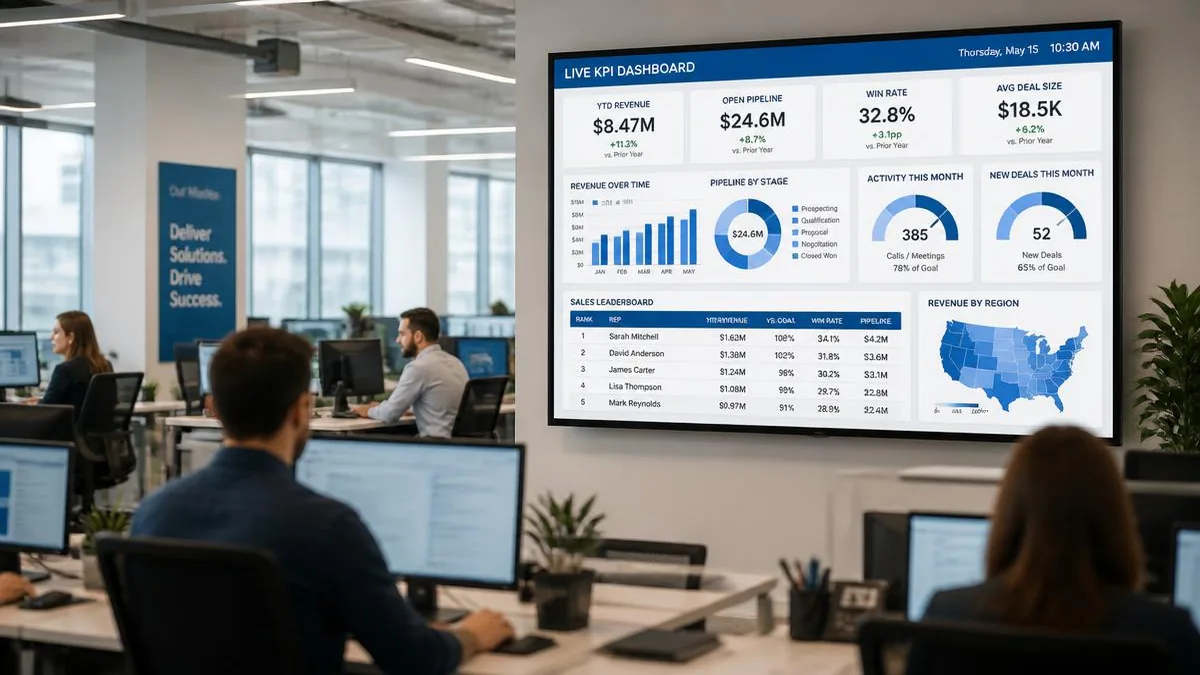
3. KPI and performance dashboards
Sales floors, call centres, and operations teams often display live performance dashboards showing sales numbers, support ticket volume, or production metrics. Teams stay aligned on goals in real time without anyone manually compiling a report.
4. Safety and compliance reminders
Screens in break rooms, warehouses, and common areas are a natural fit for rotating safety reminders, compliance deadlines, or emergency procedure information: content that is easy to overlook in an email but hard to miss on a screen passed several times a day.
5. Emergency alerts
As in campus or healthcare settings, a signage network that can push an urgent message to every screen in the building at once, whether a weather closure, a building evacuation, or a system outage, gives facilities a communication channel that does not depend on employees checking their phones. See how the same approach works on campuses in our guide to education digital signage: school digital signage ideas.
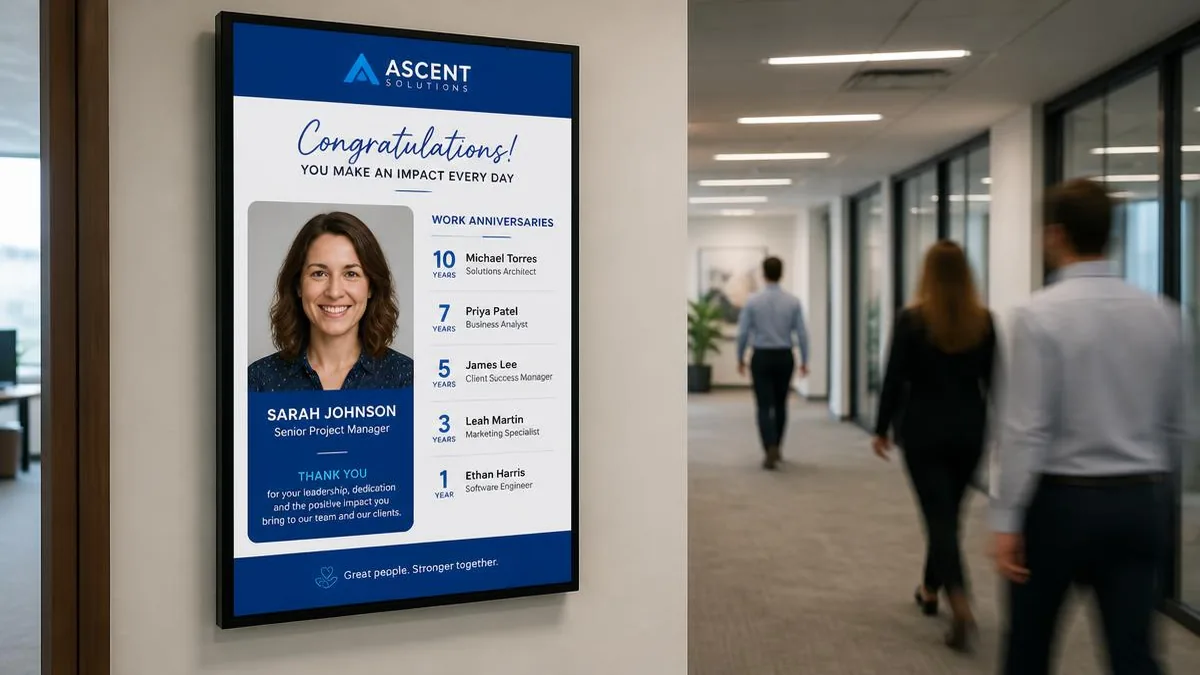
6. Employee recognition
Screens highlighting new hires, work anniversaries, or employee-of-the-month recognition give a low-effort but highly visible way to celebrate people, something that often gets lost in a company-wide email that many employees skim past.
7. Meeting room scheduling displays
Screens mounted outside conference rooms showing current and upcoming bookings reduce the classic problem of walking into a room mid-meeting or double-booking a space, especially in larger offices with many meeting rooms.
8. Social media and culture walls
A rotating feed of company social posts, team photos, or event recaps adds a more human, culture-driven element to office screens, usually placed in break rooms or near the entrance.
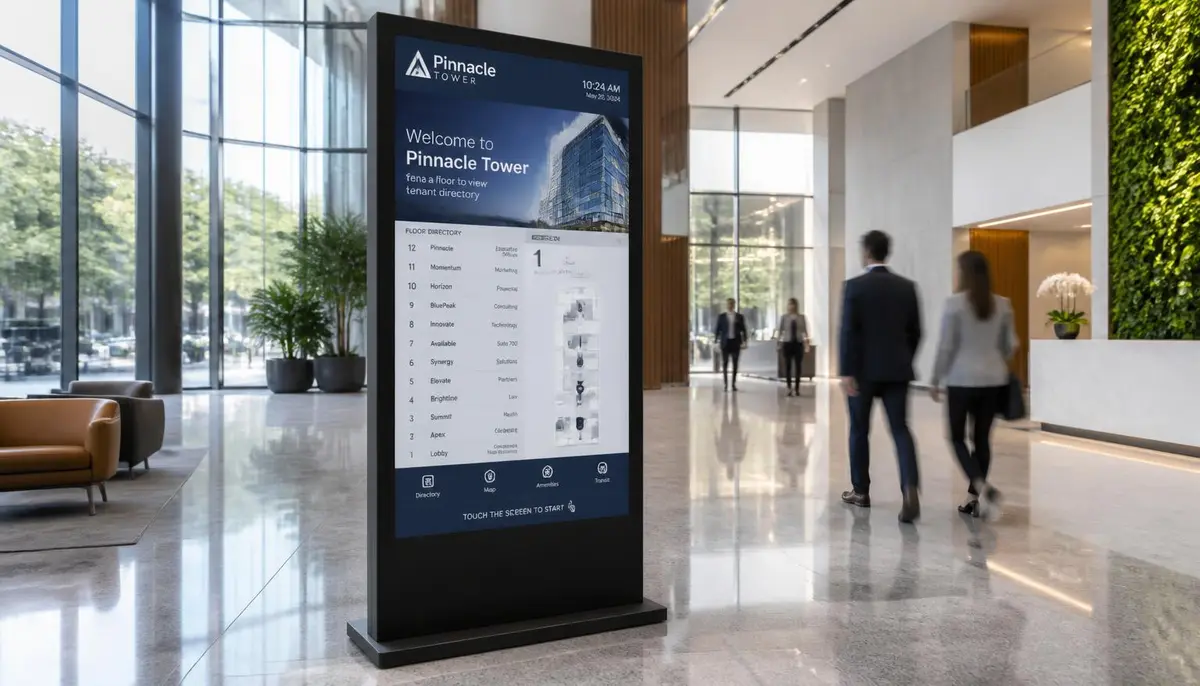
9. Wayfinding and building directories
Larger offices and corporate campuses use directory-style wayfinding to help employees and visitors find departments, floors, or specific team areas. It is the same underlying approach used in digital building directories: digital building directory, adapted for an internal office setting. For more on how it works generally, see our complete guide to digital wayfinding: digital wayfinding guide.
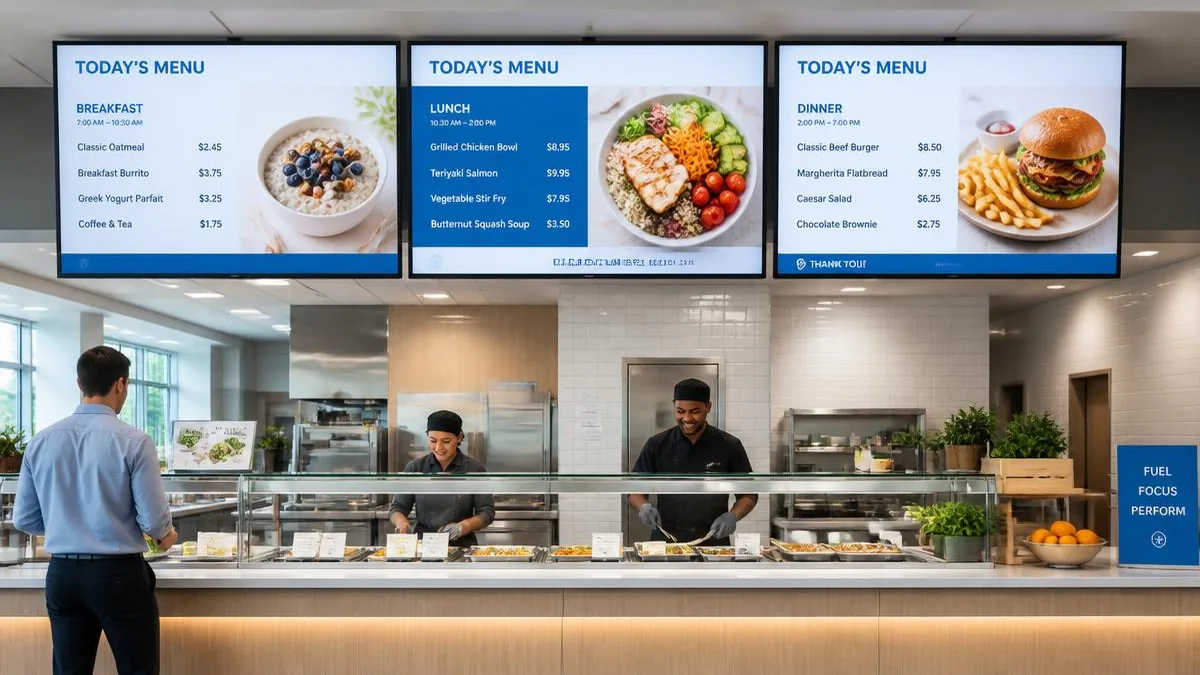
10. Cafeteria and break room menu boards
For offices with an on-site cafeteria, a digital menu board keeps daily items and pricing current without reprinting: the same concept used in restaurant and school dining settings, scaled to a corporate canteen. See our digital menu boards solution: digital menu boards.
What to consider when planning a corporate deployment
- Content ownership: decide early who is responsible for updating screens (HR, internal comms, or facilities) so content stays current instead of going stale after the initial rollout.
- Multi-office management: companies with several offices benefit from a single dashboard that can push the same message everywhere at once, or target specific offices individually.
- Integration with existing tools: KPI dashboards and meeting room screens are most valuable when they pull live data automatically from a CRM or room booking system rather than requiring manual updates.
- Screen placement over screen count: a handful of well-placed screens in break rooms and main hallways typically get more daily views than many screens scattered through low-traffic areas.
E Display signage software runs at $8 per screen per month billed annually, with a free media player included on annual plans. See digital signage pricing for licence costs, or digital signage cost guide for full project budgets including displays and installation.
Getting started
Most companies start with a single break room or lobby screen carrying general announcements, then expand into KPI dashboards or meeting room displays once the core communication use case proves its value.
What is corporate digital signage?
Corporate digital signage is a network of screens in offices and workplaces used for internal communication: company announcements, KPI dashboards, safety reminders, emergency alerts, employee recognition, meeting room schedules, and cafeteria menus, all updated from one central dashboard.
Why use digital signage instead of email for internal communication?
Email competes with client messages in a crowded inbox and much of it goes unread. Screens in break rooms, hallways, and lobbies reach employees in shared spaces they already pass through, with no login or inbox required, so signage works best for broad awareness messages rather than individual tasks.
Can digital signage show live KPI dashboards?
Yes. Screens can display live dashboards pulled from a CRM, support desk, or production system so figures refresh automatically instead of someone recreating a slide each week.
How do we manage screens across multiple office locations?
A cloud content management system manages every screen from one dashboard. You can push a single message to all offices at once or target individual locations, floors, or screen groups.
How much does corporate digital signage cost?
Software is $8 per screen per month billed annually, with a free media player on annual plans. Displays, mounting, installation, and any custom design are separate project costs that vary by office.
Planning digital signage for internal communications?
Talk to E Display about a setup that fits your office, teams, and locations.
Still choosing a vendor? Compare digital signage platforms head to head, run your own numbers with the digital signage budget calculator, or see our digital signage pricing at $8 per screen per month with a free media player.
Related digital signage solutions
- Corporate Communications solutions Align every office, every day.