
Free Digital Signage Software
Free digital signage is possible: a TV's USB player, open-source software, or a vendor's free plan. Each one saves on licence fees but costs time, features or scale. Here is how they compare.
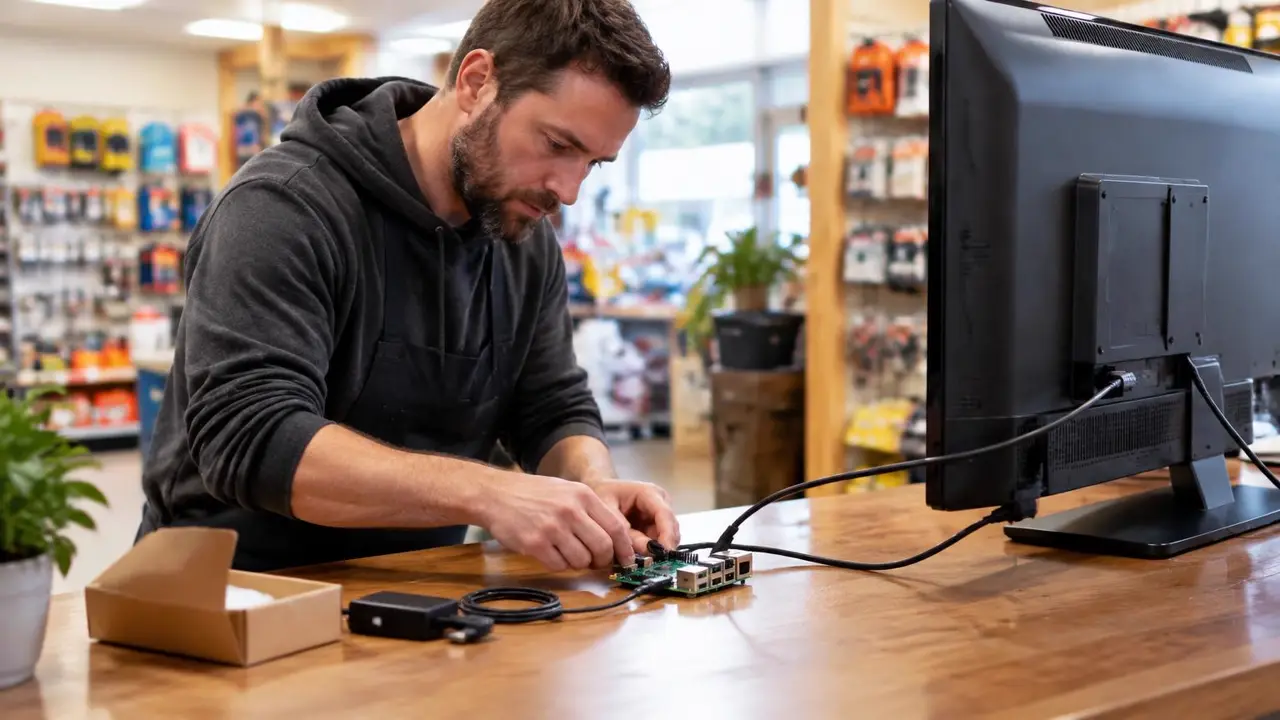
Three ways to run digital signage for free
TV with USB playback
- No extra hardware
- Fine for one static screen
- Manual updates at the screen
- No scheduling or monitoring
Open-source signage software
- No licence fee
- Full control of the setup
- You host, secure and update it
- Technical skills required
Free plan from a vendor
- Quick to try
- Hosted for you
- Limited screens or features
- Upgrade needed to grow
The hidden costs of "free"
Free software still needs a player, and the hours add up. Someone has to install the operating system, keep the server patched, fix a screen that stops playing, and walk to each location when something breaks. For a single screen that is manageable. For five screens across town, an hour a month per screen usually costs more than the licence you avoided.
Hardware is rarely free either. A Raspberry Pi signage player typically costs $65 to $200 with case, storage and power supply, before any setup time.
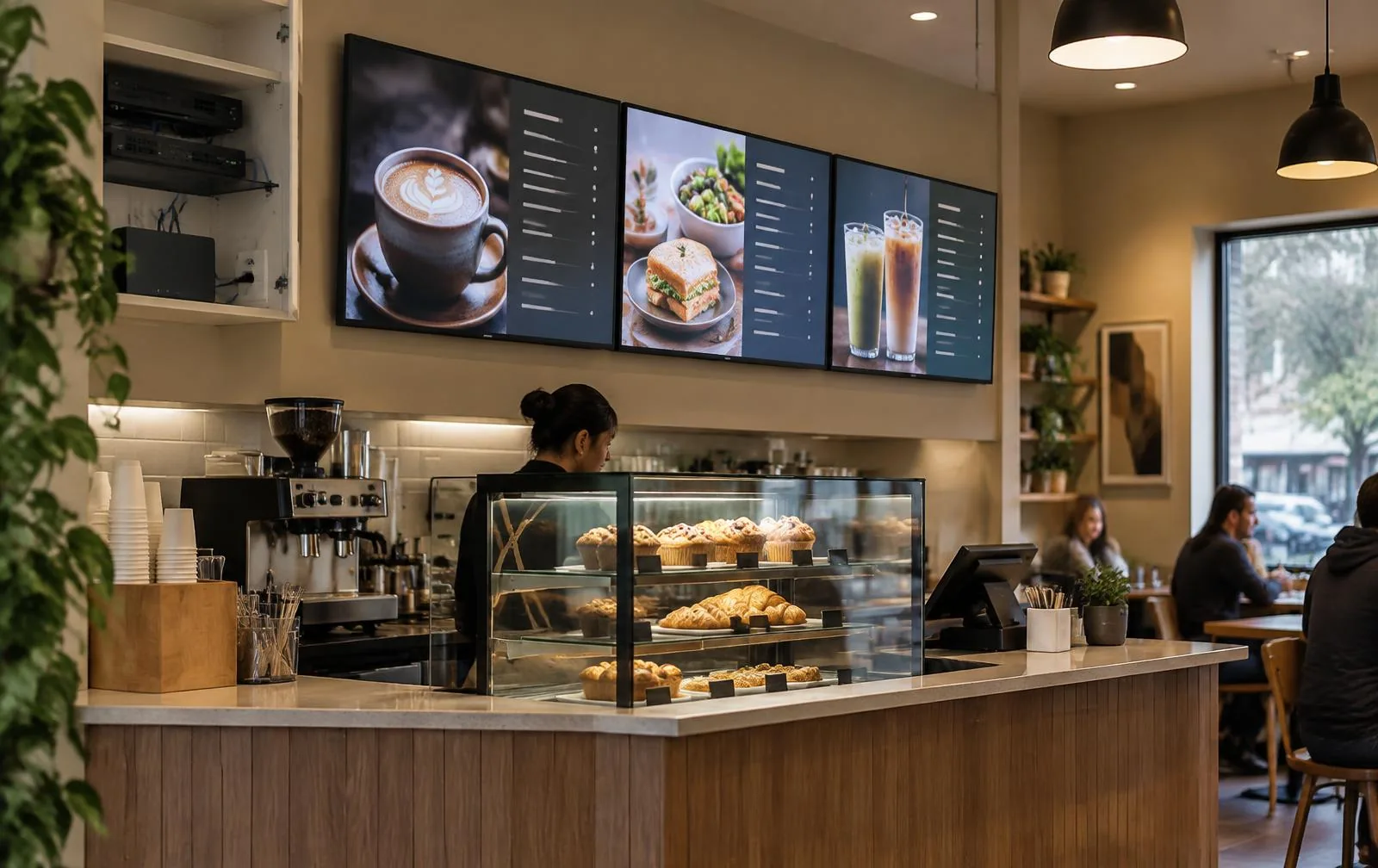
Free vs E Display at $8 per screen
| Free / open-source | E Display | |
|---|---|---|
| Software | $0 licence, self-managed | $8 per screen per month, billed yearly |
| Media player | Buy your own | TX9 included free with new yearly licences |
| Setup | Install and configure yourself | Plug in, enter a 4-digit code, publish |
| Updates and hosting | Your responsibility | Handled in the cloud |
| Support | Community forums | E Display support team |
When free is the right choice
Free makes sense for a single screen whose content rarely changes, a hobby project, or a team with in-house IT that enjoys running its own server. If you need schedules, remote updates, or screens in more than one place, a managed platform such as E Display digital signage software is usually the lower total cost. New to the topic? Start with what digital signage is.
Frequently asked questions
- Is there free digital signage software?
- Yes. There are open-source projects you can host yourself, and some commercial vendors offer limited free plans. Free options usually trade money for your time: setup, hosting, updates and troubleshooting fall on you, and free plans are typically restricted in screens or features.
- Is E Display free?
- No. E Display is $8 per screen per month billed yearly, with no paid feature tiers. Each new yearly licence includes a TX9 media player free, shipped free in the US and Canada, so the player hardware costs nothing.
- Can I use a TV and a USB stick as free digital signage?
- Many TVs can loop images or video from a USB stick. It works for one screen with content that rarely changes, but every update means walking to the TV, and there is no scheduling, remote monitoring or multi-screen management.
- What is the cheapest way to run digital signage?
- For one or two screens with static content, a TV's USB playback is cheapest. Once you need remote updates, schedules or several locations, a low per-screen subscription with an included player is usually cheaper than the staff time spent maintaining a free setup.
- Can I use a Raspberry Pi for free digital signage?
- Yes, open-source players run on Raspberry Pi. The board, storage and power supply still cost money, and you maintain the software. E Display also supports Raspberry Pi as a player with its managed cloud software.
Keep learning about digital signage
Definition, how it works, and common uses.
Read moreThe E Display cloud platform and pricing.
Read moreHardware, 4K playback, and device compatibility.
Read moreElectronic signage terms, display types, and uses.
Read more