
Digital signage templates
Skip the blank canvas. Browse hundreds of professionally designed templates for menu boards, lobbies, retail, healthcare, education, and more, preview any layout live before you publish.
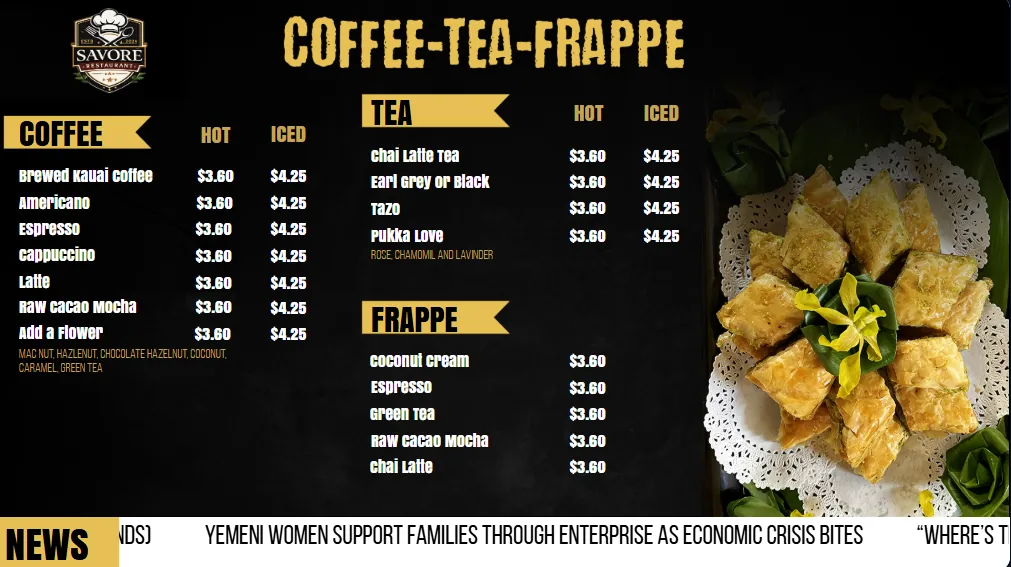
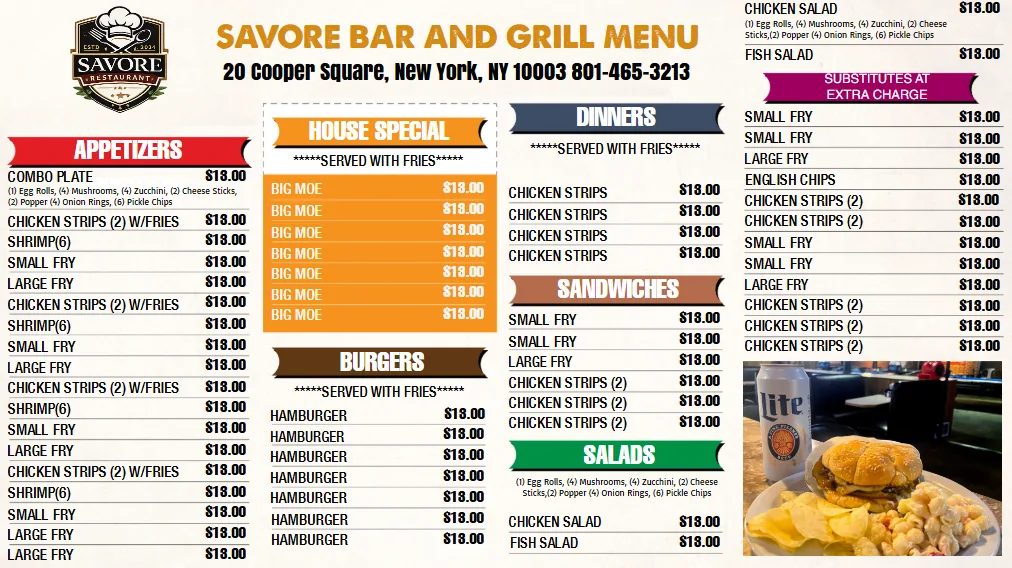
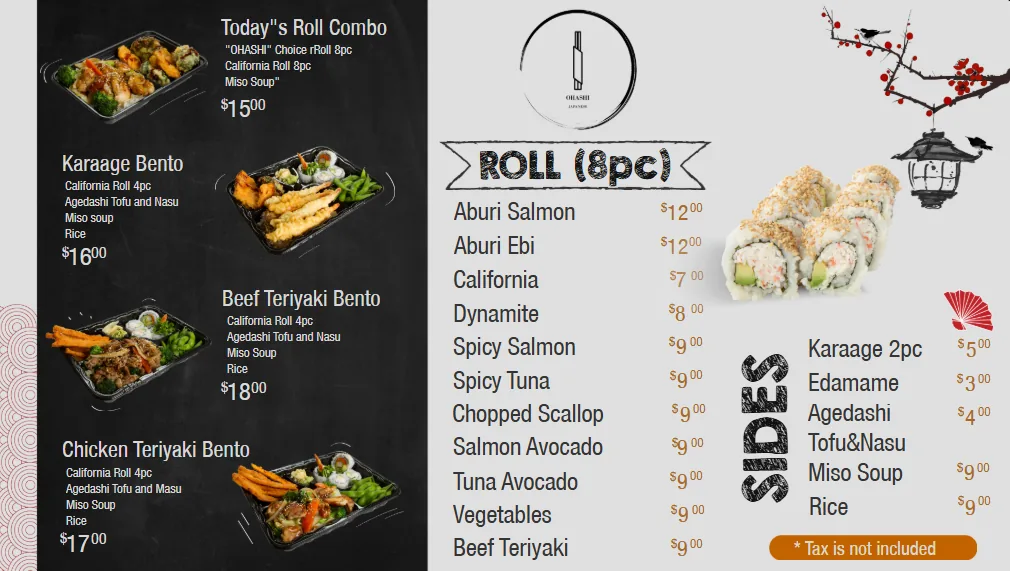
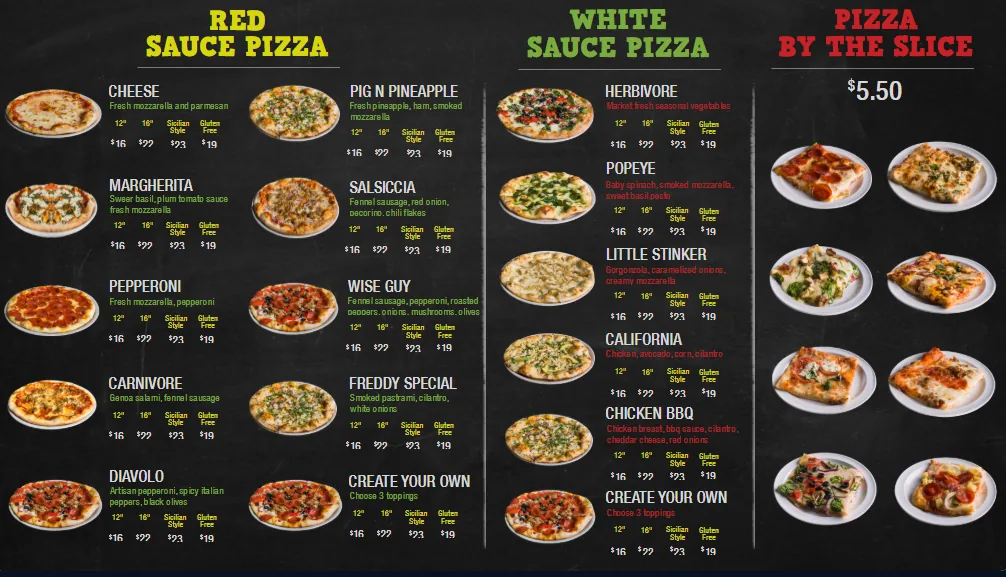
Templates by industry
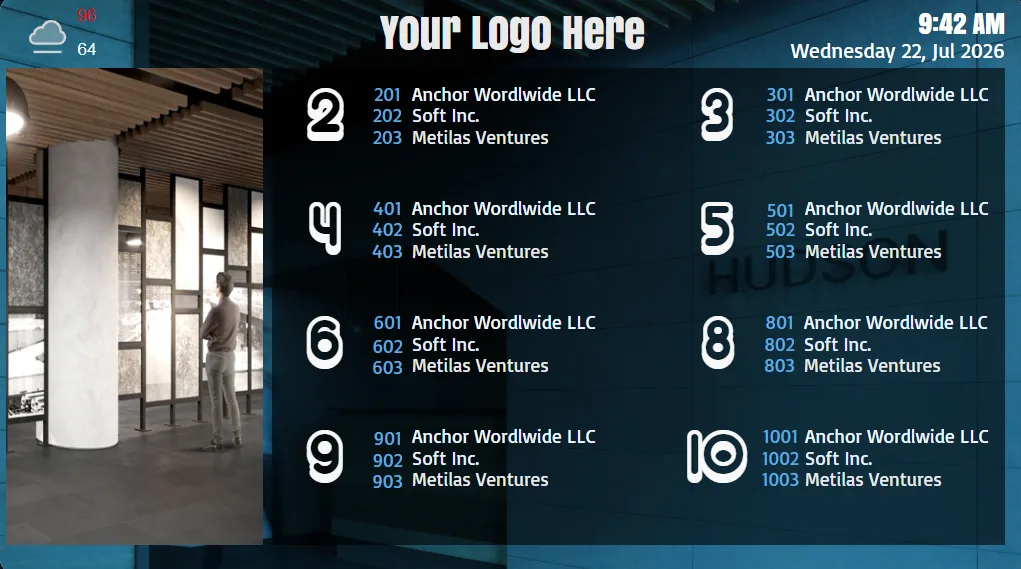
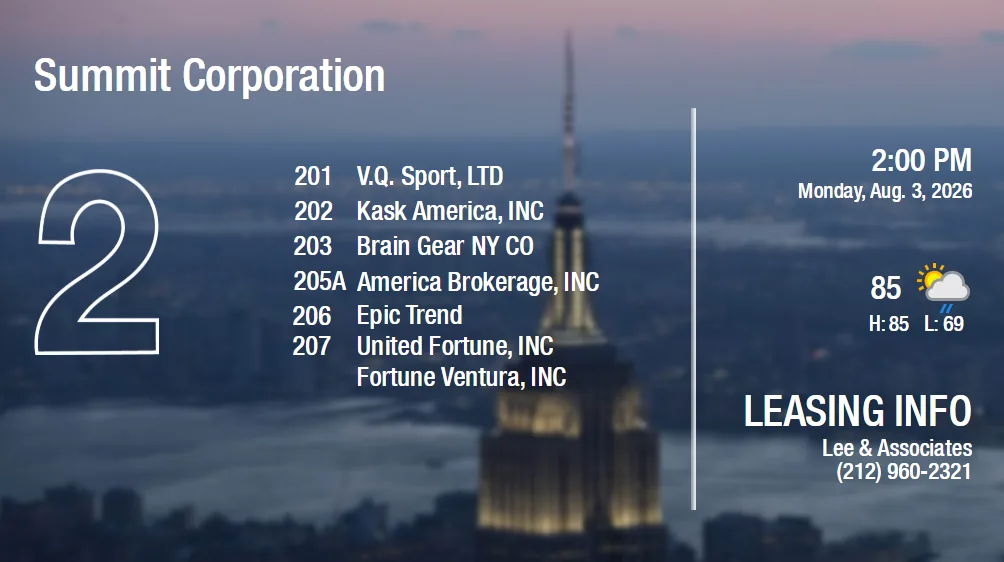
Each template starts from how a real screen is used, not from a generic slide deck. Restaurant layouts prioritise legible pricing at six to ten feet, lobby layouts prioritise tenant names and floor numbers, and clinic layouts balance queue information with education content. Filter the library above, or jump straight to the solution built around that use case.
Menu boards and QSR
Single-screen and three-screen menu sets, combo panels, drink walls, breakfast and dinner dayparts, and price-only strips. Prices can be driven from a spreadsheet so one edit updates every location. See digital menu boards.
Lobby directories and wayfinding
Portrait tenant lists, floor-by-floor directories, arrow-based wayfinding, and welcome screens with meeting-room schedules. See building directory signage.
Retail and promotions
Endcap promos, price-drop layouts, product spotlights, and window displays sized for bright storefront screens. See retail digital signage.
Healthcare, hospitality, and workplace
Waiting-room and queue layouts, hotel event boards and lobby welcomes, plus internal comms boards with KPI widgets and safety counters. See healthcare, hospitality, and corporate communications.
From template to live screen in four steps
1. Preview and pick a layout
Use the Preview button on any card to open the template exactly as it will play on a screen, at full resolution and with its animations running. Check readability at the distance your audience will actually stand.
2. Make it yours in Sign Studio
Replace copy, prices, and photos, drop in your logo, and set brand colours. Save it as your own scene so the next screen starts from your version, not the stock one. Our content design team can do this for you if you would rather hand over the artwork.
3. Schedule it
Add the scene to a playlist and set dayparts, days of the week, or start and end dates. Breakfast menus, happy-hour boards, and seasonal promotions swap themselves without anyone touching the screen.
4. Pair the screen and publish
Plug in a media player, enter the 4-digit code it shows, and assign the playlist. See the full walkthrough on how it works, or estimate a multi-screen rollout with the budget calculator.
Digital signage template FAQ
Are the digital signage templates free to use?
Yes. Every template in this library is included with an E Display licence at $8 per screen per month. There is no template marketplace, no per-design fee, and no limit on how many templates you use across your screens.
Can I edit a template without design experience?
Yes. Templates open in Sign Studio, a drag-and-drop editor in your browser. Swap text, prices, photos, logos, and colours, then publish. Nothing is locked, so you can move or delete any element, but you never have to start from an empty canvas.
What screen sizes and orientations are supported?
Templates come in landscape 16:9 for menus, dashboards, and promotions, and portrait 9:16 for directories, wayfinding, and lobby screens. Layouts scale to 1080p and 4K displays, and video walls are supported by stretching a scene across multiple players.
Can a template pull in live data such as prices or wait times?
Yes. Text and image zones can be bound to a spreadsheet, RSS feed, or data source, and any of the 60+ built-in apps, weather, calendars, news, social feeds, and dashboards, can be dropped into a template region. Update the source and every screen using that template updates too.
How do I get a template onto my TV?
Plug in a media player, enter the 4-digit pairing code shown on screen, assign the template to that screen, and publish. Most first screens are live within about ten minutes. The how it works page walks through each step.
Can you design a custom template for our brand?
Yes. Our design team can build custom scenes using your fonts, colours, and photography, or convert existing print artwork into signage layouts. Contact us with your brand assets and the screen sizes you are running.
Ready to design your own?
Every template is fully customizable in E Display Sign Studio. Swap colors, images, and text to match your brand, no design skills required.