Hotel digital signage earns its place when every screen answers one guest question. The nine ideas below are the hospitality screens we deploy most often, from the lobby to the guest room, with the format that works, the benefit to expect and the mistake to avoid. All of them run on the same cloud software at $8 per screen per month, with a free media player on annual plans.
The 9 hotel digital signage ideas, in short:
- Lobby welcome screens that set the tone at check-in
- Arrival and shuttle information at the entrance
- Event day boards for conferences and weddings
- Meeting room panels outside every function door
- Interactive guest wayfinding and a tenant directory
- Restaurant, bar and breakfast menu boards
- Elevator lobby and corridor upsell screens
- In-room welcome channels on the guest room TV
- Back-of-house boards for housekeeping and banquets
If you want the platform detail rather than the ideas, see hospitality digital signage solution for scheduling, multi-property publishing, spreadsheet-driven day boards and remote screen monitoring. For a real deployment, read our Holiday Inn Calgary hotel signage case study.
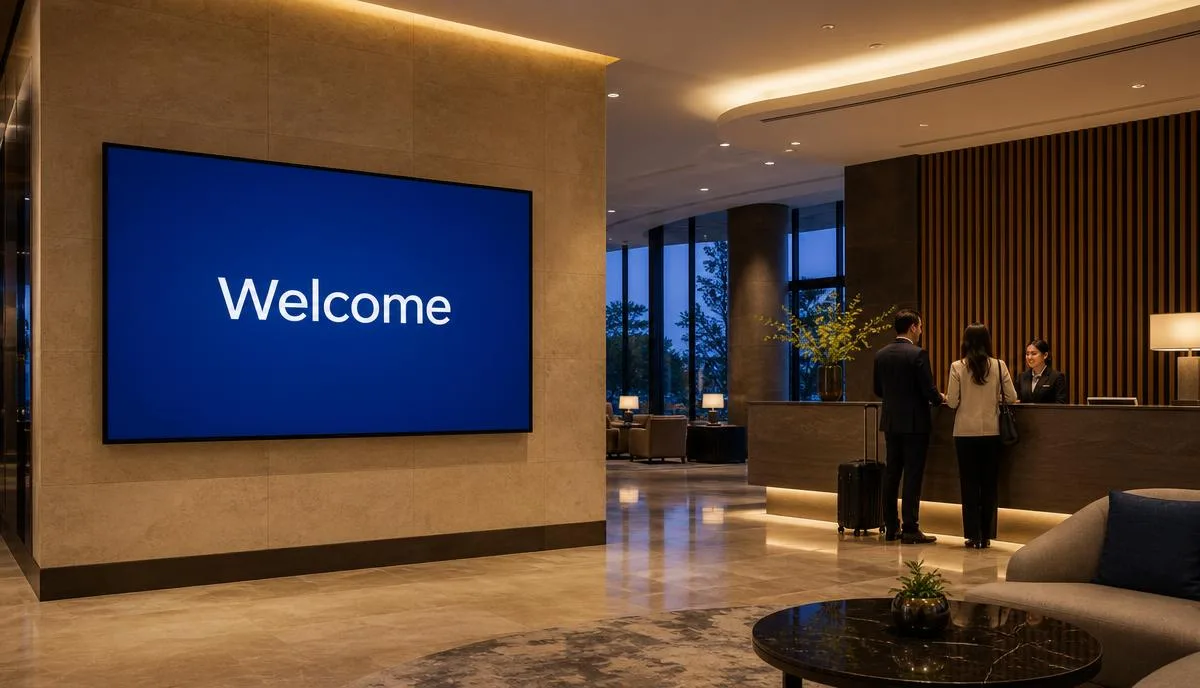
1. Lobby welcome screens that set the tone
The screen behind or beside reception is the property's first impression. Keep it to a branded welcome, today's date, and one useful line such as restaurant hours or the name of the group in house. Anything more and guests stop reading while they wait for a key.
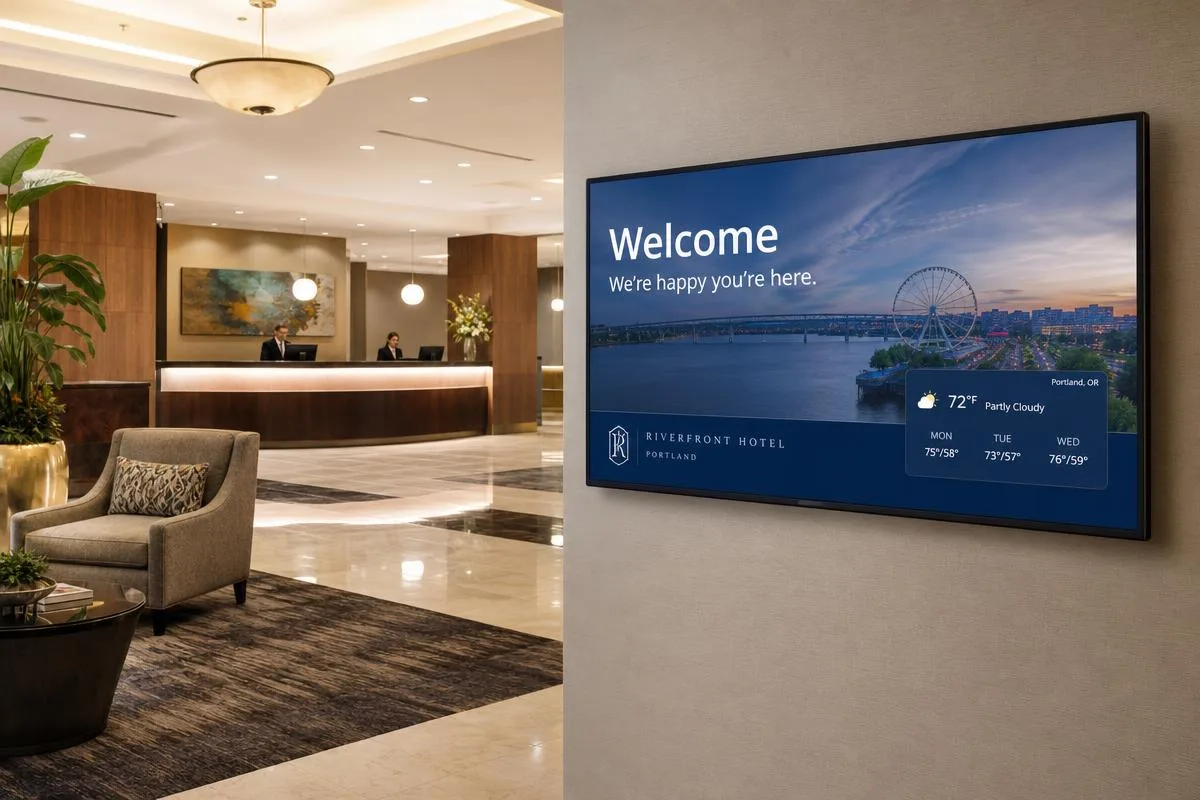
- Best format: landscape or portrait, one message per slide
- Benefit: a polished arrival and fewer basic questions at the desk
- Watch for: a named group on screen builds loyalty, always confirm spelling with the event contact
2. Arrival and shuttle information at the entrance
A screen in the vestibule answering the two questions every arriving and departing guest has, when the next shuttle leaves and what the weather is doing, removes the busiest interruption at the front desk during check-out.
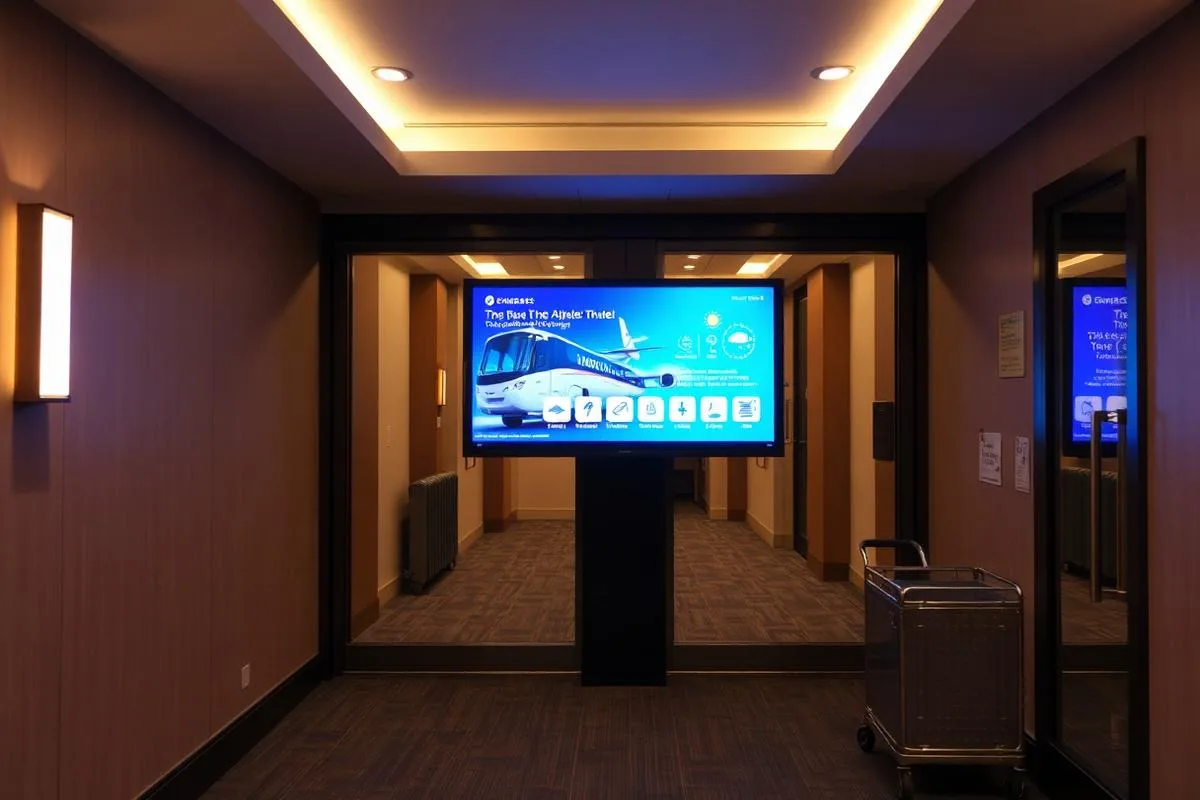
- Best format: portrait, shuttle times top, weather and local time below
- Benefit: shorter queues at check-out and fewer missed shuttles
- Watch for: drive the times from a shared spreadsheet so any manager can adjust the schedule
3. Event day boards for conferences and weddings
The day board is the single highest-value screen in a property with function space. It replaces printed easels and, more importantly, it can be corrected in seconds when a session moves rooms. Meeting planners notice, and it is the detail that gets a property re-booked.
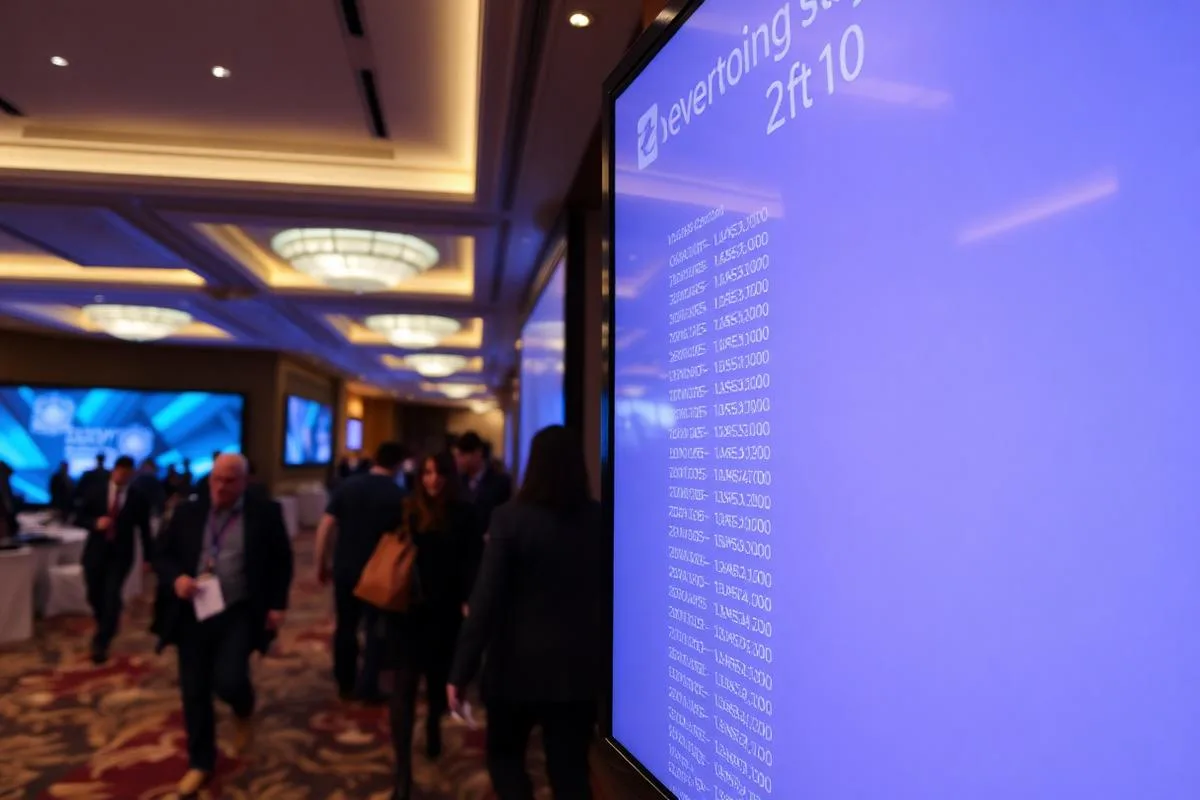
- Best format: portrait list, event name, time, room, grouped by start time
- Benefit: no reprinted easel signs and instant corrections for planners
- Watch for: feed it from the group resume spreadsheet, not by retyping each event
4. Meeting room panels outside every door
A small panel at each function room door shows what is running now and what is next. Delegates stop opening the wrong door mid-session, and banquet staff can see turnover times without radioing the office.
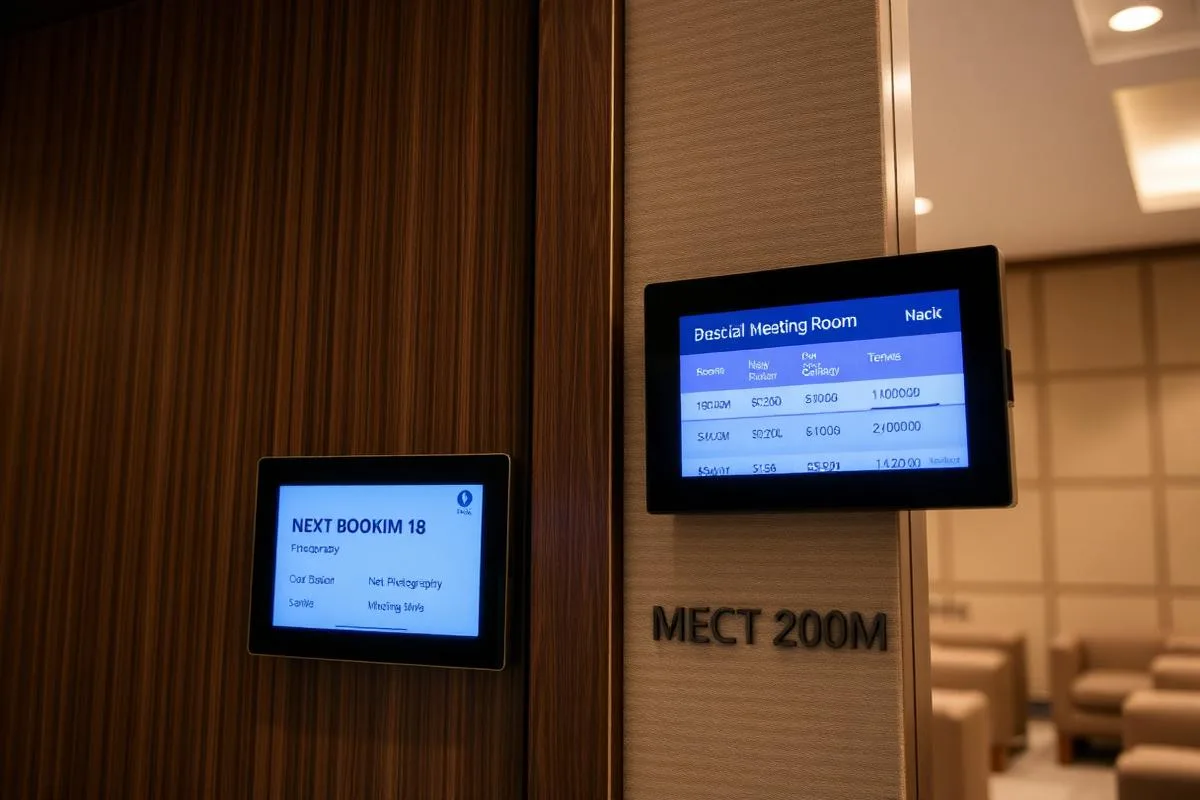
- Best format: 10 to 15 inch portrait panel at eye height beside the door
- Benefit: fewer interruptions to sessions and cleaner room turnovers
- Watch for: plan power and mounting during the build, retrofits get expensive
5. Interactive wayfinding and a tenant style directory
Large properties, resorts and mixed-use buildings need more than an arrow. A touch screen directory lets guests find the spa, the ballroom or a ground-floor tenant themselves. It is the same approach as a digital building directory, applied to a hotel floor plan.
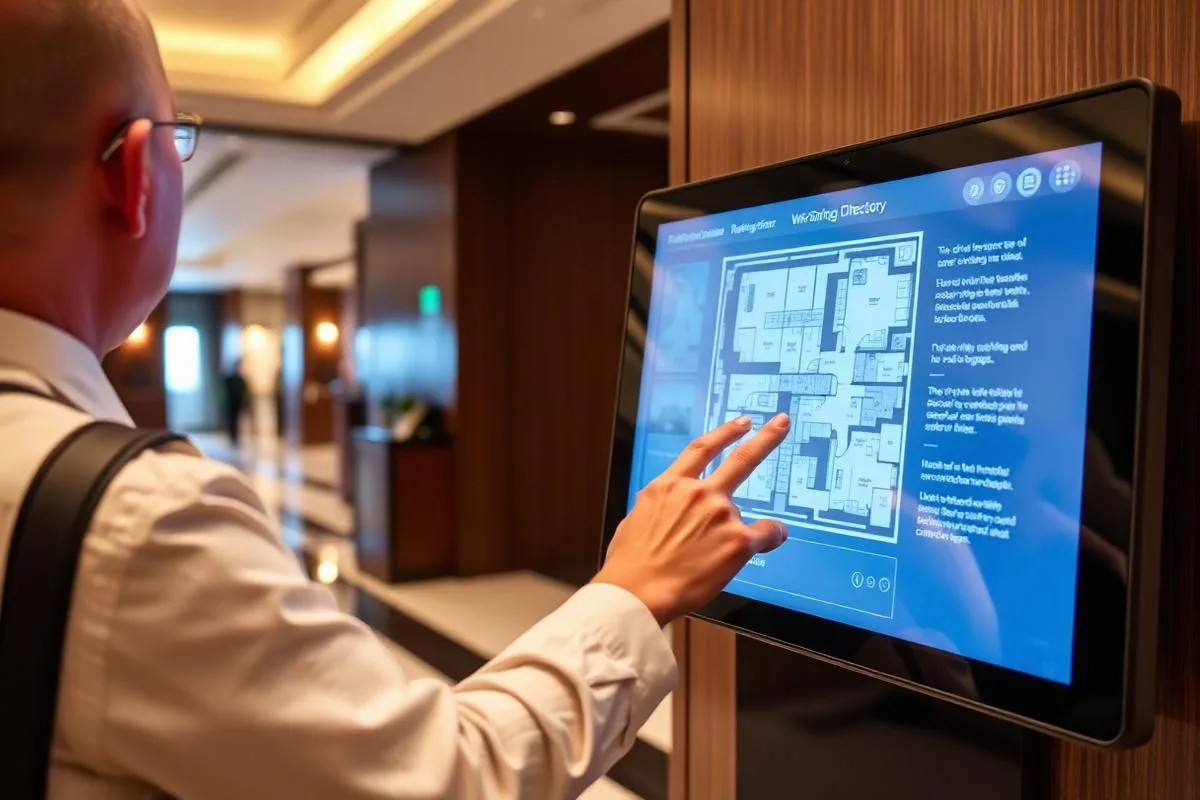
- Best format: portrait touch screen, 32 inch or larger, at standing height
- Benefit: self-service directions and less escorting by staff
- Watch for: set an idle timeout that returns to the map automatically
6. Restaurant, bar and breakfast menu boards
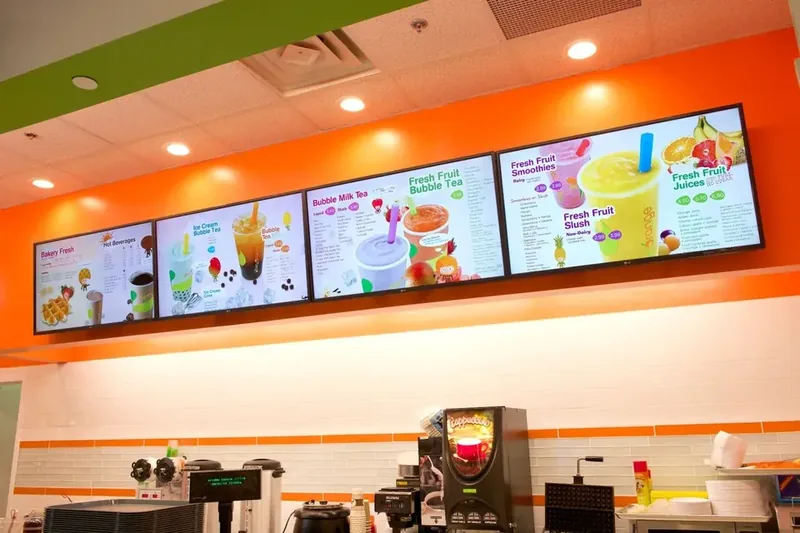
Food and beverage is where signage earns revenue rather than goodwill. Day-part your boards so breakfast, lunch and the evening cocktail list appear on schedule without anyone touching the screen, and use the same digital menu boards playbook you would in a restaurant.
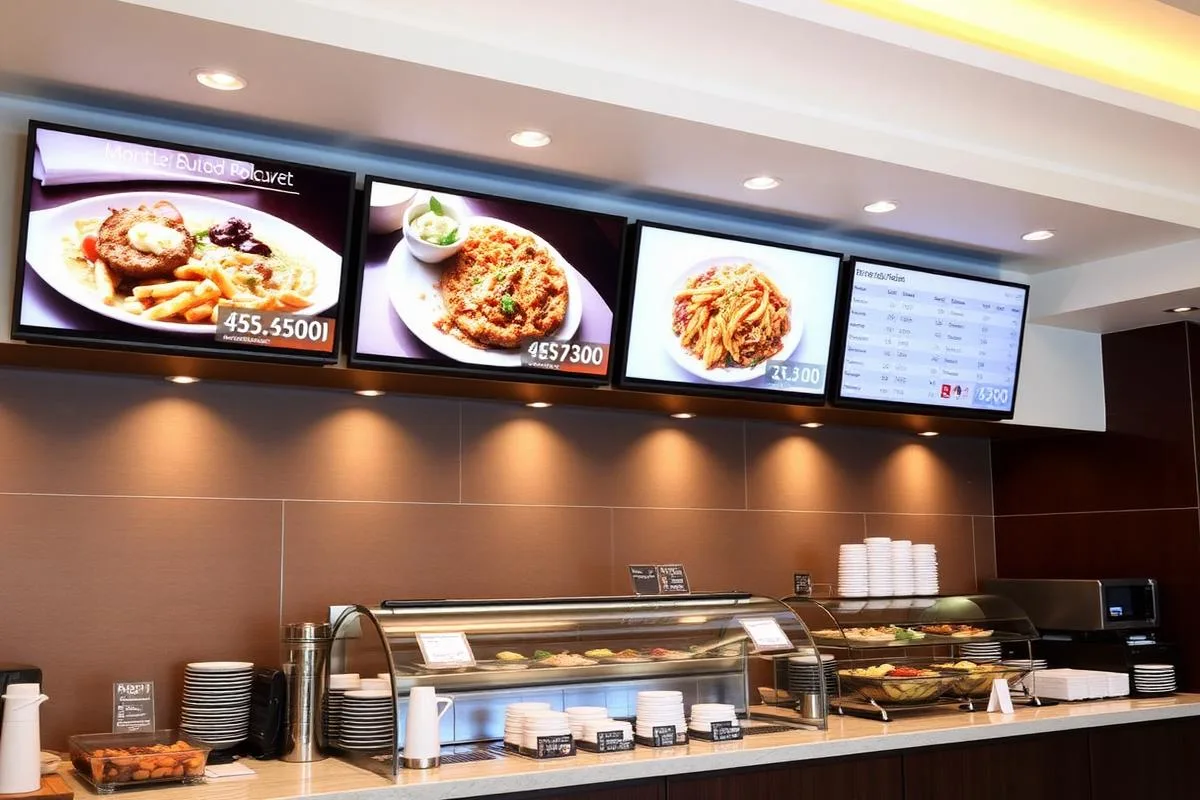
- Best format: two or three landscape screens, one category each
- Benefit: higher attachment on featured items and no reprints when prices change
- Watch for: keep on-screen pricing synced with POS so it never contradicts the printed menu
7. Elevator lobby and corridor promotion screens
Guests spend real time waiting for elevators, and that is the cheapest advertising space in the building. Promote the spa, the rooftop bar or a late check-out upgrade with one image and one price. This is on-property upselling that costs nothing per impression.
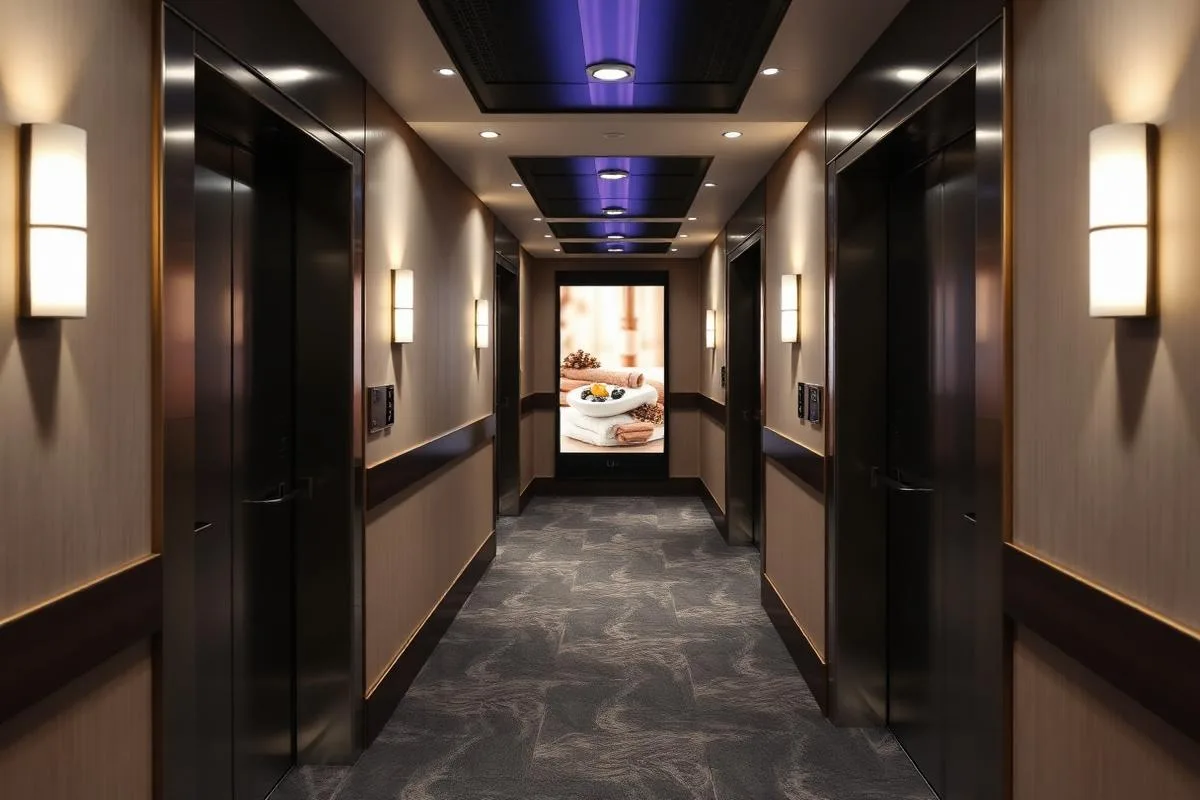
- Best format: slim portrait screen at eye height beside the elevator bank
- Benefit: incremental spa, F&B and upgrade revenue from existing guests
- Watch for: no audio in guest corridors, ever
8. In-room welcome screens on the guest room TV
The guest room TV can open on a branded welcome channel with the guest's stay details, dining hours, and the wifi instructions everyone asks for. It replaces the folder of printed cards nobody opens and can be updated across every room at once.
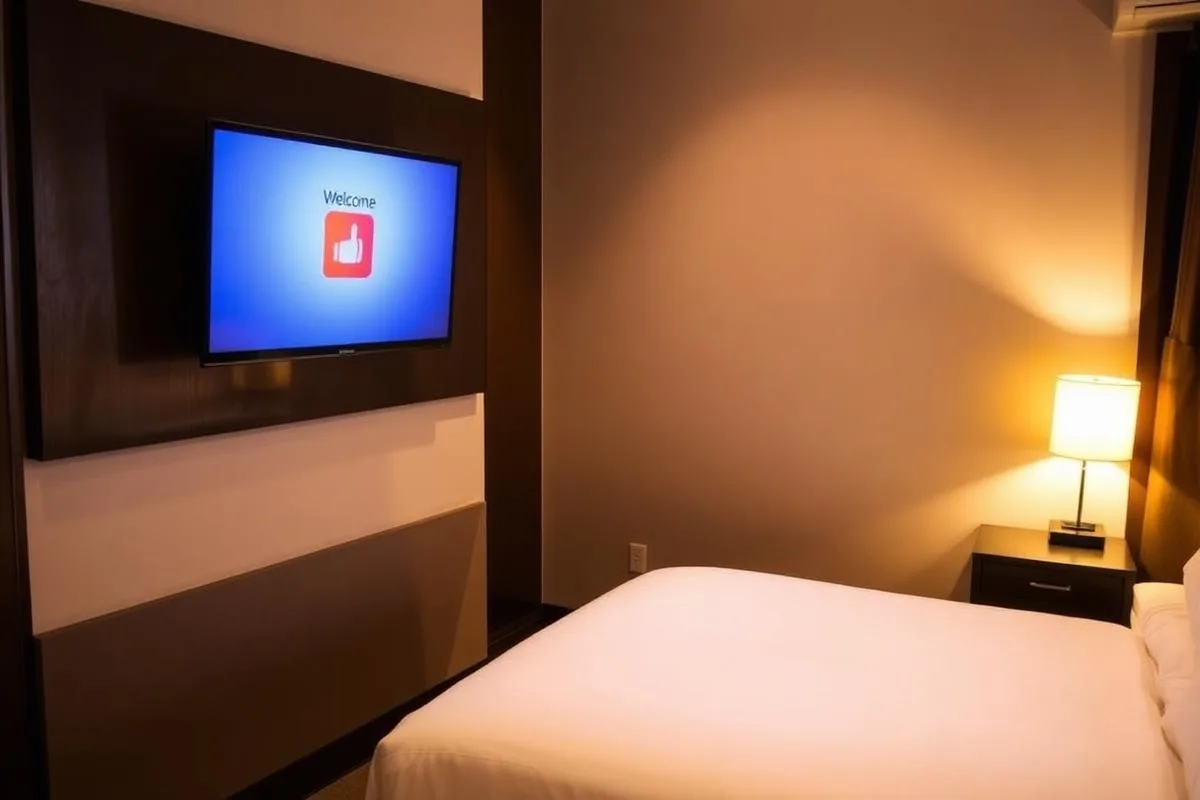
- Best format: landscape welcome channel, four or five information tiles maximum
- Benefit: fewer wifi and hours calls to the desk, plus a room to promote services
- Watch for: confirm the TV allows a fixed input or app channel before you promise it
9. Back-of-house boards for housekeeping and banquets
The screens guests never see are often the ones general managers value most. A board in the staff corridor with today's arrivals, VIPs, banquet set-ups and safety notes reaches part-time housekeeping and banquet staff who never open company email.
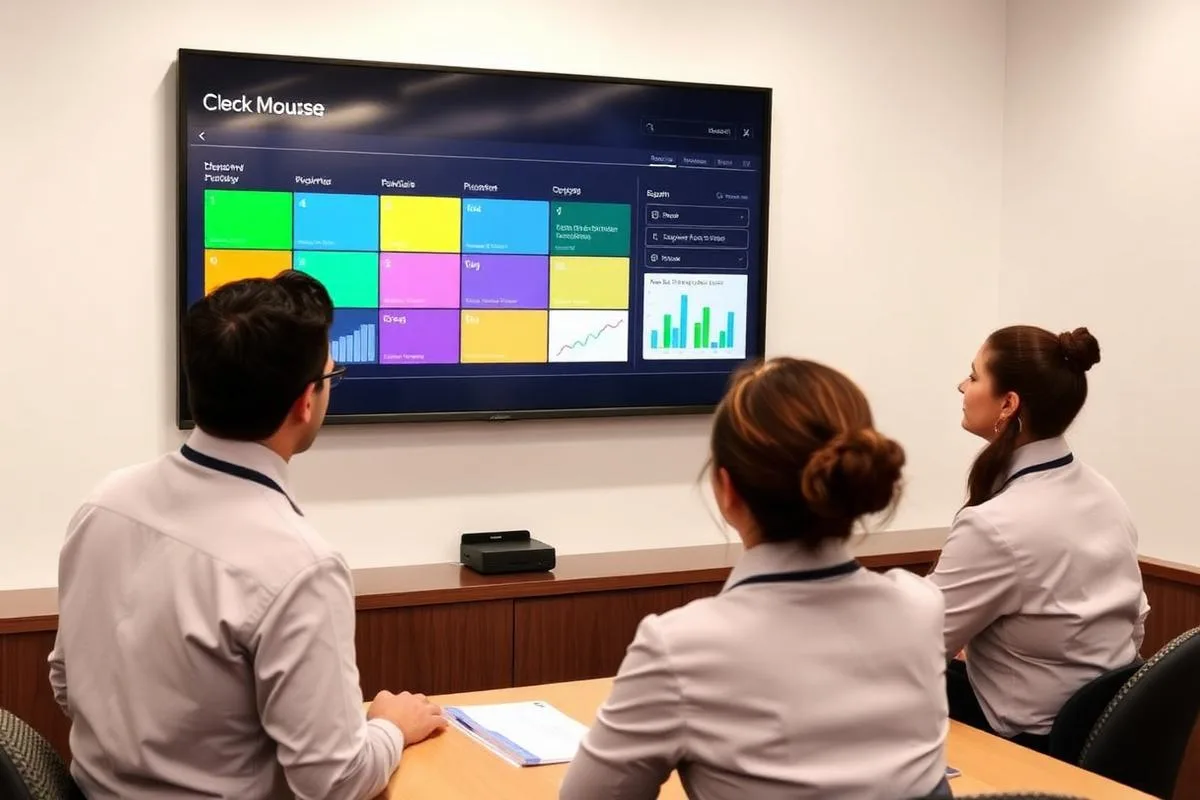
- Best format: dashboard layout with three or four zones, refreshed each morning
- Benefit: better shift handover and fewer missed set-up changes
- Watch for: keep it current, a stale staff board is ignored within a week
Where to start, by property type
You do not need nine screens on day one. The first screen that pays for itself depends on what the property sells.
| Property type | Start with | Add next |
|---|---|---|
| Limited-service / select-service hotel | Lobby welcome screen with breakfast hours | Entrance shuttle and weather board |
| Full-service hotel with function space | Event day board on the conference floor | Meeting room door panels |
| Resort | Interactive wayfinding in the main lobby | Elevator and pool-path activity screens |
| Conference hotel | Day board plus room panels together | Registration and sponsor screens |
| Boutique hotel | One design-led lobby screen | In-room welcome channel |
| Extended stay | In-room welcome channel | Laundry, gym and shuttle information screens |
Swipe the table sideways to see all columns.
Whichever you start with, give one person ownership of the content. A screen that shows last month's event is worse than no screen. If a property spans several floors of public space, treat wayfinding like a digital building directory rather than a poster.
The benefits hotels actually measure
Fewer front-desk interruptions
Shuttle times, wifi, dining hours and directions get answered by a screen instead of an agent mid-check-in.
No printed easels or compendiums
Day boards, menus and in-room information stop being a print and courier cycle.
On-property upsell revenue
Spa, F&B and upgrade offers reach guests already in the building at zero cost per impression.
Repeat group business
Planners re-book properties where their event name is on screen and corrections happen in seconds.
What a hotel screen actually costs
| Item | Typical cost |
|---|---|
| Signage software, per screen | $8 / month |
| Media player | Free on annual plans |
| Commercial display, 43 inch | From $495 |
| Meeting room panel or touch kiosk | Quote by size |
| Custom branded template | $200 one time, optional |
Swipe the table sideways to see all columns.
A lobby screen plus a restaurant menu board is about $192 per year in software. For a full line-by-line breakdown at 1, 5, 25 and 100 screens, see our digital signage cost guide, price a multi-property rollout with the digital signage budget calculator, or compare platforms on our digital signage platform comparison hub before you commit. Current plans and hardware are on digital signage pricing, and hotel layouts are ready to edit in the digital signage template library.
How many screens does a hotel need to start?
Most properties start with three: a lobby welcome screen, an event day board if there is function space, and a menu board in the restaurant. Add meeting room panels and elevator screens once someone owns the content day to day.
Can we use the TVs and displays we already own?
Usually yes. Any screen with a spare HDMI port works with a media player, so existing lobby and restaurant displays can be reused. Function corridors and windows are where a brighter commercial-grade display is worth the upgrade.
Who updates hotel digital signage content?
In practice one marketing or front-office owner handles brand content, while day boards and shuttle times run from a shared spreadsheet any manager can edit. Menus can be day-parted on a schedule so nobody touches them daily.
How does the event day board stay accurate?
Connect it to the group resume or a shared sheet rather than retyping events. When a session moves, the row changes and every day board and room panel updates within seconds.
Does hotel digital signage actually increase revenue?
The measurable wins are on-property upsells: spa treatments, rooftop and restaurant covers, late check-out and room upgrades promoted where guests already wait. Properties with function space also report repeat group bookings because planners see their event named and corrected on screen within seconds.
What does hotel digital signage cost per screen?
Software is $8 per screen per month, with a free media player on annual plans. A 43 inch commercial display starts at $495, so a lobby screen and a restaurant menu board is roughly $192 per year in software plus one-time hardware.
Can one system run several properties?
Yes. Screens are grouped by property in one account, so brand content can be published to every hotel at once while each property keeps control of its own day boards, menus and shuttle times.
How long does a hotel rollout take?
A single property is typically live the same day the hardware arrives: plug in the media player, enter the 4-digit pairing code, and assign content. Multi-property rollouts are limited by installation scheduling, not software.
Plan your property's screens with us
Send us your lobby, function space and F&B layout and we will recommend where the screens go and what each one should show.
Still choosing a vendor? Compare digital signage platforms head to head, run your own numbers with the digital signage budget calculator, or see our digital signage pricing at $8 per screen per month with a free media player.
Related digital signage solutions
- Hospitality solutions Guest-ready in every corner.