
Everything you need to run your screens
Software, hardware, and creative, one platform to power your digital signage from end to end.
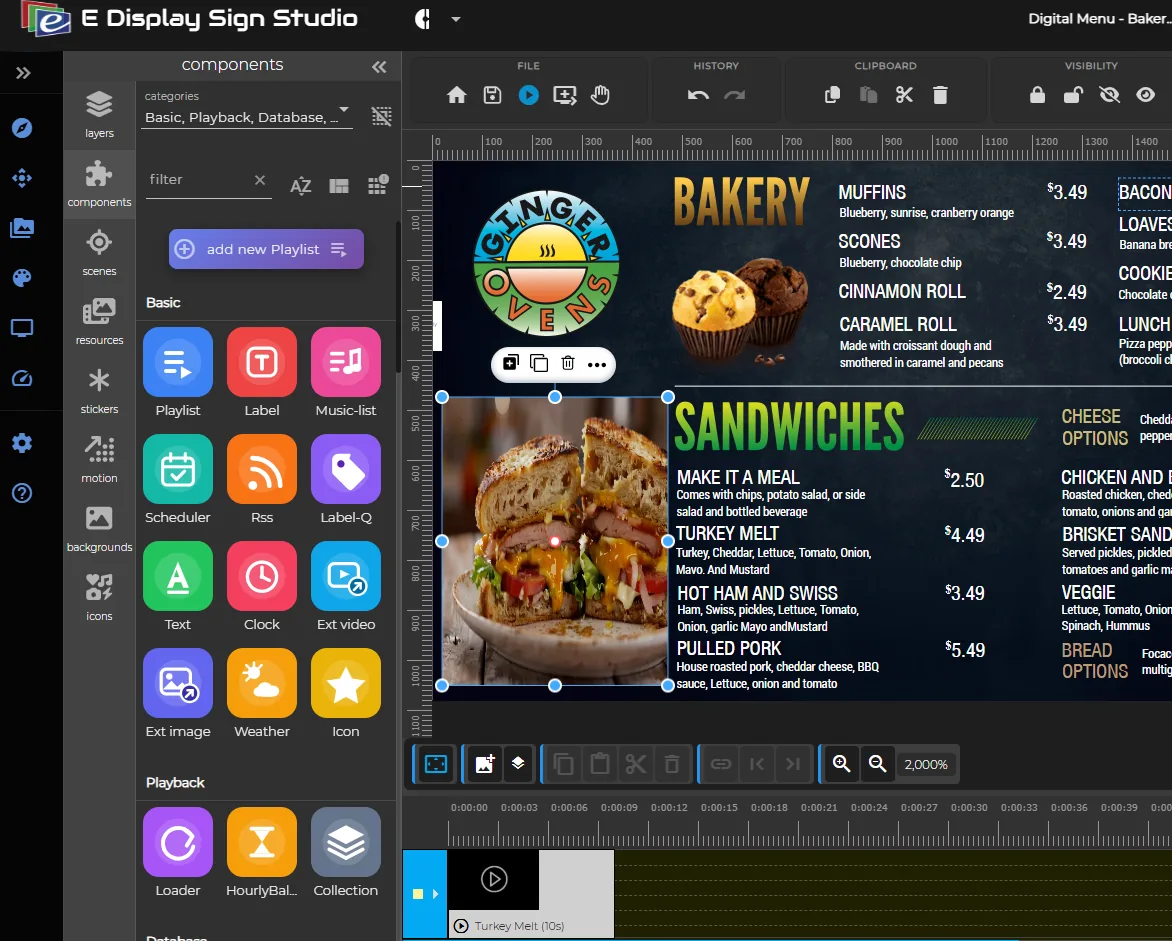
Digital Signage Software
Cloud CMS to manage every screen, schedule content, monitor devices, and publish updates in seconds.
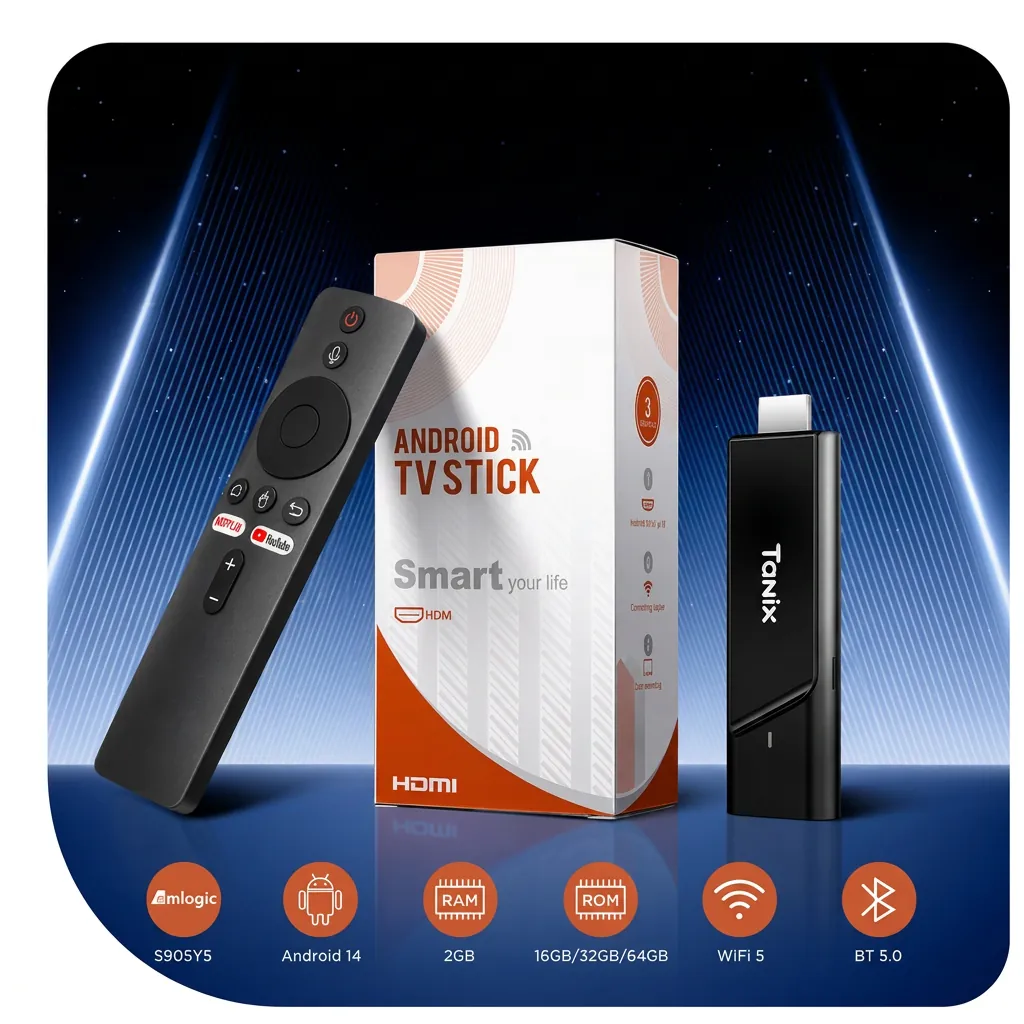
Media Player
Plug & play 4K signage devices. Compact HDMI stick that tucks behind any screen and just works.
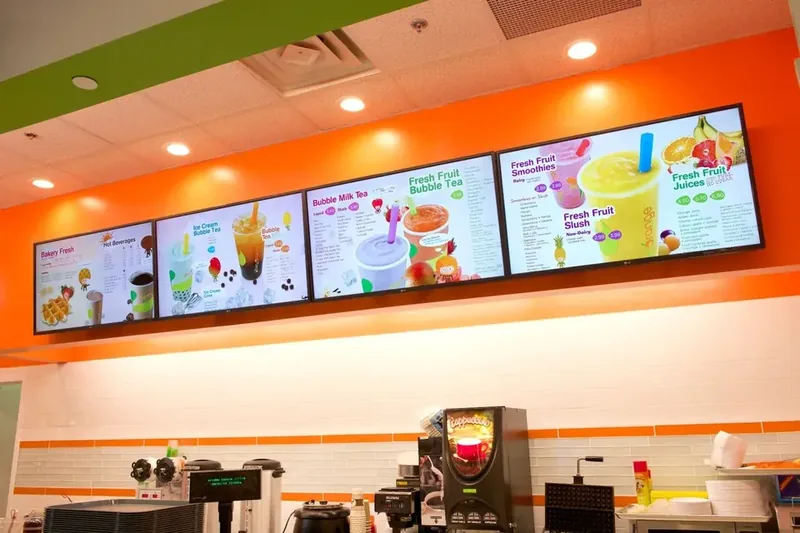
Content Design
Templates and creative services, from menu boards to full-motion campaigns, designed for your brand.
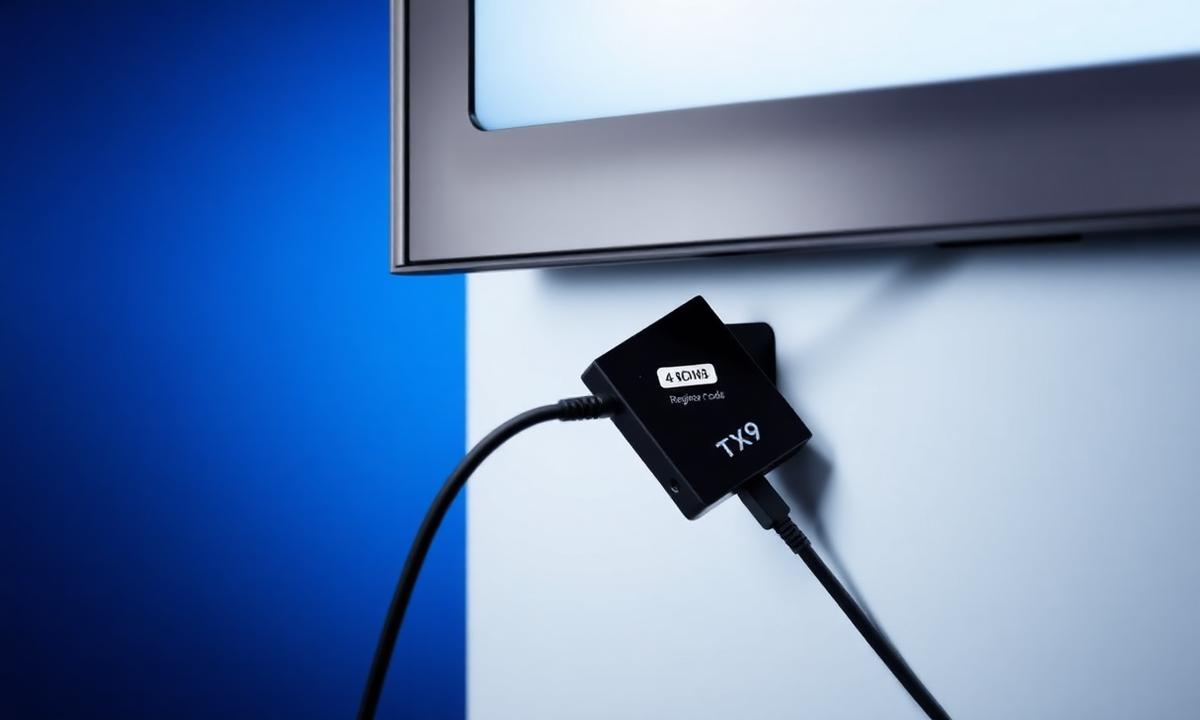
How It Works
Step-by-step setup guide: connect the TX9, pair your screen, design content, schedule, and publish.
How the pieces fit together
A working digital signage setup has three parts: something to play the content, a place to manage it, and the content itself. E Display covers all three, so you deal with one vendor, one invoice, and one support team instead of stitching a player vendor, a CMS subscription, and a design freelancer together.
The player sits behind the screen and pulls its schedule from the cloud. The software is where you upload media, build playlists, group screens by location, and set the times each item should appear. Content Design is the shortcut for the part most teams get stuck on: turning a price list or a promotion into a layout that reads clearly from ten feet away. Every screen is licensed at $8 per screen per month billed yearly, whether it runs on a TX9 or on hardware you already own.
Which product do you need?
| If you want to… | Start with | Why |
|---|---|---|
| Turn a TV you already own into a signage screen | Media Player | The TX9 plugs into HDMI and is free with a new yearly license. |
| Manage many screens across several locations | Digital Signage Software | Group screens, schedule by daypart, and publish to a whole region at once. |
| Replace printed menus or a lobby directory | Content Design | Start from a template built for that use case instead of a blank canvas. |
| See the full setup before committing | How It Works | A step-by-step walkthrough from unboxing to your first publish. |
Built for these environments
The same software and player run across very different rooms. Restaurants and cafés use digital menu boards to change pricing and dayparts without reprinting. Offices and multi-tenant properties run a building directory that tenants can update themselves. Retailers use in-store screens for promotions and wayfinding, and hotels run lobby and event boards. If you are still sizing the project, the digital signage budget calculator gives you a hardware-plus-licensing estimate in a minute, and you can compare digital signage platforms side by side.
Product questions
- Do I need to buy hardware and software separately?
- Each screen needs one license and one player. The license is $8 per screen per month billed yearly, and new yearly activations include a TX9 media player free with free shipping to the US and Canada. If you already own a Chrome OS, Windows, Android TV, or Raspberry Pi device, you can install the E Display player app on it instead and only pay for the license.
- How long does it take to get a screen live?
- Plug the TX9 into an HDMI port, connect it to Wi-Fi, then enter the 4-digit pairing code shown on the screen into your E Display account. The screen is registered and starts playing its assigned scene automatically, usually within a few minutes.
- What is the difference between the software and content design?
- The Digital Signage Software is the cloud CMS you use to build playlists, schedule content, and monitor devices. Content Design is our creative service and template library: we adapt menu boards, directories, and promotional layouts to your brand so you are not starting from a blank canvas.
- Can one account manage screens in multiple locations?
- Yes. Screens are grouped by location or by any structure you choose, so a single publish action can update one store, a region, or every screen in the network. Device status, uptime, and the currently playing content are visible per screen from the same dashboard.
- What happens if a screen loses internet access?
- Content is cached locally on the player, so playback continues from the last synced schedule. When the connection returns, the player pulls any content and schedule changes automatically and reports its status back to the dashboard.