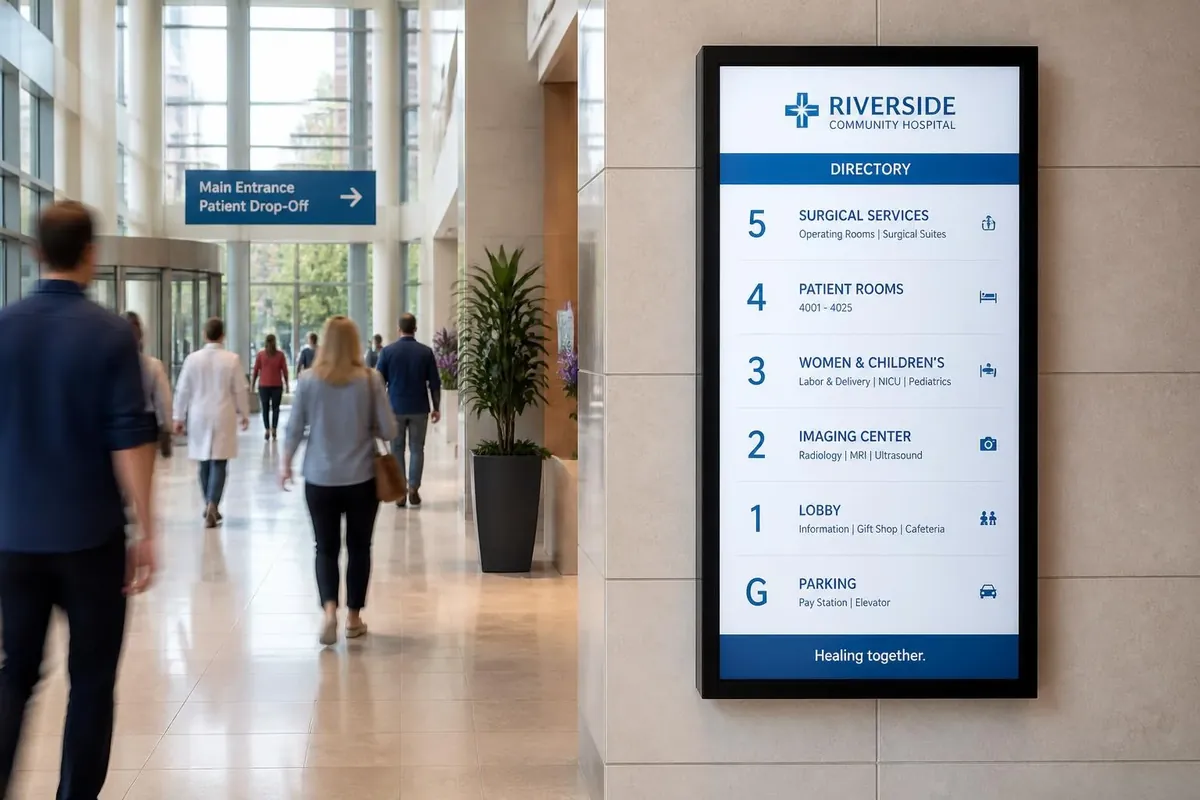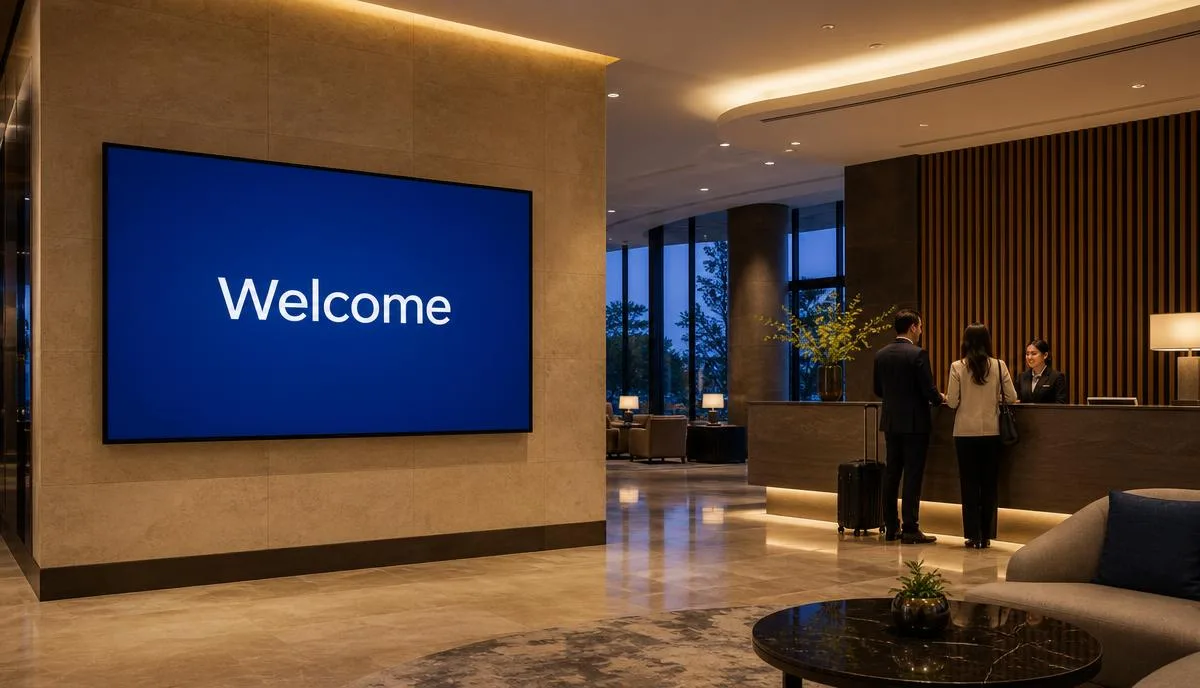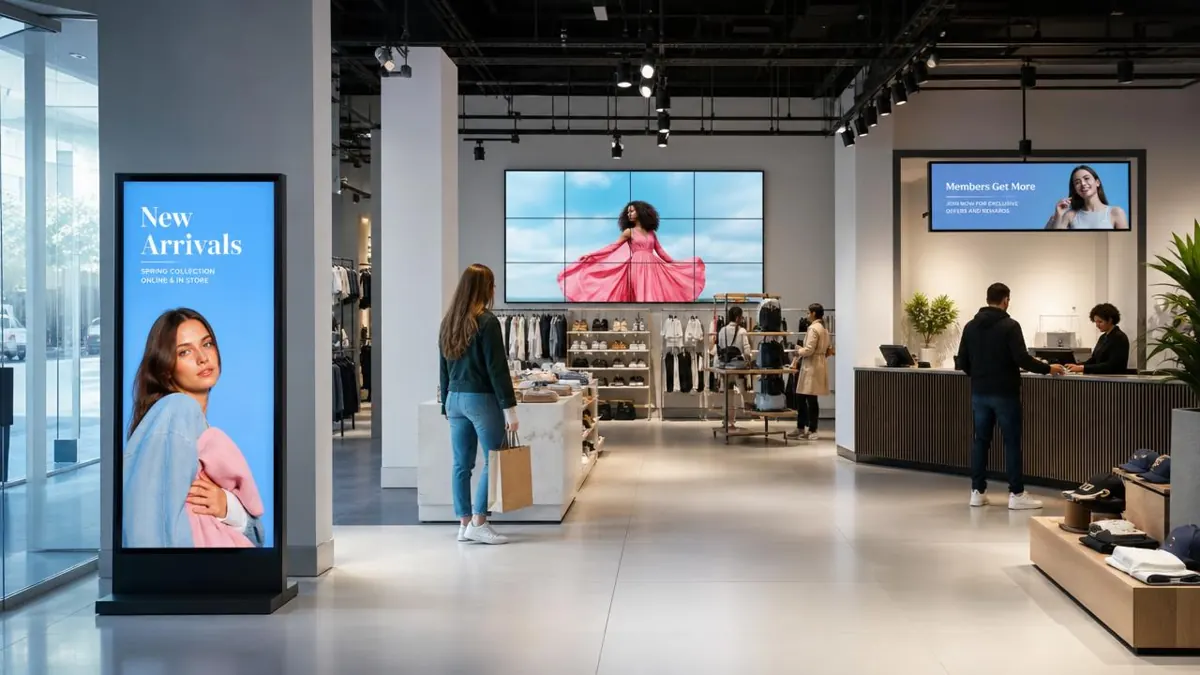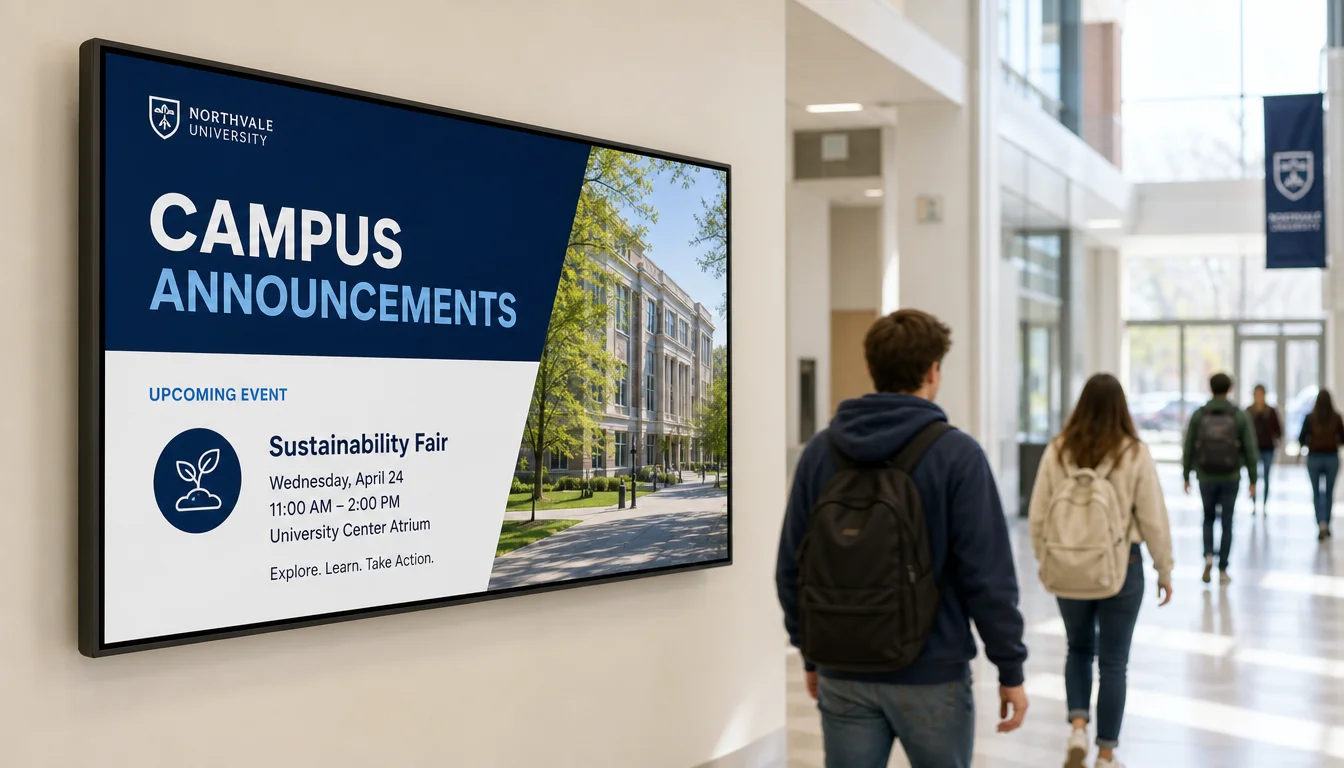
The best digital signage for schools is the kind that replaces paper and unread email: an entrance wayfinding directory, campus-wide emergency alerts, room and class schedules outside classrooms, event and student life boards, cafeteria menu boards, classroom instructional displays, donor and achievement walls, and staff communication screens in faculty areas. Below are eight examples with photos, where each one belongs on campus, and what a rollout costs.
The 8 school digital signage ideas, in short:
- Campus wayfinding and entrance directory screens
- Campus-wide emergency and safety alerts
- Classroom and hallway room schedules
- Event promotion and student life boards
- Cafeteria and dining hall menu boards
- Classroom instructional displays
- Donor recognition and achievement walls
- Staff and faculty communication screens
If you want the platform detail rather than the ideas, our education digital signage solution page covers district-wide publishing, emergency alert messaging, scheduling and templates: education digital signage solution, or see digital signage pricing for what a screen costs.
From K-12 campuses to universities, schools are some of the most information-heavy environments there are, and digital signage gives them one system instead of a patchwork of printed flyers, whiteboards, and mass emails. Everything below runs on the same cloud software at $8 per screen per month, with a free media player on annual plans.
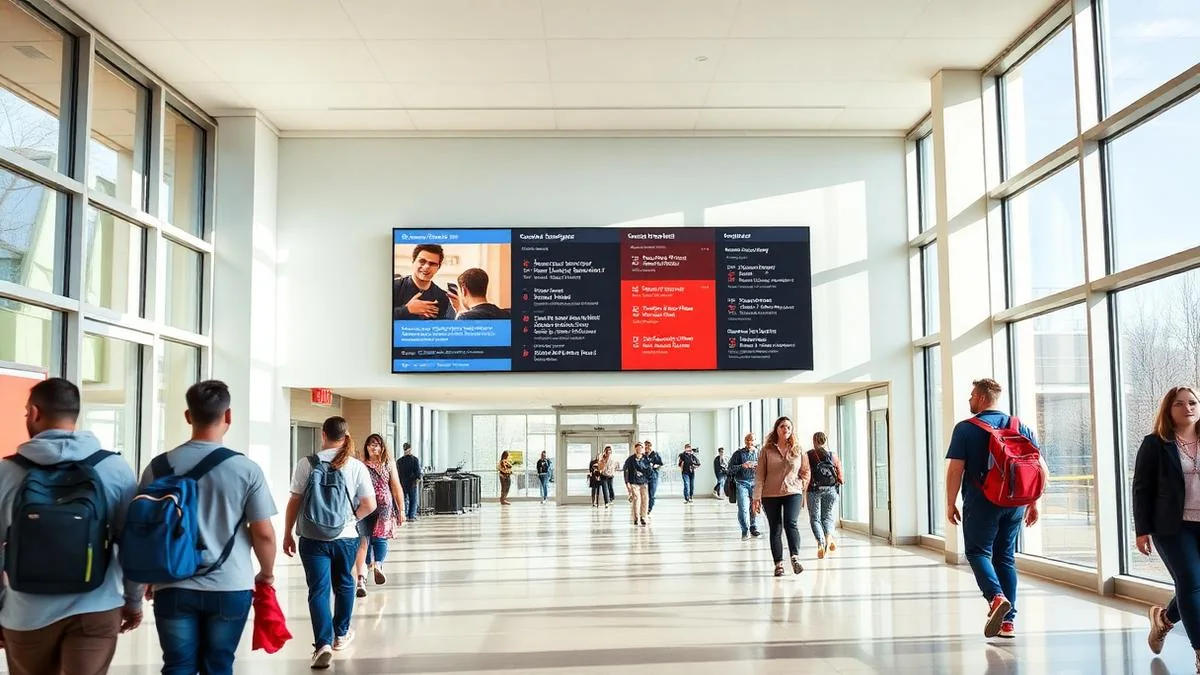
1. Campus wayfinding
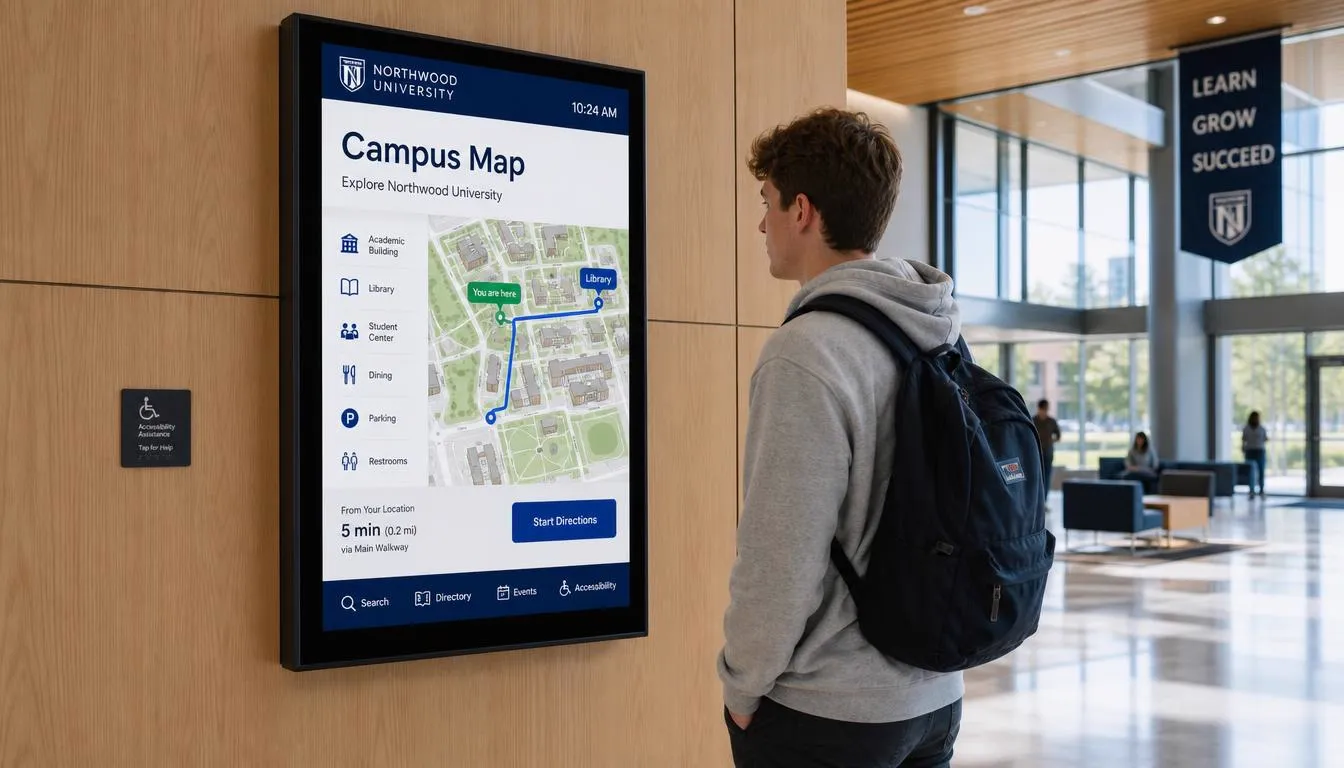
Large campuses, especially universities and multi-building K-12 districts, are hard for new students, parents, and visitors to navigate. Entrance directory screens with searchable maps help visitors find a specific building, office, or event space without stopping staff for directions, and they are far easier to keep current than a printed campus map.
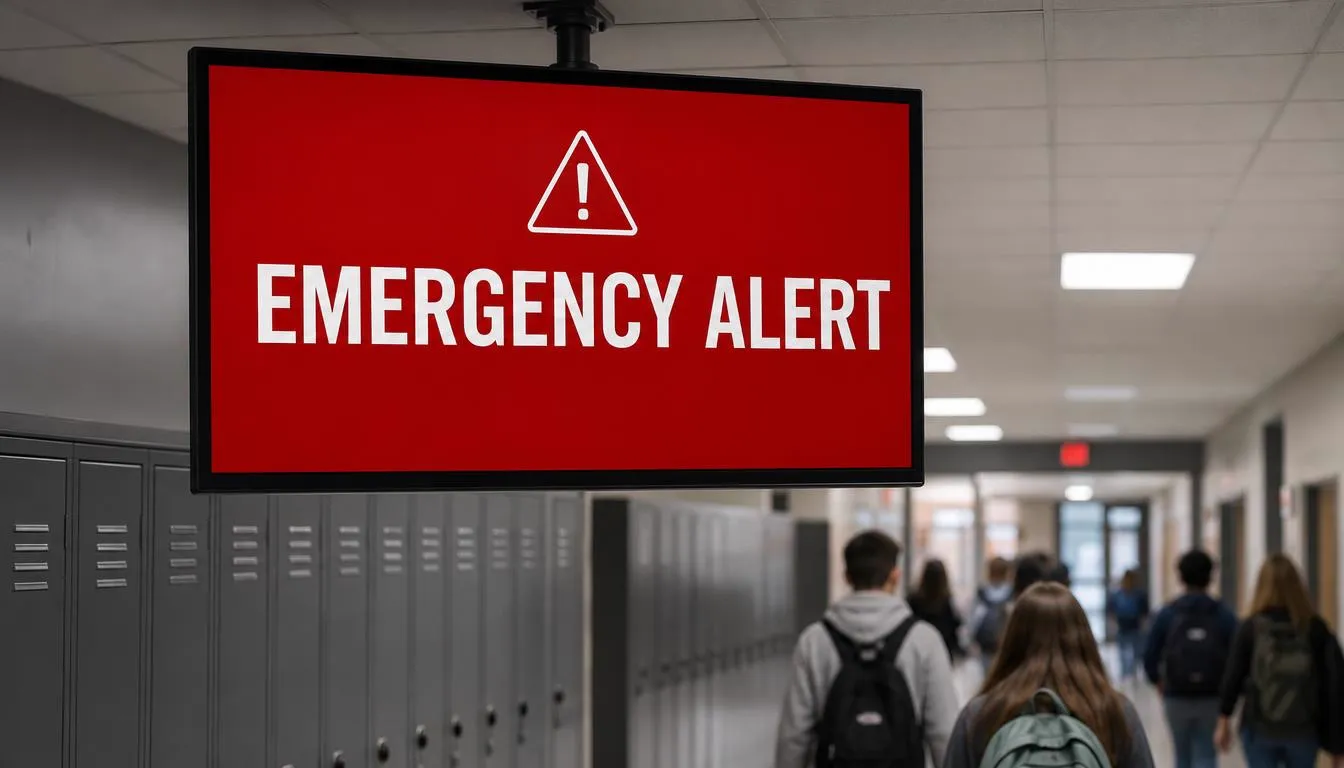
2. Emergency alerts and safety communication
This is one of the highest-value use cases in education. A digital signage network that can push an emergency message to every screen on campus instantly, lockdown notices, severe weather alerts, evacuation instructions, gives schools a communication channel that does not rely on students checking their phones or hearing an announcement over a PA system.
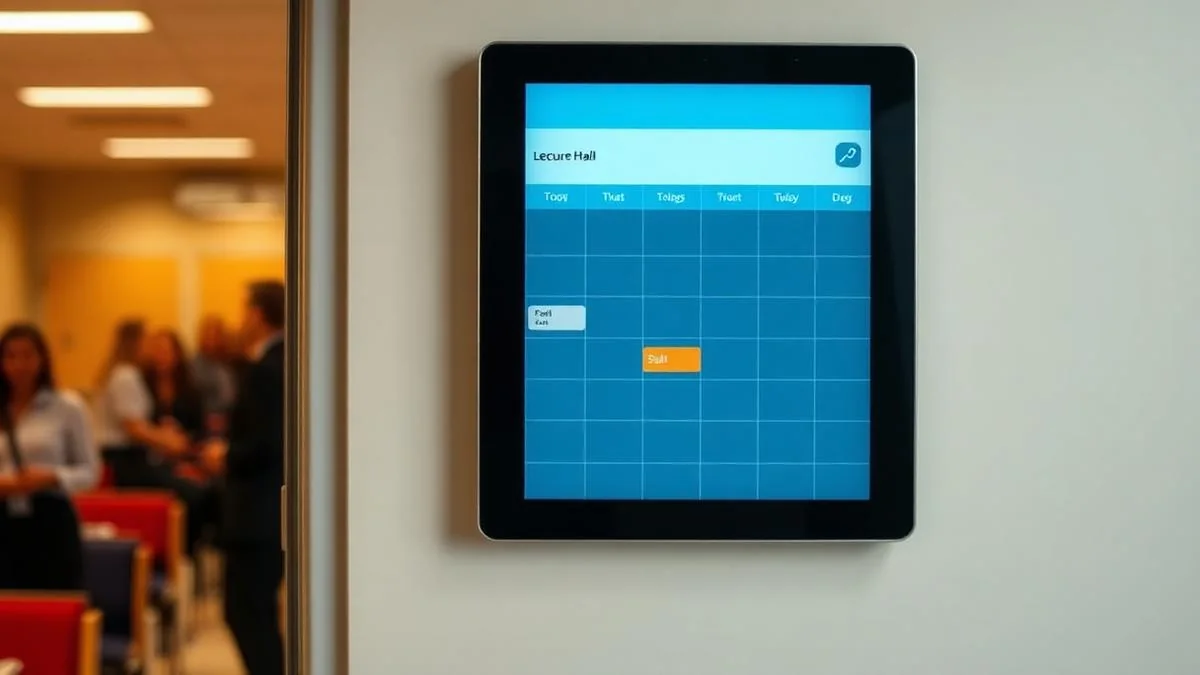
3. Classroom and hallway schedules
Digital screens outside classrooms, labs, or meeting rooms can show the day's schedule, which class or event is currently in session, and what is coming up next, reducing the confusion of double-booked rooms or students unsure where a class moved to.
4. Digital bulletin boards for schools and student life
Screens in cafeterias, student unions, and common areas are a natural fit for promoting sports schedules, club meetings, guest speakers, and campus events. Content that used to live on a bulletin board buried under old flyers now gets rotated in front of students throughout the day.
For schools still running cork boards in hallways, replacing them with a digital bulletin board means the same announcements reach every screen at once, outdated flyers disappear automatically, and office staff no longer walk building to building with a stapler and fresh paper each week.
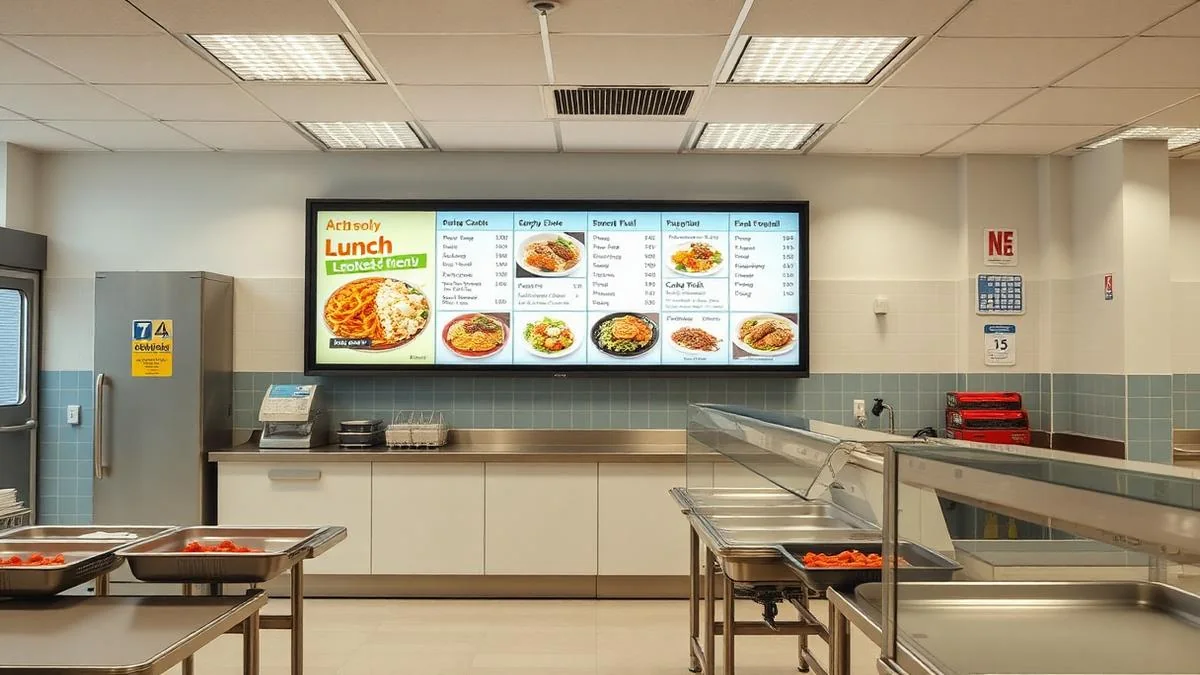
5. Cafeteria and dining hall menu boards
Digital menu boards in dining halls let schools update daily menus, allergen information, and pricing instantly, and easily accommodate rotating meal options, similar in concept to a QSR menu board, adapted for a school dining environment.
6. Classroom instructional displays
Inside the classroom, interactive displays support lessons with video, live web content, and collaborative tools, moving beyond a static projector screen into something teachers can actively use as part of instruction.
7. Donor recognition and achievement walls
Universities and private schools often use a dedicated screen to recognize donors, honor roll students, or athletic achievements. A digital version updates instantly each term instead of waiting on a new engraved plaque or printed board.
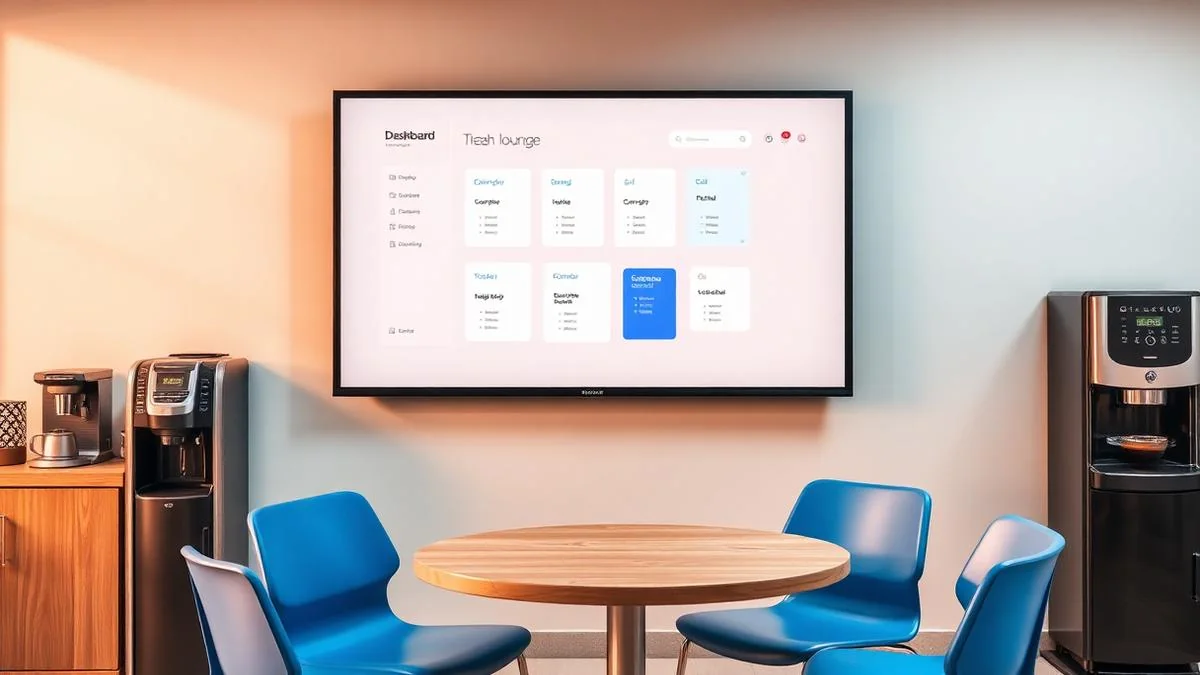
8. Staff and faculty communication
Break rooms and faculty lounges benefit from screens showing internal announcements, meeting schedules, and district or administration updates, cutting down on missed emails and printed memos.
What to consider when planning digital signage for schools
Emergency alert integration
Prioritize a system that supports instant, network-wide emergency messaging. This is the single highest-impact use case for most campuses.
Multi-building and district management
Larger districts and universities benefit from a single dashboard that can push content to specific buildings, specific rooms, or the entire network at once.
Content moderation
With student- or club-submitted content like event flyers and announcements, a simple approval workflow keeps screens accurate and on-brand.
Budget by building priority
Most schools start with high-traffic areas such as the main entrance and cafeteria before expanding to individual classrooms and hallways.
What an education rollout costs
| Item | Typical cost |
|---|---|
| Signage software | $8 per screen per month, billed annually |
| Media player | Free on annual plans |
| Reusing an existing TV | $0 |
| New commercial display | From $495 |
| Touch wayfinding kiosk | Quote by size |
| Custom branded template | $200 one time, optional |
Swipe the table sideways to see all columns.
An entrance announcement screen plus a cafeteria menu board is about $192 per year in software. For the full line-by-line breakdown at 1, 5, 25 and 100 screens, see our digital signage cost guide, or run your own numbers in the digital signage budget calculator.
Where to start by school type
| School type | Best first screens |
|---|---|
| Elementary school | Main entrance announcements, cafeteria menu board |
| Middle & high school | Entrance alerts, cafeteria menus, athletics and event board |
| School district office | One dashboard pushing district-wide notices to every building |
| College & university | Touch wayfinding directory, lecture hall schedules, student union boards |
| Private & faith-based school | Entrance welcome screen, donor and achievement wall |
| Trade & training centre | Classroom instructional displays, lab and shop schedules |
Swipe the table sideways to see all columns.
Getting started
Most schools begin with an entrance wayfinding or announcement screen and a cafeteria menu board, since these serve the largest number of people daily. Emergency alert capability is worth prioritizing early, even on a small initial screen count, since it is the use case with the clearest safety impact. Our education digital signage solution page covers the software, templates and hardware options, the digital signage template library has school-ready layouts you can edit, and the digital wayfinding guide explains how searchable campus directories work.
What is digital signage used for in schools?
The most common uses are campus wayfinding and entrance directories, emergency alerts pushed to every screen at once, room and hallway schedules, event promotion in common areas, cafeteria menu boards, classroom instructional displays, donor recognition walls, and staff communication boards in faculty areas.
Can digital signage be used for emergency alerts?
Yes, and it is one of the strongest reasons schools adopt it. A signage network can push a lockdown notice, severe weather alert, or evacuation instruction to every screen on campus instantly, reaching people who are not looking at their phones.
Can we reuse the TVs already installed in our school?
Usually yes. Any display with a spare HDMI port works with a media player, so existing cafeteria or hallway TVs can be reused. Bright entrance lobbies are where a commercial-grade display is worth the upgrade.
How much does school digital signage cost?
Software is $8 per screen per month billed annually, which is $96 per screen per year, and annual plans include a free media player. Reusing an existing TV means a single screen often starts under $100 per year.
Can a district manage screens across multiple schools?
Yes. All buildings live in one dashboard, so a district office can push an announcement to every school at once, to one building, or to a single room, and each school can still manage its own local content.
Where should a school start with digital signage?
Most schools start with the main entrance and the cafeteria, since those screens serve the most people every day. From there it is straightforward to expand into hallways, classrooms, and staff areas.
Who manages the content on school screens?
Usually one or two staff members, often a communications coordinator or office administrator. Content is edited in a browser from any computer, and student- or club-submitted flyers can go through a simple approval step before they appear on screens.
How long does a school signage rollout take?
A single entrance or cafeteria screen can be live the same day the player arrives, since setup is a pairing code on screen. A multi-building district rollout is usually staged building by building over a few weeks, mostly dictated by mounting and network access.
Can screens show bell schedules, sports scores, or live web content?
Yes. Alongside slides and video, screens can show scheduled content by time of day, live web pages and dashboards, social feeds, and streaming sources, so a hallway screen can switch from morning announcements to an afternoon game feed automatically.
Planning a digital signage rollout for your campus?
Tell us about your buildings and systems and we will recommend where the screens go and what each one should show.
Still choosing a vendor? Compare digital signage platforms head to head, run your own numbers with the digital signage budget calculator, or see our digital signage pricing at $8 per screen per month with a free media player.
Related digital signage solutions
- Education solutions Campus communication, done right.