Corporate Digital Signage for Internal Communications
Unify internal communications across headquarters, branches, and remote sites. Broadcast company news, KPIs, town halls, and recognition, right on the screens employees already walk past.
Why internal comms teams choose E Display
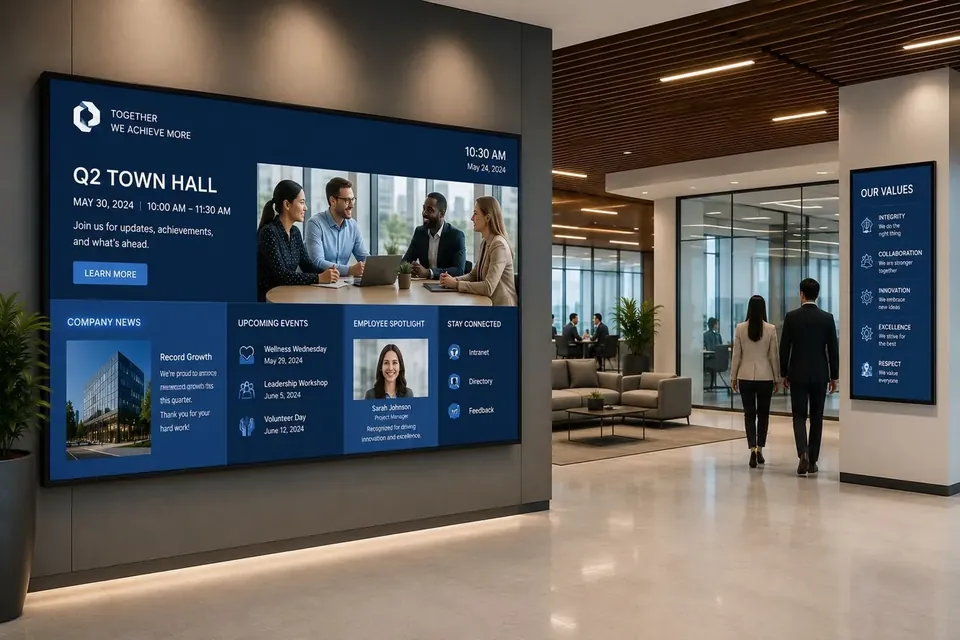
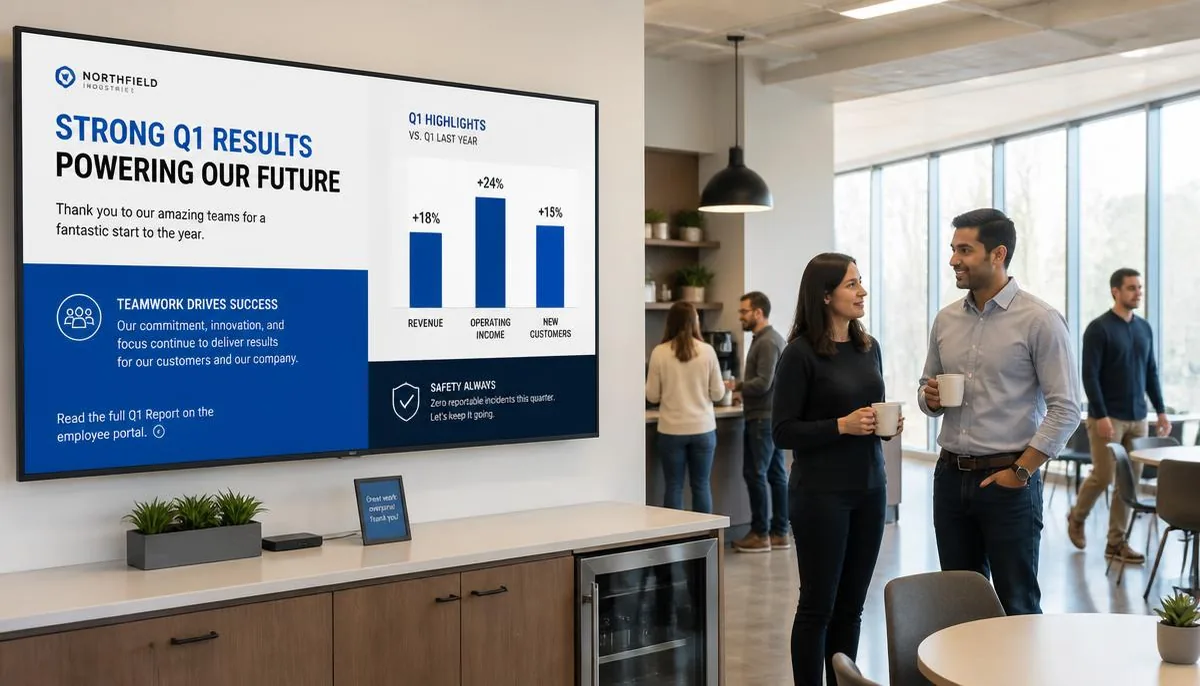
Company-wide email gets skimmed at best, and frontline and shift staff often have no inbox at all. Screens in the lobby, break room, and production floor reach everyone who walks past. E Display corporate digital signage turns those walls into your internal communications channel, company news, safety records, live dashboards, recognition, and town hall streams.
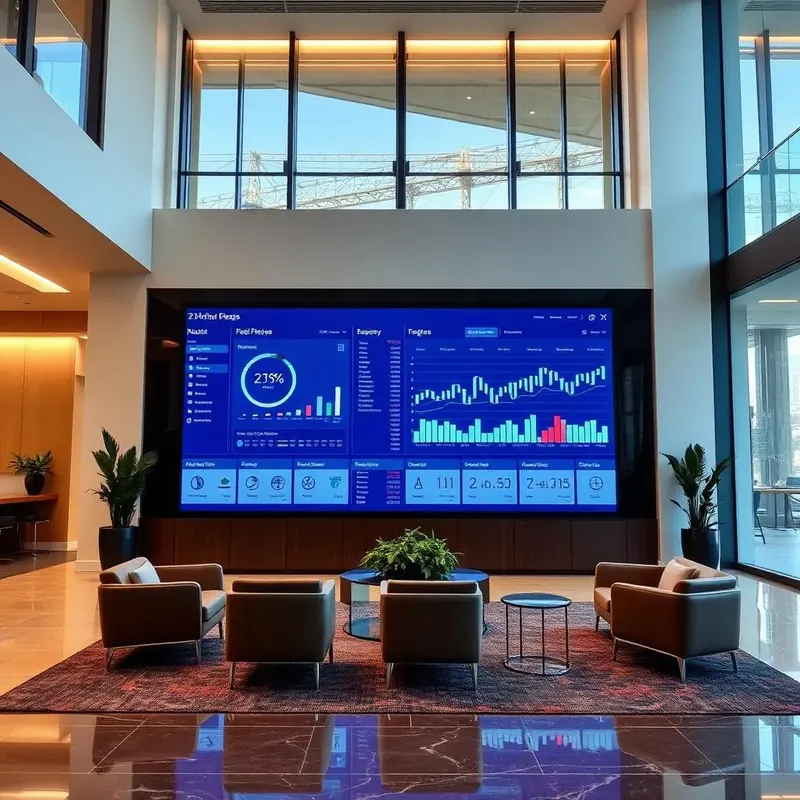
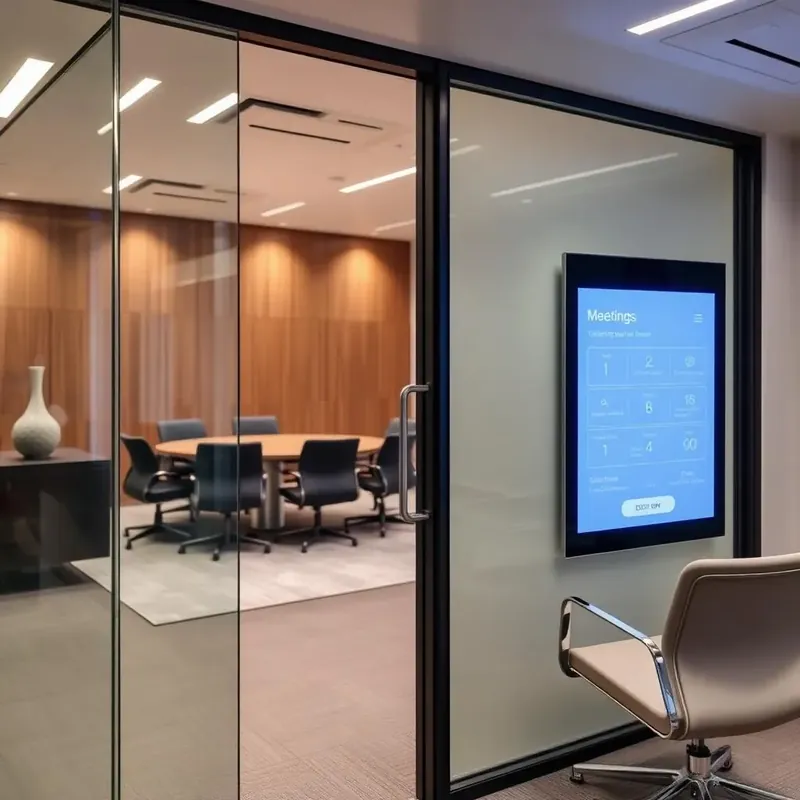
Every screen runs on our compact digital signage media player, or on our player app installed on any supported device, and is managed from a browser dashboard, so the comms team publishes once and reaches every office, branch, warehouse, and remote site. Live BI and KPI dashboards can be embedded straight from your existing tools, meeting room panels show availability, and a company-wide alert, evacuation, IT outage, weather closure, overrides every screen instantly.
Governance is built in: role-based publishing lets each department own its zone while comms approves what goes company-wide, and offline caching keeps content playing if a site loses connectivity. Start in one head-office lobby and expand to a global fleet on the same account.
Corporate digital signage software is $8 per screen per month billed annually, with a free media player included on new annual license activations, see full pricing, browse the free signage templates you can adapt for your screens, or read about our digital signage media player that runs them.
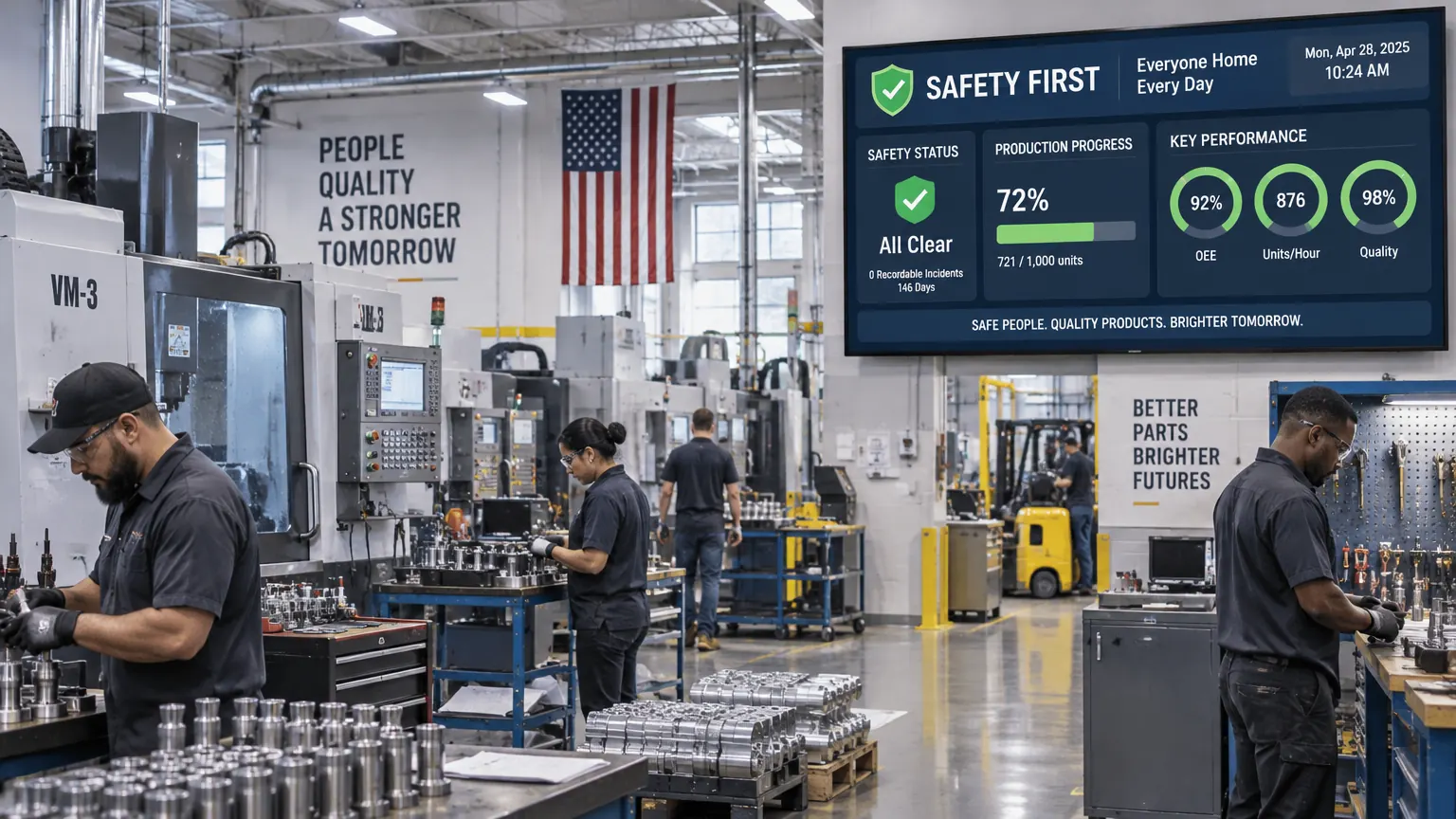
For frontline teams on production floors and in warehouses, see our dedicated guide to digital signage for manufacturing, including safety alerts, production KPI boards, shift handoffs, and multi-plant control.
Deploy in minutes
Plug in a TX9 TV Stick, sign in, and start publishing to any screen.
Beautiful by default
Free template library and drag-and-drop editor — no designer required.
Enterprise-grade
Encrypted delivery, role-based access, and 99.9% uptime SLA.
Measurable ROI
Track dwell time, playback proof-of-play, and campaign performance.
What's included
- Company news and KPI dashboards
- Live town hall streaming
- Employee recognition slides
- Meeting room availability displays
Why teams choose it
Boost engagement
Visible wins build culture across every floor.
Cut email overload
Broadcast once, reach everyone.
Data on every wall
Live BI dashboards for teams and leadership.
How corporate digital signage works
Three steps from unboxing to a live screen. No IT ticket, no proprietary hardware, no month-long deployment.
Plug in the TX9
Connect the TX9 TV Stick to any TV screen, connect to Wi-Fi, and register it to your E Display CMS account with a 4-digit code.
Design & schedule
Pick a free template or upload your own content, then set playlists, dayparts, and location targeting from the cloud dashboard.
Go live everywhere
Publish to one screen or thousands with a single click. Real-time proof-of-play confirms every screen is on-brand and on-time.
"This product along with the displays supplanted around our central and remote offices and shops made it possible to relate safety, operational, and HR related information without having to visit each location. This information could be updated within minutes instead of waiting for the next time someone visited that site to update the old push-pin bulletin boards. Plus, the displays look great and cutting edge. Also, any issue I ran into setting up the displays or with the Signage software, customer service was readily available to assist."
Corporate digital signage FAQs
What is corporate digital signage used for?
Companies use it for internal news and announcements, live KPI and BI dashboards, safety and days-without-incident boards, employee recognition and new-hire welcomes, town hall and all-hands streaming, meeting room availability, and visitor welcome screens in reception.
How much does office digital signage cost?
Software is $8 per screen per month billed annually ($96 per screen per year), with a free media player included on new annual license activations. Existing office TVs work, so a ten-screen head office is about $960 per year in software. Templates are free; custom branded layouts are a one-time $200 fee per design.
Can we display live dashboards from Power BI or Google Sheets?
Yes. Dashboards, web pages, and data feeds can be embedded as a zone on screen and refreshed on a schedule, so production, sales, and safety numbers stay current without anyone exporting a screenshot.
Can we stream a town hall to every office?
Yes. Push a live stream to every screen in the fleet, or a selected group, for the duration of the event, then return automatically to the normal playlist when it ends.
How do we control who can publish to company screens?
Role-based permissions and approval workflows scope each user to their screens and content. Department admins prepare content, and internal comms approves anything company-wide.
Ready to modernize your corporate communications screens?
Get a personalized demo of E Display for corporate communications, see how easy it is to launch, schedule, and scale digital signage across every location.