If you run a small business, you've probably looked at a screen in another shop and wondered whether it would work in yours. You do not need a wall of displays or an IT department to find out. Digital signage for small business can start with one TV, one player and one useful message.
This is the practical version for owners: what you need, where the first screen should go, what to put on it, and how to decide whether a second screen is worth adding. For detailed prices, hardware budgets and platform comparisons, the specialist guides linked below go deeper.
What a screen can do for a small business
Think of it as a sign you can change without reprinting. It can show today's special, a service you want customers to notice, your opening hours or examples of your work. The useful part is not the screen itself. It is keeping that information current while you are busy serving customers.
- Replace a repeated question. Show an answer customers regularly ask for, such as today's special or how to book.
- Keep one offer current. Change a promotion when stock, availability or the season changes.
- Match the time of day. Schedule a breakfast message in the morning and a different offer later.
- Show your work. Use clear product photos or customer-approved before-and-after images rather than a generic slideshow.
What you need for your first screen
A screen customers can see
An existing TV with an HDMI input can be a sensible indoor starting point. Check glare, viewing distance, operating-hour ratings and the warranty before relying on it all day. Bright windows or extended daily use may call for a commercial display.
A player that runs the content
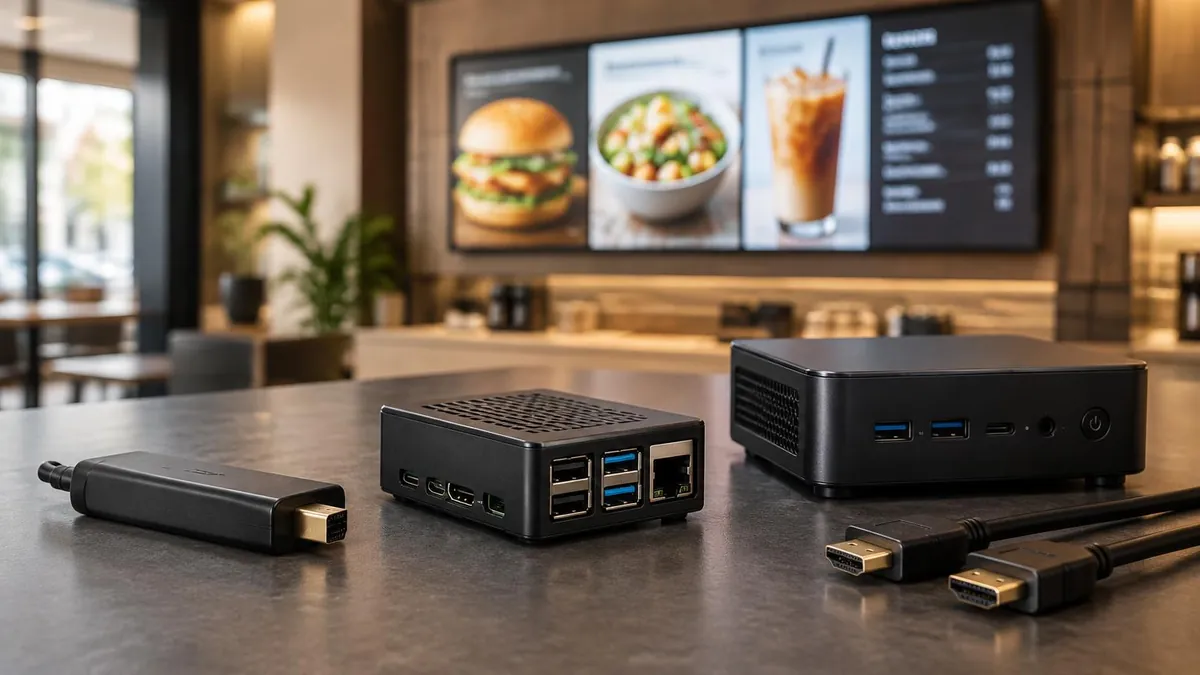
A small device connects to the screen and plays the messages. E Display's TX9 plugs into HDMI. If you want to reuse hardware, confirm its compatibility rather than assuming every smart TV can run the app. See digital signage player buying guide.
Software for updates
This is where you add a photo, change a message and schedule it. Choose something you can comfortably use each week. The feature details are in our digital signage software guide.
One ready-to-use layout
You do not need a custom design to start. Choose a layout from the digital signage template library, replace its sample content and check the result from a customer's position.
Keep the first purchase small
E Display software is $8 per screen per month, billed annually at $96 per year. A new yearly license includes a free TX9 media player. That covers software and the included player, not a TV, mounting or installation. Check current quarterly and yearly terms on digital signage pricing. For the full equipment budget, use digital signage cost guide or the digital signage budget calculator.
Affordable digital signage should fit both your cash budget and your available time. Before paying, check that you can update remotely, schedule content, get help and add a screen later. If you are considering USB playback or a free plan instead, our free digital signage options explains those options and their trade-offs.
Give the screen one job in your business
Start with the question that comes up most often at your counter or reception. These are starting points, not a reason to buy a screen for every corner.
- Restaurant or cafe: show the special customers can order right now. If you need a full menu, follow the digital menu board setup guide.
- Retail shop: highlight one new arrival or a product customers overlook. For more placements and examples, see retail digital signage ideas and the retail digital signage solution.
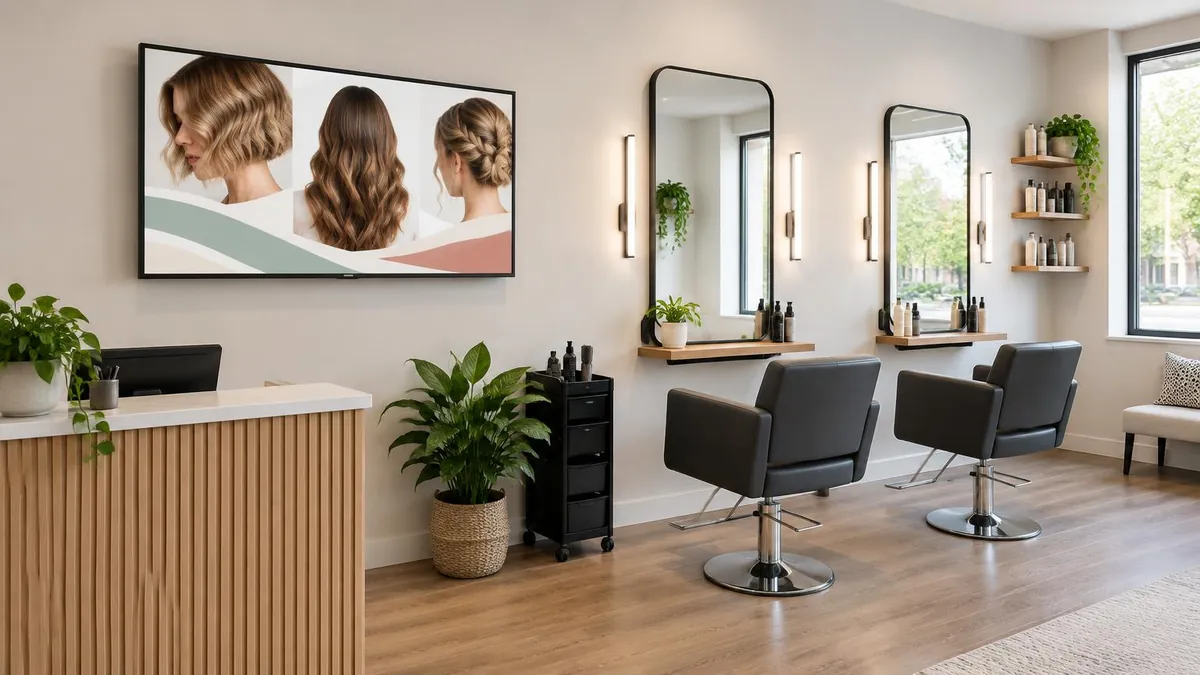
- Salon, spa or barbershop: explain one service and show a strong example of your work. Get permission before displaying client photographs.
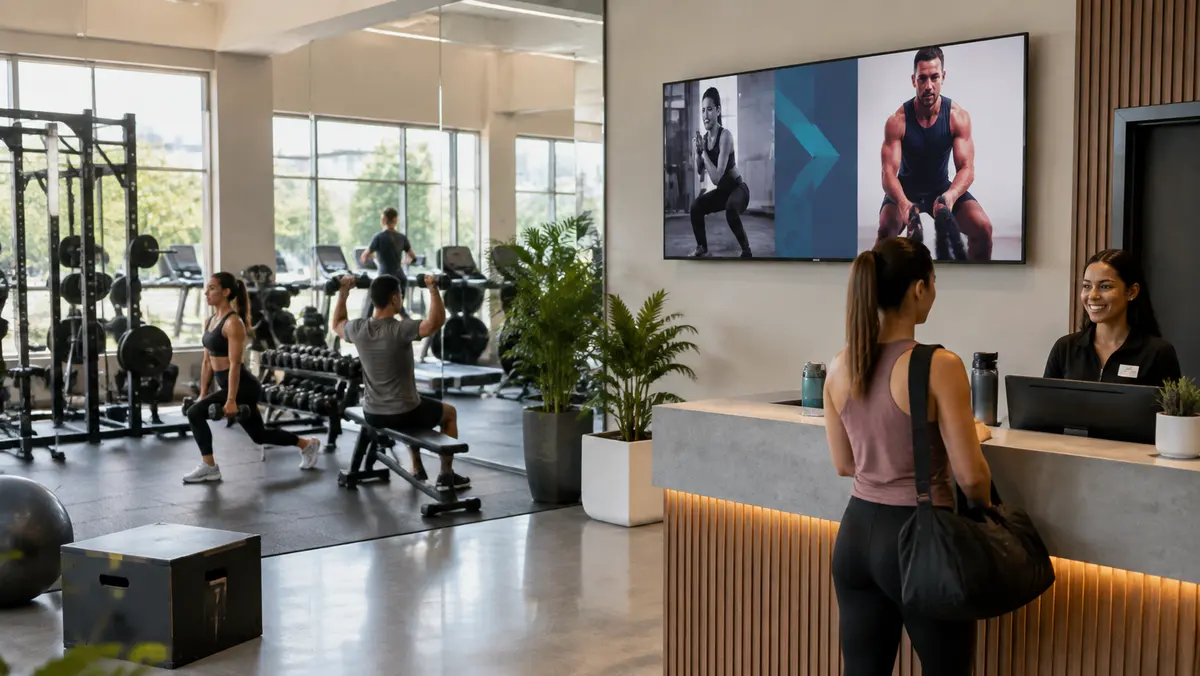
- Gym or studio: make today's class schedule easy to find. For fitness-specific planning, see gym digital signage guide.
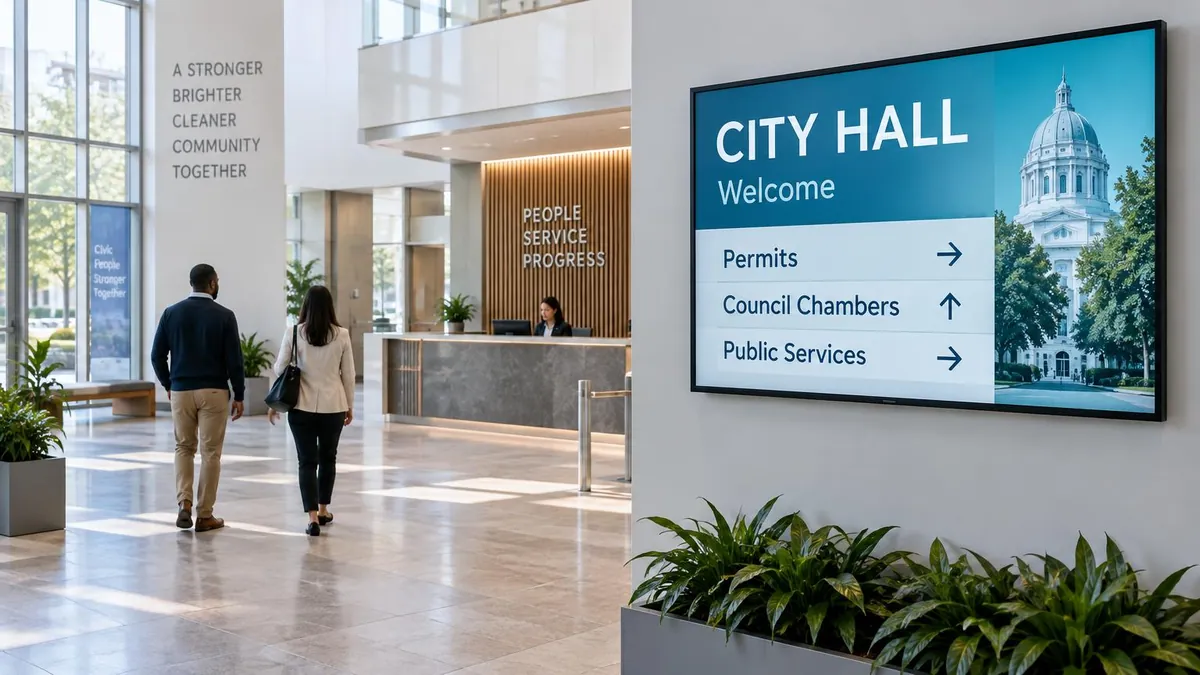
- Office, clinic or professional service: help visitors find the right person or understand the next step. A multi-tenant lobby may need a digital building directory instead of a promotion screen.
- Auto shop or dealership: explain a service package or how customers will receive a status update. Do not display customer names, registration details or unverified wait times.
What to put on it, and what to leave out
Good small business digital signage answers one question quickly. A customer should understand the message from where they actually stand, not just when you review it on a laptop.
- Lead with a reason to act. A genuine offer or clear next step is more useful than a logo on its own.
- Keep it readable. Use large text, a short headline and strong contrast. Test it from the farthest normal viewing point.
- Keep the loop short. Four to six slides is a useful starting point. Allow at least five seconds per slide and longer when there is more to read.
- Review it weekly. Remove expired promotions and check hours, stock and booking details.
- Skip the clutter. Long paragraphs, tiny conditions and competing messages make a small screen harder to use.
A one-screen plan for your first month
1. Choose the place before the equipment
Watch where customers pause: the register, the entrance or the waiting area. Put the message where it can answer a question before someone needs to ask. Check that the screen will not block access, compete with strong sunlight or require loose cables across a walkway.
2. Choose one goal you can observe
Pick a small outcome: more enquiries about a service, fewer repeated questions, or more orders for a featured item. Write down what happens before the screen goes up. You do not need a complicated report, but you do need something more specific than 'make the shop look modern.'
3. Build one simple loop
Start from a template, add your own photographs and use the fewest words that explain the offer. Keep one person responsible for checking accuracy. The digital signage setup walkthrough covers connecting the player, entering its 4-digit pairing code and publishing the content.
4. Run it for a month and adjust
Note the questions customers ask and whether they mention the message. Where practical, compare enquiries or featured-item sales with your starting point, allowing for changes in foot traffic and other promotions. If people miss the screen, try a clearer message or a better position before buying more equipment.
5. Add a second screen only when it has a different job
A second screen should solve a second problem, not repeat the first one around a corner. It might answer booking questions in a waiting area while the first promotes a product at checkout. If you cannot name its job, wait.

Who looks after the screen?
In a small shop, it is often the owner or the person who already handles promotions. Set aside a short weekly review, with extra time whenever an offer changes. Scheduling reduces daily work, but it does not replace checking the facts. E Display support is available by phone, chat and email if you get stuck.
Questions before starting with one screen
Is one screen enough for a small business?
Yes, if it has a clear job and sits where customers will see it. Start at a counter, reception or waiting area, then add another screen only when there is a separate message or audience to serve.
How do I choose the first thing to show?
Use a question customers already ask: today's special, a service you offer, where to go or how to book. Keep the first message narrow so you can tell whether it is useful.
Do I need a designer for my first screen?
Not necessarily. A template with your own photos and short, readable text is a practical starting point. Ask someone to read it from the normal customer viewing position before publishing.
What happens to my shop screen if Wi-Fi drops?
A configured player can continue showing downloaded, cached content. Internet is needed for initial setup, new updates and refreshing live information such as weather, web pages or feeds. Test your intended content before relying on offline playback.
How do I know when to add another screen?
First check whether the existing screen helps customers or reduces repeated questions. Add another when you can identify a different location, audience or task it will serve. More screens alone do not make the messages more useful.
Plan your first screen
Tell us what your business does and where customers pause. We can help you choose a sensible first screen and a message worth showing.

About the author: Khalid Qadir
Khalid Qadir is Co-Founder & VP Business Development at E Display, with 20+ years of experience as a Principal Product Manager scaling AI-driven enterprise platforms including conversational AI, agentic automation, and digital signage and CX systems for Fortune-scale organizations.
Connect with Khalid on LinkedInStill choosing a vendor? Compare digital signage platforms head to head, run your own numbers with the digital signage budget calculator, or see our digital signage pricing at $8 per screen per month with a free media player.
Related digital signage solutions
- Retail solutions Sell more with every glance.