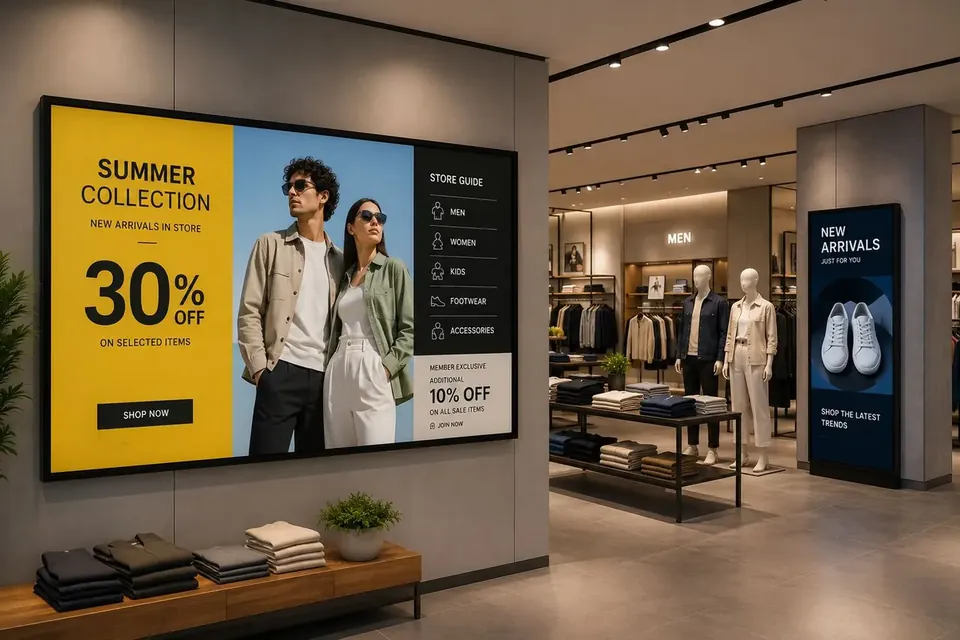
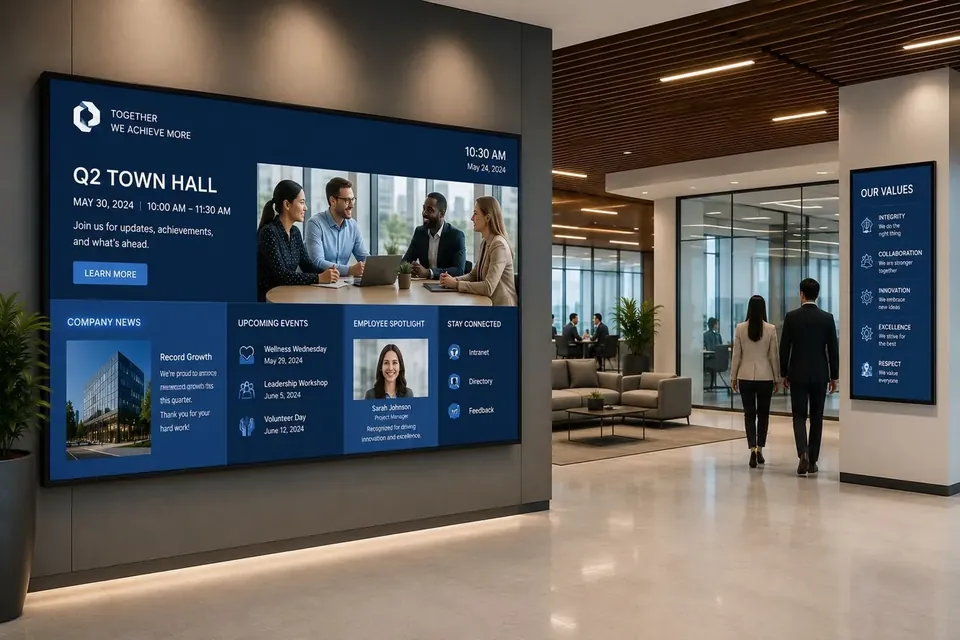
Education Digital Signage for Every Campus
Education digital signage for schools, colleges, and universities, share daily announcements, bell and class schedules, cafeteria menus, athletics and event promotion, student recognition, and campus-wide emergency alerts from one cloud dashboard.
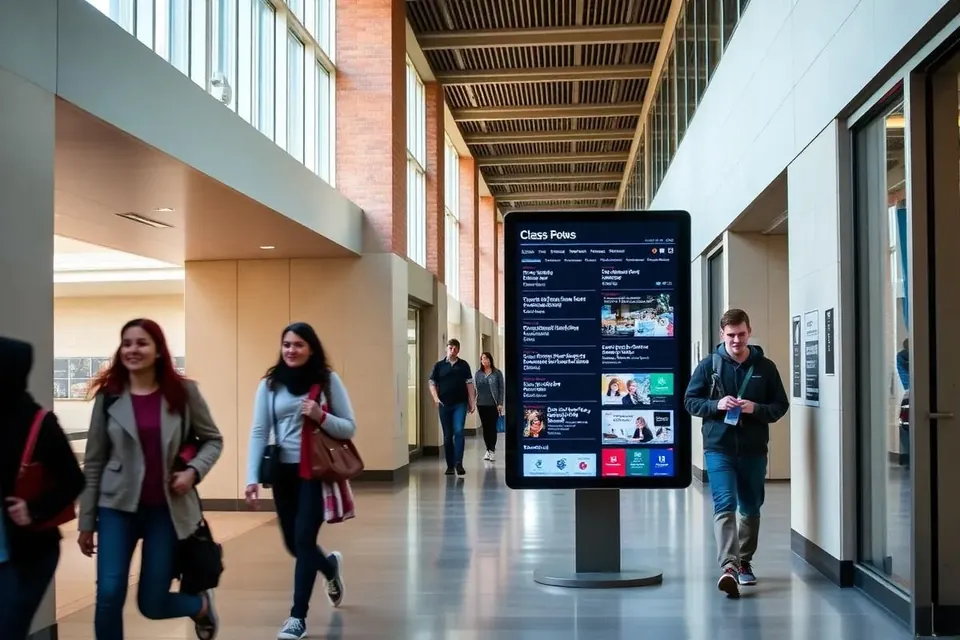
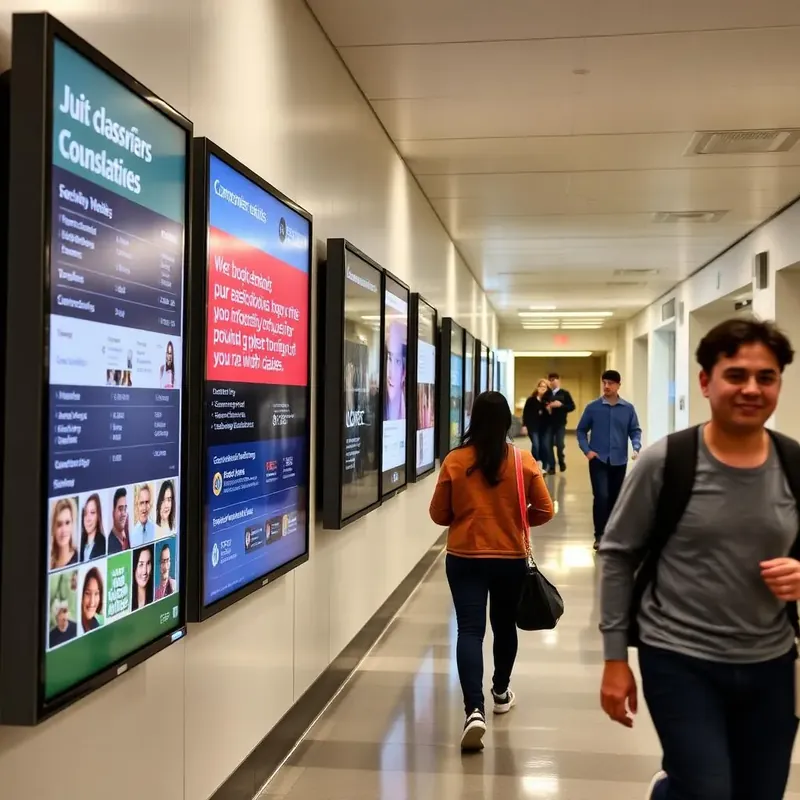
Why schools, colleges, and universities choose E Display
A school day changes by the hour, bell schedules shift, rooms move, assemblies get rescheduled, and printed bulletin boards go stale by lunch. Digital signage for schools gives your front office one cloud platform to run every hallway, cafeteria, gym, and classroom screen, from a single campus TV to a district-wide network.
Every school screen runs on our compact digital signage media player, or on our player app installed on any supported device, and is managed from a browser dashboard your office staff can learn in an afternoon, no dedicated PC, no new cabling, and no IT ticket for a daily announcement. Schedule bell and class schedules, cafeteria menus, athletics results, and student recognition ahead of time, and override every screen instantly with an emergency alert when you need to.
Whether you are starting with one hallway digital bulletin board or standardizing signage across every school in the district, E Display scales with you, role-based publishing and approval workflows let teachers, front-office staff, and student media clubs contribute while administrators approve what goes live, and offline caching keeps schedules playing if the school network drops.
School digital signage software is $8 per screen per month billed annually ($96 per screen per year), with a free media player included on new annual license activations and phone, chat, and email support , see full pricing, browse the free signage templates you can adapt for announcements, athletics, and cafeteria menus, or use digital menu boards for the cafeteria and a digital directory in the front office.
Deploy in minutes
Plug in a TX9 TV Stick, sign in, and start publishing to any screen.
Beautiful by default
Free template library and drag-and-drop editor — no designer required.
Enterprise-grade
Encrypted delivery, role-based access, and 99.9% uptime SLA.
Measurable ROI
Track dwell time, playback proof-of-play, and campaign performance.
What's included
- Class schedule and room change displays
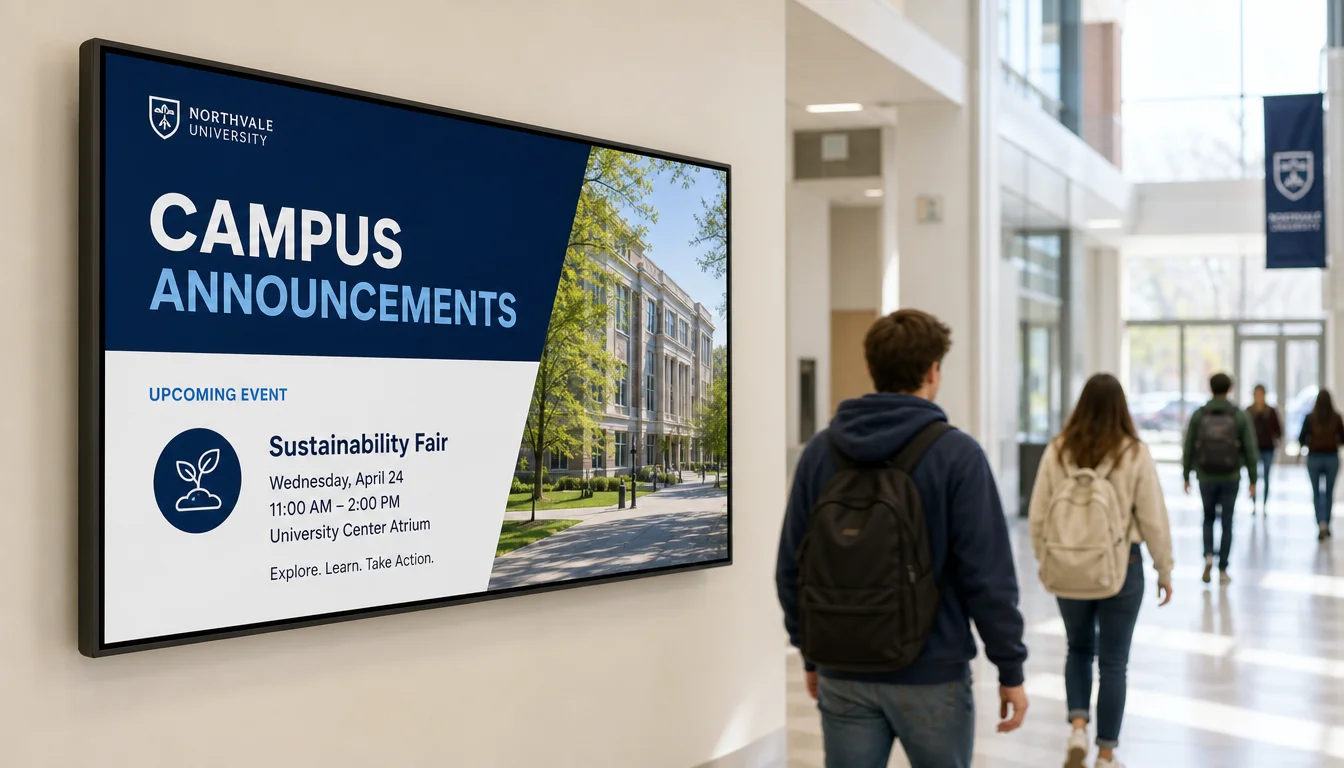
- Campus events and clubs promotion
- Emergency alert broadcasting
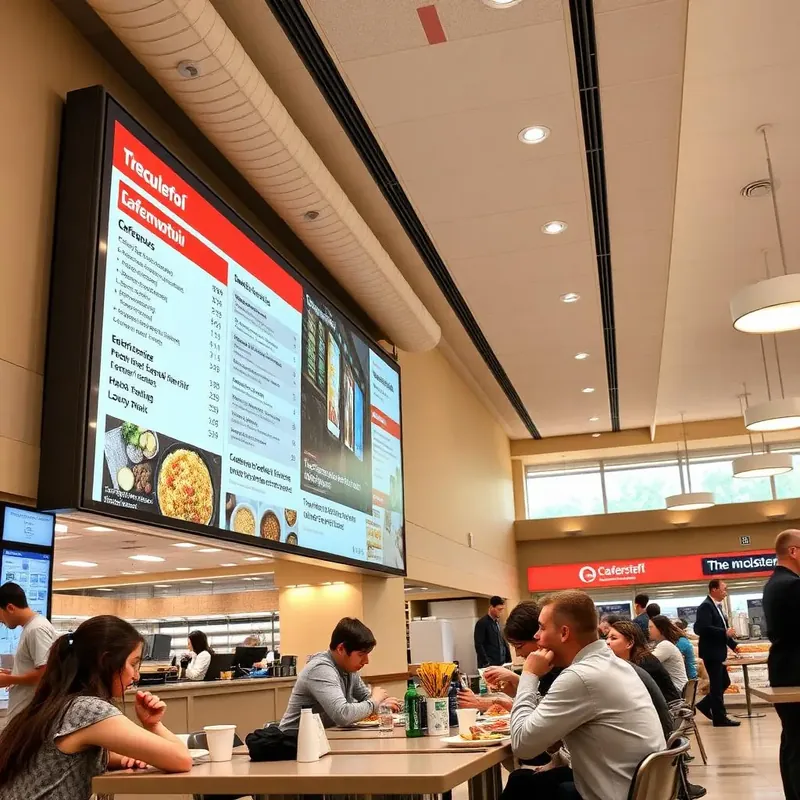
- Cafeteria menu boards
- Departmental content zones
Why teams choose it
One source of truth
Cut through email noise with visual updates.
Rapid emergency response
Alerts reach every screen in seconds.
Engaged campus culture
Highlight student wins and upcoming events.
How school digital signage works
Three steps from unboxing to a live screen. No IT ticket, no proprietary hardware, no month-long deployment.
Plug in the TX9
Connect the TX9 TV Stick to any TV screen, connect to Wi-Fi, and register it to your E Display CMS account with a 4-digit code.
Design & schedule
Pick a free template or upload your own content, then set playlists, dayparts, and location targeting from the cloud dashboard.
Go live everywhere
Publish to one screen or thousands with a single click. Real-time proof-of-play confirms every screen is on-brand and on-time.
"We just started using E Display and so far, they have been FANTASTIC. We trialed several other digital signage companies and many were either incredibly easy to use but incredibly expensive or very difficult to use and inexpensive. We had a really hard time finding a middle ground. EDisplay was the absolute best option for what we needed at the absolute best price. The best thing about these guys is their customer support/service. They are incredibly friendly, always have the right answers to any problems, and are very fast to respond!"
Digital signage for schools FAQs
What is digital signage for schools used for?
Schools use digital signage for daily announcements and bell schedules, class and room-change notices, cafeteria menu boards, athletics and event promotion, student and staff recognition, visitor wayfinding in the front office, and emergency alerts such as lockdowns or weather closures. One E Display account can drive every screen from a single hallway TV to a district-wide network.
How much does digital signage for schools cost?
E Display school digital signage software is $8 per screen per month billed annually ($96 per screen per year), with a free media player included on annual plans. You can reuse TVs the school already owns, so many campuses start with a single hallway or cafeteria screen for under $100 per year in software. Templates are free, or our design team can build branded school layouts for a one-time $200 fee per design.
How do we set up digital signage in a classroom or hallway?
Connect the TX9 TV Stick to any TV screen, connect it to Wi-Fi, and register it to your E Display CMS account with a 4-digit code. Then choose a template, add your announcements or schedules, and publish. No new cabling, no dedicated PC, and no proprietary display required.
Can we send emergency alerts to every screen on campus?
Yes. An emergency message can override every screen on a campus, or every campus in a district, in one click, then release back to normal content when the alert clears. Alerts can also be triggered from integrated notification systems so lockdown and weather messages reach hallways instantly.
Can teachers and student teams help update the screens?
Yes. The dashboard is drag-and-drop in any browser, and role-based permissions plus approval workflows let teachers, front-office staff, or a student media club prepare content while an administrator approves what actually publishes.
Can one district manage signage across multiple schools?
Yes. Group screens by school, building, or department so each campus keeps its own announcements and branding, while the district office can push shared messages, calendars, or emergency alerts to every screen at once from one cloud dashboard.
Does school signage keep working if the network goes down?
Yes. The TX9 player caches content locally, so schedules, menus, and announcements keep playing through a Wi-Fi or internet outage and sync automatically once the connection returns.
Does it work for colleges and universities too?
Yes. Higher-ed campuses use E Display for lecture-hall and room schedules, library and lab hours, campus news and event promotion, residence-hall and dining information, wayfinding kiosks, and emergency notifications across multiple buildings.
Ready to modernize your education screens?
Get a personalized demo of E Display for education, see how easy it is to launch, schedule, and scale digital signage across every location.