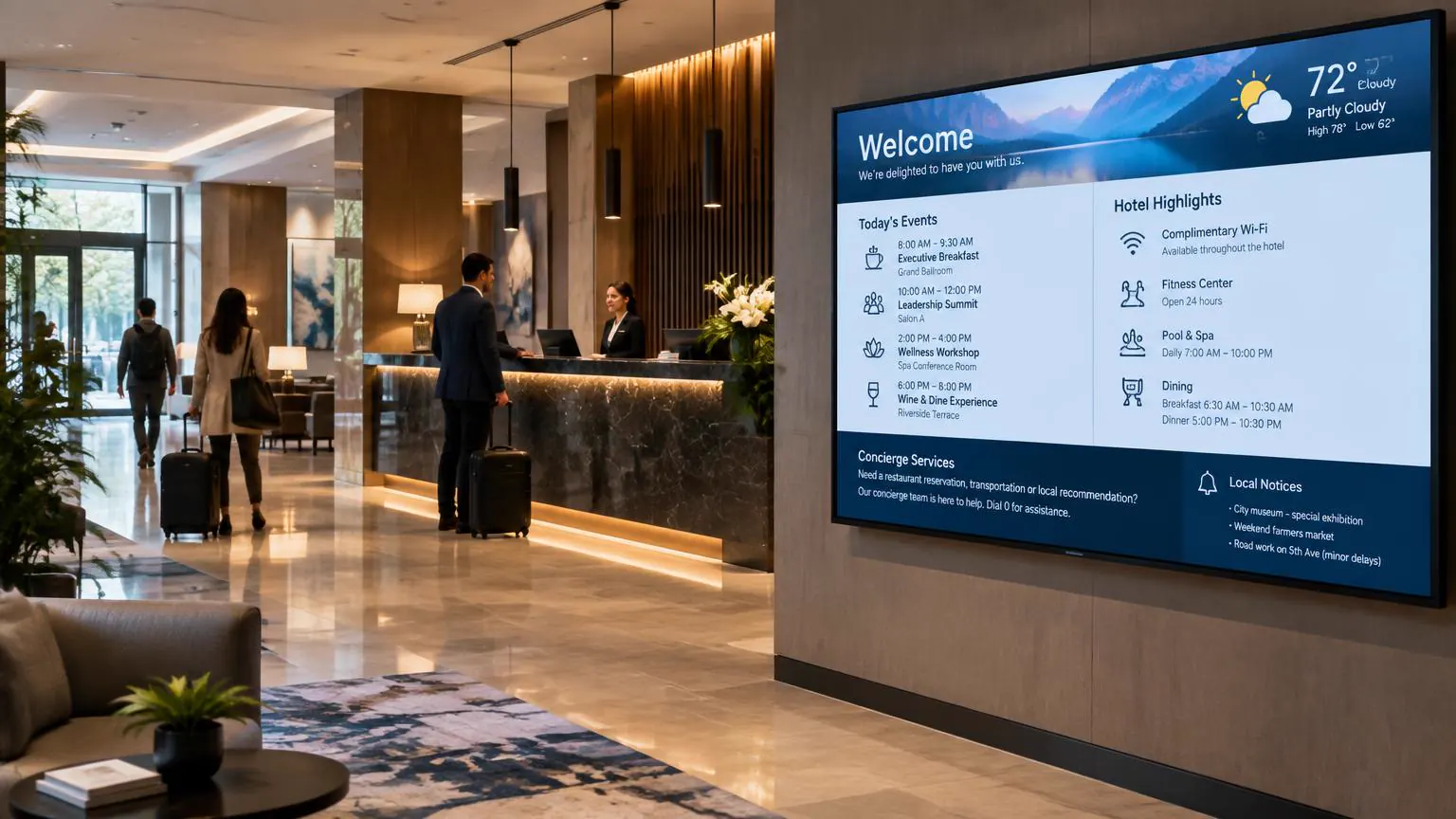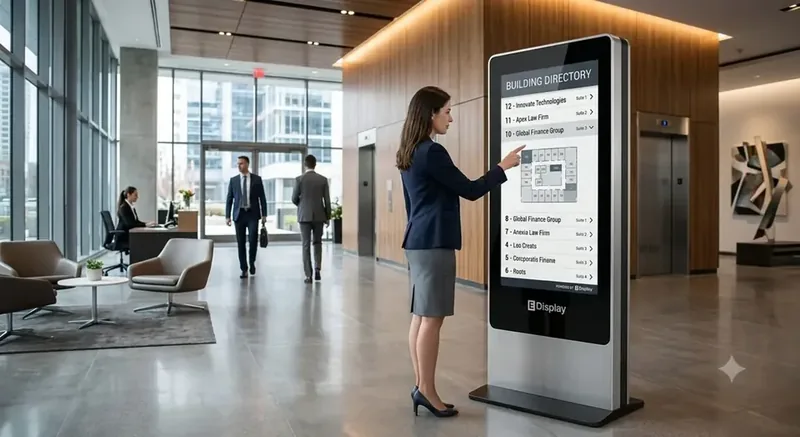
Registration and welcome screens
Greet attendees at check-in with the event name, today’s agenda, Wi-Fi details, and badge pickup directions, then switch to day-two content overnight.
Digital signage for events, conferences, trade shows, venues, and arenas: registration screens, digital wayfinding, session room displays, sponsor loops, and live schedule changes from one browser dashboard.
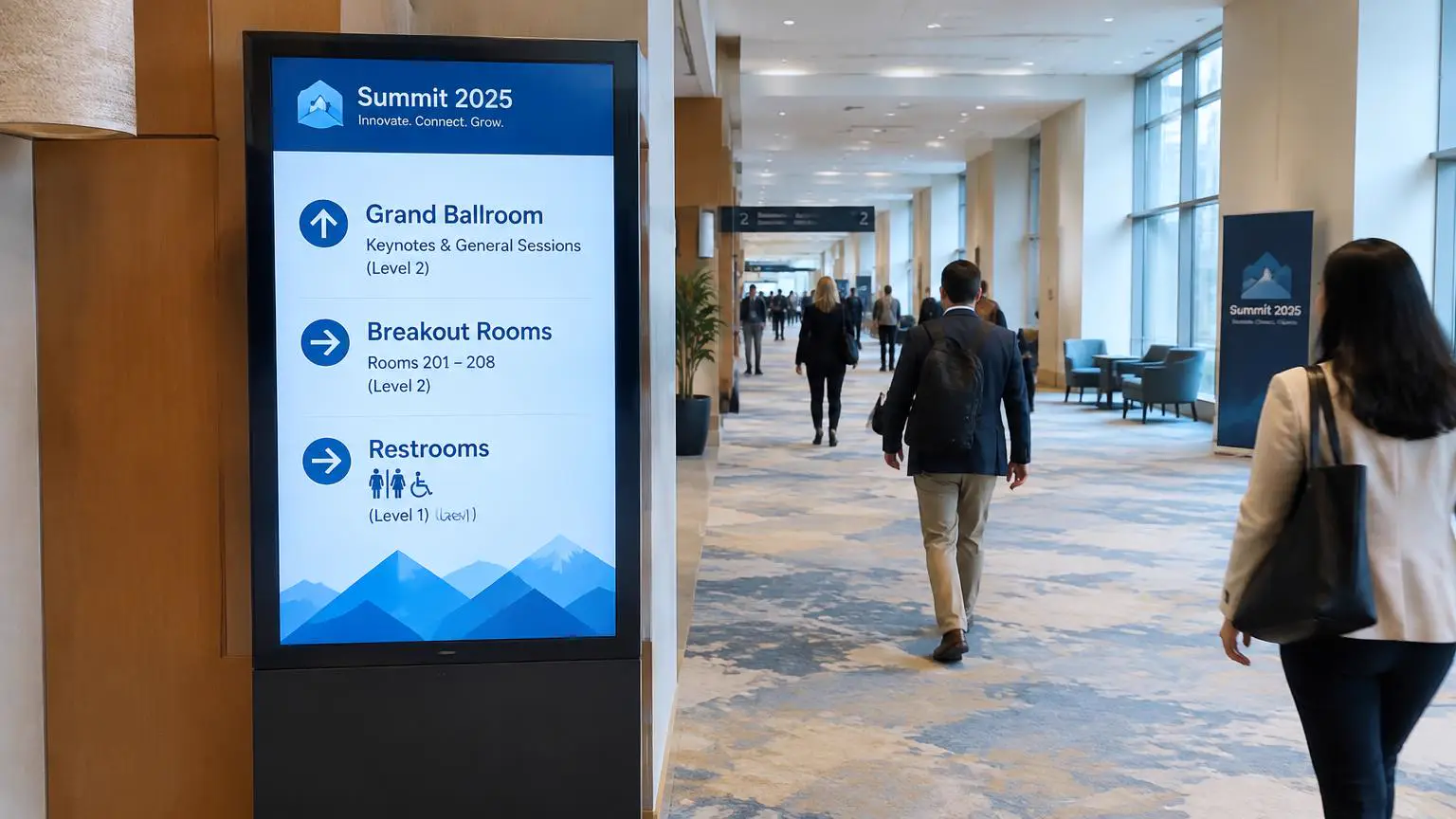
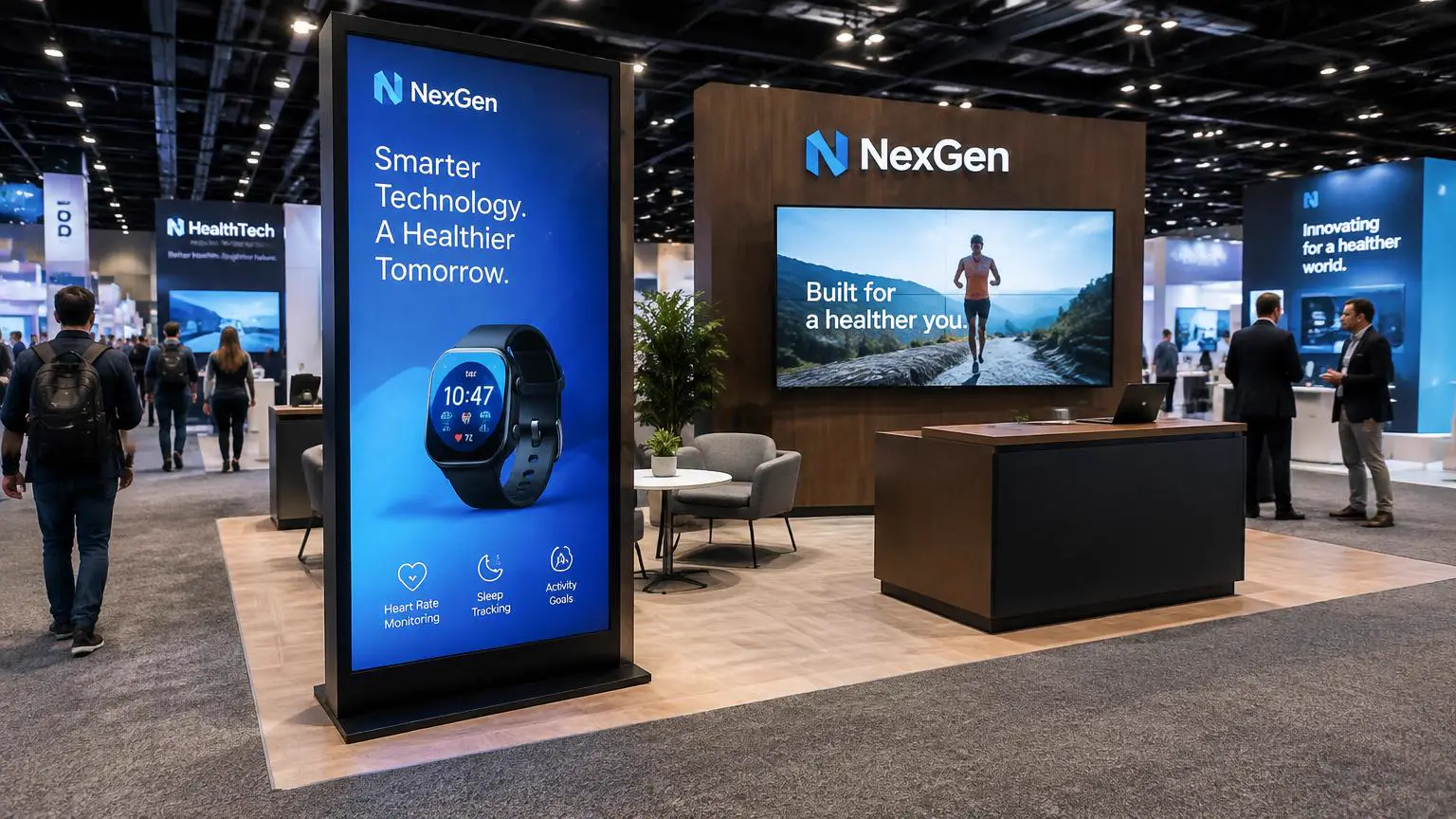
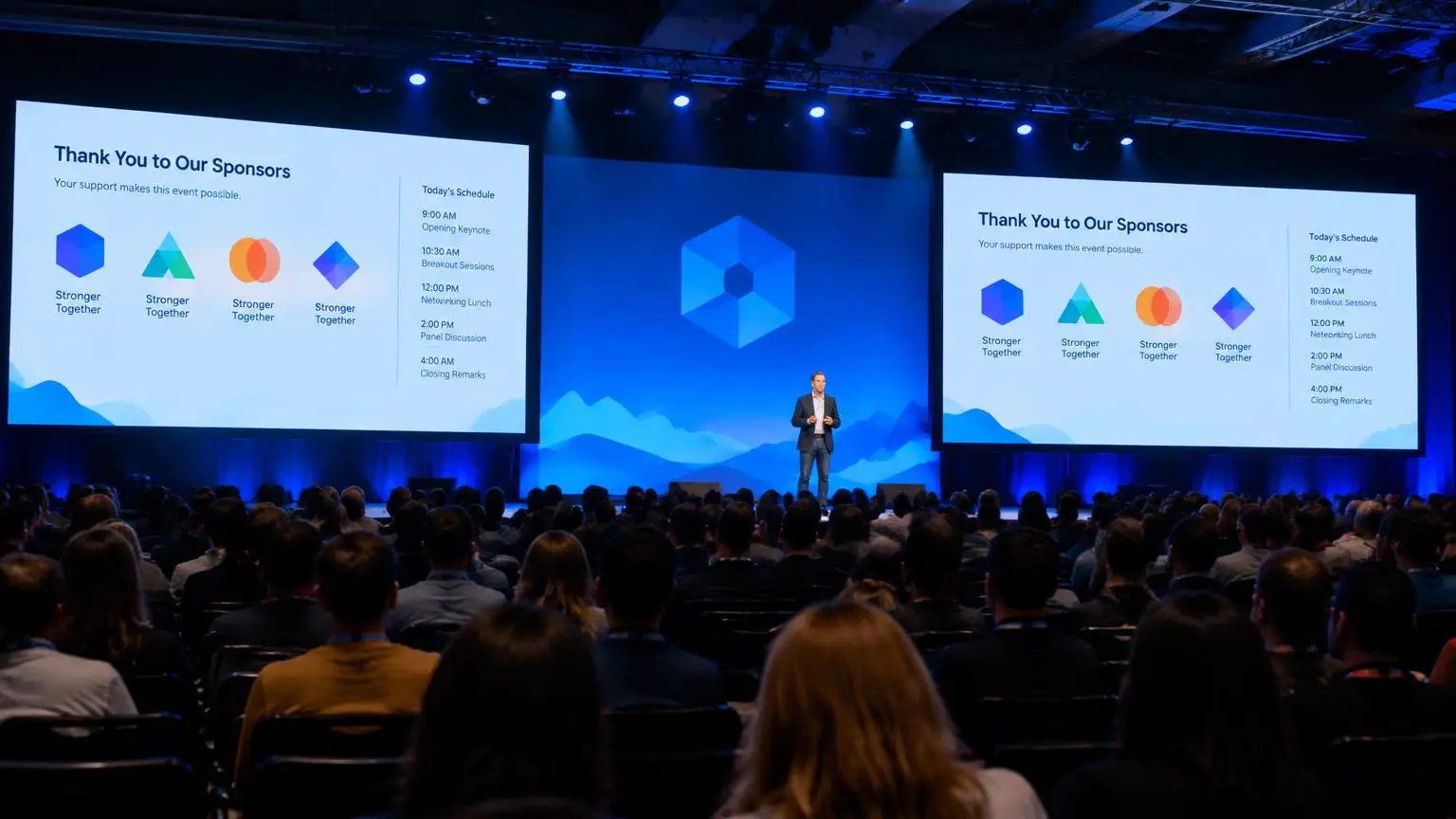
Printed event signage is out of date the moment a session moves or a speaker cancels. Digital event signage puts the agenda, room directions, and sponsor messages on screens you can change from a laptop, so attendees always see the current plan.
Group screens by area, such as registration, wayfinding, breakout rooms, the main stage, and the exhibit hall. Each group runs its own schedule by day and time, and an urgent announcement can take over every screen at once.
Venues, agencies, and in-house event teams use one account across many events. Build a template once, swap the branding and schedule for the next show, and reuse the same players. Content is cached on each player, so screens keep playing if venue Wi-Fi is busy.
Event digital signage software is $8 per screen per month billed annually, with a free media player included on new annual license activations, see full pricing, browse the free signage templates you can adapt for your screens, or read about our digital signage media player that runs them.
Schedule each room sign to show the session running now, then the next one, automatically. When a room changes, edit it once and the room sign, wayfinding screens, and lobby agenda all update together.
Add QR codes for session feedback, the event app, or booth lead capture, and show social media walls, live streams, or web pages alongside your own slides.
Sell sponsor placements on stage screens, registration, and concourse displays. Rotate each sponsor in its own playlist slot, and share proof-of-play reports that show how often and where their content appeared.
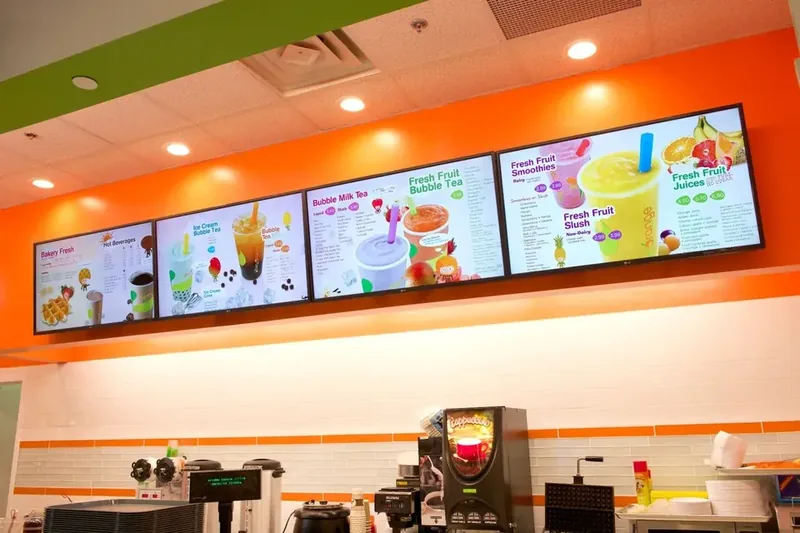
For arenas and stadiums, run concession menu boards, door times, and section directions from the same account as your event screens.
From the registration desk to the concourse, each area gets its own playlist and schedule, all controlled from one dashboard.
Greet attendees at check-in with the event name, today’s agenda, Wi-Fi details, and badge pickup directions, then switch to day-two content overnight.
Point attendees to ballrooms, breakout rooms, restrooms, and exhibit halls. Change directions in seconds when a session moves rooms.
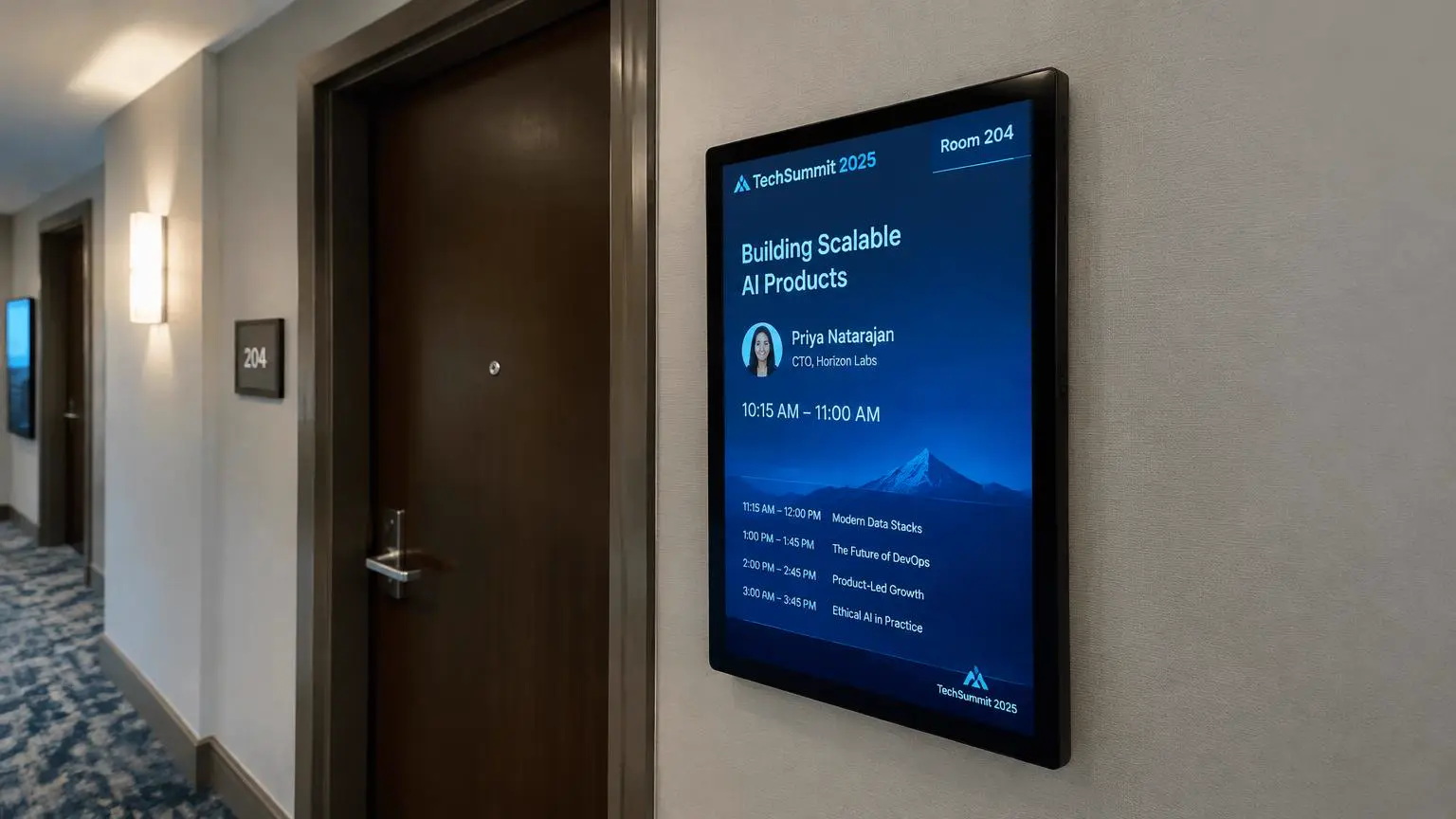
Show the current session, speaker, and time outside each room, followed by the rest of the day’s schedule for that space.
Run product videos, demo schedules, and QR codes for lead capture on portrait and landscape booth screens managed from one account.
Rotate sponsor recognition, schedule reminders, and walk-in slides between keynotes, with proof-of-play to show sponsors what ran.
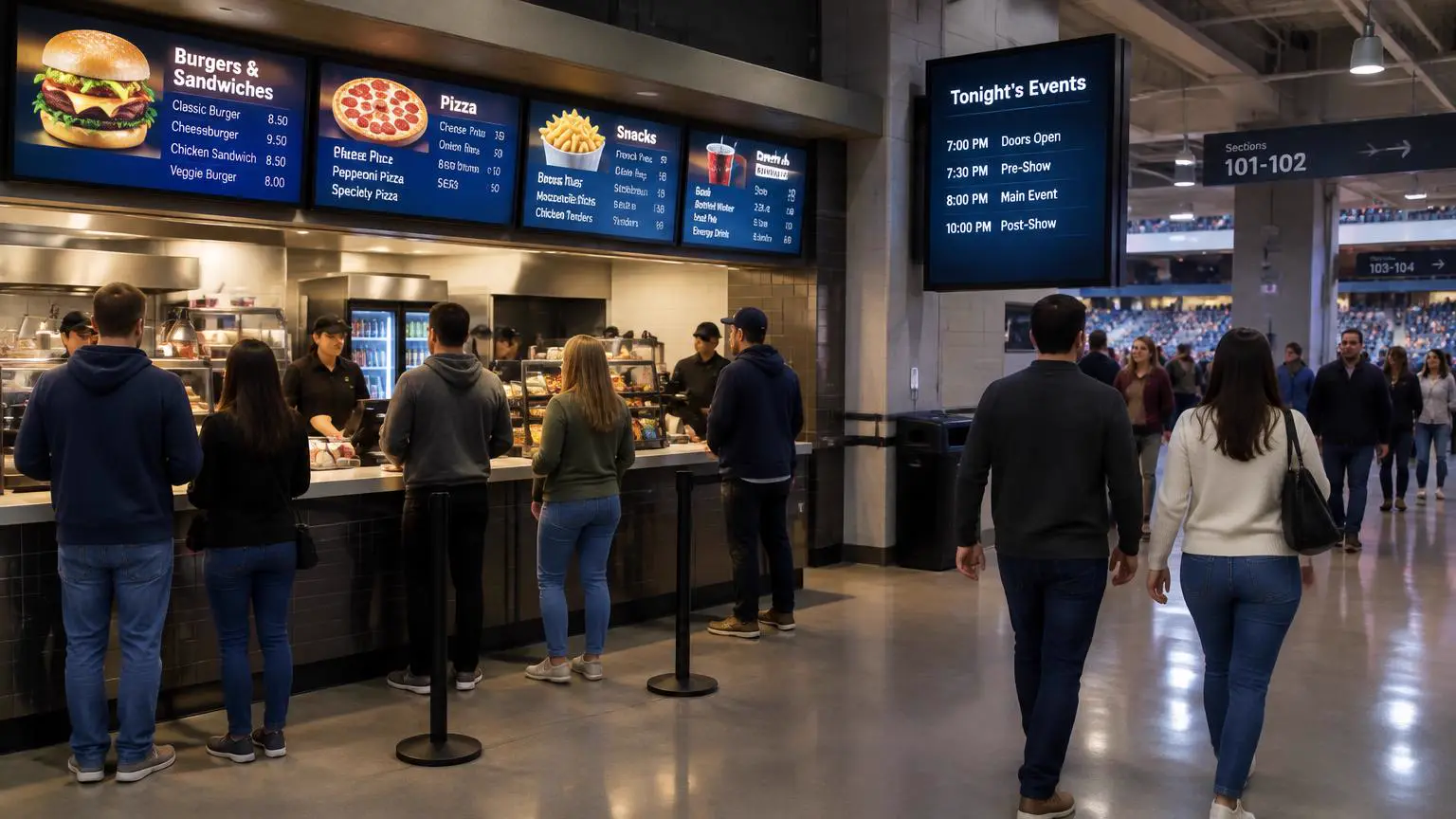
Pair digital menu boards with tonight’s event schedule, door times, and section directions across a stadium or arena concourse.
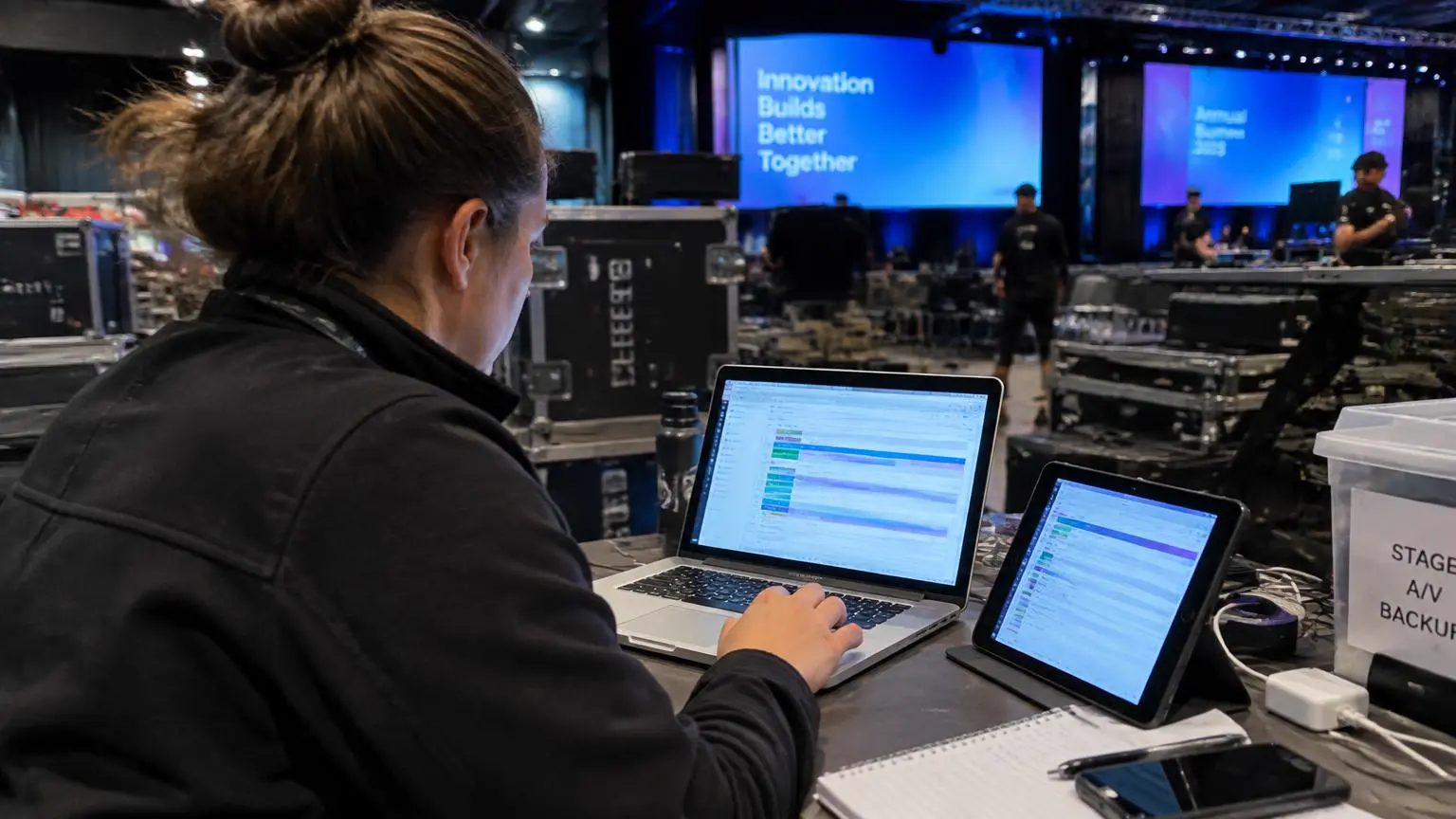
Event managers, AV crews, and venue staff can update any screen from a browser. Permissions keep each team focused on its own screens, while one person can push an urgent announcement everywhere.
Explore the softwareMove a session or add a speaker and every screen updates, no reprinting.
Registration, wayfinding, rooms, stage, booths, and concourse screens together.
Content is cached on each player, so screens keep running when venue Wi-Fi is overloaded.
Show sponsors exactly when and where their content ran.
Wayfinding and room signs update the moment a session moves.
Proof-of-play shows each sponsor when and where their content ran.
Replace printed agendas and foam boards with screens you reuse at every event.
Three steps from unboxing to a live screen. No IT ticket, no proprietary hardware, no month-long deployment.
Plug a media player into each screen, join the venue network, and register it with the 4-digit pairing code. Rented or owned screens both work.
Start from a free template, then schedule content by day, session, and screen group: registration, wayfinding, rooms, stage, and booths.
Change a room, add a sponsor, or push an urgent announcement to every screen from a laptop or tablet. Proof-of-play confirms what ran.
"Pretty good. I like having this option to us now for our lobby. Sometimes it seems like for such a simple concept why do I need a software like this, but I couldn't find an easy way around it to be honest. But since purchasing and playing around with the software for the last month or so, things are really smooth and easy to use."
Event organizers often shortlist more than one platform. These side-by-side guides compare pricing, media player options, agenda and wayfinding tools, offline playback, and support.
Compare pricing, included hardware, event templates, and offline playback.
Read comparisonCompare plan structure, agenda and wayfinding tools, media players, and support.
Read comparisonCompare cost per screen, content tools, hardware choices, and deployment support.
Read comparisonDigital event signage uses screens to welcome, direct, and inform attendees with registration details, agendas, wayfinding, room schedules, and sponsor content. Unlike printed signs, every screen can be updated instantly from one dashboard.
Traditional event signage is printed: banners, foam boards, and posters that are fixed once produced and must be reprinted when anything changes. Digital event signage shows the same welcome, agenda, wayfinding, and sponsor content on screens, so you can update it in seconds from a laptop, schedule it by time and room, and reuse the screens at your next event. E Display provides the digital kind: the software and media players behind the screens.
Yes. Edit a session, room, or speaker in the browser dashboard and every assigned screen updates within moments. No reprinting and no one walking the venue with new signs.
Yes. Any screen with an HDMI port works. Connect a media player, pair it with a 4-digit code, and it plays your event content. The same players can move to your next event.
Yes. Proof-of-play records what played on each screen and when, so you can share sponsor reports after the event.
Assigned content is stored on each player, so scheduled playback continues. New changes sync as soon as the connection returns.
Yes. Group screens by venue, event, or area, reuse templates between events, and give each team access only to the screens they manage.
Software is $8 per screen per month billed annually, with a free media player on new annual licenses. Screens can be rented or owned. Use the budget calculator for a full estimate.
Get a personalized demo of E Display for events & conferences, see how easy it is to launch, schedule, and scale digital signage across every location.