Digital Menu Boards for Restaurants

Transform how you present food and beverage offerings with dynamic digital menu boards. Ideal for restaurants, cafes, QSRs, and food courts, update menus, promote daily specials, and showcase mouth-watering visuals that grab customer attention.

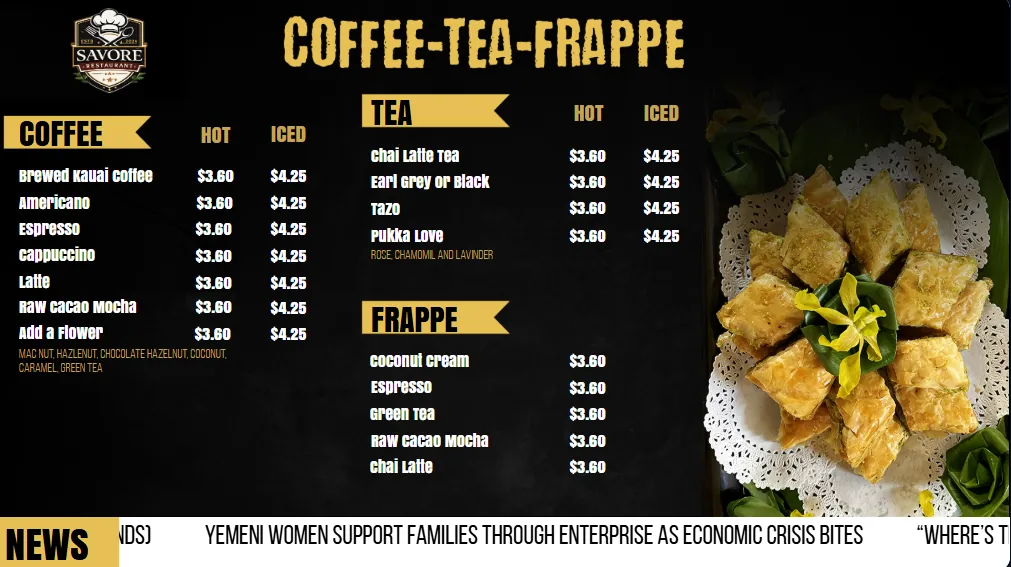
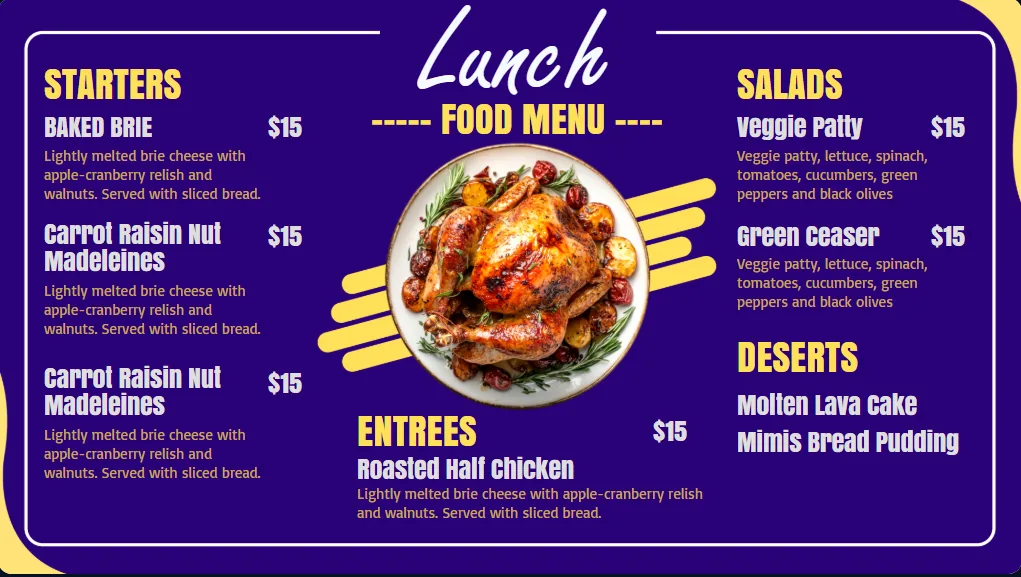
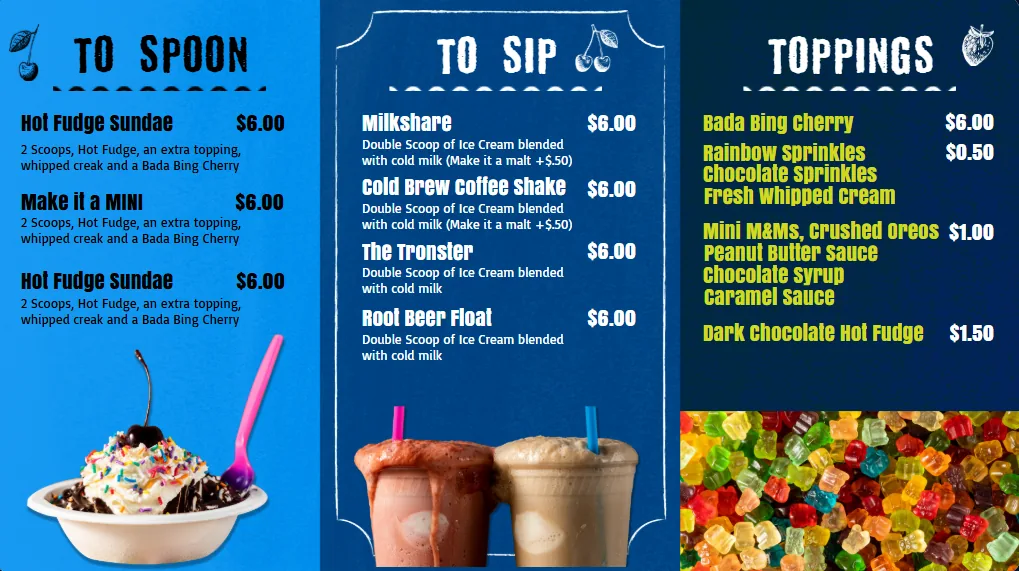
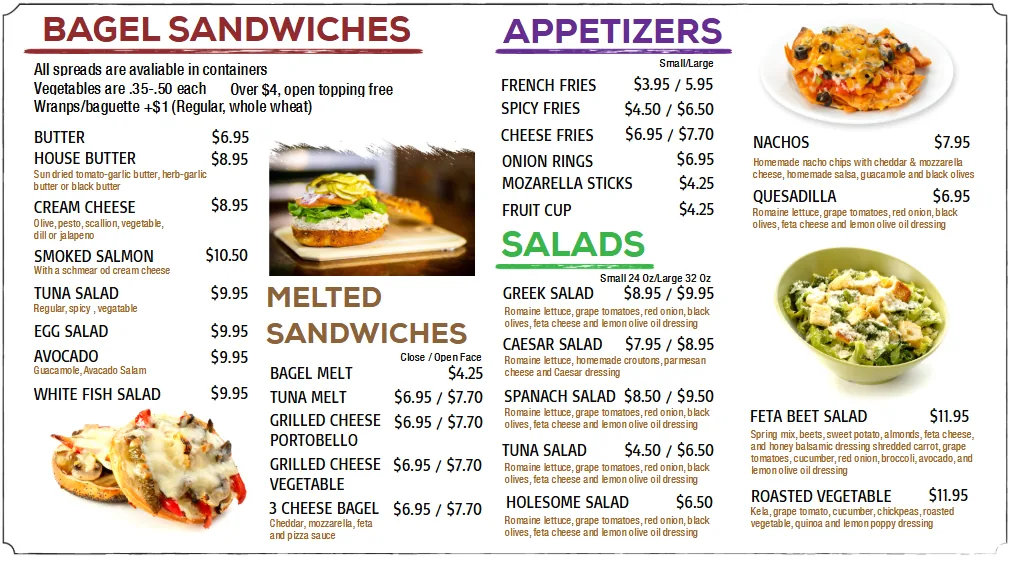
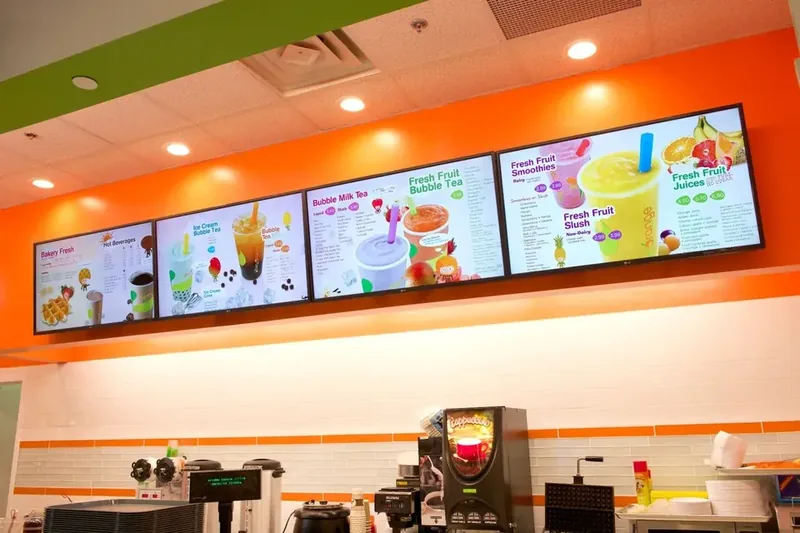
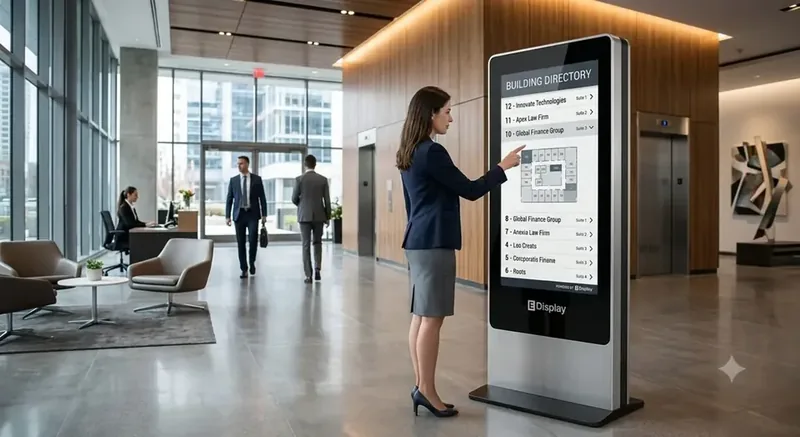
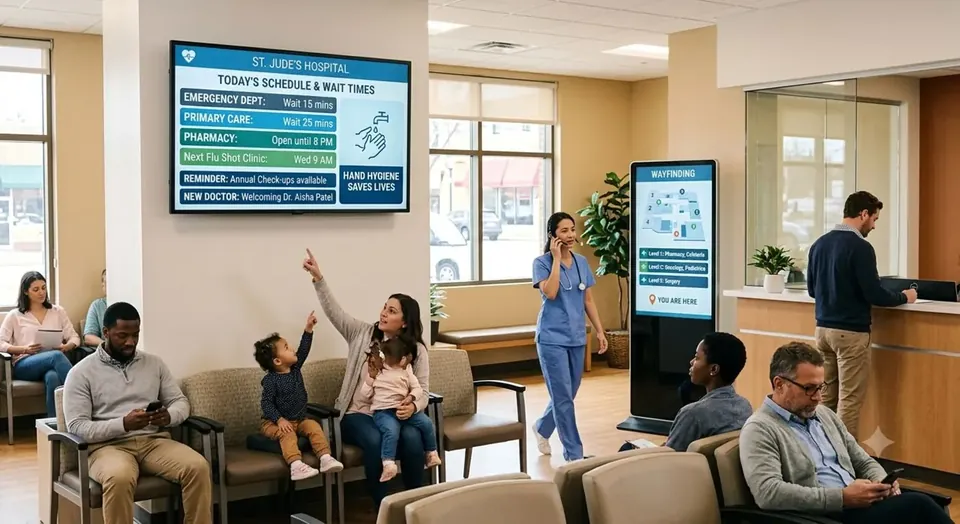
Digital Menu Boards digital signage example 1Digital Menu Boards digital signage example 2Digital Menu Boards digital signage example 3

Why to Choose E Display Digital Menus

Digital Menu Boards operations move fast, schedules change, promotions launch, and audiences expect information at a glance. E Display digital signage gives you a single cloud platform to plan, publish, and prove out every screen in your network, from a single restaurant to hundreds of locations across regions.

Every digital menu boards screen is powered by our compact digital signage media player, or by our player app installed on any supported device, and managed from the same browser dashboard your team already knows. Design once, schedule anywhere, and let dayparting, weather triggers, and data feeds keep content fresh without daily manual updates. Dynamic menus that sell more.

Whether you are deploying your first digital menu board or rolling out across your restaurants, E Display scales with you: Maintain complete control with role-based publishing, approval workflows, and on-demand offline caching.

Digital menu board software starts at $8 per screen per month billed annually, with a free media player included on new annual license activations. For a full breakdown of screens, installation, and design costs, read our digital menu board pricing guide, or browse the free menu board templates built for restaurants, cafés, QSRs, and bakeries.

Digital menu boards by restaurant type

Every kind of restaurant reads its menu differently. Here is what to put on screen, how many screens to start with, and which free template to open, for the nine restaurant types that use digital menus most.

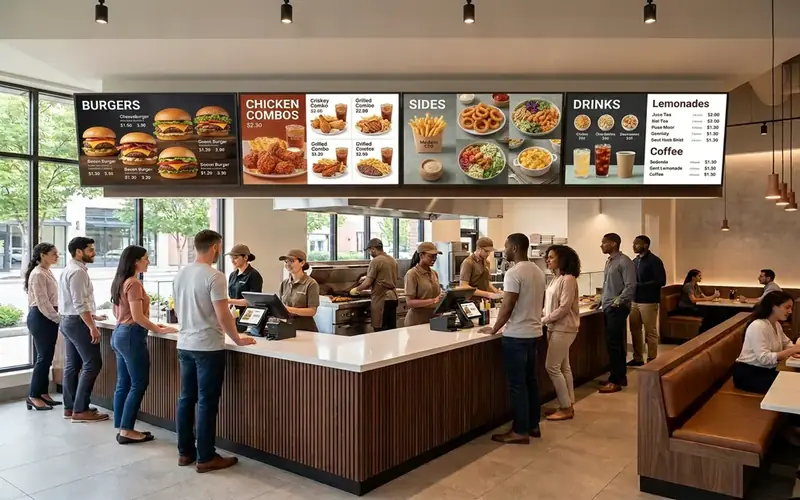
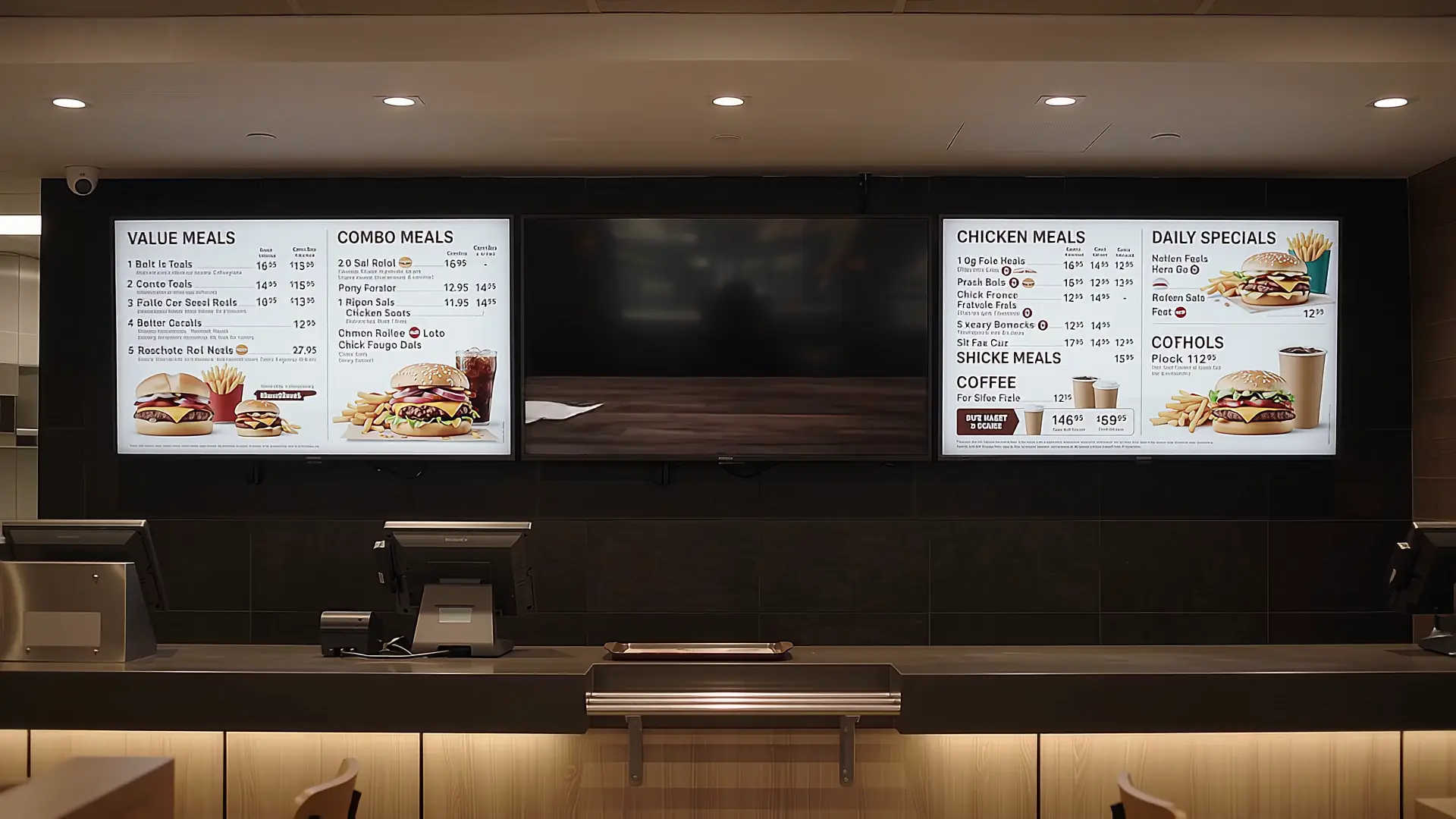
Quick-service restaurant order counter with digital menu boards showing combo meals and prices

Quick-Service Restaurants (QSR)

QSRs live and die by order speed. A three- or four-screen counter wall keeps combos, add-ons and prices in one readable grid, and the same content set drives the drive-thru board outside.

Show:
Combo grid, add-ons, upsell strip, drive-thru pre-sell
Start with:
3 screens at the counter, 1 outdoors later
Template:
QSR Combo Board
Open a free menu template
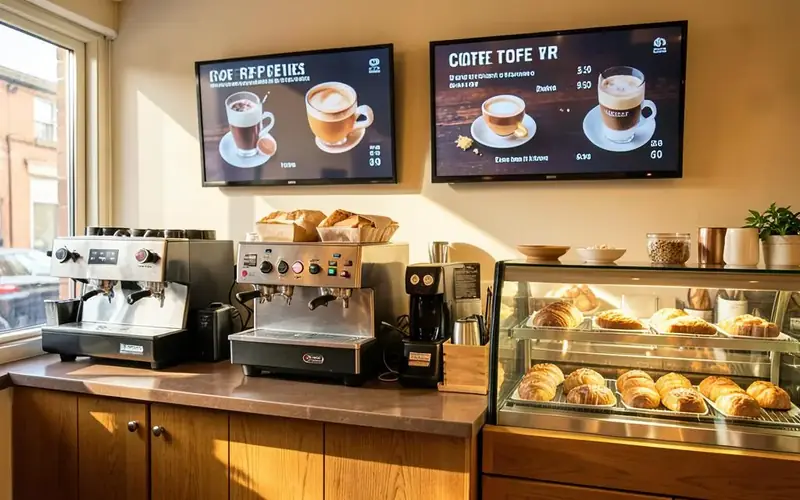
Coffee shop counter with espresso machines and two digital menu screens listing coffee drinks and prices

Cafes & Coffee Shops

Coffee menus are short and change by daypart. Two portrait screens hold hot drinks on one side and cold drinks plus pastries on the other, and swap to an afternoon menu on a schedule.

Show:
Espresso list, cold drinks, pastry case, loyalty prompt
Start with:
2 portrait screens behind the counter
Template:
Modern Cafe Menu, Coffee Drinks
Open a free menu template
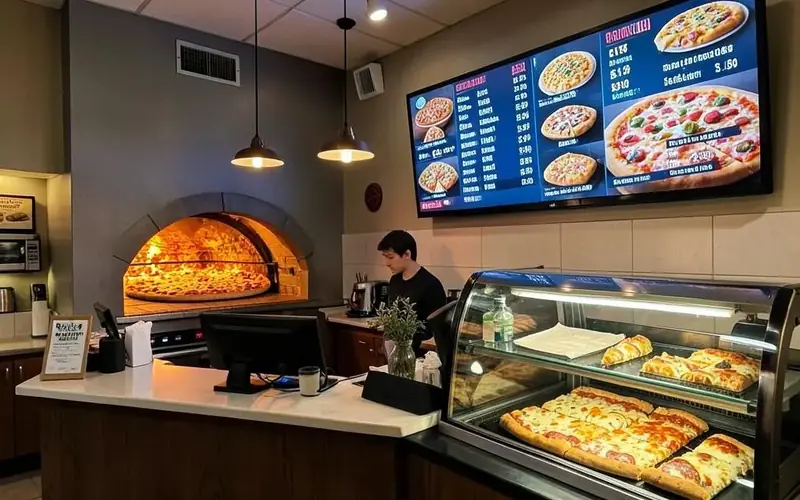
Pizzeria counter with wood-fired oven and a digital menu board showing pizza sizes, toppings and prices

Pizza Parlors

Pizza pricing is a grid: size across the top, style down the side. A digital board handles that far better than print, and a second zone rotates the slice of the day and pickup deals.

Show:
Size and price grid, toppings, slice-of-the-day promo
Start with:
1 wide landscape screen above the counter
Template:
Pizza, Paninis, Pasta
Open a free menu template
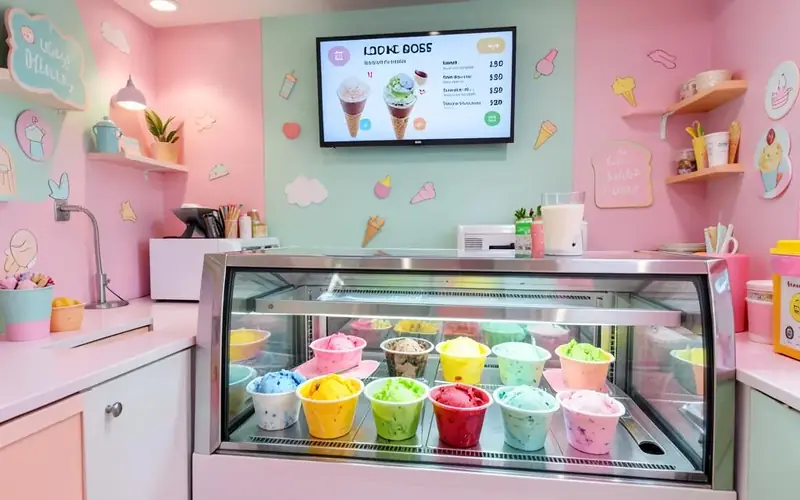
Ice cream parlour display case with colourful tubs and a digital menu screen listing flavours and cone prices

Ice Cream Parlors

Flavours rotate weekly and seasonally, so a printed board is out of date constantly. Show the flavour wall with photos, mark sold-out scoops in seconds, and keep sizes and cone prices clear.

Show:
Flavour wall, sizes and cones, seasonal specials
Start with:
1 screen at eye level above the case
Template:
Ice Cream & Milkshakes, Frozen Yogurt
Open a free menu template
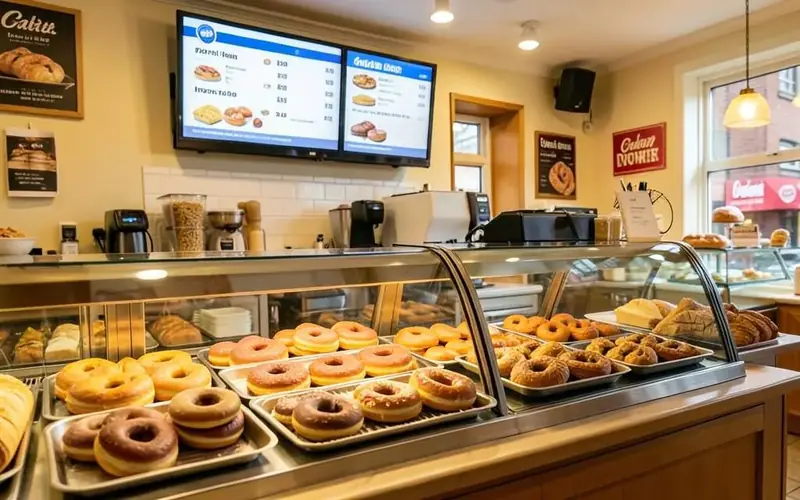
Bakery and donut shop counter with trays of donuts and a digital menu screen listing baked goods and prices

Bakeries & Donut Shops

Bakeries sell out through the day. Case-top screens list what is available now, push the morning coffee-and-donut bundle, and switch to a lunch sandwich menu without reprinting anything.

Show:
Today's bake, bundles, coffee pairings, sold-out flags
Start with:
1 to 2 screens above the display case
Template:
Bakery Menu Board, Bakery & Sandwiches
Open a free menu template
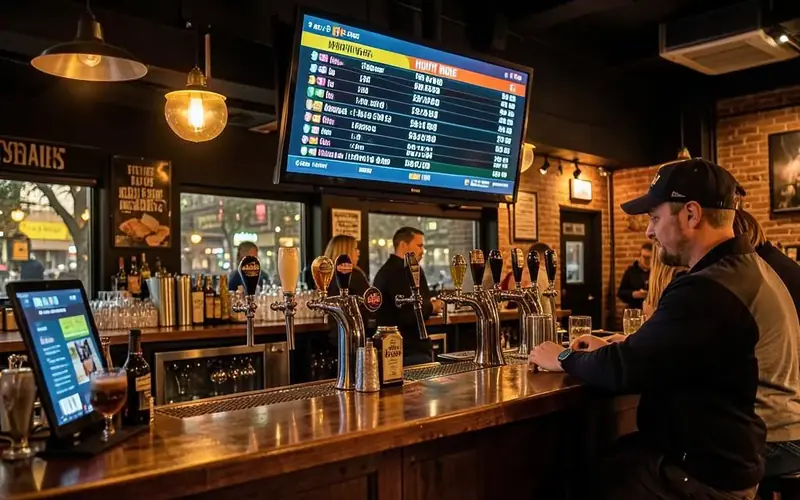
Brewery taproom bar with beer taps and a digital screen showing the tap list and happy hour prices

Bars, Pubs & Breweries

Tap lists change constantly and happy hour is a clock problem. Schedule the happy hour board to appear and disappear on its own, and hand the tap screen over to the game when the match starts.

Show:
Tap list with ABV, cocktails, happy hour, game-day content
Start with:
1 screen behind the bar, 1 in the dining area
Template:
Happy Hour, Wine Tap, Drinks
Open a free menu template
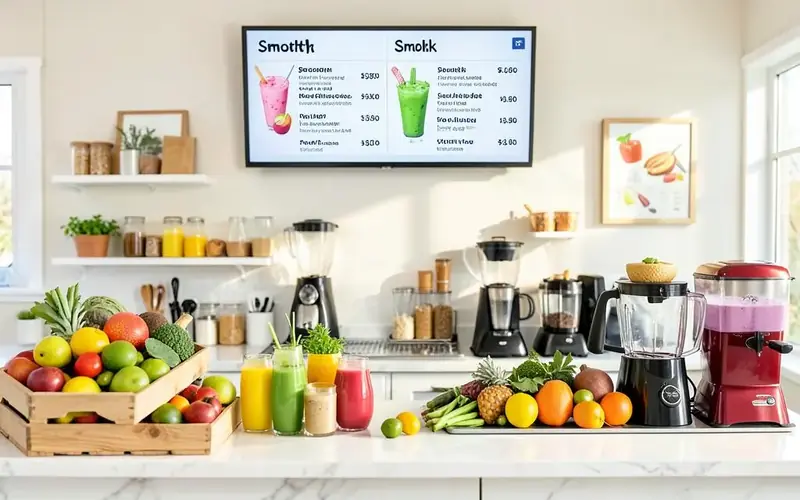
Juice and smoothie bar counter with fresh fruit and a digital menu screen listing smoothies with ingredients and prices

Juice & Smoothie Bars

Guests want to know what is in the cup. Give each blend its ingredient list and calorie or protein callout, then walk people through the build-your-own steps in a rotating side panel.

Show:
Blends with ingredients, nutrition callouts, build-your-own steps
Start with:
1 to 2 landscape screens above the blenders
Template:
Drinks, Menu List
Open a free menu template
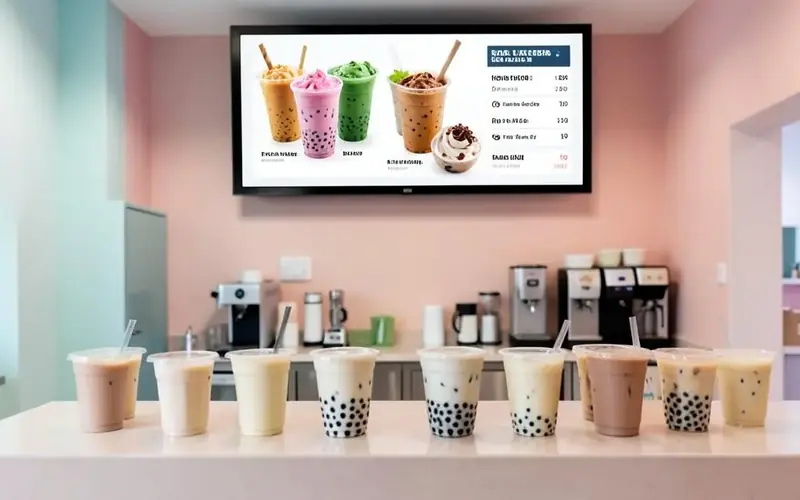
Bubble tea shop counter with boba drinks and a digital menu screen showing milk teas and topping options

Bubble Tea & Boba Shops

Boba menus are photo-led and heavy on customisation. Use big drink photos, then a clear panel for sizes, sugar and ice levels and toppings so the queue orders faster.

Show:
Photo drink grid, sugar and ice levels, toppings, add-on pricing
Start with:
2 screens: menu plus an order-status screen
Template:
Drinks, Chalkboard
Open a free menu template
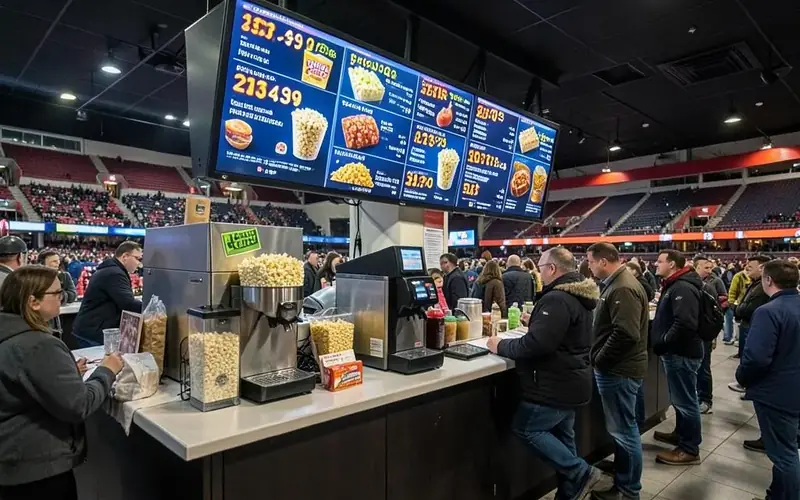
Stadium concession stand with popcorn machine and a large digital menu screen showing snack prices

Concession Stands

Arenas, cinemas and event venues sell to a rush in short bursts. Keep the list short, the type huge and readable from the queue, and turn stands on and off by event schedule.

Show:
Short item list, very large prices, combo bundles
Start with:
1 bright screen per till lane
Template:
Hot Dogs, Burgers, Drinks
Open a free menu template

Ready-made menu board templates

Start from a professionally designed menu board and customize prices, items, and branding in minutes.

See all templates
Modern Cafe Menu digital menu board template

Modern Cafe Menu

Food & Beverage

QSR Combo Board digital menu board template

QSR Combo Board

Food & Beverage

Coffee Shop Menu digital menu board template

Coffee Shop Menu

Food & Beverage

Bakery Menu Board digital menu board template

Bakery Menu Board

Food & Beverage

Digital menu board software for restaurants and QSRs

Digital menu board software gives restaurants a faster way to present menus, promotions, and product information than printed boards or static images. E Display lets restaurant teams manage counter screens, drive-thru displays, promotional zones, and multi-screen menu walls from one browser-based dashboard, whether the rollout covers one cafe or a franchise network.

Use one content system for breakfast, lunch, dinner, happy hour, seasonal offers, and location-specific pricing. Brand teams can prepare approved layouts centrally while local operators receive the menus and promotions intended for their restaurant, keeping the guest-facing experience consistent without removing local control.

What to look for in digital menu board software

Restaurant menu boards need more than a playlist. Look for dayparting that changes content automatically, flexible layouts for one or more screens, role-based publishing, and offline playback when a location temporarily loses its internet connection. E Display also supports 60+ built-in digital signage apps, including tools for data feeds and restaurant content workflows.

A good workflow keeps the menu readable at ordering distance. Teams can emphasize high-margin items, rotate specials, show food photography or video, and keep prices and allergen information easy to find. A shared dashboard makes it practical to publish a promotion across selected locations while preserving each restaurant's menu mix and operating hours.

Digital menu board cost and rollout planning

E Display digital menu board software is $8 per screen per month billed annually, with a free media player included on new annual license activations. The complete project budget also depends on display size, mounting, installation, content design, and whether the restaurant needs a counter wall, drive-thru board, or additional promotional screens.

Start by listing each screen position, its orientation, viewing distance, and the content it needs to show. Then choose a menu board template, connect the media player, and enter the 4-digit pairing code. A restaurant can begin with one screen and add locations later without replacing its content workflow or changing the way staff publish updates.

Deploy in minutes

Plug in a TX9 TV Stick, sign in, and start publishing to any screen.

Beautiful by default

Free template library and drag-and-drop editor — no designer required.

Enterprise-grade

Encrypted delivery, role-based access, and 99.9% uptime SLA.

Measurable ROI

Track dwell time, playback proof-of-play, and campaign performance.

Digital menu boards in the real world

A few restaurant, café and QSR digital menu board installations running on E Display digital signage software.

See all projects

What's included

  • Instant price and item updates across all locations
  • Dayparting, automatically switch breakfast, lunch, and dinner menus
  • High-impact video and animated specials
  • POS and inventory integrations
  • Multi-screen layouts for full counter walls

Why teams choose it

Increase average order value

Upsell combos and specials with eye-catching motion.

Reduce perceived wait times

Engaging content keeps queues entertained.

Zero print costs

Update menus in seconds, no reprinting required.

How digital menu boards work

Three steps from unboxing to a live screen. No IT ticket, no proprietary hardware, no month-long deployment.

01

Plug in the TX9

Connect the TX9 TV Stick to any TV screen, connect to Wi-Fi, and register it to your E Display CMS account with a 4-digit code.

02

Design & schedule

Pick a free template or upload your own content, then set playlists, dayparts, and location targeting from the cloud dashboard.

03

Go live everywhere

Publish to one screen or thousands with a single click. Real-time proof-of-play confirms every screen is on-brand and on-time.

"This solution has allowed for a rapid deployment to be up and running right away, using simple designs for the menu boards of a new restaurant. We are looking forward to creating a more dynamic experience for the diners after the initial launch. Given the depth of the software, we know that the more complex designs will easily be handled by the software."

Beau C., President

Digital menu board FAQs

How much do digital menu boards cost?

E Display digital menu board software is $8 per screen per month billed annually ($96 per screen per year), and annual plans include a free media player. Beyond software, budget roughly $495–$600 for a 43" commercial display, $250–$350 per screen if you hire a local installer, and $0 with our free templates (or a one-time $200 per custom menu design). A typical single-screen restaurant setup lands around $591–$1,091 in year one, then $96 per screen per year after that.

How do digital menu boards work?

Plug the TX9 media player stick into the HDMI port of any TV, connect it to Wi-Fi, and pair it to your E Display account. You then build your menu in the browser dashboard, pick a menu board template, add items, prices, and photos, and publish. Changes appear on every screen in seconds, and dayparting can automatically swap breakfast, lunch, and dinner menus on schedule.

What TV do I need for a digital menu board?

Any TV with an HDMI port works. A 43" commercial-grade display is the most common choice for counter menu boards because it is rated for all-day operation and typically ships with a 3-year manufacturer warranty. A consumer TV will also run our TX9 stick (or our Android TV app) if you are starting on a tighter budget.

Can digital menu boards connect to my POS?

Yes. E Display supports POS and data-feed integrations so prices, item availability, and 86'd items can update automatically, along with over 100 other app integrations for social feeds, weather, and queue displays.

Do I need a designer to create my menu?

No. E Display includes free, ready-made restaurant, café, QSR, and bakery menu board templates, drop in your items, prices, and photos and go live the same day. If you want a fully branded layout, our design team builds custom menus for a one-time $200 fee per menu design.

Can I manage menu boards across multiple restaurant locations?

Yes. Group screens by location, brand, or format and push menu updates, LTO promotions, and price changes to one store or every store from a single cloud dashboard. Role-based publishing and approval workflows keep franchisees on-brand, and offline caching keeps menus playing if the internet drops.

Which restaurant types get the most out of digital menu boards?

Quick-service restaurants, cafes and coffee shops, pizza parlors, ice cream parlors, bakeries and donut shops, bars and breweries, juice and smoothie bars, bubble tea shops, and concession stands. Anywhere prices, availability or dayparts change often, a digital board pays back fastest.

How many screens does a restaurant need to start?

One is enough. Small cafes, dessert counters and single-till concession stands often run one screen. A QSR counter wall usually starts at three, with a drive-thru board added later. You can add screens at any time without changing how staff publish content.

Can I change prices without a designer?

Yes. Prices can be bound to a spreadsheet or data source, so changing the number in one place updates every screen using that layout. Text, photos and promotions can also be edited directly in the browser editor.

Do digital menu boards work outdoors at a drive-thru?

Yes, with a high-brightness outdoor-rated display. The software and media player are the same; the difference is the screen, its enclosure and the simpler layout a driver can read in a few seconds.

How much do digital menu boards cost per month?

E Display software is $8 per screen per month billed annually, all features and 60+ apps included, with a free media player on new annual licences. Displays start from about $495 depending on size and brightness.

Ready to modernize your digital menu boards screens?

Get a personalized demo of E Display for digital menu boards, see how easy it is to launch, schedule, and scale digital signage across every location.