"Digital signage" covers a surprisingly wide range of hardware and use cases. A menu board, an outdoor billboard, and a touchscreen building directory are all digital signage, but they solve very different problems with very different equipment. This guide breaks the category down by display technology and by use case, so you know what you are looking at before you start shopping.
Looking for prices or a platform to run these screens? See our digital signage cost guide at digital signage cost guide and our software guide at digital signage software guide. To choose the device behind your display, compare sticks, mini PCs and Raspberry Pi in digital signage player buying guide. This page stays on display types and use cases.
Types of digital signage by display technology
LCD displays
The most common signage screen, and the same underlying technology as a home TV, but built for commercial duty: longer daily run times (often 16 to 24 hours), higher brightness, and more durable components. LCD covers most indoor signage, including menu boards, lobby screens, retail promotions, and office displays.
LED displays
LED panels are individual light-emitting modules tiled together, so they scale to very large sizes and very high brightness. That makes them the standard choice for outdoor signage, stadium displays, and large-format installations where an LCD panel is not bright or big enough.
Video walls
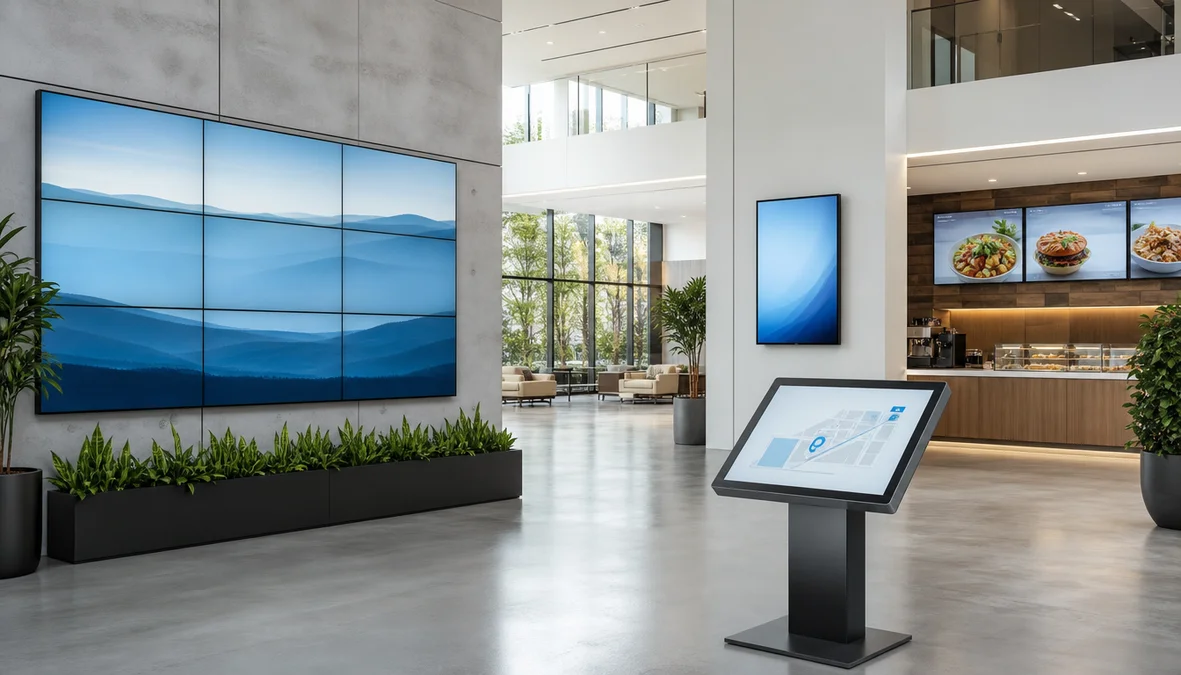
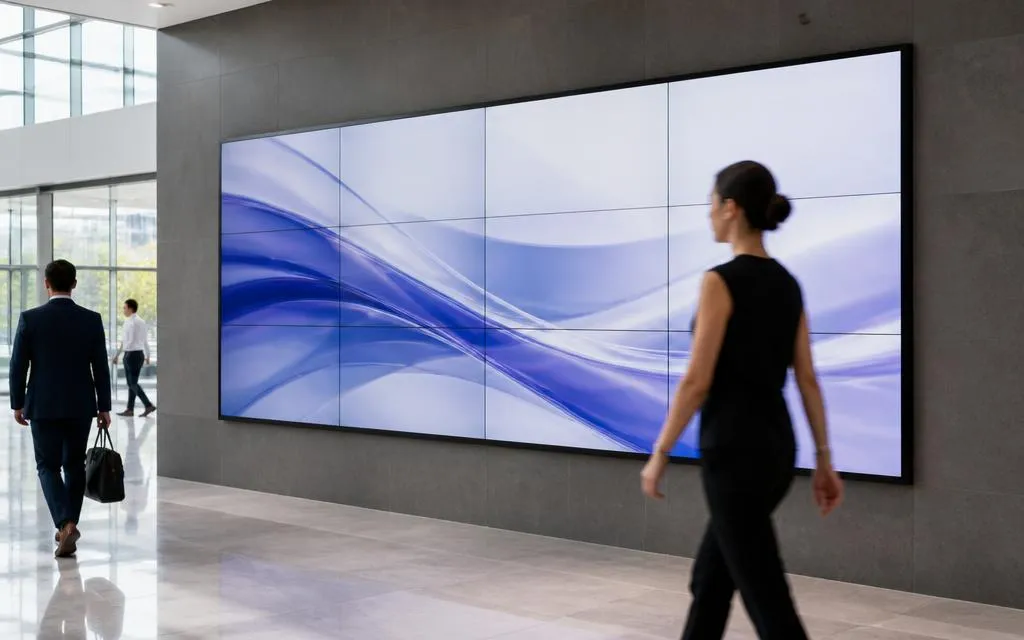
A video wall is several screens, usually thin-bezel LCD panels, tiled together and driven as one large image rather than a single oversized panel. It suits flagship retail storytelling, corporate lobbies, and control rooms where visual impact or a very wide canvas matters more than cost per screen.
Interactive touchscreens
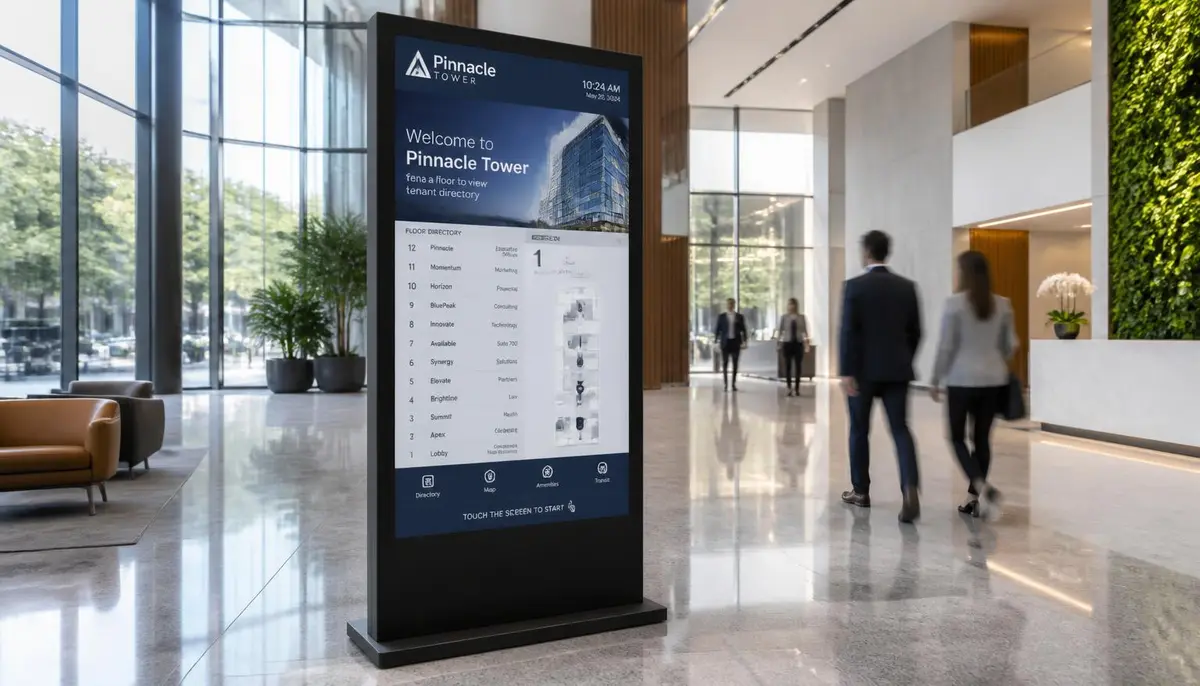
Standard displays with a touch layer added, either a capacitive overlay or a built-in touch panel, so people can tap through menus, search a directory, or complete a self-service task. Common for building directories, wayfinding kiosks, self-order menu boards, and product lookup stations. For navigation-focused touchscreens specifically, see our complete guide at digital wayfinding guide.
Outdoor displays
Purpose-built displays rated for weather, temperature swings, and direct sunlight, typically 1,500 nits or more with sealed weatherproof housings. Used for storefront windows, drive-thru boards, and outdoor wayfinding. An indoor screen placed in a sunlit window will wash out and can overheat, so this is one spec worth getting right the first time.
Projection displays
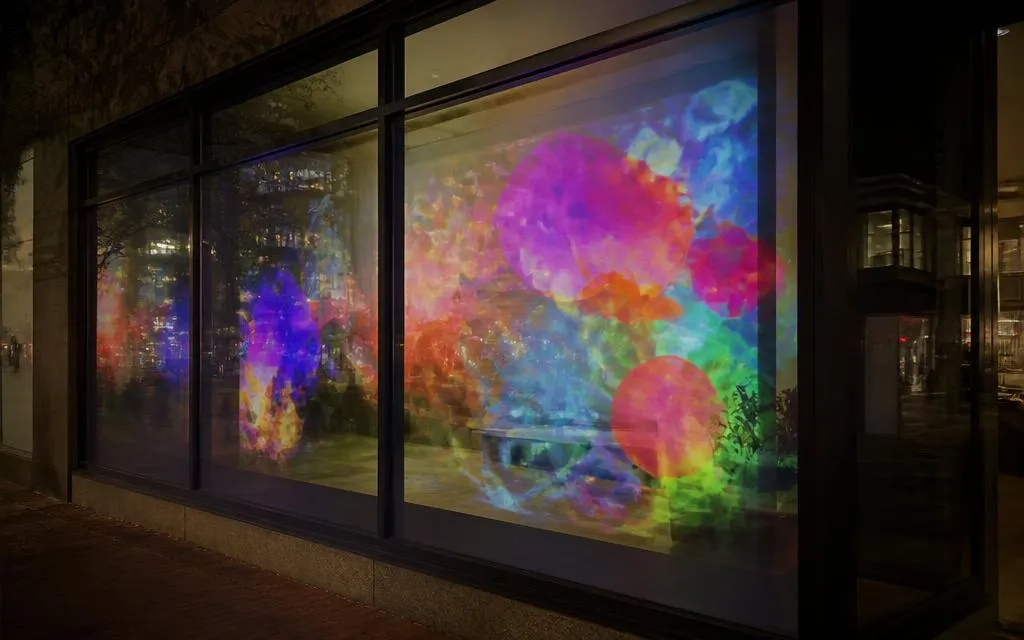
Instead of a physical panel, projection casts an image onto a wall, window, or custom surface. Less common for everyday signage, but useful for window displays, art installations, and spaces where mounting a screen is impractical.
| Display type | Typical setting | Chosen when |
|---|---|---|
| LCD | Indoor menu boards, lobbies, offices | Standard indoor viewing at normal distances |
| LED | Outdoor, stadiums, large format | Very large size or very high brightness is required |
| Video wall | Flagship retail, lobbies, control rooms | One large canvas and visual impact matter most |
| Interactive touchscreen | Directories, kiosks, self-order | People need to search, browse, or select |
| Outdoor display | Storefronts, drive-thru, exteriors | Weather exposure and direct sunlight |
| Projection | Window displays, installations | Mounting a physical screen is impractical |
Swipe the table sideways to see all columns.
Types of digital signage by use case
Menu boards
Digital menu boards replace printed menus in restaurants, cafés, and food service, so operators can change prices instantly and schedule breakfast, lunch, and dinner menus automatically. See restaurant-type layouts and screen guidance at digital menu boards.
Building directories and wayfinding
Directory screens help visitors navigate a building, campus, or facility, searchable by name, department, or destination, and updatable in minutes when a tenant or department moves. Covered in depth at digital wayfinding guide and digital building directory.
Retail and promotional signage
Screens used for in-store promotions, window displays, endcap advertising, and point-of-sale messaging, designed to influence a decision at or near the shelf. For examples, see retail digital signage ideas.
Corporate communication screens
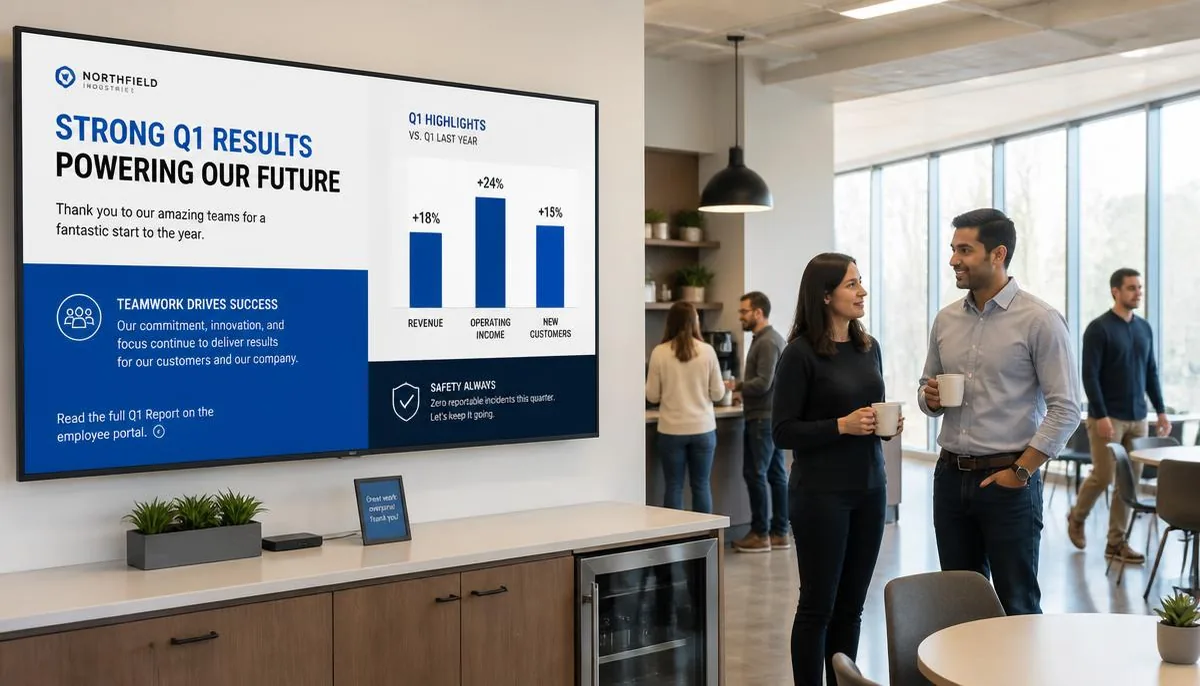
Internal-facing screens in break rooms, lobbies, and hallways used for announcements, KPI dashboards, safety notices, and employee recognition rather than customer messaging. Ten use cases are covered at corporate communications digital signage guide.
Transportation and large-venue displays
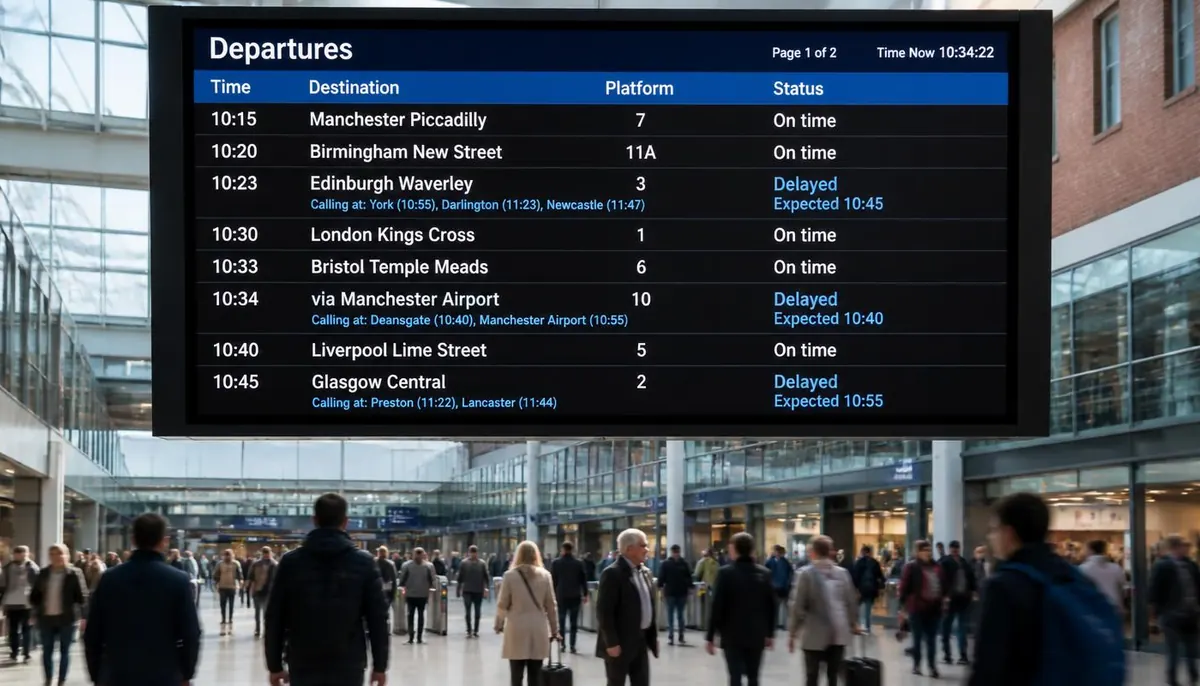
Departure boards, gate displays, and wayfinding screens in airports, transit stations, and large venues, where information changes constantly and has to reach many people at once. See transportation digital signage guide and, for conferences and trade shows, event digital signage ideas.
Digital bulletin boards
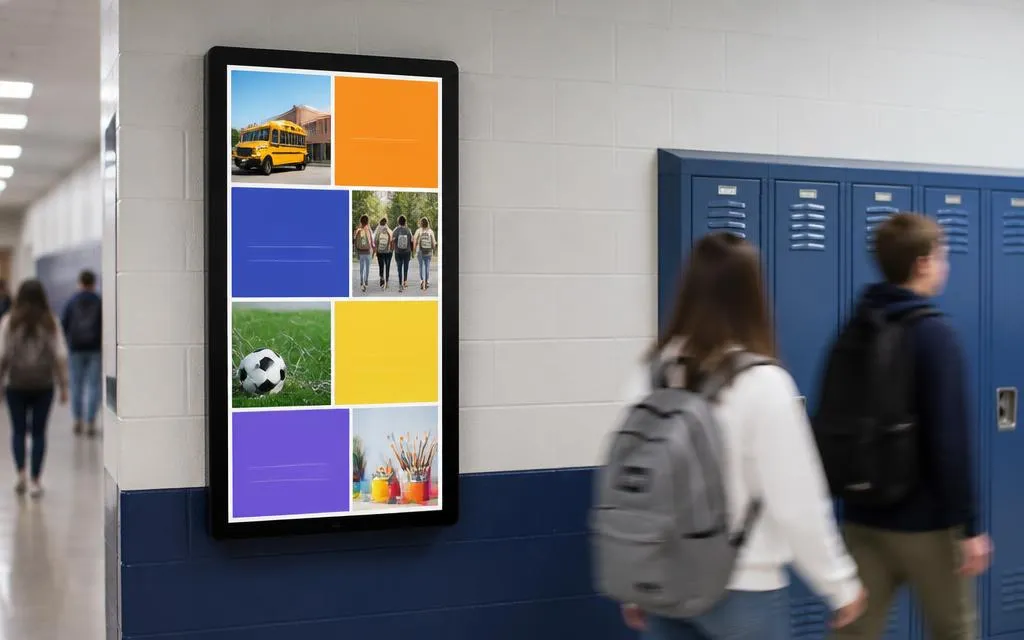
A digital replacement for a cork or whiteboard bulletin board, common in schools, community centres, and offices for rotating announcements, event listings, and general notices. School and campus examples are at school digital signage ideas.
Choosing the right type for your space
- Indoor or outdoor? This decides whether a standard LCD panel works or you need a weatherproof, high-brightness outdoor display.
- Does anyone need to interact with it? If people search, browse, or select something, you need touch hardware, not a passive display.
- How far away is the audience? A menu board read from a few feet away has very different size and resolution needs than a lobby video wall or a street-facing LED display.
- What goes on the screen? A menu, a directory, a promotion, and an internal announcement each call for different templates and placements.
Once the type and use case are clear, the next steps are choosing software to run the screens and pricing out the full deployment, covered at digital signage software guide and digital signage cost guide. To browse everything on one topic hub, see Digital Signage topic hub.
What are the main types of digital signage?
By hardware: LCD displays, LED displays, video walls, interactive touchscreens, weatherproof outdoor displays, and projection. By use case: menu boards, building directories and wayfinding, retail and promotional screens, corporate communication screens, transportation and large-venue displays, and digital bulletin boards.
What is the difference between LCD and LED digital signage?
An LCD signage display is a single commercial-grade panel, best for indoor viewing. An LED display is built from tiled light-emitting modules, so it scales to much larger sizes and much higher brightness, which is why it dominates outdoor and stadium installations.
Is a video wall better than one large screen?
It depends on the canvas you need. A video wall covers a much larger area than a single available panel and creates more visual impact, but it costs more per square foot and needs more careful mounting and calibration. For most indoor messaging, one commercial display is enough.
Do I need a touchscreen for digital signage?
Only if visitors need to search, browse, or select something. Menus, promotions, and announcements work fine on non-touch screens. Touch pays off for directories, wayfinding kiosks, self-order, and product lookup.
Can I use a regular TV for digital signage?
It can work for a short-hours, low-stakes indoor screen, but consumer TVs are built for a few hours a day, are dimmer, and often lack portrait mode and commercial mounting points. For daily all-day use, and for anything in sunlight, a commercial display is the safer choice.
Not sure which type of digital signage fits your space?
Talk to E Display and we will help match the hardware to the job, indoor or outdoor, touch or passive.

About the author: Khalid Qadir
Khalid Qadir is Co-Founder & VP Business Development at E Display, with 20+ years of experience as a Principal Product Manager scaling AI-driven enterprise platforms including conversational AI, agentic automation, and digital signage and CX systems for Fortune-scale organizations.
Connect with Khalid on LinkedInStill choosing a vendor? Compare digital signage platforms head to head, run your own numbers with the digital signage budget calculator, or see our digital signage pricing at $8 per screen per month with a free media player.
Related digital signage solutions
- Digital menu board software for restaurants Dynamic menus that sell more.