The best event digital signage turns a chaotic venue into an easy-to-navigate experience. Instead of reprinting schedules when a room changes, organizers push updates to every screen in seconds. The result is smoother registration, better sponsor visibility, and attendees who spend less time lost and more time engaged.
7 proven event digital signage ideas covered in this guide:
- Registration and welcome screens
- Wayfinding and room directories
- Live session schedules outside rooms
- Sponsor and exhibitor recognition boards
- Real-time announcements and emergency alerts
- Social media and engagement walls
- Multi-day digital agendas
These seven ideas work for conferences, trade shows, corporate events, festivals, and hotel ballrooms. E Display software runs at $8 per screen per month when billed annually, and annual plans include a free media player. Ready to plan your setup? Our digital signage for events and conferences solution covers software, screens, and show-day operation: E Display events digital signage. For hotel and conference venues, our hospitality digital signage solution covers related lobby, event, and meeting-room use cases: hospitality digital signage solution.
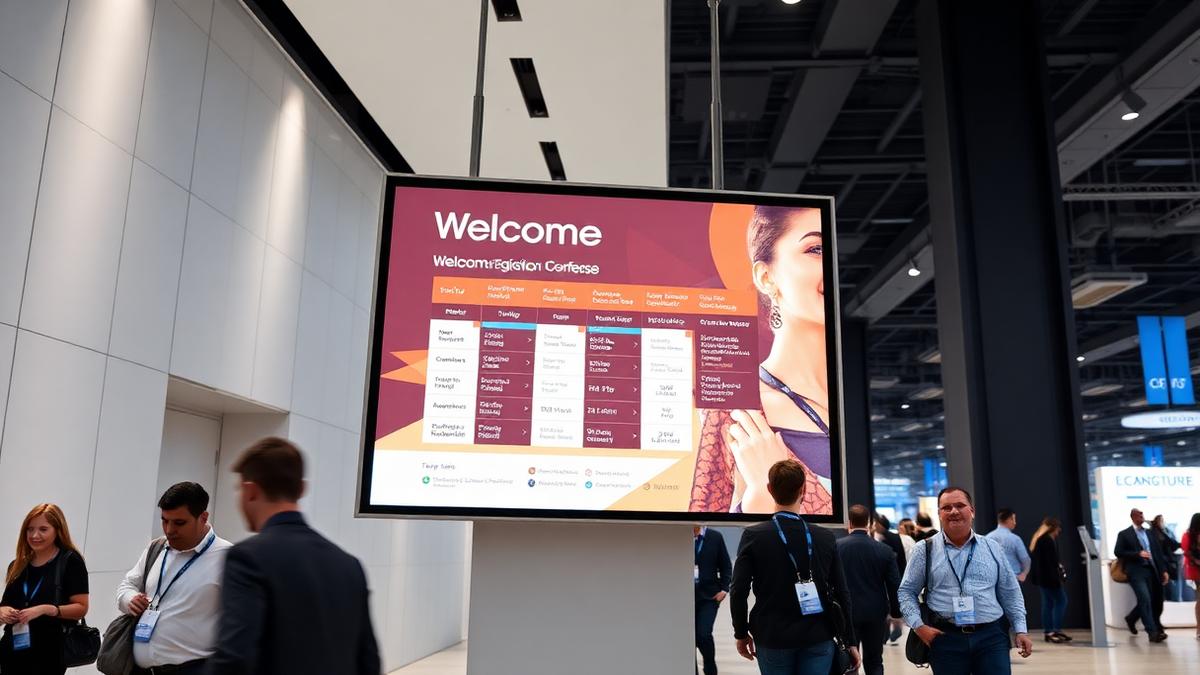
1. Registration and welcome screens
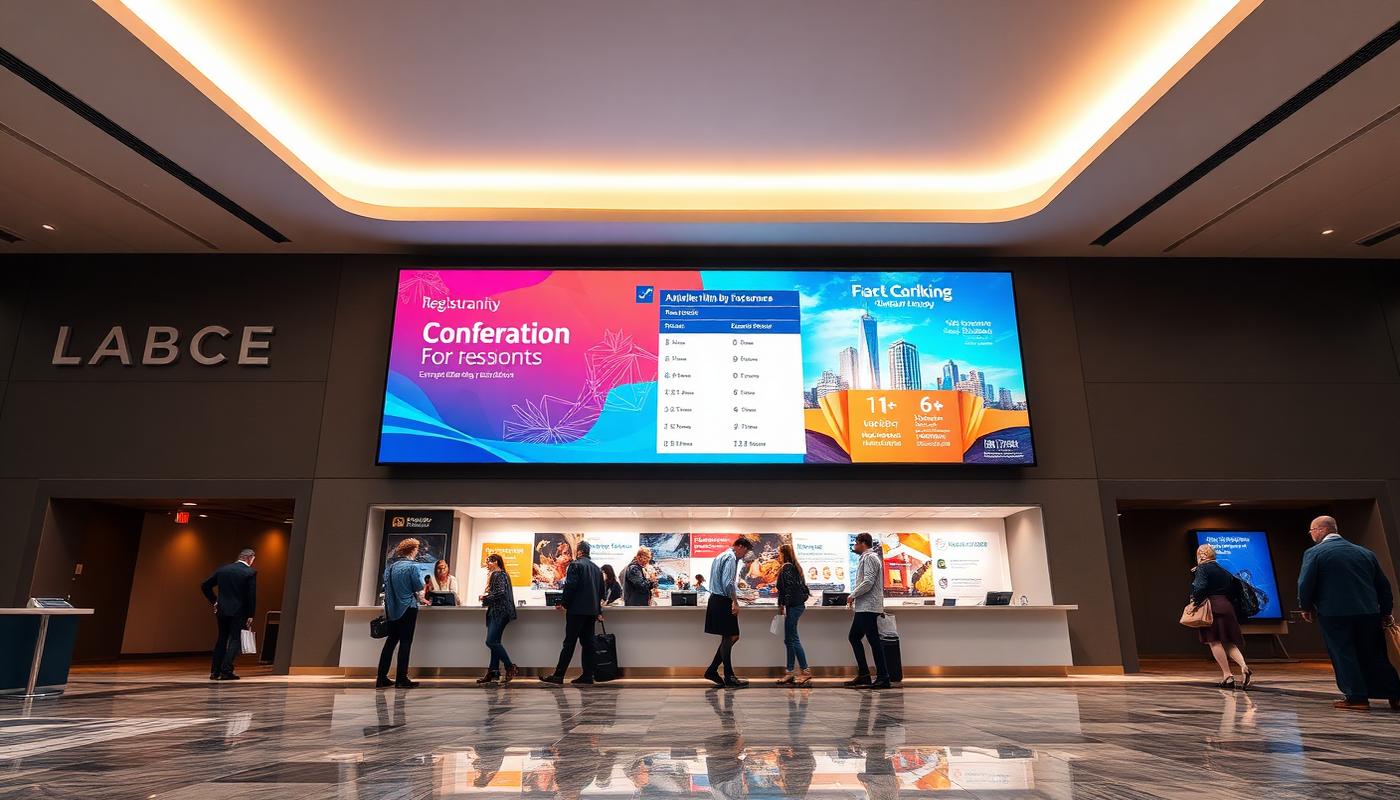
The first screen attendees see sets the tone: event branding, a welcome message, and check-in instructions. For larger events, this is also where a searchable attendee or exhibitor directory can live, cutting down on lines at the registration desk.
2. Wayfinding and room directories
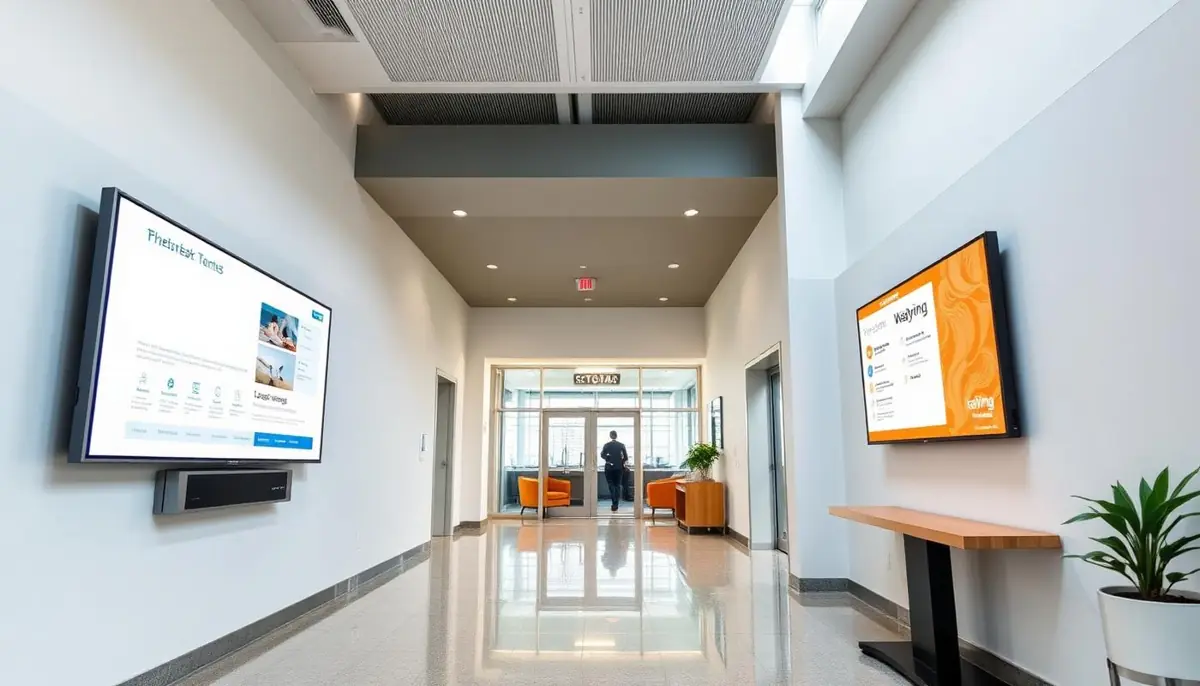
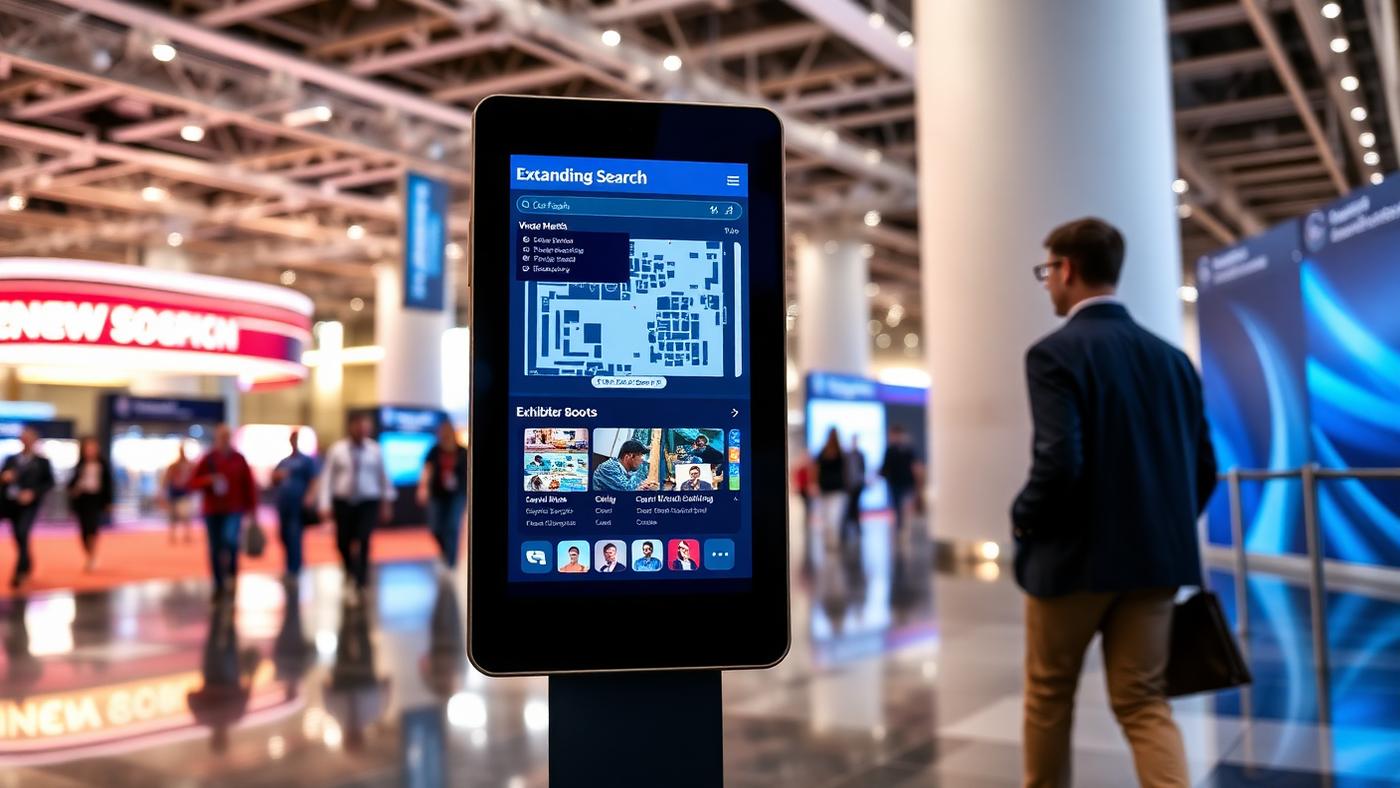
Multi-room conferences and trade shows are hard to navigate, especially across multiple floors or halls. A digital directory near entrances and major junctions lets attendees search by session, speaker, or exhibitor booth and get clear directions. Unlike a printed floor plan, it can reflect a last-minute room change instantly. See our digital wayfinding guide for a deeper look at searchable directories and interactive maps: digital wayfinding guide.
3. Live session schedules
Screens outside breakout rooms and session halls showing what is currently running and what is up next help attendees plan their day without checking a paper agenda that may already be outdated. When a session runs long or a speaker cancels, the change reflects everywhere at once.
4. Sponsor and exhibitor recognition
Sponsorship visibility is a major revenue driver for events, and digital signage gives organizers a rotating, premium way to deliver it: sponsor logos, ads, or featured exhibitor spotlights on screens throughout the venue, instead of a single static banner wall that every sponsor competes for.
5. Real-time announcements and alerts
Whether it is a room change, a weather delay, or a general announcement, event organizers need a way to reach every attendee at once. A signage network that pushes updates to every screen in the venue instantly is faster and more reliable than relying on attendees to check an app or listen for an announcement over a PA system.
6. Social media and engagement walls
Screens displaying a live feed of event hashtag posts, photos, or a Q&A wall from session attendees add an interactive, social element to lobbies and common areas. They encourage engagement and give sponsors another visibility touchpoint.
7. Digital agendas for multi-day conferences
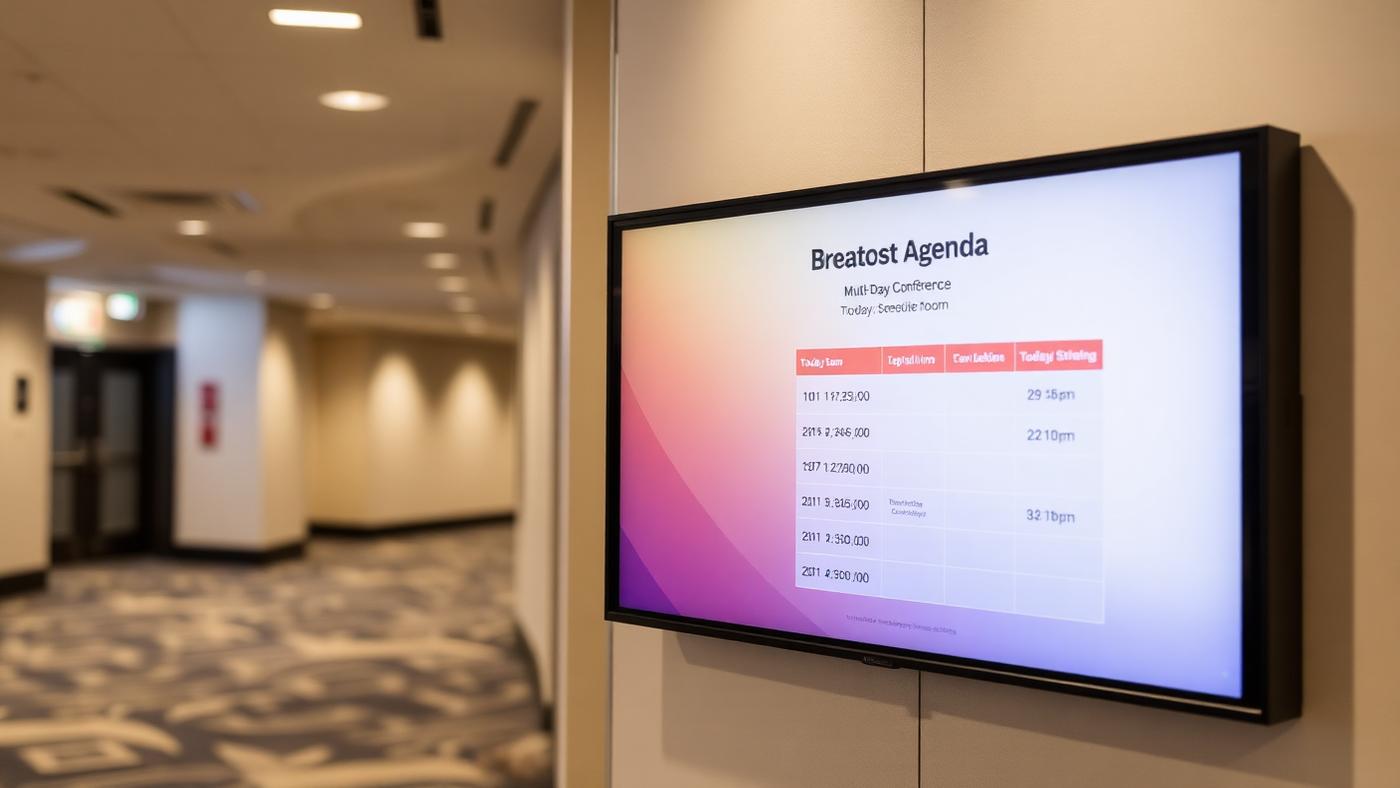
For conferences spanning several days, a digital agenda screen that updates automatically from day to day keeps information current without added printing costs or last-minute reprints when the schedule shifts.
Which event types benefit most from digital signage
| Event type | Best first screens | Why signage helps |
|---|---|---|
| Conferences | Welcome, session schedules, wayfinding | Rooms and speakers change constantly; attendees need current info. |
| Trade shows & expos | Sponsor boards, exhibitor directories, maps | Sponsors get rotating visibility; buyers find booths faster. |
| Corporate events | Welcome, agenda, KPI/social walls | Reinforces branding and keeps employees aligned. |
| Festivals & outdoor events | Entrance info, schedules, safety alerts | Weather and lineup changes can be pushed instantly. |
| Hotel conferences | Lobby welcome, ballroom schedules, sponsor boards | Venue and event branding share the same screens. |
| Sporting events | Wayfinding, concession menus, sponsor loops | Directs crowds and monetizes high-traffic zones. |
Swipe the table sideways to see all columns.
What to consider when planning event signage
- Temporary vs. permanent installation: Most event venues need signage that can be set up and torn down quickly. Lightweight freestanding kiosks or portable displays are usually a better fit than permanent wall-mounted screens.
- Content turnaround time: Events move fast, so prioritize a CMS that lets organizers or AV staff update screens in minutes, not one that requires a design request and a wait.
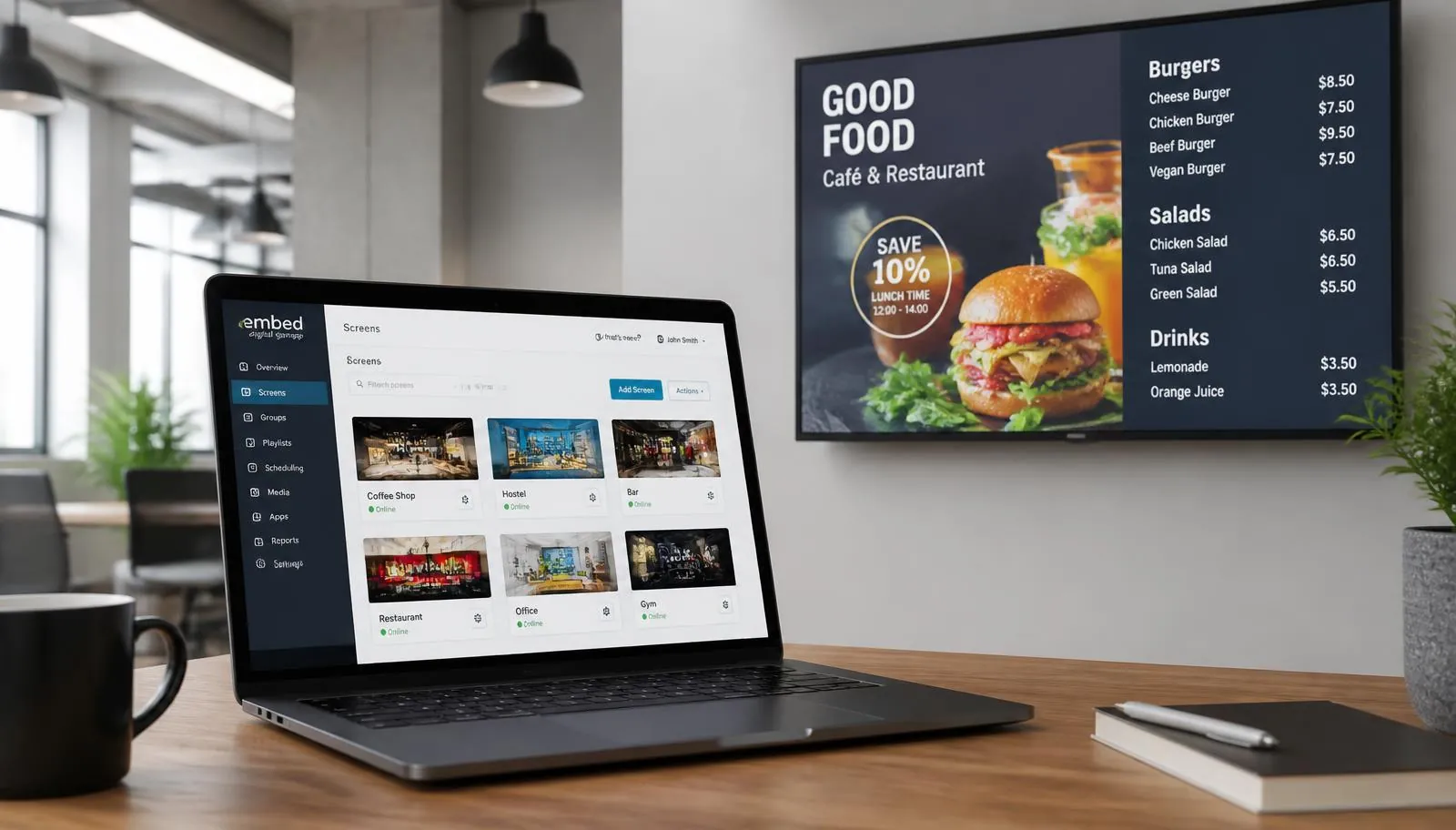
- Multi-day and multi-room management: Larger conferences benefit from a single dashboard to manage screens across every room and day, rather than updating each screen individually.
- Sponsor content workflow: If sponsors are supplying their own creative, plan for a simple content approval process so screens stay on-brand and on schedule.
- Rental vs. purchase: For one-off or annual events, renting hardware may make more financial sense than purchasing. For recurring venues or event series, owned hardware can pay off faster. A full project budget breakdown is in the digital signage cost guide: digital signage cost guide.
Getting started with event digital signage
Most event organizers start with a lobby welcome and wayfinding screen plus session-schedule screens outside breakout rooms, since these have the clearest impact on attendee experience. Sponsor recognition screens and social engagement walls are typically added once the core wayfinding and schedule signage is in place. Browse ready-made layouts in the template library, or use the digital signage budget calculator to estimate your project: digital signage budget calculator.
What is digital signage used for at events and conferences?
Common uses include registration and welcome screens, room directories, session schedules, sponsor recognition, emergency announcements, social media walls, and multi-day digital agendas.
Can event signage be updated when a room or session changes?
Yes. A cloud-based signage system lets an organizer publish a corrected schedule or announcement to one screen, a room group, or the entire venue without reprinting signs.
How much does digital signage software cost for an event?
E Display software is $8 per screen per month when billed annually, and annual plans include a free media player. Displays, mounts, installation, and any temporary rental equipment are separate project costs.
Should event signage be rented or purchased?
Rental equipment can make sense for a one-off event, while owned screens and media players may be more economical for recurring conferences, permanent venues, or an annual event series.
What is the best first screen for a conference?
Start with a lobby welcome screen and session-schedule displays outside breakout rooms. These solve the two most common attendee pain points: where to go and what is happening now.
Can digital signage help event sponsors?
Yes. Rotating sponsor boards, featured exhibitor spotlights, and branded agenda screens give sponsors repeated visibility in high-traffic areas beyond a single banner wall.
Planning signage for an upcoming event or conference?
Talk to E Display about a setup that fits your venue, content workflow, and timeline.
Still choosing a vendor? Compare digital signage platforms head to head, run your own numbers with the digital signage budget calculator, or see our digital signage pricing at $8 per screen per month with a free media player.
Related digital signage solutions
- Events & Conferences solutions Agendas, wayfinding, and sponsors on every screen.