What a digital signage project costs beyond the software license, including the display, media player, mounting, installation, and content design, with per-screen math at 1, 5, 25, and 100 screens.
The short answer:
- Software: $8 per screen, per month, billed annually ($96/screen/year).
- Media player: an Android media player (currently the TX9) is free with every screen on an annual plan (~$50–$80 if bought separately).
- Display: a 43" commercial-grade screen runs $495–$600; consumer TVs start around $250.
- Mounting/installation: $0 DIY, or $250–$350/screen through a local installer.
- Content design: $0 with our built-in templates, or $200 per custom layout, one-time.
- Realistic all-in: about $891 in year one for a single screen, dropping to $96/year after that.
"How much does digital signage cost?" depends on whether you mean the software license or the complete rollout. For the recurring license price and what is included, see our digital signage pricing page. This guide focuses on the other project costs, then shows what the total looks like as you scale from one screen to a hundred. Starting with just one shop screen? Our digital signage for small business starter guide focuses on placement, useful content and a first-month pilot. For municipal projects, our government and public buildings signage guide at E Display digital signage government public buildings covers screen uses, content ownership and procurement planning for city halls, courts and libraries.
A worked example: digital sign cost for a three-screen restaurant with digital menus
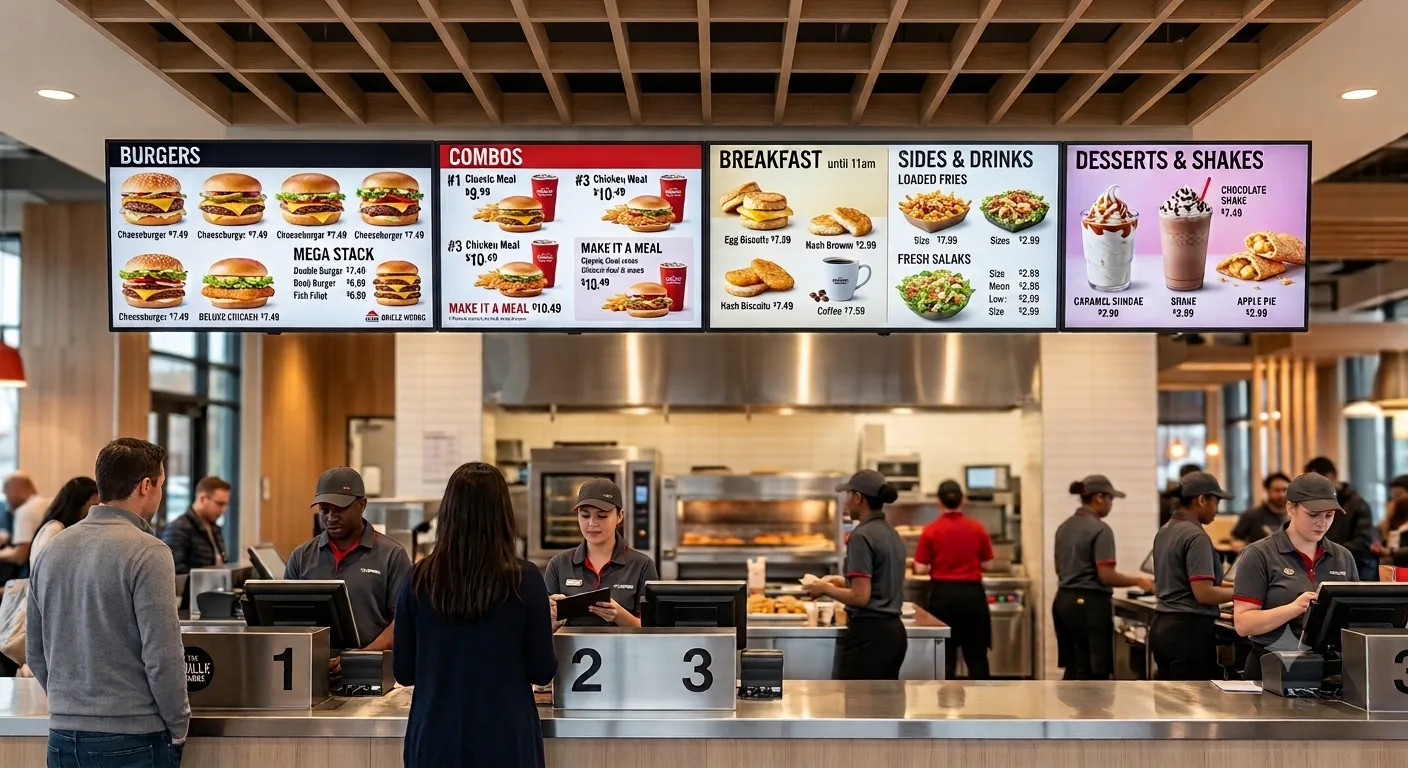
Take a restaurant owner replacing printed menu cards with digital menus all installed on the same visit. Software is 3 × $96 = $288 for the year. Displays are 3 × $495 = $1,485 for 43-inch commercial panels. Media players are $0, included with the annual licences. Installation at a batched $250 per screen is $750. The menu layouts run on free templates, so design is $0, and breakfast, lunch and dinner switch on their own. Year one lands at $2,523, about $841 per screen; year two is $288 total. That is the whole cost of electronic signage for restaurant, with nothing withheld for a quote call.
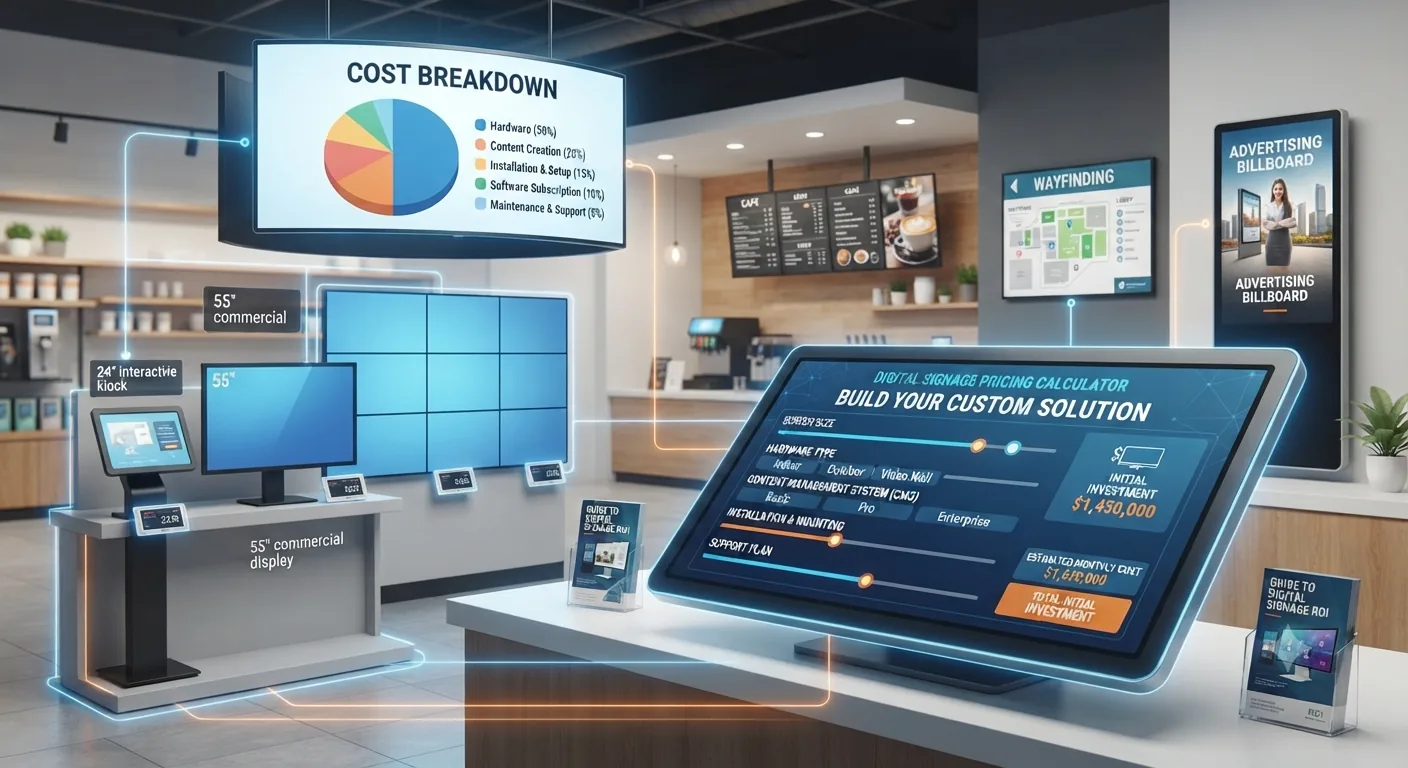
To price your own mix of screens, displays and installation, use the interactive breakdown at digital signage budget calculator, or see the recurring licence price and everything it includes at digital signage pricing.
The five things you pay for
Cloud CMS subscription billed annually, content management, scheduling, remote updates, monitoring, and phone/chat/email support.
Every screen needs a media player. Our media player is included free with annual plans; standalone signage players typically cost $50–$80.
A 43" commercial-grade panel rated for all-day operation, with a 3-year manufacturer warranty. Consumer TVs cost less but aren't warrantied for continuous use.
Wall mount and cable run. Free if you DIY; $250–$350 per screen through a local AV installer or a partner we coordinate.
Start free with hundreds of ready-made templates, or have our design team build a custom layout for a one-time $200 per design.
1. Software, $8/screen/month
This is the only cost that recurs. At $8/screen/month billed annually that's $96 per screen, per year, with no tiering games: the same $8 license includes scheduling and dayparting, playlists and zones, multi-location management, screen health monitoring, user permissions, and support by phone, chat, and email. There is no separate "enterprise" plan to graduate into, so your cost per screen at 100 screens is the same as at one.
Why annual matters: annual billing includes a free media player with every screen. On quarterly billing you buy the player separately, so annual is almost always the cheaper path in year one.
2. Media player, free with annual plans
Something has to drive the screen. Most projects use a small external player: the TX9 TV Stick is a 4K Android 14 device that plugs into any HDMI port, boots straight into your playlist, and recovers automatically after a power cut. It's included free with each screen on an annual plan, which is the single biggest reason first-year hardware costs come in lower than most quotes you'll see.
You can also skip the stick entirely and run our app directly on a compatible Android TV, Chrome OS device, Windows PC, or Raspberry Pi if you already have hardware in place. See digital signage media player options for the player options. For the trade-offs between sticks, mini PCs and Raspberry Pi, read digital signage player buying guide.
3. Displays, where quotes vary most
E Display doesn't manufacture panels, so you can buy through us or source your own. Grade, not brand, is what moves the price:
| Display type | Typical price (43") | Best for |
|---|---|---|
| Consumer/retail TV | $250–$400 | Low-traffic internal screens, short daily hours |
| Commercial-grade panel (recommended) | $495–$600 | 16+ hrs/day, 7 days a week; 3-year warranty |
| Touch screen / interactive | $900–$1,800 | Wayfinding, directories, self-service |
| High-brightness / outdoor-rated | $1,200–$1,600+ | Drive-thrus, storefront windows, direct sunlight |
| Video wall (per panel, incl. mount) | $1,500–$2,500 | Lobbies, arenas, flagship retail |
Swipe the table sideways to see all columns.
Grade is a cost decision, not a spec decision. Consumer TVs are typically built for 5–7 hours of daily use and aren't warrantied for always-on commercial operation. Replacing a $350 consumer panel every 18 months costs more over three years than buying a $495 commercial panel once.
4. Mounting and installation, $0 to $350 per screen
E Display doesn't employ in-house installers; we coordinate installation through vetted local partners, quoted per site. Three practical paths:
- DIY ($0): a wall bracket, a stud finder, and an HDMI cable. The TX9 is plug-and-play, so a single screen is usually under an hour.
- Local installer ($250–$350/screen): standard wall-mount labor. Ask for a same-visit multi-screen rate, per-screen cost typically drops toward $250 when several screens go in on one trip.
- Coordinated by E Display ($250–$350/screen, quoted per site): one point of contact; we arrange a vetted partner and schedule with you.
Electrical work, new data drops, structural blocking, ceiling suspension, and enclosures are extra everywhere, they're site conditions, not signage costs. Get them quoted before you budget.
5. Content design, free templates or $200 per layout
Most customers launch on a template and never pay for design. Our library includes hundreds of ready-made layouts you can edit in the browser, menus, promos, directories, dashboards, wayfinding, and internal comms. If you want something built around your brand, our team designs a custom layout for a one-time $200 per design; day-to-day edits afterward are yours to make at no cost. Browse digital signage template library before you budget for design at all.
Cost per screen as you scale
Assumes a $495 commercial display, a free media player on annual billing, a same-visit installer rate of $250/screen at 5+ screens ($300 for a single screen), and templates instead of custom design.
| Screens | Year-one total | Ongoing (per year) | Avg cost/screen/yr over 3 yrs |
|---|---|---|---|
| 1 | $891 | $96 | $361 |
| 5 | $4,205 | $480 | $344 |
| 25 | $21,025 | $2,400 | $344 |
| 100 | $84,100 | $9,600 | $344 |
Swipe the table sideways to see all columns.
Year-one totals are dominated by hardware; from year two onward the only cost is the $96/screen software renewal. Per-screen economics stay flat as you scale because licensing is flat, the savings come from installer batching, not from volume software discounts.
Where a single screen's $891 first-year cost goes
DIY vs. coordinated rollout
| DIY | Coordinated by E Display | |
|---|---|---|
| Year-one cost, 1 screen | $591 | $891 |
| Who mounts the screen | You or your staff | Vetted local partner |
| Design | Free templates | Templates or $200 custom |
| Best for | 1–5 screens, simple wall mounts | Multi-site rollouts, ceiling/recessed mounts, tight timelines |
Swipe the table sideways to see all columns.
What pushes your cost up or down
Touch changes everything
Interactive directories and self-service kiosks need touch panels and enclosures, typically 2–3× a standard display. Only spec touch where visitors actually need to input something.
Screen hours drive grade
Under ~8 hours a day, a consumer panel can be defensible. At 12–24 hours a day, commercial grade is the cheaper option over three years.
Content cadence, not screen count
Weekly promo changes are free in the CMS. Ongoing costs only appear if you outsource design every month, most teams don't need to.
Site conditions
Power and data availability at the mounting point is the most common budget surprise. Walk each location before signing an install quote.
One dashboard at any size
Because licensing is flat at $8, adding locations doesn't change your unit economics, no plan upgrades, no per-feature add-ons.
Annual billing
Annual plans include a free media player with every screen, which is effectively $50–$80 off per screen in year one.
Costs by use case
Two verticals have their own detailed breakdowns, including scenario tables and industry-specific hardware notes:
- Digital menu boards (restaurants, cafés, QSR): digital menu board cost guide
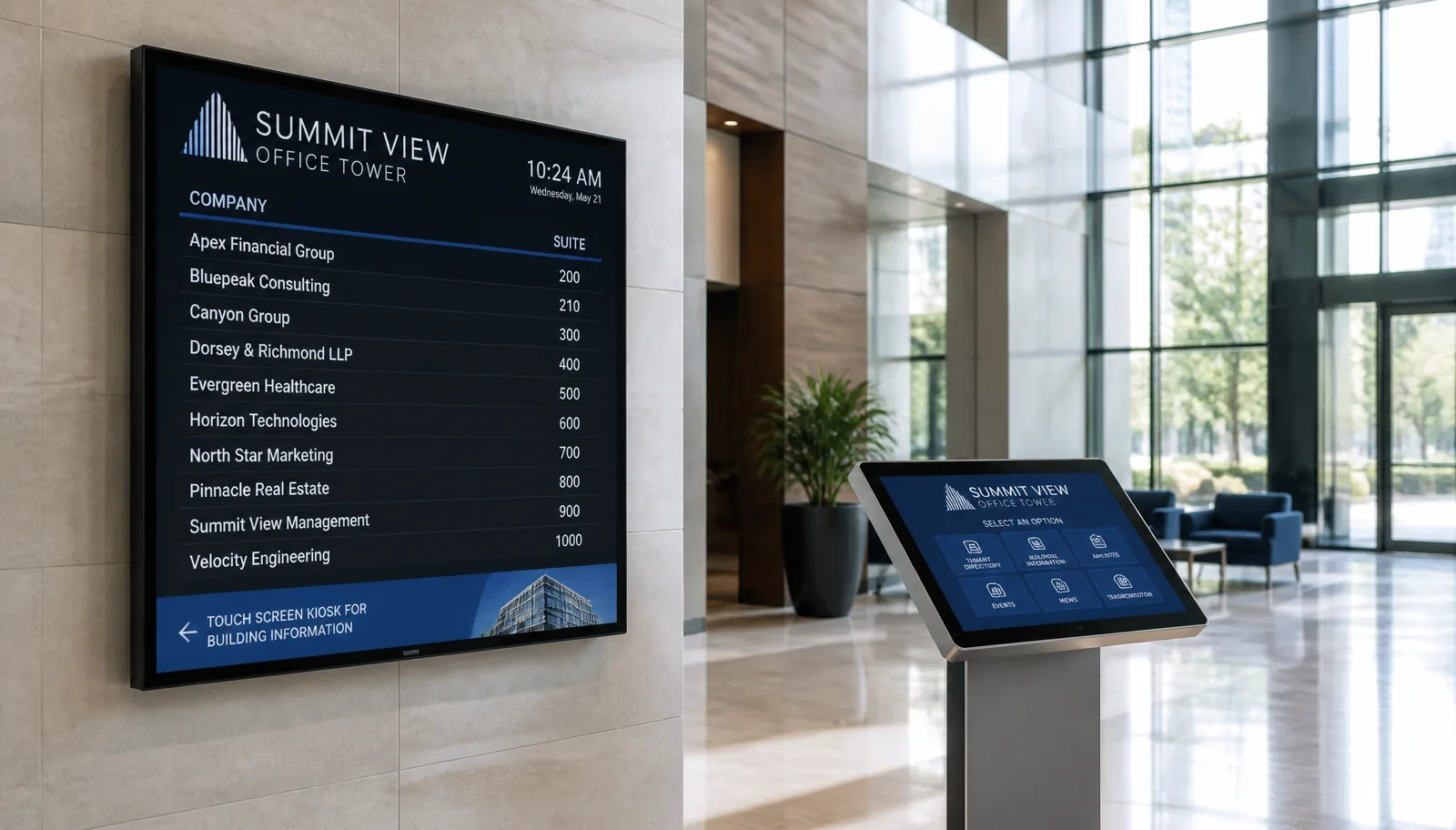
- Digital building directories (offices, multi-tenant buildings): digital building directory cost guide
- Current plan pricing and what's included: digital signage pricing
Frequently asked questions
How much does digital signage cost per screen?
Software is $8 per screen per month billed annually ($96/screen/year). Adding a commercial display and standard wall mounting, a realistic all-in first-year cost is about $891 per screen, falling to $96/screen/year after that. DIY mounting brings year one to roughly $591.
Is there a setup or onboarding fee?
No. There's no setup fee, no per-user fee, and no charge for support, phone, chat, and email support is included in the $8 license.
Do I need to buy hardware from E Display?
No. The software runs on our media player (free with annual plans) and also on compatible Android TV, Chrome OS, Windows, and Raspberry Pi devices, with any commercial or consumer display.
Does the price change if I have 100 screens?
The per-screen license stays $8/month at any size, there's no enterprise tier to move to. What changes is installation: batching screens into fewer site visits usually lowers per-screen install cost toward $250.
What's the cheapest way to start?
One consumer-grade display you already own or buy for $250–$400, a free media player on an annual plan, a self-install, and a free template, roughly $96 in software plus the screen.
Are there any hidden ongoing costs?
The only recurring line is the software subscription. Content updates you make yourself are free. Costs people forget to budget are site-specific: electrical work, data cabling, and mounting structure.
What are typical digital sign prices in 2026?
For a single indoor screen, expect $495–$600 for a 43-inch commercial display, $0–$350 for mounting, $0–$200 for design, and $96 per year for software. That puts typical digital sign prices between roughly $591 and $1,246 for the first screen, then $96 per screen per year.
How does the cost of electronic signage compare to printed signs?
A printed lobby board or menu panel costs $150–$400 each time the content changes. A digital screen carries a one-time hardware cost plus $8 per month, and content changes are free and unlimited, so buildings that reprint more than three or four times a year usually pay less with a screen inside the first two years.
Get a cost estimate for your screens
Tell us how many screens and where they're going, we'll send a line-item estimate covering software, players, displays, and installation.

About the author: Khalid Qadir
Khalid Qadir is Co-Founder & VP Business Development at E Display, with 20+ years of experience as a Principal Product Manager scaling AI-driven enterprise platforms including conversational AI, agentic automation, and digital signage and CX systems for Fortune-scale organizations.
Connect with Khalid on LinkedInStill choosing a vendor? Compare digital signage platforms head to head, run your own numbers with the digital signage budget calculator, or see our digital signage pricing at $8 per screen per month with a free media player.