Few environments demand faster-changing information than transportation hubs. A delayed train, a gate change, a weather-related detour: passengers need to know the moment it happens, not whenever someone gets around to updating a printed board. Digital signage has become the standard for transit agencies, airports, and transportation-adjacent businesses precisely because it can update instantly and pull directly from the live systems that already track schedules and delays.
Here is how digital signage gets used across transportation settings, and what matters most when planning a deployment.
1. Real-time schedule and departure boards
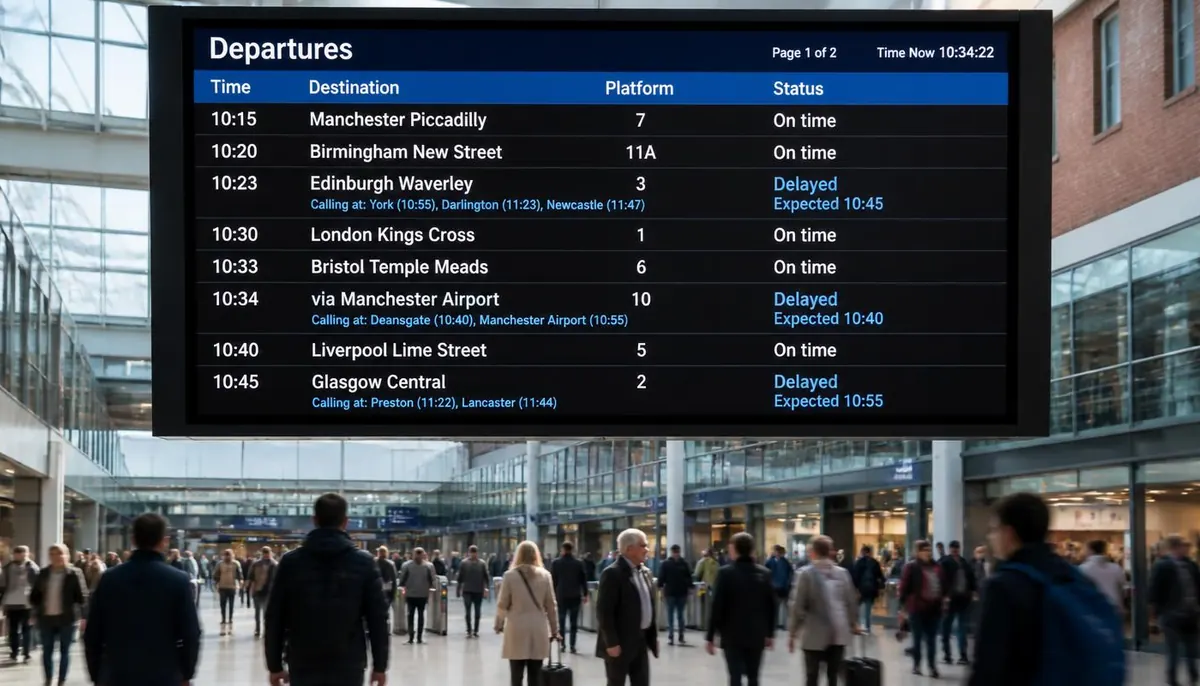
The core use case: screens showing live arrival and departure times, gate or platform assignments, and delay status, pulled directly from a transit agency's or airport's scheduling system rather than updated by hand. This is the single highest-value application in transportation signage, since accuracy directly affects whether passengers make their connection.
2. Wayfinding through terminals and stations
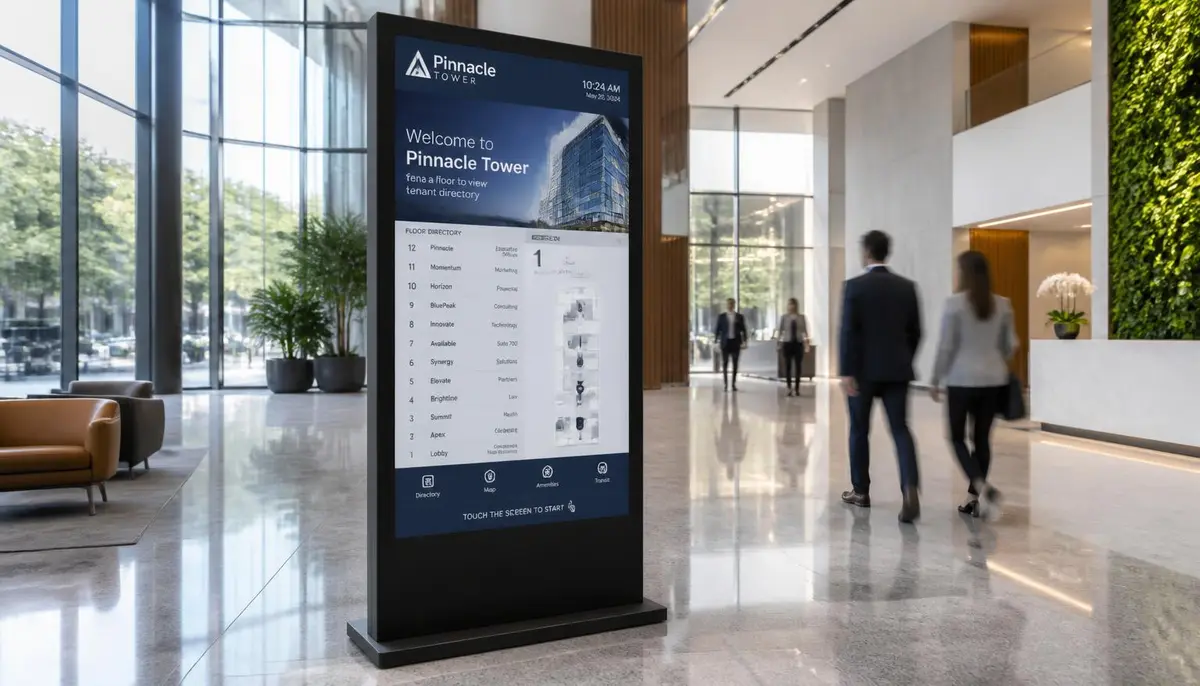
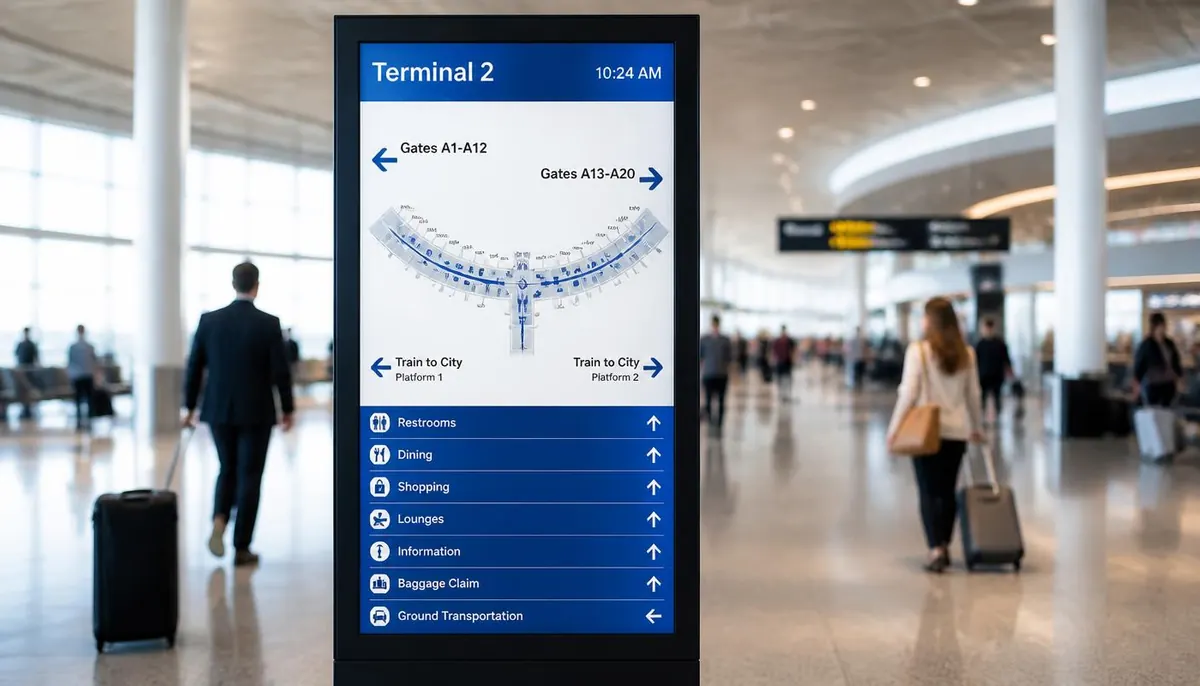
Large transit hubs and airports are difficult to navigate under time pressure. Directory and wayfinding screens help passengers find gates, platforms, baggage claim, or ground transportation without needing to ask staff: the same underlying approach used in building directory wayfinding, digital wayfinding guide, scaled to a much larger and busier environment.
3. Passenger alerts and emergency communication
Service disruptions, severe weather, and safety notices need to reach every passenger in a facility at once. A signage network that can push an alert to every screen simultaneously is far more reliable than relying on PA announcements, which are easy to miss in a noisy terminal.
4. Platform and gate-specific displays
Smaller screens at individual gates, platforms, or bus bays show the specific route, destination, and departure time for that exact location, reducing the confusion of a shared departure board and giving passengers confidence they are waiting in the right spot.
5. Fare and ticketing information
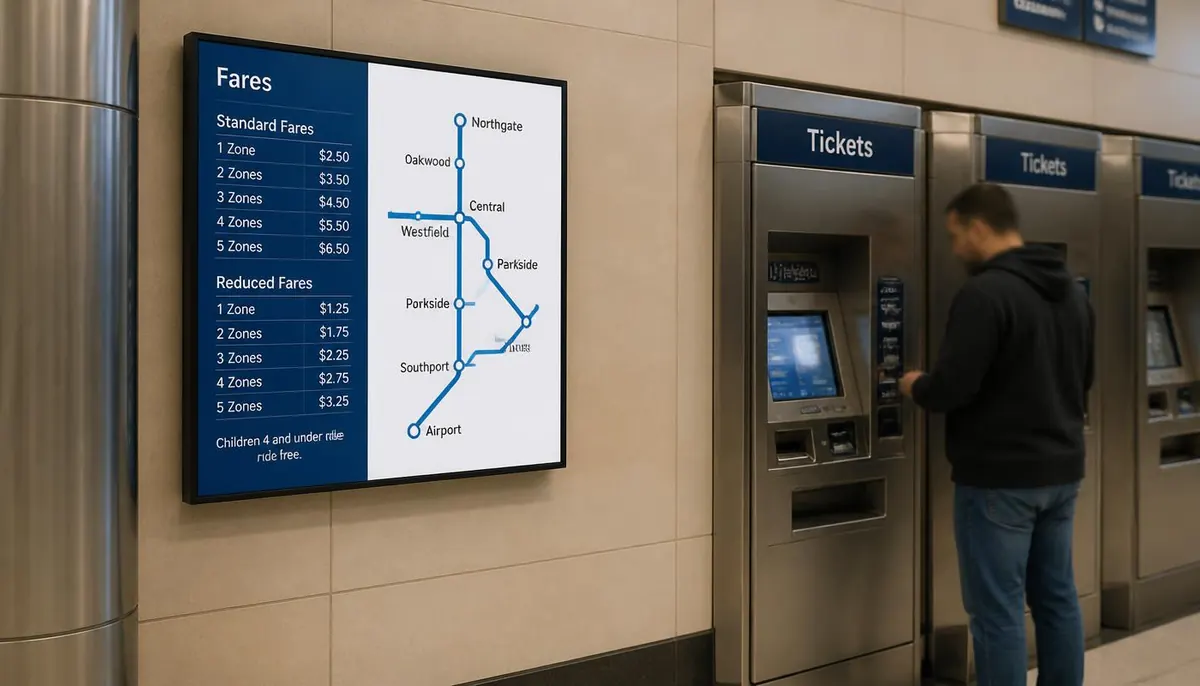
Digital displays near ticket counters and vending machines can show current fares, route maps, and payment options, updating instantly when pricing or routes change rather than requiring new printed fare charts.
6. Advertising and revenue screens
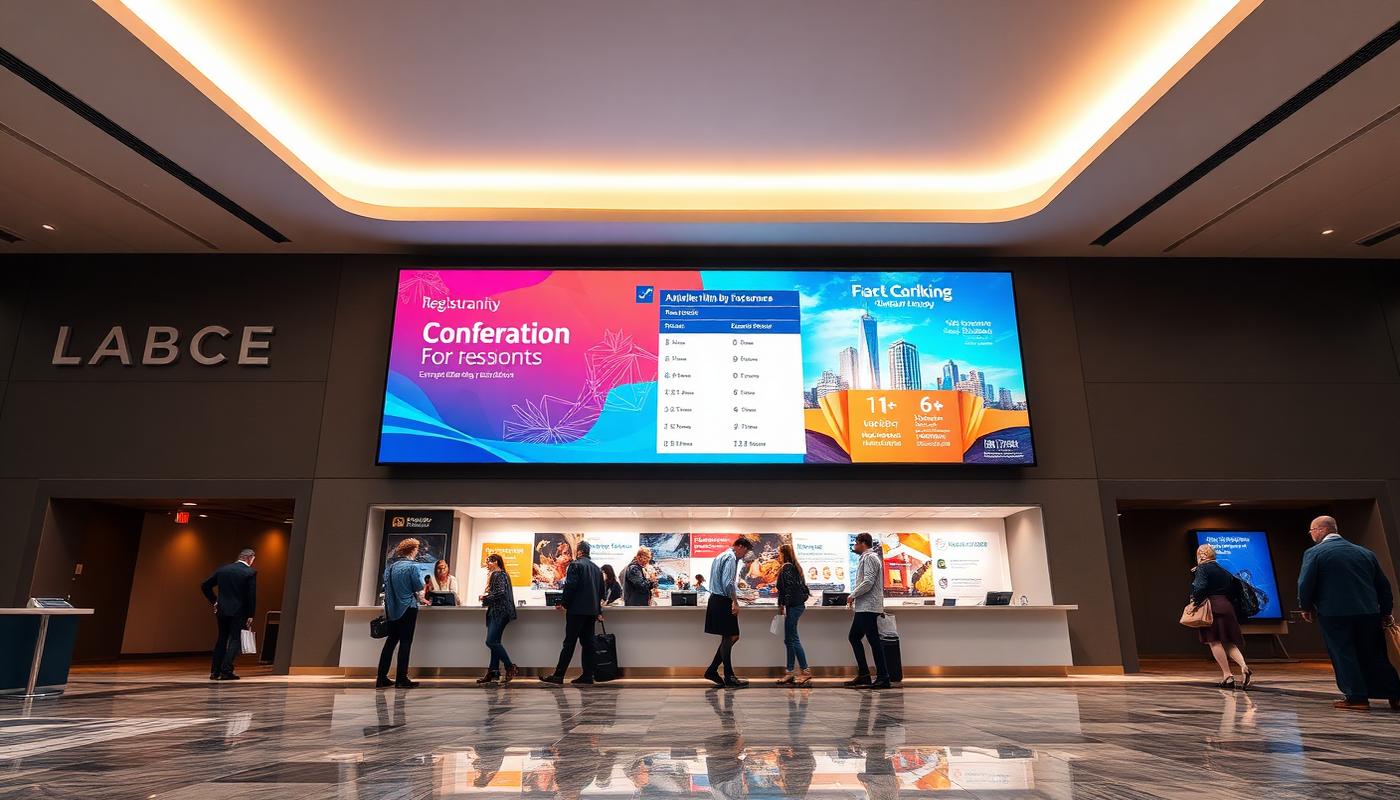
Transit agencies and terminal operators often use a portion of their screen network for paid advertising: a revenue stream that offsets the cost of the signage network itself, common in subway platforms, bus shelters, and airport concourses.
7. Retail and dining directory screens
Larger terminals with retail and dining options benefit from directory screens showing what is available near each gate or concourse, helping passengers make the most of a layover or waiting period. Terminal food courts often pair these with digital menu boards: digital menu boards.
8. Baggage claim and arrivals displays
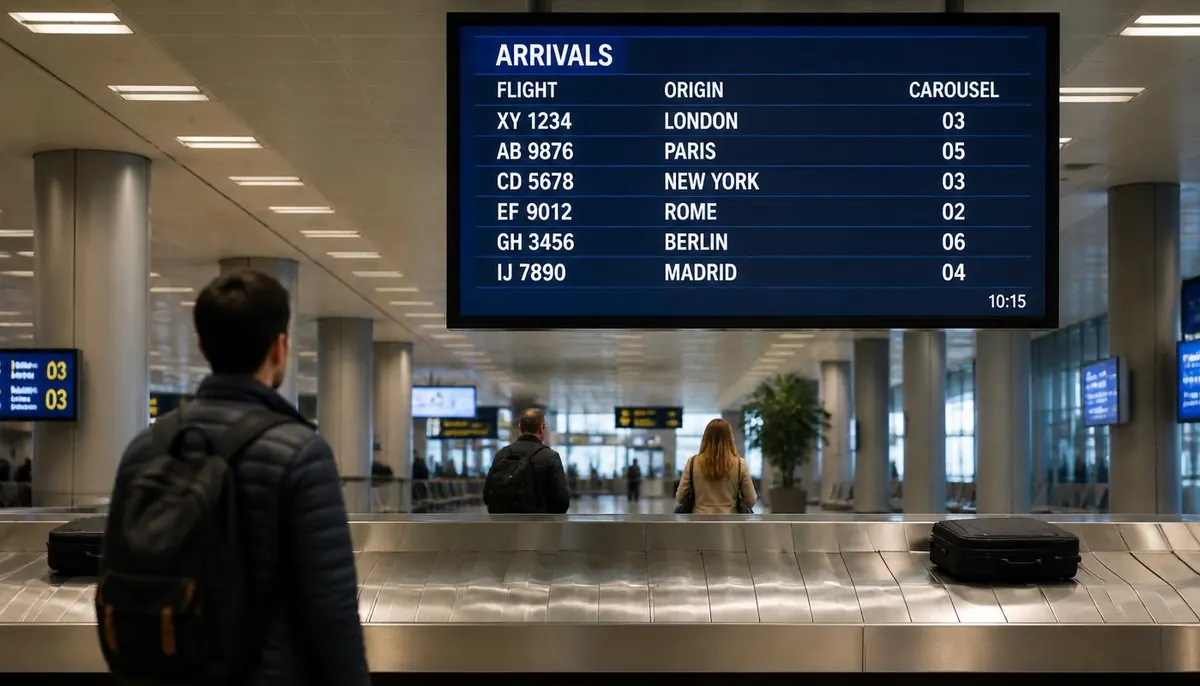
Screens showing which carousel a flight's baggage will arrive on, or real-time arrivals status for people picking up passengers, reduce congestion and repeated staff questions in arrivals areas.
What to consider when planning a transportation deployment
- Live data integration: the value of transportation signage comes almost entirely from real-time accuracy, so prioritize a system that can integrate with existing scheduling and tracking systems rather than one that requires manual updates.
- Reliability and uptime: screens in transit environments run continuously and cannot afford extended downtime, so hardware durability and remote monitoring matter more here than in most other verticals.
- High-traffic, high-visibility placement: departure boards and wayfinding need to be visible from a distance in busy, often crowded spaces, which affects screen size and brightness requirements.
- Multi-location management: transit agencies operating many stations benefit from a single dashboard to manage schedule and alert content across the entire network at once.
E Display signage software runs at $8 per screen per month billed annually, with a free media player included on annual plans. See digital signage pricing for licence costs, or digital signage cost guide for full project budgets including displays and installation.
Getting started
Most transportation deployments start with core departure and schedule boards plus emergency alert capability, since these have the most direct impact on passenger experience and safety. Wayfinding, retail directories, and advertising screens are typically layered in once the core schedule system is in place. See our transportation digital signage solution: E Display transportation digital signage.
What is transportation digital signage?
Transportation digital signage is a network of screens in stations, terminals, and airports used for passenger information: live departure and arrival boards, wayfinding, platform and gate displays, fare and route information, emergency alerts, and advertising, all managed from one cloud dashboard.
Can digital signage show real-time train or flight schedules?
Yes. Screens can pull live data from an existing scheduling or tracking system so arrival times, platform assignments, and delay status update automatically instead of being edited by hand.
How do emergency alerts work on transit screens?
An urgent message can be pushed to every screen in a station or across an entire network at once, overriding regular content until the alert is cleared, which is more reliable in a noisy terminal than PA announcements alone.
How much does transportation digital signage cost?
Software is $8 per screen per month billed annually, with a free media player on annual plans. Displays, mounting, installation, and any live data integration work are separate project costs that vary by site.
Can one dashboard manage screens across multiple stations?
Yes. A cloud content management system controls every screen from one place, so you can publish a network-wide alert or target a single station, platform, or screen group.
Planning digital signage for a station or terminal?
Talk to E Display about a passenger information setup built around your existing scheduling systems.
Still choosing a vendor? Compare digital signage platforms head to head, run your own numbers with the digital signage budget calculator, or see our digital signage pricing at $8 per screen per month with a free media player.
Related digital signage solutions
- Building Directory solutions Wayfinding for modern spaces.