Wayfinding is the general term for how people orient themselves and navigate a physical space: the signs, maps, and directories that answer "where am I, and how do I get where I'm going?" Digital wayfinding replaces static maps and printed directories with interactive, always-current screens that can be updated in seconds instead of reprinted.
This guide covers what digital wayfinding is, how it works, and where it delivers the most value, with links to deeper guides on specific use cases throughout. For how wayfinding screens compare to other signage hardware and use cases, see our overview at types of digital signage overview.
What makes wayfinding digital
Traditional wayfinding (printed directories, wall maps, directional signs) is static by design. Every change, whether a tenant moves suites, a hospital department relocates, or a conference room gets renumbered, means reprinting and physically replacing a sign. Digital wayfinding solves this with a screen-based system updated instantly from a central dashboard, and it can do more than a static sign ever could:
- Searchable directories: visitors search by name, department, or destination instead of scanning a full list.
- Real-time updates: changes go live across every screen at once, with no reprinting.
- Dynamic content: the same screen can rotate wayfinding with weather, announcements, or a scrolling ticker.
- Multi-location management: organizations with several buildings or sites manage wayfinding for all of them from one system.
How digital wayfinding signage works
- Display hardware: a screen (wall-mounted, kiosk, or freestanding) placed at entrances and major decision points.
- Content management system: the digital wayfinding software lets an administrator update directory listings, maps, and other content.
- Directory data: the actual list of tenants, departments, rooms, or destinations, which can often be edited directly rather than requiring a design change for every update.
- Optional integrations: some deployments connect wayfinding to a booking system, patient management system, or event schedule so listings update automatically.
Where digital wayfinding gets used
Wayfinding needs look different depending on the setting. Here is how it plays out across the environments we build for most often.
Building directories
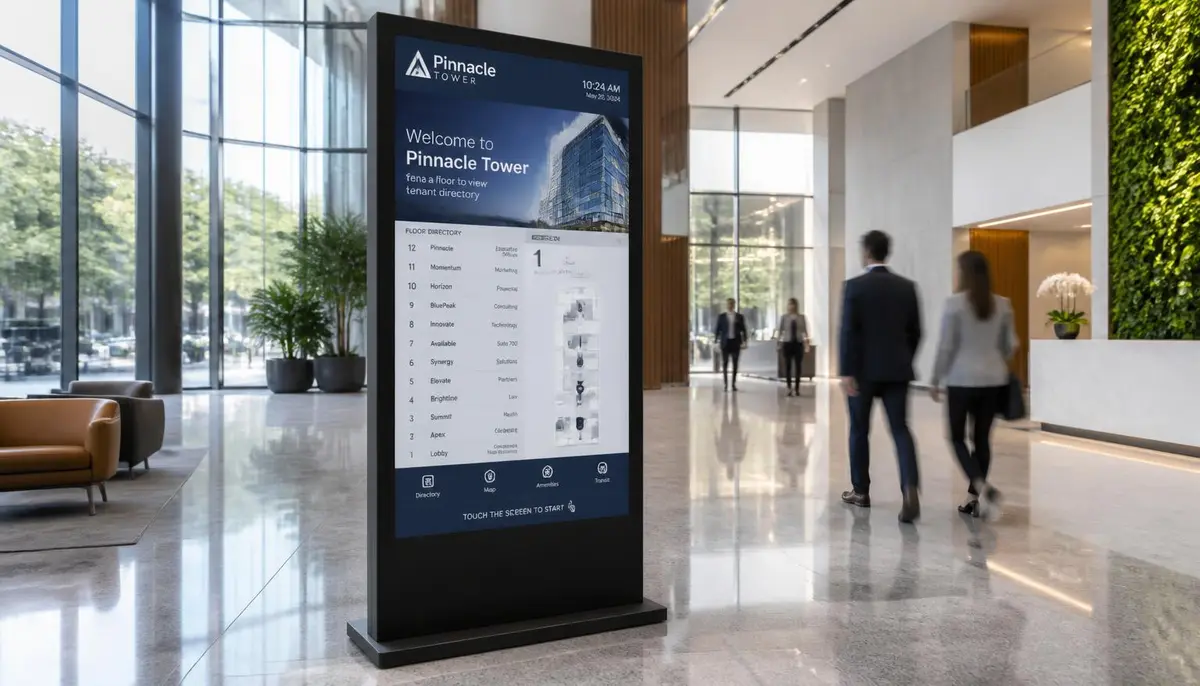
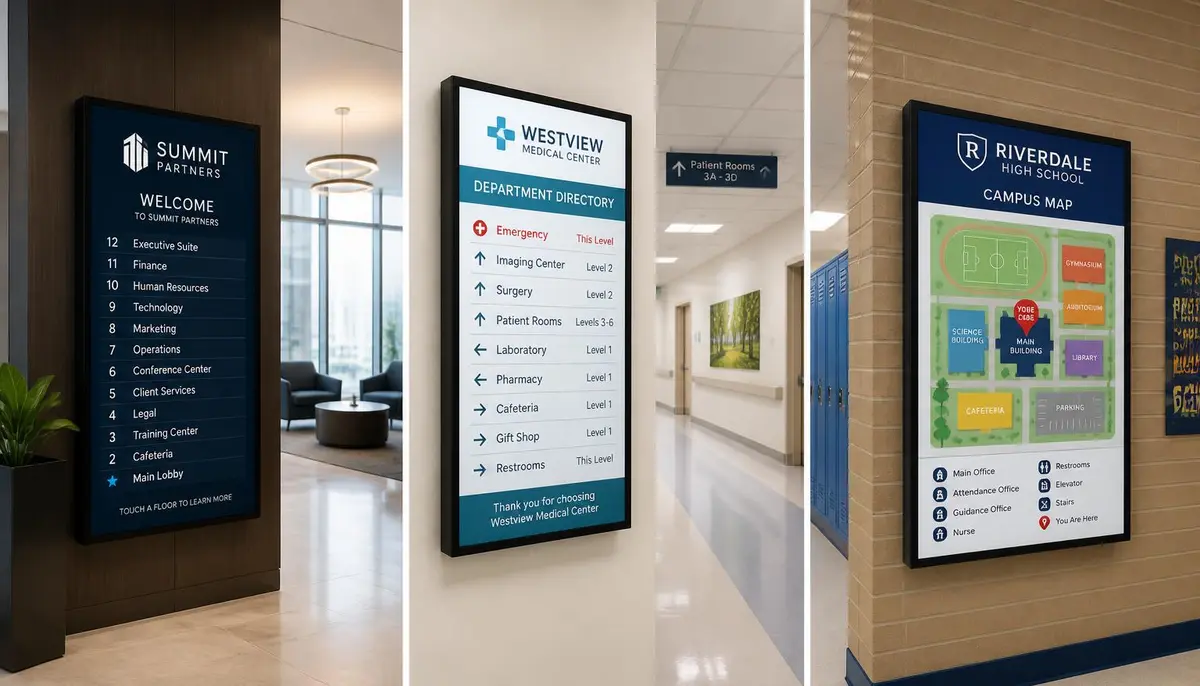
Commercial office buildings, multi-tenant properties, and retail centres use digital wayfinding as a tenant directory, helping visitors find a specific business or suite while giving property management a directory they can update the moment a tenant moves in or out. See our full digital building directory solution: digital building directory, including our NT Suites case study on a real 2-floor, 25-tenant deployment across four locations: E Display nt suites.
Healthcare facilities
Hospitals and clinics are some of the most navigation-intensive environments there are, and getting lost adds real stress to an already stressful visit. Digital wayfinding lets patients and visitors search by department or doctor instead of reading a static campus map. Read more in our guide to healthcare digital signage: E Display healthcare digital signage wayfinding wait times.
Schools and campuses
Digital wayfinding in schools, colleges, universities and multi-building K-12 districts help students, parents, and visitors navigate large or unfamiliar campuses, often paired with emergency alert capability. See our guide to education digital signage: school digital signage ideas.
Events and conferences
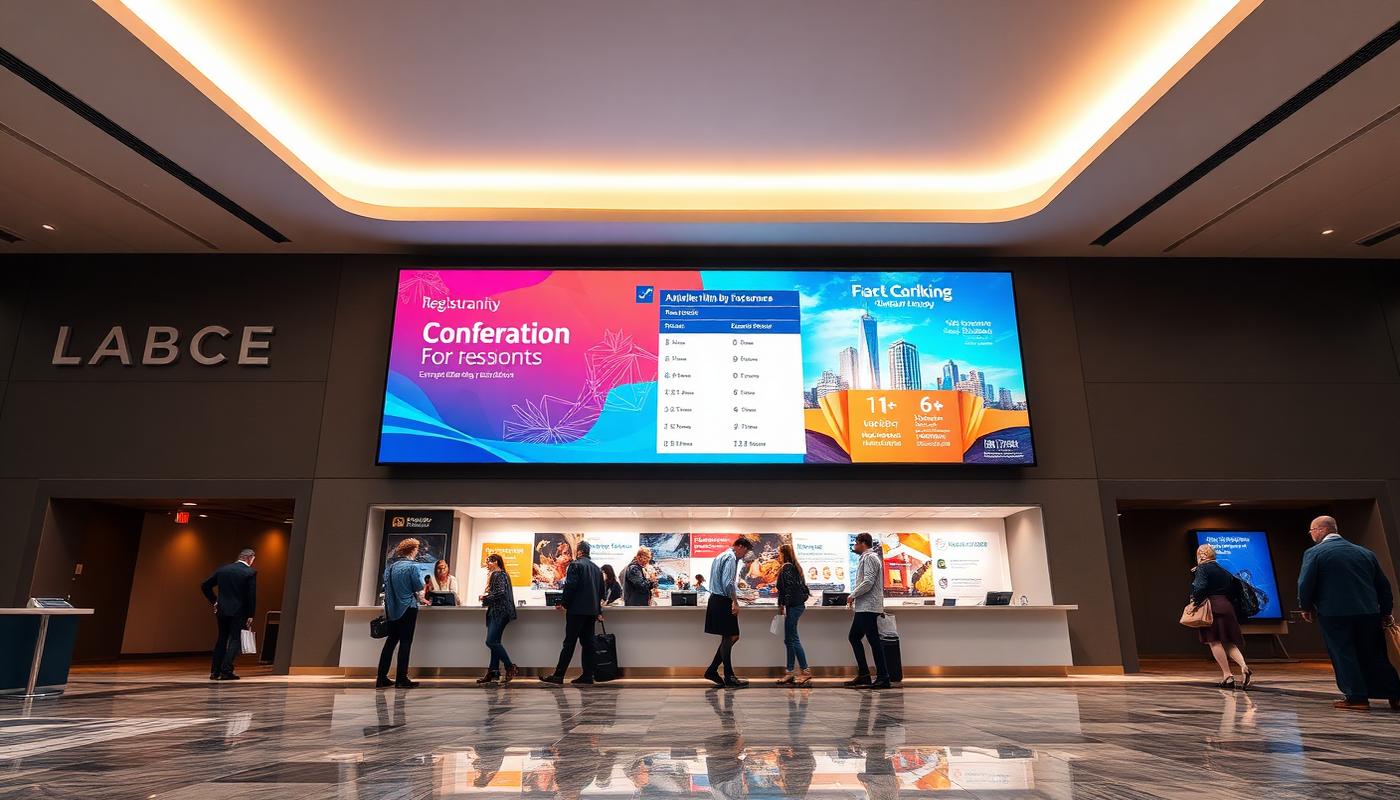
Temporary, fast-changing environments like conferences and trade shows use wayfinding to help attendees find sessions, exhibitor booths, and rooms that can change at the last minute. See our guide to digital signage for events and conferences: event digital signage ideas.
Government and public buildings
City halls, courthouses and libraries use department directories and room directions to help visitors reach the right service without asking at reception. For building-specific examples and planning advice, read our guide to digital signage for government and public buildings: E Display digital signage government public buildings.
Digital wayfinding vs. static signage
| Static signage | Digital wayfinding | |
|---|---|---|
| Updating listings | Reprint and physically replace | Update in minutes from a dashboard |
| Searchability | Read the full list manually | Search by name, department, or destination |
| Multi-location updates | Update each site separately | Push changes to all locations at once |
| Additional content | Directory only | Rotate in weather, announcements, ads, or a ticker |
| Cost over time | Ongoing reprinting costs | One-time hardware plus software subscription |
Swipe the table sideways to see all columns.
E Display signage software runs at $8 per screen per month billed annually, with a free media player included on annual plans. See digital signage pricing for licence costs, or digital signage cost guide for full project budgets including displays and installation.
Planning a digital wayfinding deployment
- Where does wayfinding need to live? Entrances and major junctions matter most; you do not need a screen at every hallway intersection to get most of the benefit.
- Does it need to integrate with another system? Healthcare wayfinding often pairs with patient management systems, and event wayfinding often pairs with a session schedule.
- Who updates the directory day to day? A good system lets non-technical staff make updates themselves, without needing a designer for every change.
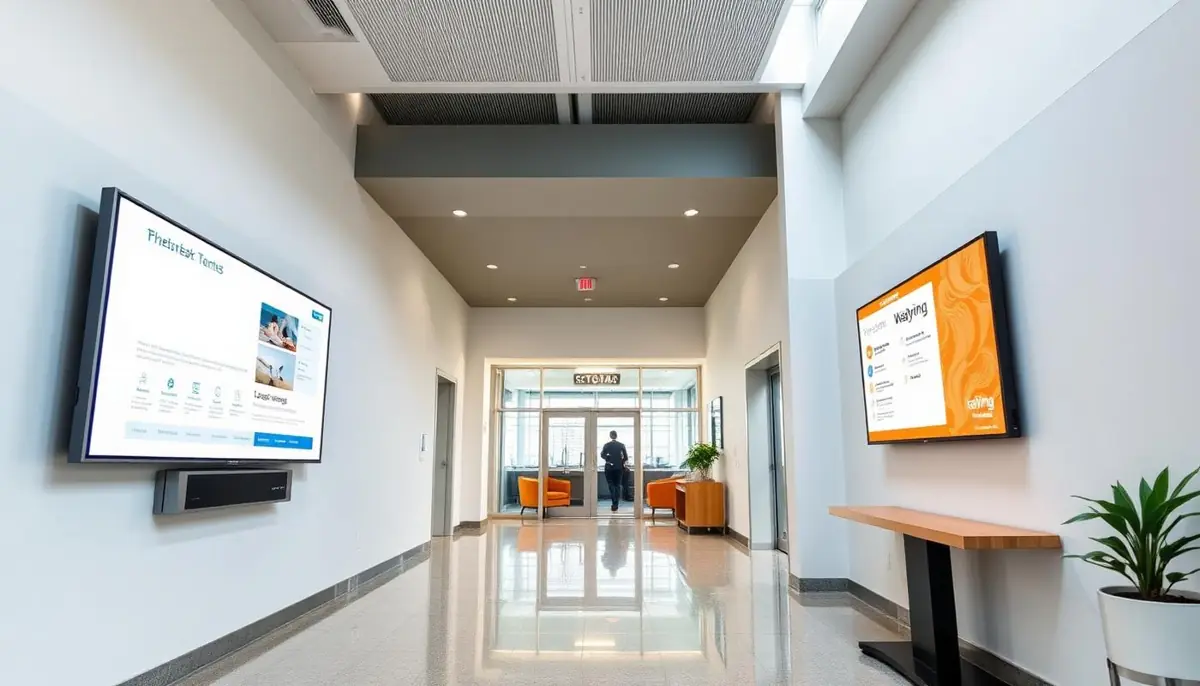
- Kiosk or wall-mounted? Kiosks suit open lobbies and heavy foot traffic; wall-mounted screens often work better at hallway junctions or in smaller spaces.
Getting started
Most organizations start with a single directory screen at the main entrance, since that is where the largest share of visitors need help. From there it is straightforward to expand into department-level or room-level wayfinding as the value becomes clear.
What is digital wayfinding?
Digital wayfinding is a screen-based navigation system that replaces printed directories and wall maps with interactive displays showing searchable listings, maps, and directions that can be updated instantly from a central dashboard.
How is digital wayfinding different from a digital building directory?
A digital building directory is one form of digital wayfinding, focused on tenant and suite listings in an office or multi-tenant property. Wayfinding is the broader category and also covers hospital departments, campus maps, and event venues.
Does digital wayfinding need to be touch screen?
No. Non-touch displays work well for directory listings and directional content. Touch screens and interactive kiosks add search and turn-by-turn route features, and are most useful in large or complex buildings.
How much does a digital wayfinding system cost?
Software is $8 per screen per month billed annually with a free media player on annual plans. Displays, kiosk enclosures, mounting, installation, and any custom map design are separate project costs that vary by building.
Who updates the wayfinding directory?
Typically property management, facilities, or front-desk staff. Directory listings are edited as data in the CMS, so no design work is required for a routine tenant or department change.
Planning a digital wayfinding system?
Talk to E Display about a setup suited to your building, campus, or facility.

About the author: Khalid Qadir
Khalid Qadir is Co-Founder & VP Business Development at E Display, with 20+ years of experience as a Principal Product Manager scaling AI-driven enterprise platforms including conversational AI, agentic automation, and digital signage and CX systems for Fortune-scale organizations.
Connect with Khalid on LinkedInStill choosing a vendor? Compare digital signage platforms head to head, run your own numbers with the digital signage budget calculator, or see our digital signage pricing at $8 per screen per month with a free media player.
Related digital signage solutions
- Building Directory solutions Wayfinding for modern spaces.