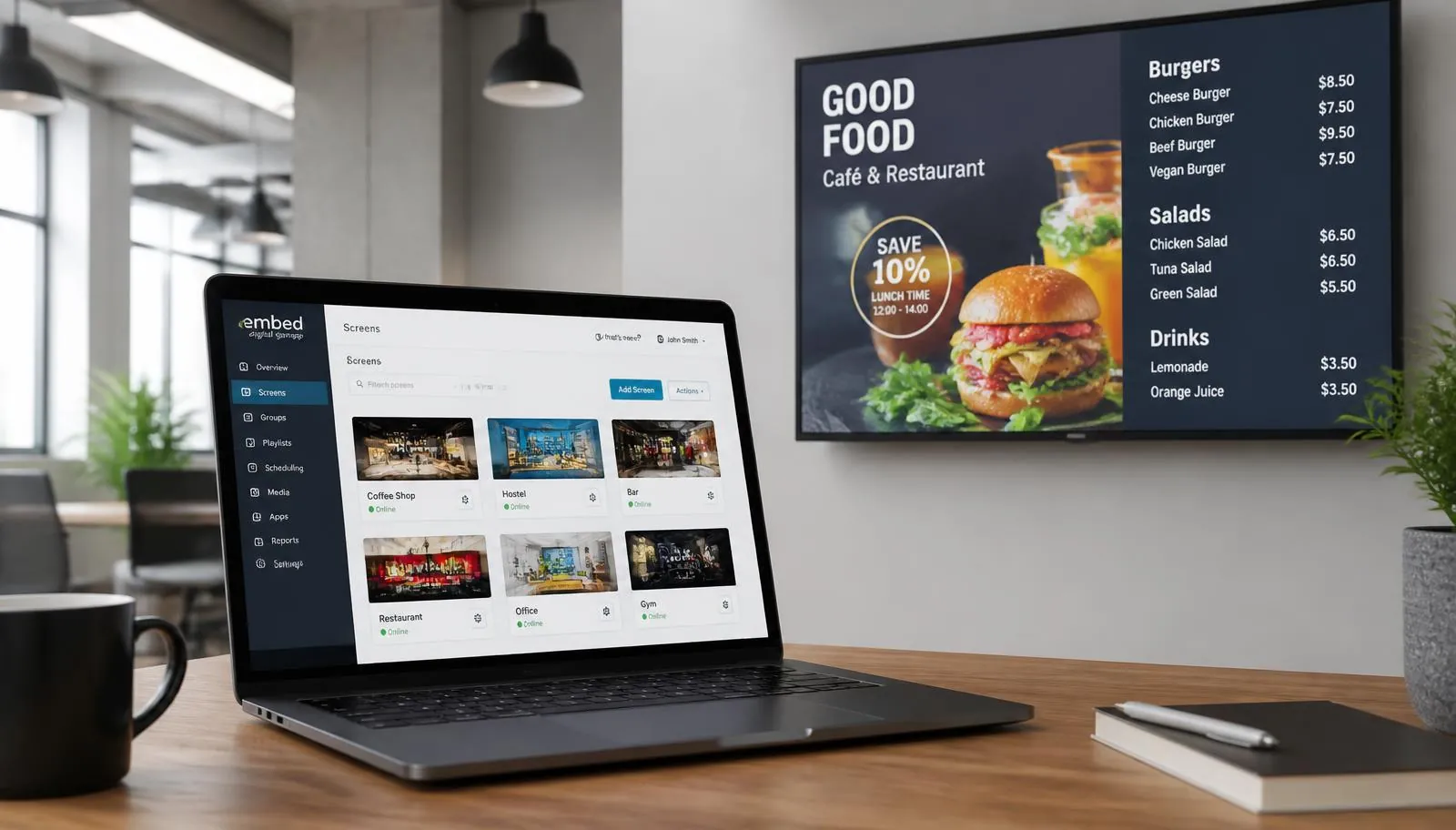
E-signage, electronic signage, and digital signage describe the same basic category: screens managed by software instead of printed material. The difference is usually regional wording, not a different product.
What does e-signage mean?
E-signage is a broad term for electronic displays that show changing information, promotions, menus, directions, or communications. A screen can be a consumer TV, commercial LCD panel, LED wall, touch kiosk, or e-paper display. A media player and content-management platform control what appears, when it appears, and which locations receive the update.
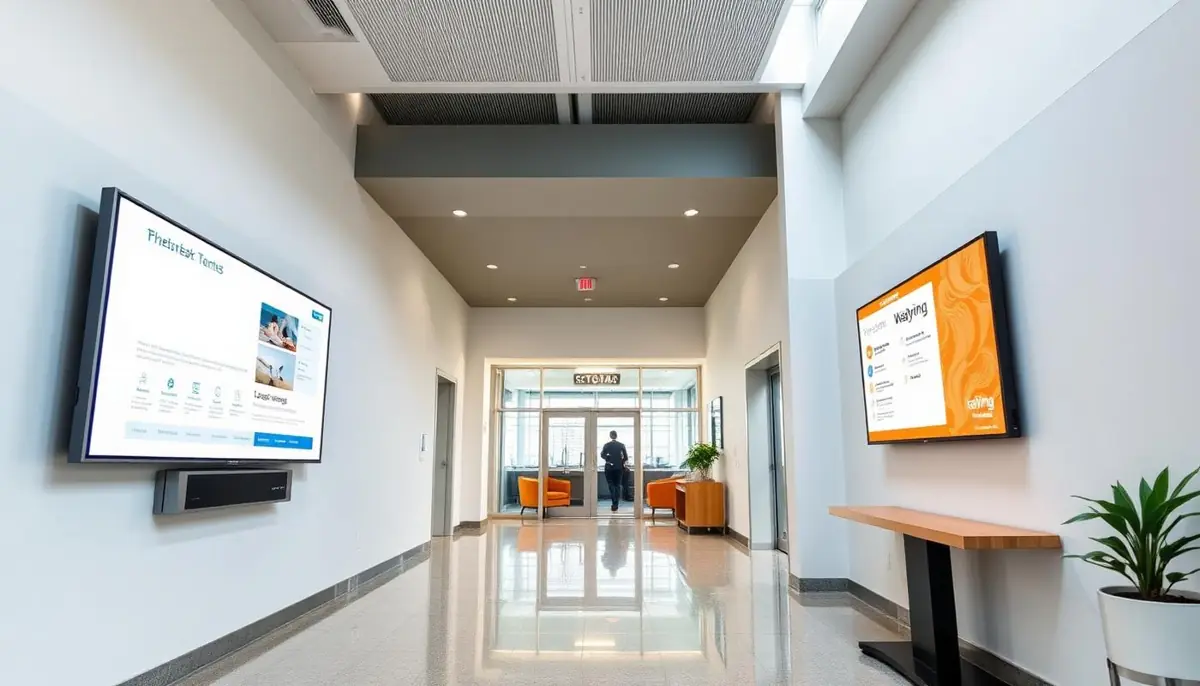
The plural form, e-signages, appears in some international searches and product categories. In the United States and Canada, digital signage is the phrase most buyers and vendors use. Searchers looking for any of these terms are generally evaluating the same solution: a reliable display, a player, and software for remote publishing.
E-signage vs digital signage: is there a difference?
| Term | What it usually means | Where it appears |
|---|---|---|
| E-signage | Electronic displays managed with software | International product searches and general explanations |
| Electronic signage | The formal version of e-signage | Technical writing and regional business websites |
| Digital signage | The standard North American category name | Software, menu boards, retail, hospitality, and workplace buying research |
Swipe the table sideways to see all columns.
How an e-signage system works
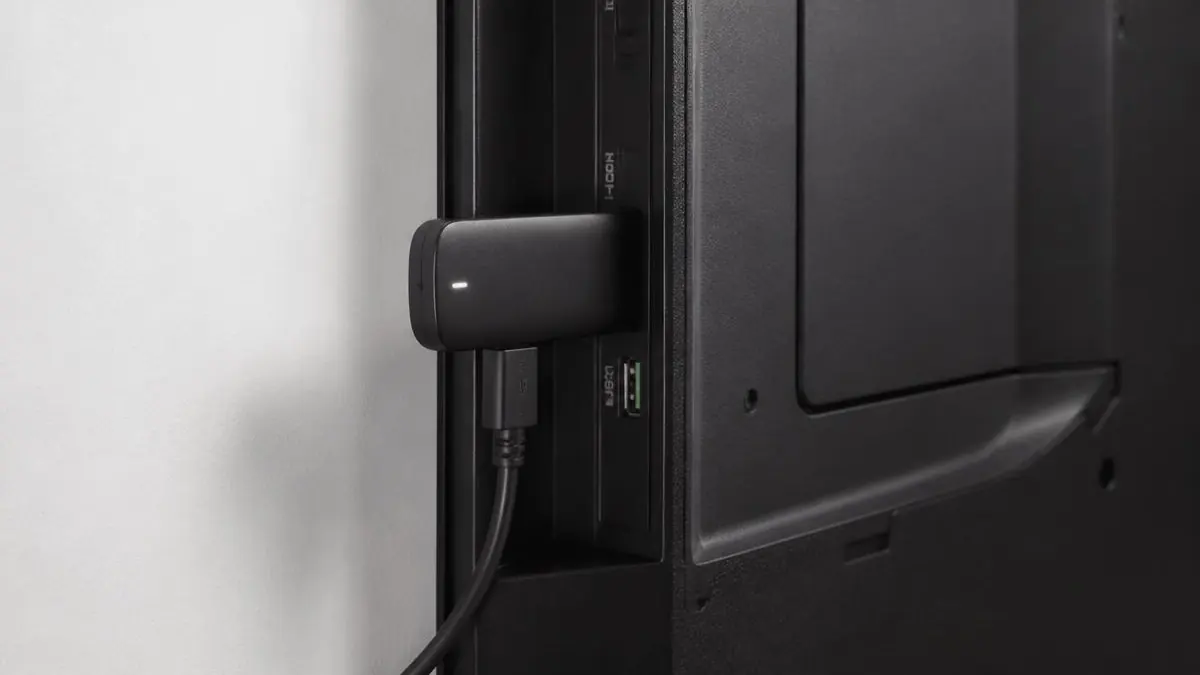
- Connect a display to a media player through HDMI and power the player from an outlet or the TV's USB port.
- Pair the screen with the cloud account using the 4-digit code shown during setup.
- Create a layout with text, images, video, menus, dashboards, or one of 60+ built-in apps.
- Schedule scenes by screen, location, daypart, or group and publish from any browser.
- Let the player cache its schedule locally so the last published content keeps playing during a short internet outage.
Where businesses use electronic signage
Restaurants
Digital menu boards update prices, promotions, and breakfast, lunch, or dinner content without reprinting.
Hotels
Lobby welcome screens, event schedules, wayfinding, and food-and-beverage promotions stay current across the property.
Retail stores
Window displays, product features, queue screens, and staff communications can be managed by location.
Offices and buildings
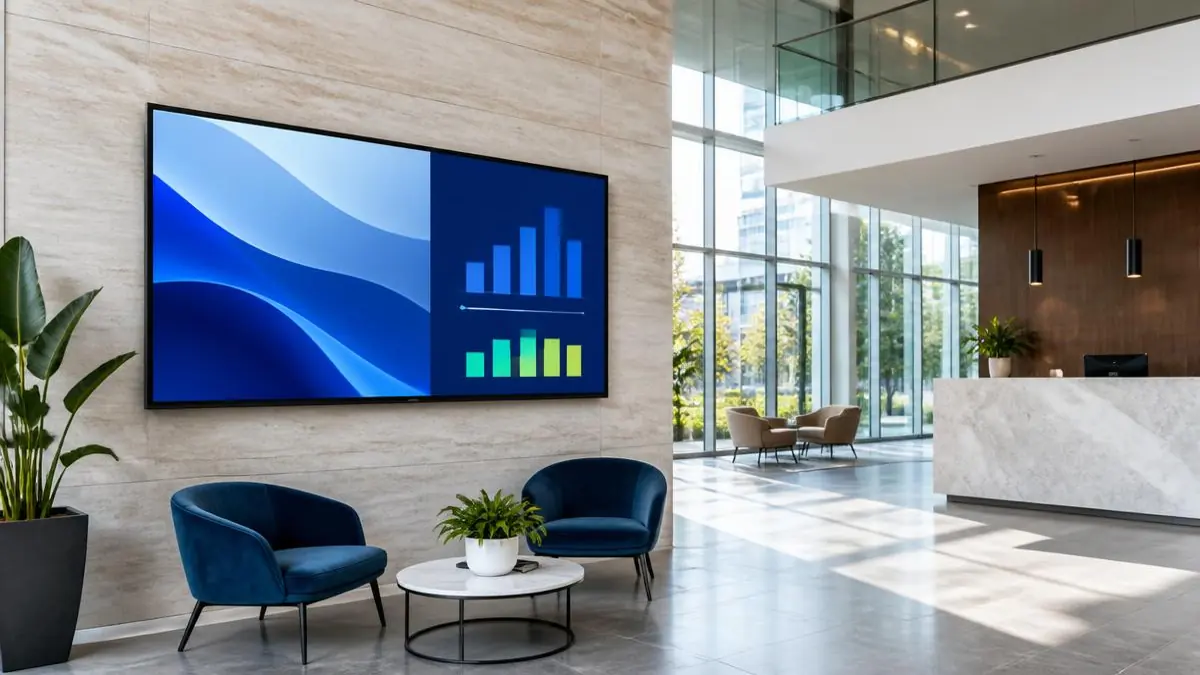
Directories, room schedules, announcements, and emergency messages reach visitors and employees quickly.
Healthcare and education
Waiting-room information, campus notices, room schedules, and safety messages can be published to the right screens.
What does e-signage cost?
The total project cost usually has four parts: the screen, the media player, the software license, and installation or creative work. E Display software starts at $8 per screen per month, billed annually, and annual licenses include a free media player. Businesses that already own compatible TVs can begin with software and mounting rather than replacing every display.
For a line-by-line estimate, use the digital signage budget calculator. It separates software, screens, players, mounting, installation, and design so you can compare a one-screen pilot with a multi-location rollout.
Which term should you use when talking to vendors?
Use whichever phrase is common in your market, then describe the outcome you need. Vendors in North America will recognize digital signage immediately, while e-signage and electronic signage are understood everywhere. What matters more than the label is being specific: how many screens, where they are installed, indoors or window-facing, what content changes and how often, and who will publish updates.
Asking for a quote on "three indoor menu boards in one restaurant, prices updated weekly, one person publishing" gets a far more accurate answer than asking for "e-signage pricing." It also makes proposals from different vendors comparable, because each one has to quote the same screens, players, mounting, software, and installation.
Are e-signage and digital signage the same thing?
Yes. They generally describe software-controlled electronic displays. E-signage is used more often in some international searches, while digital signage is the standard term in the United States and Canada.
Can I use a regular TV for e-signage?
Yes, if it has a compatible HDMI input and the screen is appropriate for its duty cycle and environment. A commercial panel is better for long daily operating hours or bright locations.
Do e-signage screens need the internet all the time?
The account needs connectivity to publish new content, but the player caches its schedule locally and can continue showing the last published content during an outage.
See the e-signage platform in action
Read the complete e-signage guide for display choices, setup steps, use cases, and practical costs: e-signage guide
Still choosing a vendor? Compare digital signage platforms head to head, run your own numbers with the digital signage budget calculator, or see our digital signage pricing at $8 per screen per month with a free media player.