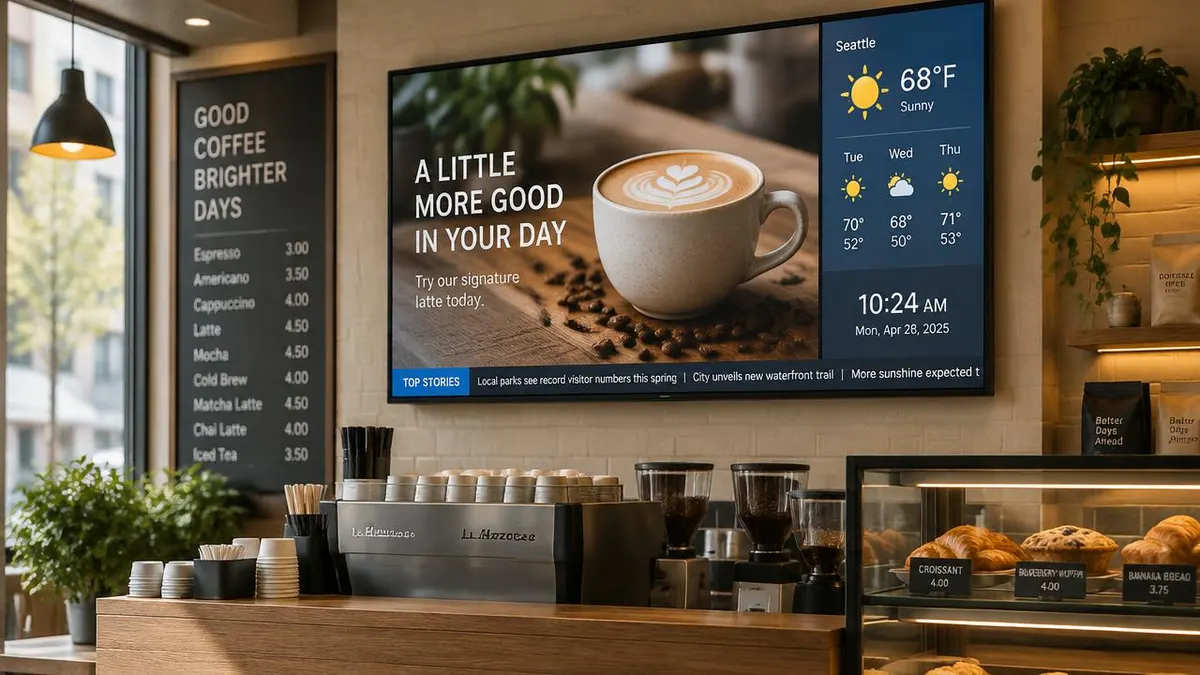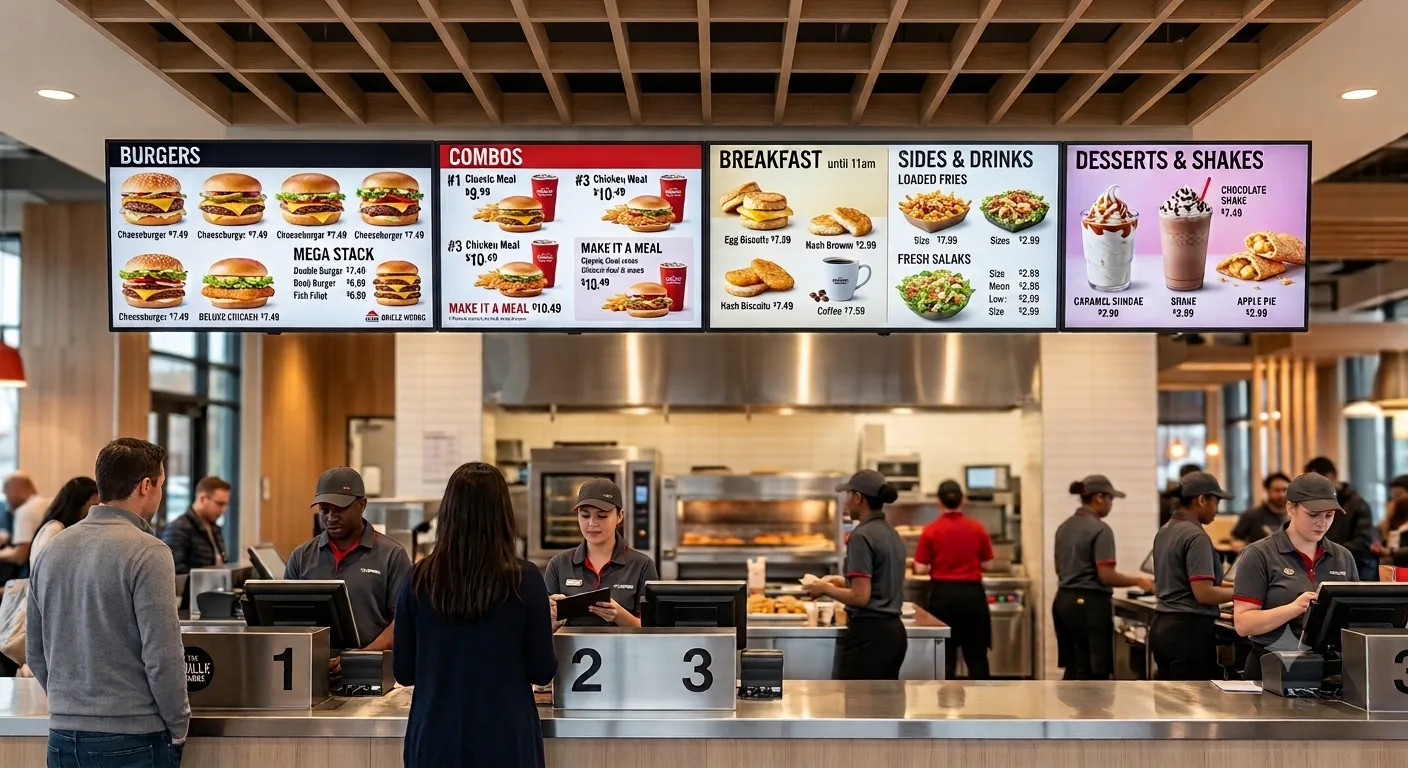
Everything a restaurant, café, or coffee shop actually pays to go digital, software, screens, installation, and design, broken down line by line.
Prices below assume our standard restaurant setup. For layouts, templates, dayparting, and examples by restaurant type, see our digital menu boards page: digital menu boards.
The short answer:
- Software: $8 per screen, per month, billed annually ($96/screen/year).
- Free media player: annual plans include a free media player with every screen.
- Screen: a 43" commercial-grade TV, roughly $495–$600.
- Installation: typically $250–$350/screen for standard wall mounting, or free if you DIY it.
- Menu design: optional, start with our free built-in templates, or a custom layout for a one-time $200 fee per menu (3 menus = $600).
If you've priced out digital menu boards, you've probably noticed that no two quotes look alike. That's because "digital menu board cost" is really four separate line items bundled together, software, hardware, installation, and design, and every vendor packages them differently. This guide breaks each one down so you know exactly what you're paying for before you sign up.
What you're actually paying for
A digital menu board isn't one purchase, it's a small system. Here's what typically makes up the total:
Cloud software subscription, billed annually. Covers content management, remote updates, scheduling, and support.
A 43" commercial-grade display, rated for all-day, every-day operation (not a consumer TV, more on that below).
Wall installation by a local AV installer or handyman. Optional if you're comfortable mounting the TV and running the cable yourself.
Free to start with one of our ready-made menu templates, or $200 per custom menu layout built by our design team.
1. Software subscription, $8/screen/month
This is the part that never goes away: the cloud dashboard that lets you update prices, swap out items, run dayparting (breakfast menu in the morning, dinner menu at night), and push changes to every screen, instantly, from your phone or laptop, no reprints and no ladders.
At $8/screen/month billed annually, that's $96 per screen, per year. Sign up on the annual plan and E Display includes a free media player, the small media player that plugs into your TV's HDMI port and actually runs the menu board software. Bought separately, a comparable Android signage stick typically runs $50–$80, so the annual plan effectively pays for itself in hardware savings alone.
Multiple screens, one dashboard. Whether you're running one screen or twenty across several locations, everything is managed from a single login, update one menu or all of them at once.
2. The TV, what a 43" screen actually costs
E Display doesn't manufacture screens, so you have two paths: buy a 43" commercial display through us, or source your own. Either works with the software, but the TV itself is where quotes vary the most, because "43-inch TV or any other size TV" covers a wide price range depending on grade.
| Display type | Typical price | Best for |
|---|---|---|
| Consumer/retail 43" TV | $250–$400 | Budget setup (not rated for continuous use) |
| Commercial-grade 43" display (recommended) | $495–$600 | Menu boards running 16+ hrs/day, 7 days a week |
| High-brightness / outdoor-rated 43" | $1,200–$1,600+ | Drive-thrus, windows, direct sunlight |
Swipe the table sideways to see all columns.
Why grade matters: consumer TVs are typically built for 5–7 hours of daily use and aren't warrantied for always-on commercial operation. A commercial-grade panel is built to run all day, every day, it costs more upfront but the difference between a display that lasts 2+ years and one that lasts 5+ years. Additionally, the commercial grade display comes with 3-years warranty from the manufacturer
3. Installation: DIY or a local installer, $250–$350/screen
Once you have a screen, someone has to mount it and plug it in. E Display doesn't employ in-house installers, we coordinate installation through vetted local partners, quoted per site, so you have three options:
- DIY ($0): If you're comfortable with a wall mount and a stud finder, you can install it yourself in under an hour. The TX9 stick and cabling are plug-and-play, no special tools needed beyond a standard TV bracket.
- Local installer ($250–$350/screen): Most electronics installers, AV companies, or handyman services in your area can mount a standard 43" display and plug in the media player for a flat fee in this range. This typically covers wall-mount labor only, electrical work, data cabling, and structural blocking (if your wall doesn't already have a stud to mount into) usually cost extra, since every site is different.
- Managed by E Display ($250–$350/screen, quoted per site): Prefer one point of contact? We arrange the install through a vetted partner in your area and coordinate scheduling with you. Ask us for a site quote.
If you're installing more than one screen, ask your installer for a multi-screen rate, doing them all in one visit is usually cheaper per screen than booking separate appointments.
4. Menu design, free, or $200 per custom menu
Your last decision is how the menu itself looks. You don't need a designer to launch:
- Free template (most customers start here): E Display includes ready-made menu board templates built for food and beverage layouts, just drop in your items, photos, and prices, and you're live the same day.
- Custom design, $200 per menu, one-time: If you want your menu board designed around your specific brand colors, fonts, and food photography, our design team will build it for you for a one-time $200 fee per menu design, so three different menus would be $600. After that, you manage day-to-day price and item changes yourself, no ongoing design cost.
Putting it all together: sample cost scenarios
Here's what three common setups actually cost in year one, and what they cost every year after.
Scenario A: Single screen, DIY, free template
| Item | Cost |
|---|---|
| 43" commercial display | $495 |
| Installation (self-install) | $0 |
| Menu design (free template) | $0 |
| Software (annual, incl. free media player) | $96 |
| Total: Year 1 | $591 |
Swipe the table sideways to see all columns.
Year 2 onward: just the $96/year software renewal.
Scenario B: Single screen, full service
| Item | Cost |
|---|---|
| 43" commercial display | $495 |
| Local installer (mid-range estimate) | $300 |
| Custom menu design | $200 |
| Software (annual, incl. free media player) | $96 |
| Total: Year 1 | $1,091 |
Swipe the table sideways to see all columns.
Installation ranges $250–$350 depending on your installer and site, $300 is the midpoint used here. Year 2 onward: just the $96/year software renewal (design is one-time).
Scenario C, 3-screen café buildout, full service
| Item | Cost |
|---|---|
| 43" commercial displays ×3 | $1,485 |
| Local installer ×3 (same-visit rate) | $900 |
| Custom menu design ×3 ($200 per menu) | $600 |
| Software (3 screens × $96/yr, incl. 3 free media players) | $288 |
| Total: Year 1 | $3,273 |
Swipe the table sideways to see all columns.
Year 2 onward: $288/year total ($96 × 3 screens). If all three screens share a single menu design, the design line drops to $200 and the Year 1 total to $2,873.
Where Scenario B's $1,091 actually goes
Notice that the software subscription, the part billed yearly, is actually the smallest slice of first-year cost. Hardware and installation are the one-time investment; after that, your only ongoing cost is the $8/screen/month subscription.
Ways to bring the cost down
- Start with the free template. You can always upgrade to a custom design later, there's no rush to spend $200 per menu on day one.
- Bundle installations. If you're hiring a local installer for multiple screens, ask for a same-visit rate, it's cheaper per screen than booking separate appointments.
- Always choose annual billing. Quarterly plan skip the free media player, annual billing is what unlocks it.
- DIY the mount if you can. The hardware is plug-and-play; if you or your staff can handle a wall bracket, that's $250–$350 saved per screen.
- Consider a consumer-grade TV to start. A $250–$400 consumer TV will connect with our TX9 Stick just fine or you can install our digital signage software App if its an Android TV.
Frequently asked questions
Do I have to buy my TV through E Display?
No, the $8/screen/month software works with any 43" (or other size) commercial or consumer grade display and our TX9 stick or a compatible Android media player..
What size screen do I actually need?
43" or above 43 inch is the most common size for counter and wall-mounted menu boards in cafés and quick-service restaurants, readable from the counter line without dominating the wall. Larger drive-thru or multi-panel setups are priced separately.
Is the $200 design fee recurring?
No, it's a one-time fee per menu design; three different menus would be $200 each ($600 total), charged once. After that, you make your own day-to-day updates (prices, items, photos) inside the software at no extra charge.
Does E Display handle installation?
Not directly: E Display focuses on the software and hardware. For mounting, most customers either DIY it or hire a local AV installer or handyman, which typically runs $250–$350/screen for standard wall mounting. That rate usually doesn't include electrical work, data cabling, or adding wall studs if your wall doesn't already have blocking to mount into, ask your installer for a site-specific quote on those.
Get a quote sized to your space
Tell us how many screens and locations you're working with, and we'll put together an exact cost breakdown, no guesswork.
Pricing shown reflects E Display Inc.'s published rates as of July 2026 and general commercial display market ranges; hardware and installation costs vary by location, site conditions, and screen quantity. Contact us for an exact quote.

About the author: Khalid Qadir
Khalid Qadir is Co-Founder & VP Business Development at E Display, with 20+ years of experience as a Principal Product Manager scaling AI-driven enterprise platforms including conversational AI, agentic automation, and digital signage and CX systems for Fortune-scale organizations.
Connect with Khalid on LinkedInStill choosing a vendor? Compare digital signage platforms head to head, run your own numbers with the digital signage budget calculator, or see our digital signage pricing at $8 per screen per month with a free media player.
Related digital signage solutions
- Digital menu board software for restaurants Dynamic menus that sell more.