There are dozens of digital signage platforms on the market, and most comparison pages you will find are written by one vendor trying to make itself look best. This guide skips the sales pitch and breaks down the four criteria that actually determine total cost and day-to-day experience, so you can compare platforms on your own terms, whichever one you pick.
We have also published honest, numbers-first, head-to-head comparisons against nine of the most-searched platforms, linked throughout below. For sourced market and performance data behind these decisions, see our report at 2026 digital signage statistics report.
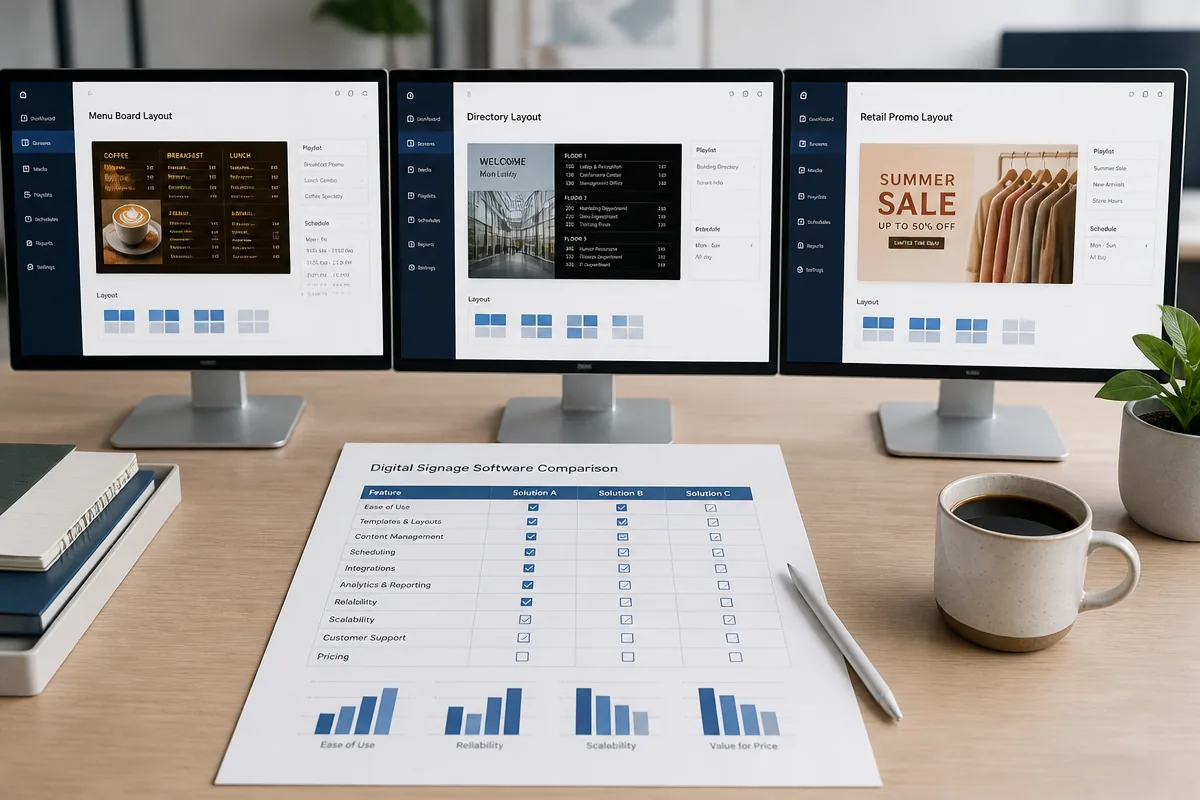
The four criteria that actually matter
1. Price per screen
The advertised monthly rate is rarely the full story. Some platforms price a flat rate per screen; others use tiered plans where features such as multi-zone layouts, scheduling, and integrations get locked behind higher tiers as your screen count grows. When comparing price, always ask what the next tier up costs and what it unlocks.
2. Media player hardware
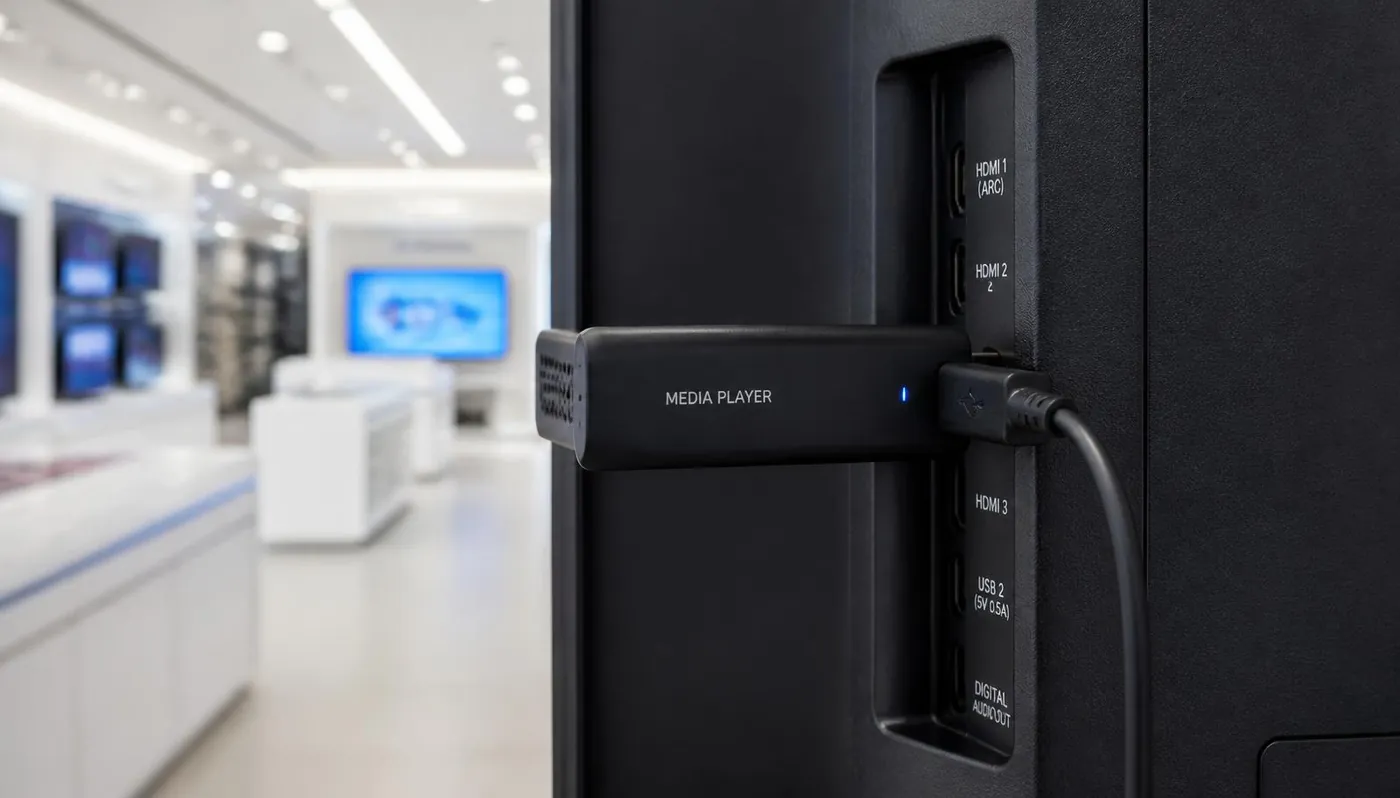
This is the cost most buyers underestimate. Some platforms include a player with your subscription; others require you to buy, source, or already own compatible hardware, and "bring your own device" is not free if it means buying a separate media player per screen. Always confirm whether player hardware is included, sold separately, or requires a specific device.
3. Templates and content design
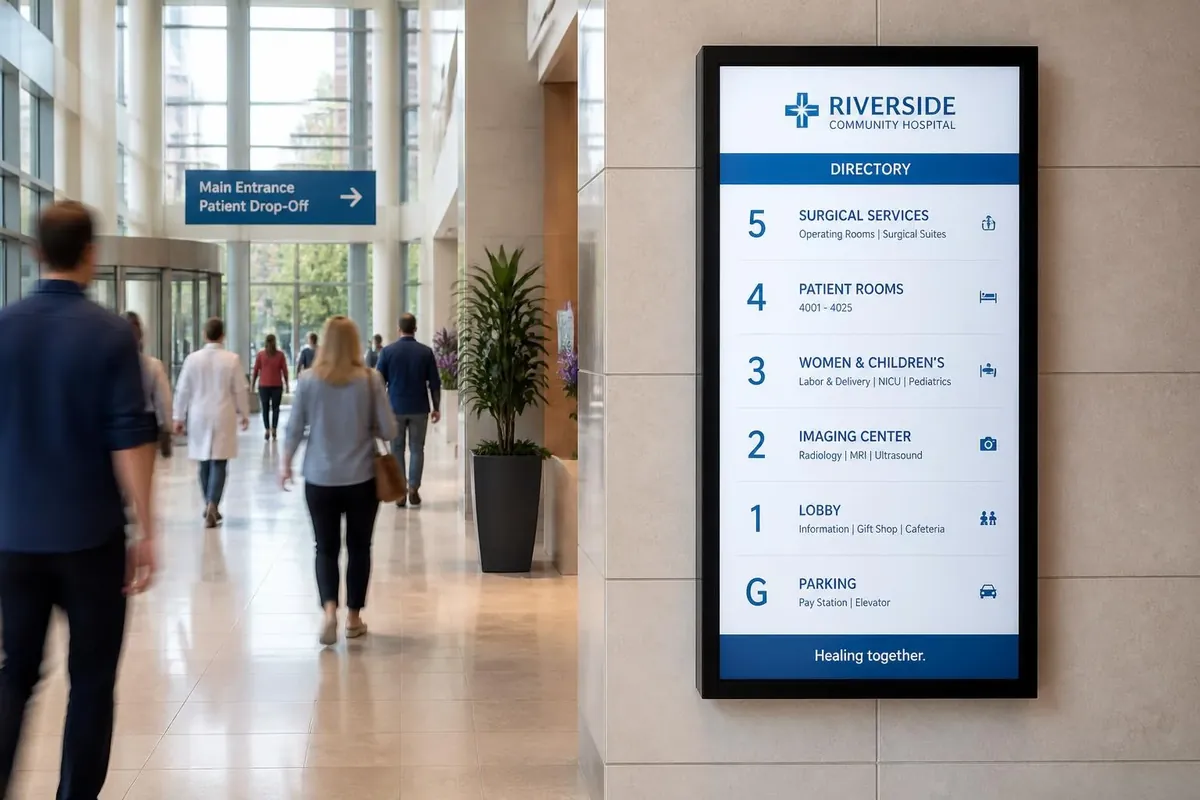
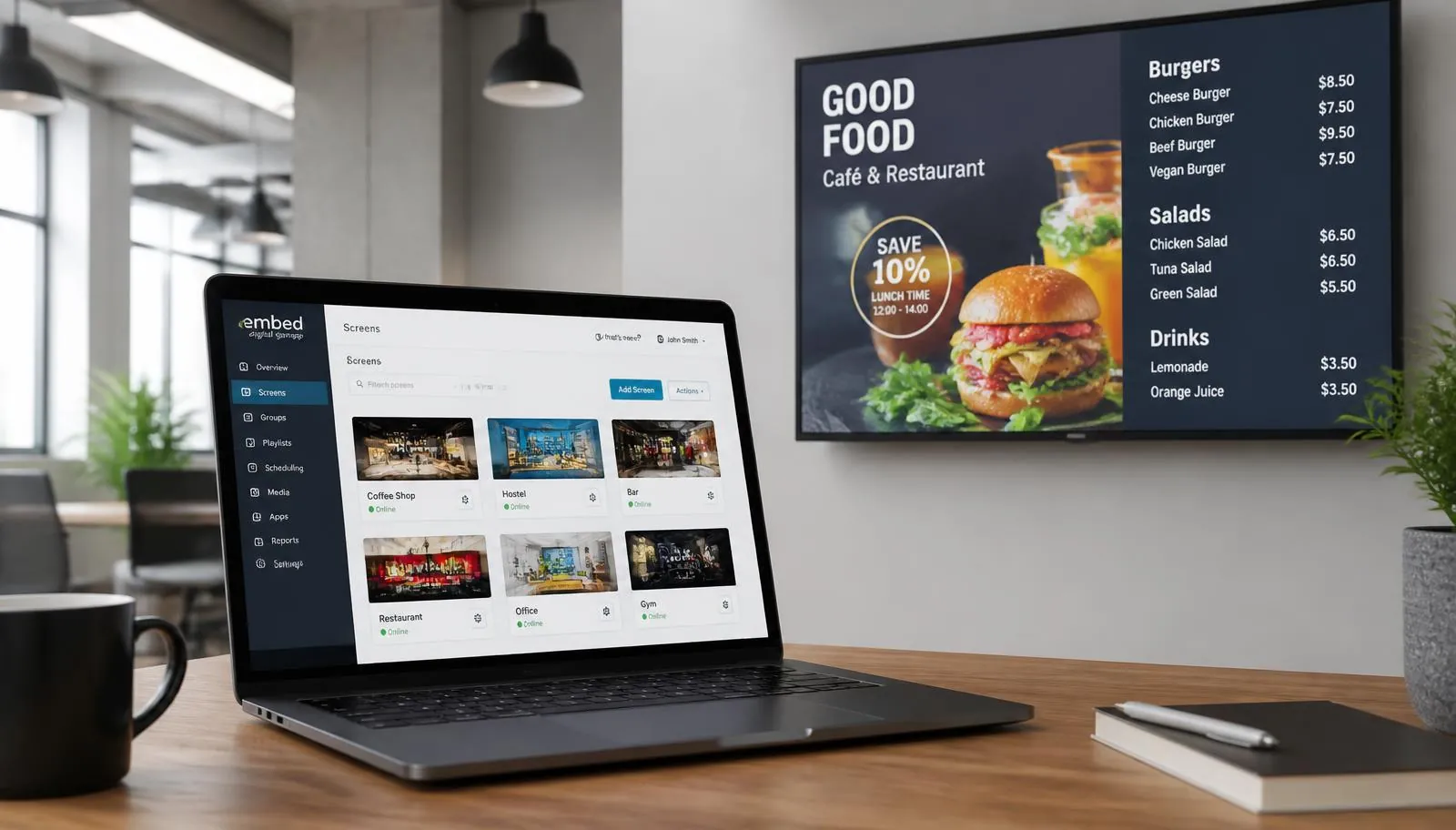
A platform with strong native templates for menu boards, directories, and retail promotions gets you live faster than one that expects you to design every screen from a blank canvas. If you do not have an in-house designer, check whether the vendor offers content design as a service, not just software. See the E Display template library at digital signage template library and content design at digital signage content design services.
4. Support and contract terms
Self-serve platforms are often cheaper but leave you troubleshooting alone. Look at whether support is included or an add-on, what timezone it is based in, and whether you are locked into an annual contract or can run month to month.
Flat rate, or tiers?
Confirm the price of the tier above yours and which features it unlocks before you commit.
Is a player included?
Per-screen hardware can quietly double first-year cost. Ask what ships with the subscription.
Templates out of the box
Ready-made menu board and directory layouts shorten launch time from weeks to a day.
Support and term length
Check whether phone, chat, and email support are included and whether month-to-month is available.
Platforms side by side
| Platform | Software pricing | Media player | Typically best for |
|---|---|---|---|
| E Display | $8/screen/month, flat | Free with a new yearly license, $50 on quarterly | Menu boards, directories, and multi-location rollouts that want install help |
| Yodeck | Tiered per screen, free single-screen tier | Raspberry Pi-based players, terms vary by tier | One-screen and self-serve buyers |
| OptiSigns | Tiered per screen by feature level | Sold separately or via resellers | Self-serve teams wanting a large app catalogue |
| ScreenCloud | Plan tiers aimed at larger organizations | Own player plus supported displays, sold separately | Enterprise internal communications |
| Rise Vision | Education-oriented plans | Purchased separately from resellers | K-12 schools and district communications |
| NoviSign | Tiered per screen | Sold separately or bundled per plan | Interactive and touch-screen projects |
| Look Digital Signage | Low per-screen rates, discounts on longer terms | Own Android player, sold separately | Single screens where monthly rate decides it |
| Xibo | Free to self-host, or paid cloud hosting | Bring your own; licenses vary by platform | Technical teams wanting to run their own CMS |
| TelemetryTV | Per-screen tiers, enterprise features on higher plans | Sold separately or via partners | Enterprise and campus estates needing live dashboards |
| XOGO | Low per-screen pricing, limited feature set | Bring your own device, or buy theirs | Simple single-screen playlists |
Swipe the table sideways to see all columns.
Pricing and hardware terms change often. Always confirm current rates on each vendor's own pricing page before you decide.
Read the full comparisons
Each platform above has a dedicated head-to-head breakdown:
- E Display vs. Yodeck
- E Display vs. OptiSigns
- E Display vs. ScreenCloud
- E Display vs. Rise Vision
- E Display vs. NoviSign
- E Display vs. Look Digital Signage
- E Display vs. Xibo
- E Display vs. TelemetryTV
- E Display vs. XOGO
Switching from one of these platforms? We have also written dedicated alternatives guides for Yodeck, OptiSigns, ScreenCloud, Rise Vision, NoviSign, Look Digital Signage, Xibo, TelemetryTV, and XOGO. Browse them all on the comparison hub at digital signage platform comparison hub.
How to actually decide
Do not start with "which platform is best", start with what you are deploying. A single-screen cafe menu board has different priorities than a 40-location retail rollout or a school district that needs emergency alert capability. Match the criteria above (price, hardware, templates, support) to your specific project, not to a generic best-of ranking.
If you want the full cost picture before comparing platforms, our cost guide at cheapest digital signage with free player breaks down first-year cost per screen including hardware, mounting, and content design, not just the subscription line. You can also build your own estimate with the calculator at digital signage budget calculator.
To see how E Display's digital signage software handles scheduling, device management, and content design in one platform, visit digital signage software guide.
What is the best digital signage software in 2026?
There is no single best platform. The right choice depends on screen count, whether player hardware is included, how much template and design help you need, and whether support and installation matter. Compare on those four criteria rather than a feature checklist.
How much does digital signage software cost per screen?
Most cloud platforms fall between roughly $8 and $30 per screen per month depending on tier and features. E Display is a flat $8 per screen per month, and a media player is included with a new yearly license.
Do I need to buy a media player for each screen?
Usually yes, unless the display has a built-in system-on-chip player the software supports. Many platforms sell players separately, so include hardware in your first-year math. E Display includes a media player with a new yearly license.
Is free digital signage software worth it?
Free tiers work for a single screen or a proof of concept, but they typically cap screens, features, or support. Self-hosted options such as Xibo are free in license terms but shift cost to your own servers and IT time.
Can I switch digital signage platforms later?
Yes. Content is usually rebuilt rather than migrated, and player hardware may or may not be reusable depending on the new platform's supported devices. Check both before committing to a long contract.
Not sure which platform fits your project?
Talk to E Display and we will walk through your screen count, locations, and use case, honestly, even if we are not the right fit.
Still choosing a vendor? Compare digital signage platforms head to head, run your own numbers with the digital signage budget calculator, or see our digital signage pricing at $8 per screen per month with a free media player.