Sunday mornings move fast. Service times, announcements, ministry updates, and volunteer schedules change every week, while printed bulletins and lobby boards quickly become outdated. Digital signage gives churches, mosques, temples, and synagogues one flexible way to manage screens across sanctuaries, lobbies, classrooms, and community spaces.
A practical first deployment usually includes one lobby welcome screen and the displays already used for lyrics, scripture, or service slides. Once that workflow is comfortable, the same system can expand to wayfinding, overflow rooms, giving campaigns, and volunteer communication.
8 ways places of worship use digital signage
1. Lyrics, scripture, and sermon slides
Sanctuary screens can display song lyrics, scripture passages, responsive readings, and sermon outlines so the congregation can follow without a printed program. Teams can prepare content before each service and organize different playlists for services with different formats or languages.
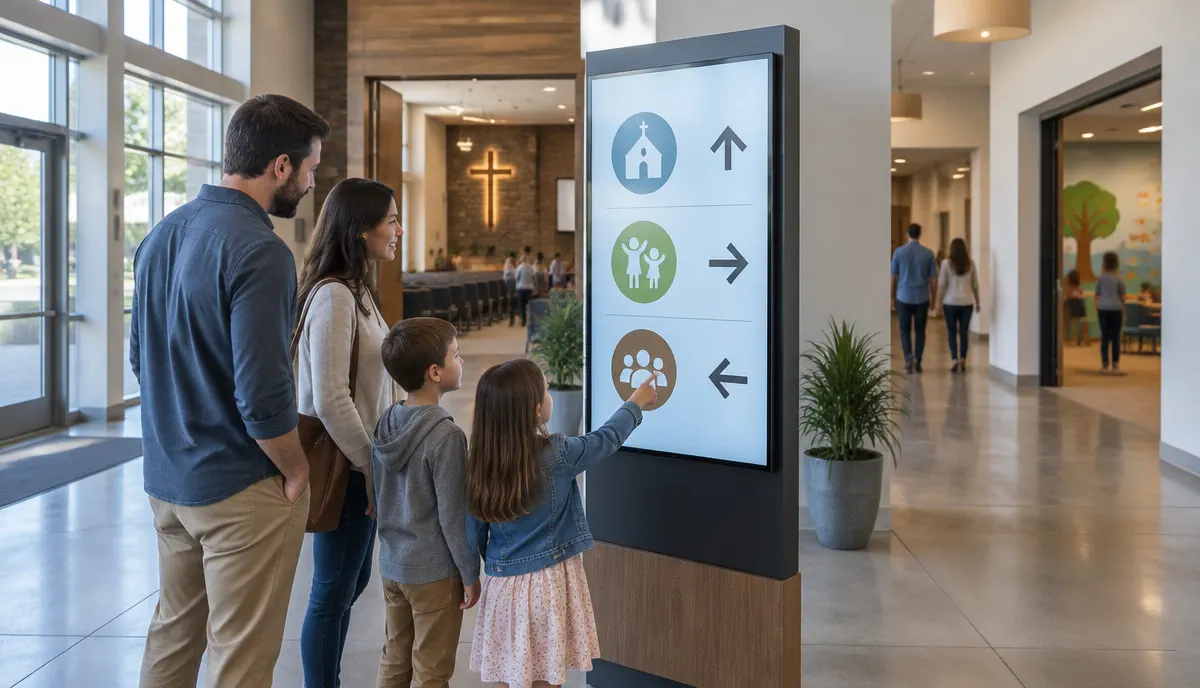
2. Welcome screens and visitor wayfinding
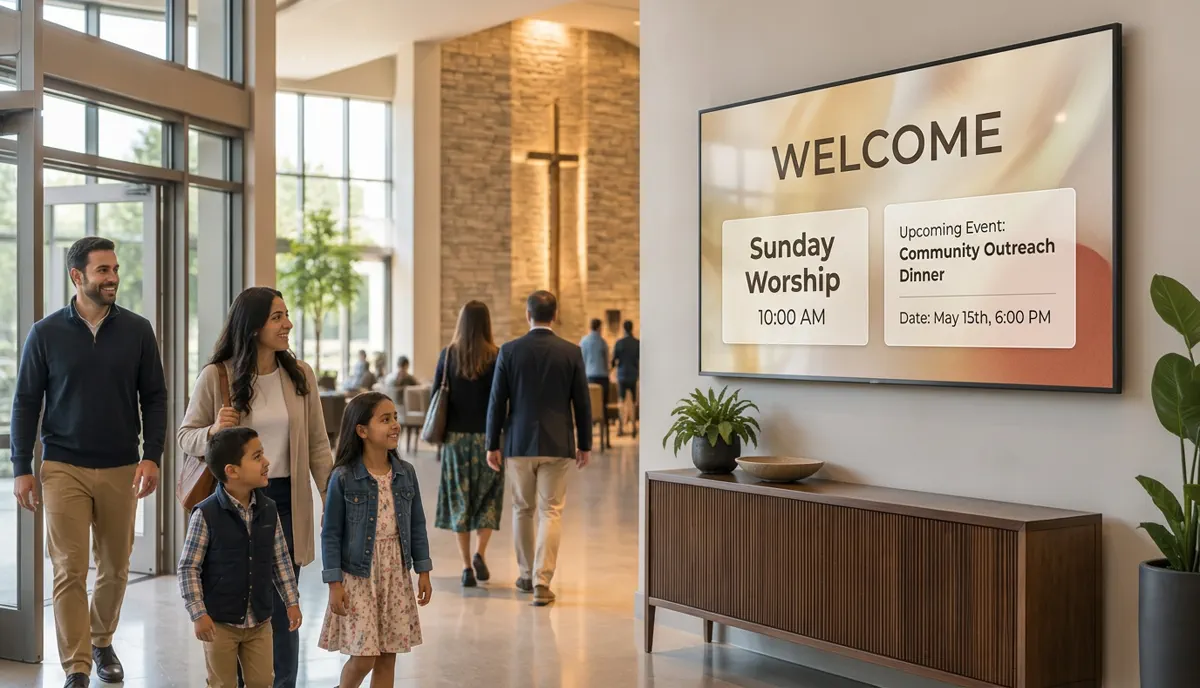
A lobby screen can welcome first-time visitors and point them toward the sanctuary, children's wing, fellowship hall, classrooms, or accessible entrances. This is especially useful for a large church campus or a facility shared by several ministries. For more planning ideas, see our digital wayfinding guide at digital wayfinding guide.
3. Event and ministry promotion
Screens in lobbies, hallways, and fellowship spaces can rotate upcoming events, small groups, youth programs, classes, and community-service opportunities. Scheduled content expires automatically, so last month's flyer does not remain on display and volunteers spend less time replacing paper notices.
4. Giving and donation campaigns
Digital displays provide a visible, professional place for building funds, mission trips, seasonal giving, and community drives. Keep each message simple: explain the purpose, show the campaign period, and provide one clear next step such as a QR code or information-desk location.
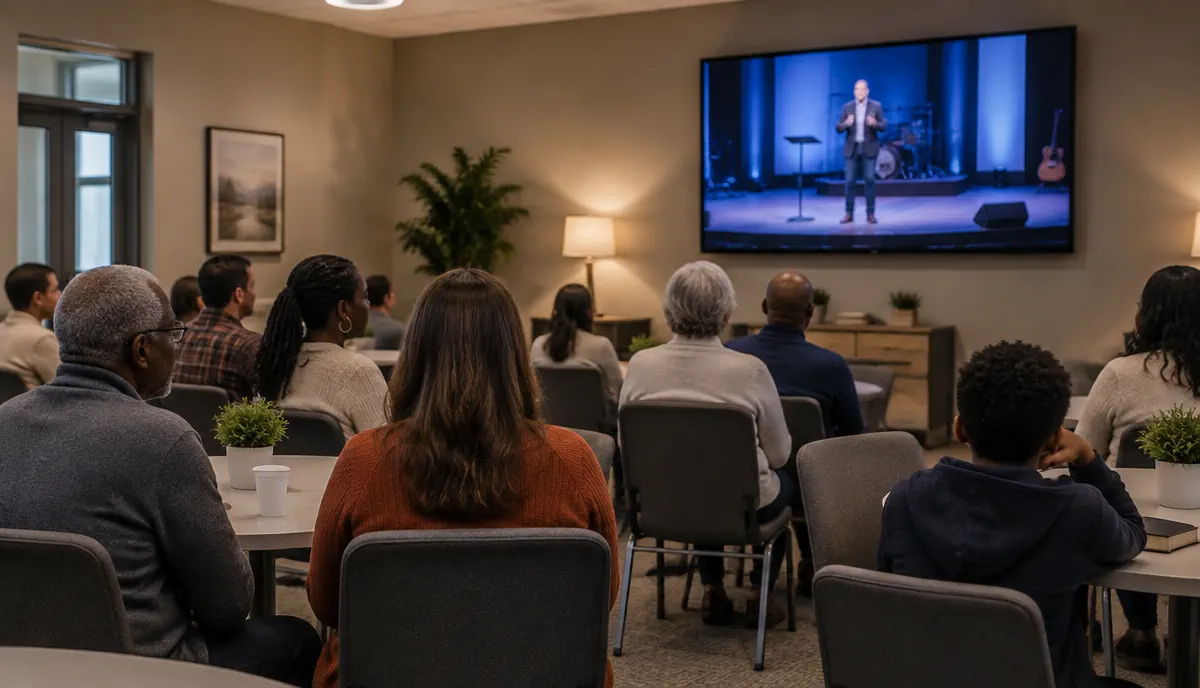
5. Live streaming to overflow spaces
When attendance exceeds the main sanctuary, a live service feed can reach overflow seating, a fellowship hall, nursery, cry room, or youth space. After the service, those displays can return to a scheduled announcement playlist. Confirm that your streaming equipment and network are designed for live video; signage playback and live production are related but separate parts of the setup.
6. Prayer times, daily readings, and holy-day schedules
Mosques can publish daily prayer times and class schedules, while temples and synagogues can share readings, observance times, holiday information, and community events. A recurring schedule helps the right content appear at the right time without rebuilding a slide every day.
7. Multi-language welcome and messaging
Multilingual congregations can rotate welcome messages and key announcements in several languages on the same display. Use separate slides with large type rather than placing every translation on one crowded screen, and allow enough display time for each message to be read comfortably.
8. Volunteer and staff communication
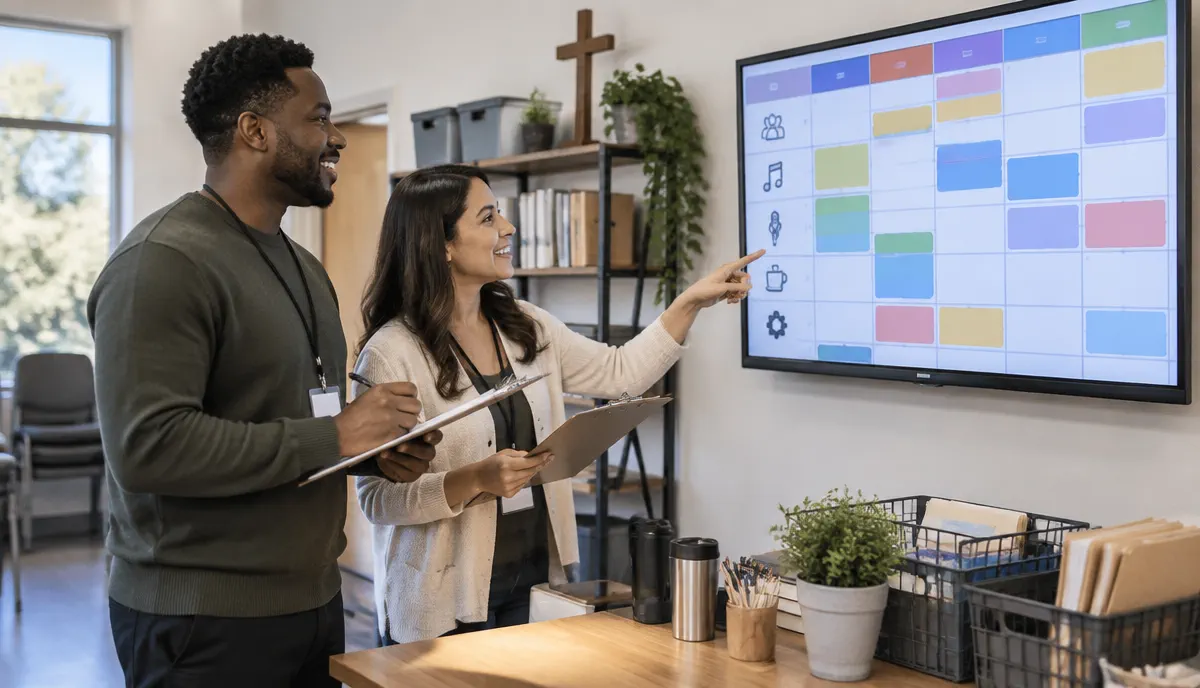
Back-of-house screens can show service assignments, room schedules, safety reminders, volunteer needs, and last-minute operational updates. Keep internal screens in staff-only areas when schedules contain names or details that should not be public.
What to consider before installing church digital signage
- Who updates the content? Choose a simple browser-based workflow that staff and volunteers can use confidently. Assign an owner for weekly announcements and remove access when a volunteer's role changes.
- Where will each screen be seen? Note the viewing distance, lighting, mounting height, orientation, power, and Wi-Fi at every location before choosing display sizes.
- What appears before, during, and after a service? Build separate welcome, service, and post-service playlists, then schedule recurring service times in advance.
- Does each campus need local content? Multi-campus ministries should separate network-wide messages from campus-specific events, rooms, and service times.
- What happens if Wi-Fi drops? Use a player that stores scheduled content locally so standard signage continues playing during a brief connection loss.
- Who checks accuracy and privacy? Create a simple staff review routine for dates, room names, donation links, photos, and any information about children or volunteers.
For the software capabilities behind scheduling, screen groups, apps, and remote updates, read our digital signage software guide at digital signage software guide. E Display's step-by-step setup is explained at digital signage setup walkthrough.
A simple rollout plan for a church or worship campus
1. Map the communication need
List the audience and purpose for each screen: welcome, wayfinding, worship content, overflow video, or internal schedules.
2. Start with one or two screens
Pilot the lobby and highest-impact service area before expanding to hallways, classrooms, or another campus.
3. Build reusable layouts
Create consistent welcome, event, schedule, giving, and urgent-message templates with readable type and restrained motion.
4. Set a weekly publishing routine
Choose one content owner, one accuracy check, and a deadline before the first weekly service.
Software pricing and the included annual-plan media player are listed at digital signage pricing. For displays, mounts, installation, and other rollout expenses, use the total project budget guide at digital signage cost guide.
Getting started
Most places of worship can begin with a lobby welcome and announcement screen, then connect the displays used for service content. Visit our digital signage for churches and places of worship page at digital signage for churches and places of worship for product details, or contact E Display at talk to E Display to plan a setup for your congregation and campus.
What can churches display on digital signage?
Churches can show welcome messages, service times, lyrics, scripture, sermon slides, event promotion, ministry updates, giving campaigns, room directions, live overflow video, and volunteer schedules. Public and staff-only content should use separate screen groups.
Where should a place of worship install its first digital sign?
A lobby or main entrance is usually the best first location because it reaches regular attendees and first-time visitors. A second screen can support sanctuary content or wayfinding near a high-traffic junction.
Can a church manage several screens or campuses from one place?
Yes. Cloud digital signage can group displays by room, building, or campus so leaders publish shared messages across the organization while keeping local schedules and events specific to each location.
Can digital signage keep playing if the internet goes down?
Scheduled images and videos can continue when the media player stores them locally. Live streams still depend on the streaming system and network connection, so test that workflow separately before a service.
Does worship digital signage work for mosques, temples, and synagogues?
Yes. The same platform can display prayer times, readings, holy-day schedules, classes, events, donation campaigns, wayfinding, and multilingual messages for many types of faith communities.
Planning signage for a church or worship campus?
Talk to E Display about a simple first screen or a coordinated multi-campus setup for your congregation.
Still choosing a vendor? Compare digital signage platforms head to head, run your own numbers with the digital signage budget calculator, or see our digital signage pricing at $8 per screen per month with a free media player.
Related digital signage solutions
- Places of Worship solutions Inspire, inform, and welcome your congregation.