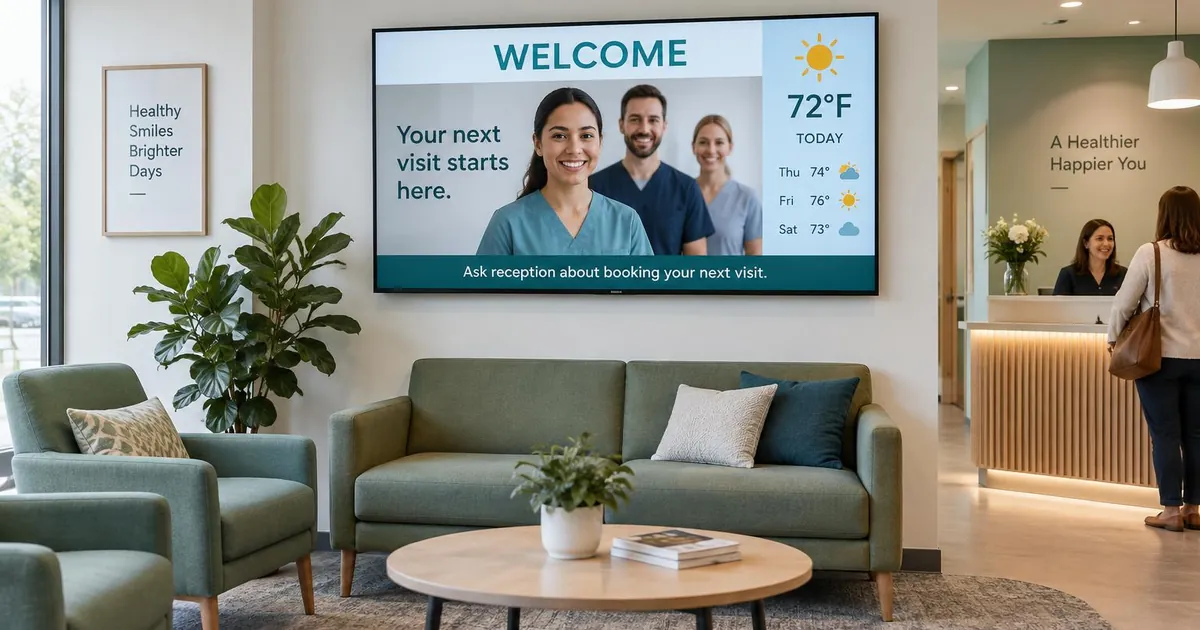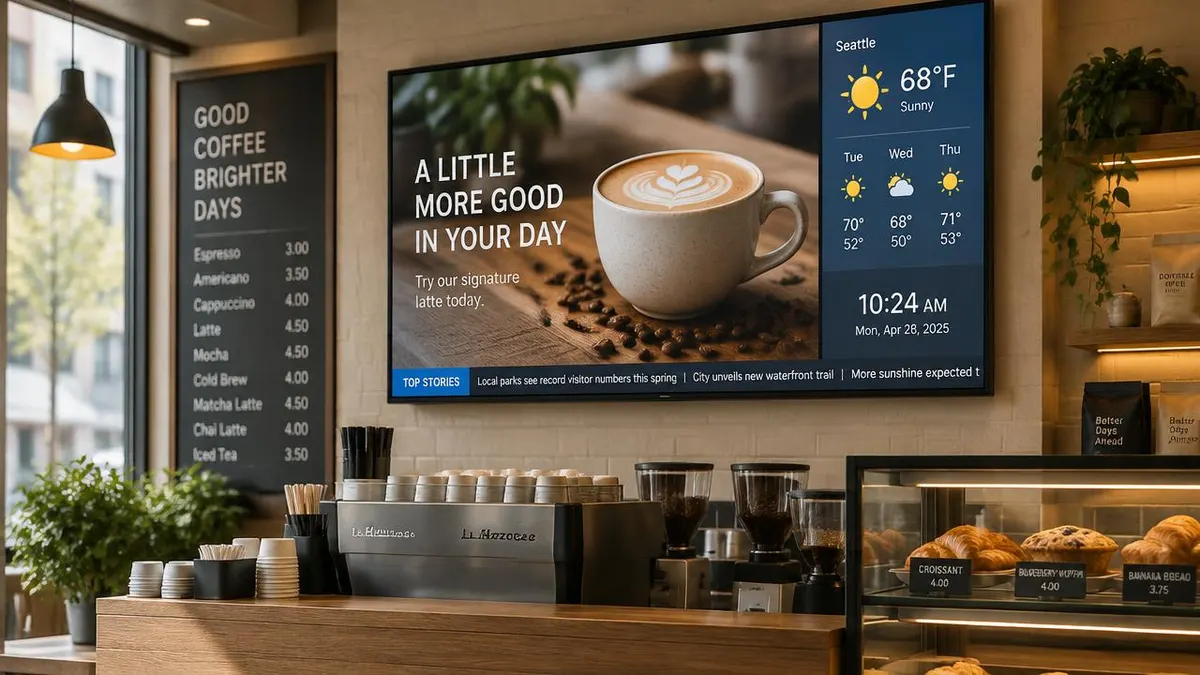
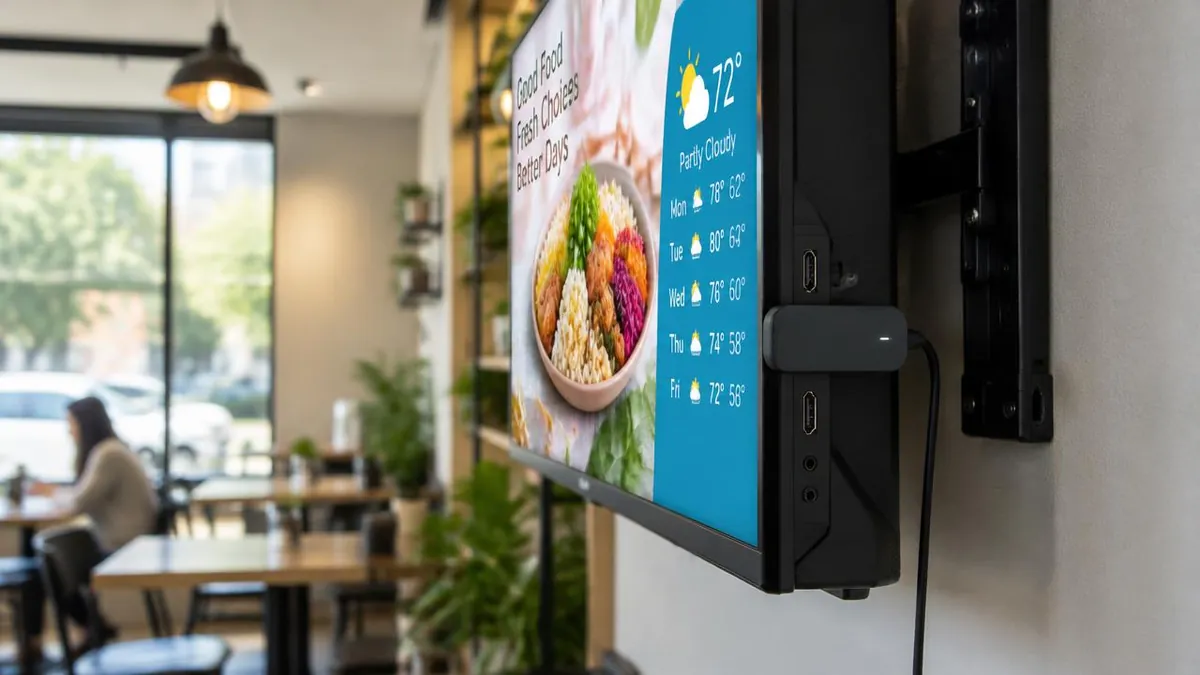
Android digital signage uses a small Android device, usually an HDMI stick or TV box, to play your screen content. It is one of the most affordable ways to turn an ordinary TV into a managed sign: the device plugs into the screen, runs a signage app and downloads the playlist you build in a browser. This guide explains what Android brings to signage, what to check before buying a device and where Android is not the right fit.
Why Android is popular for digital signage
- Low hardware cost. Android sticks and boxes cost far less than a mini PC, so adding one more screen stays inexpensive.
- Small and quiet. A stick hides behind the TV with no fan noise and no cabinet to find.
- Built for video. Android media chips are designed to decode HD and 4K video smoothly.
- Easy remote management. A signage app on the device connects to cloud software, so content changes happen from a browser instead of a USB drive.
- Familiar setup. Wi-Fi and display settings work like a phone or streaming box, which makes first setup quick for non-technical staff.
Android TV boxes vs dedicated Android signage players
Not every Android device behaves well on a wall all day. Consumer streaming boxes are built for someone holding a remote: they may show home screens, update prompts or sleep after inactivity. A dedicated Android signage player ships with the signage app ready to run, starts content automatically after a power cut and is set up to stay on for long hours.
| Question | Consumer Android TV box | Dedicated Android signage player |
|---|---|---|
| Starts content after a power cut? | Often needs a remote or extra settings | Yes, boots straight into the playlist |
| Signage app installed? | You install and configure it | Ready out of the box |
| Interruptions on screen? | Possible update or account prompts | Designed to stay on the content |
| Remote support? | Varies by device | Managed from the signage software |
| Best for | Testing or a single casual screen | Business screens that must run every day |
Swipe the table sideways to see all columns.
One note on Amazon devices: Fire TV runs a modified version of Android, and E Display does not currently support Fire TV or Fire TV Stick. Supported players are listed on our digital signage media player options page.
What to check in an Android signage player
- Current Android version. A recent version gets security fixes and works with current apps. Avoid old boxes stuck on unsupported versions.
- Resolution that matches your screen. For a 4K TV, confirm 4K output over HDMI 2.0 and test your real video files.
- Reliable network options. Dual-band Wi-Fi (2.4 and 5 GHz) helps in busy buildings; a wired or USB-Ethernet option is best where Wi-Fi is weak.
- Offline playback. The player should cache downloaded content so screens keep playing during an internet drop. Live feeds such as weather still need a connection to refresh.
- Auto-start and stay awake. Content should return on its own after power loss, with no sleep timer turning the screen dark.
- Enough storage and memory. Long video playlists need room to cache and enough memory to switch smoothly between zones.
- Heat. A stick behind a TV runs warm. Leave some airflow and avoid sealed enclosures.
How to set up Android digital signage
- 1. Plug in. Connect the Android player to the screen's HDMI port and to power.
- 2. Connect to the internet. Join Wi-Fi or plug in a network cable adapter.
- 3. Pair the screen. The signage app shows a short pairing code. With E Display, the TX9 player shows a 4-digit code that you enter in Sign Studio.
- 4. Build and assign content. Create a playlist or layout in the browser, with images, video, weather, clocks, tickers or apps, and schedule it to that screen.
- 5. Let it cache. The player downloads the content and plays it from local storage, then checks in for updates.
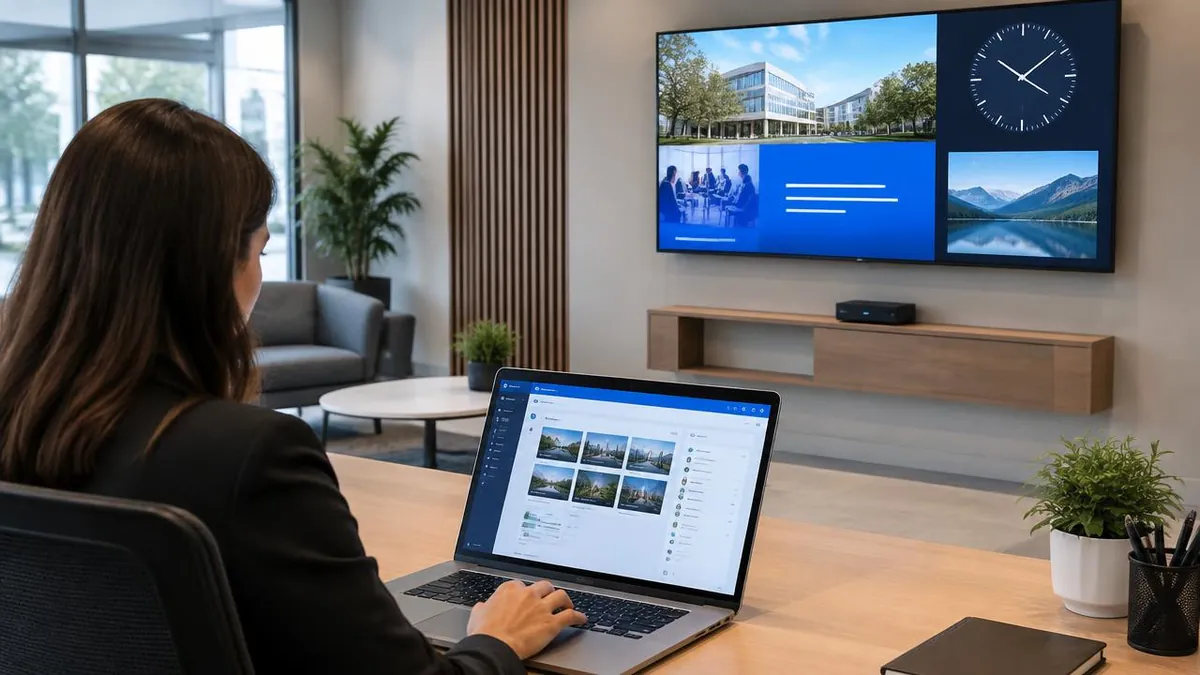
The full step-by-step walkthrough with screenshots is on our digital signage setup walkthrough page.
When Android is not the best choice
Android handles most everyday signage well: menus, promotions, announcements, lobby screens and video loops. Consider another platform when a screen needs to run Windows-only software, show very heavy interactive web pages, or connect to special hardware such as certain touch overlays or sensors. A Windows mini PC or Raspberry Pi may suit those jobs better. Our digital signage player buying guide compares sticks, mini PCs and Raspberry Pi in detail.
Android digital signage with E Display
E Display's own player, the TX9 digital signage player, is a compact Android 14 stick with 4K output over HDMI 2.0, dual-band Wi-Fi and the signage app built in. It is $50, or free with a new yearly license. Supported Android TV devices can also run E Display, alongside Windows, Chrome OS and Raspberry Pi players. Software is $8 per screen per month; see digital signage pricing for current plans.
What is Android digital signage?
It is digital signage that plays on an Android device, usually an HDMI stick or TV box connected to a screen. A signage app on the device downloads content you manage from cloud software.
Can I use any Android TV box for digital signage?
Many Android TV devices can run a signage app, but consumer boxes may not auto-start after power loss or may show prompts on screen. Test the device with your real content first, or use a dedicated Android signage player for business screens.
Does Android digital signage work offline?
Yes, if the player caches content. E Display players download the playlist and keep playing it during an internet interruption. New updates and live feeds such as weather need a connection.
Does E Display support Amazon Fire TV?
No. E Display does not currently support Fire TV or Fire TV Stick. Use the TX9 player or a supported Android TV, Windows, Chrome OS or Raspberry Pi device.
Is Android good enough for 4K signage?
A current Android player with 4K HDMI 2.0 output plays 4K video well. Check the player's specifications and test your own files before rolling out to many screens.

About the author: Khalid Qadir
Khalid Qadir is Co-Founder & VP Business Development at E Display, with 20+ years of experience as a Principal Product Manager scaling AI-driven enterprise platforms including conversational AI, agentic automation, and digital signage and CX systems for Fortune-scale organizations.
Connect with Khalid on LinkedInStill choosing a vendor? Compare digital signage platforms head to head, run your own numbers with the digital signage budget calculator, or see our digital signage pricing at $8 per screen per month with a free media player.