Digital Signage for Government & Municipal Buildings
Improve citizen services in courthouses, DMVs, city halls, and public buildings. Digital signage for wayfinding, queue management, service updates, and public safety notices.
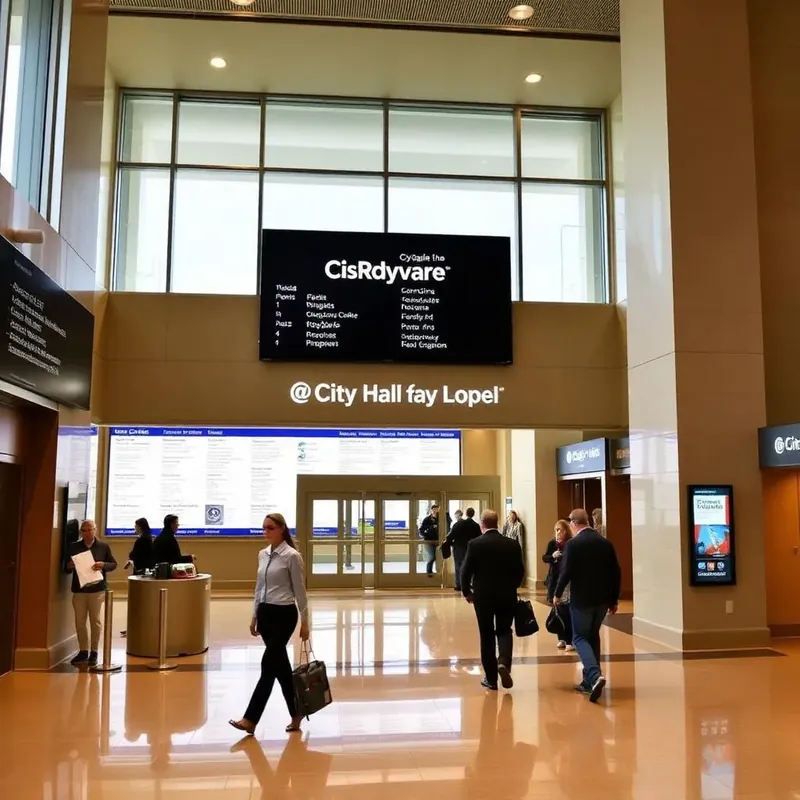
Why cities and agencies choose E Display
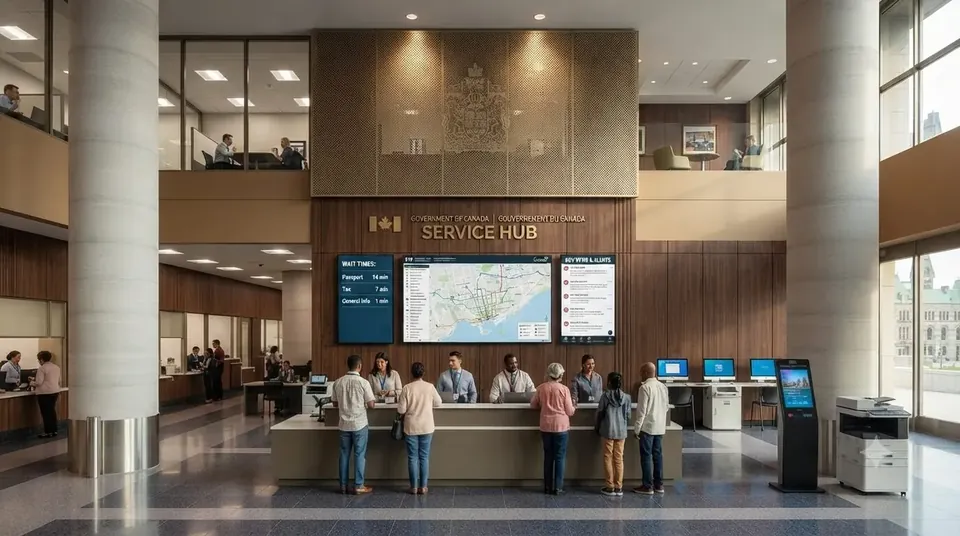
Public offices run on queues and questions. Residents arrive unsure which counter they need, what documents to bring, and how long the wait is, and staff spend the day answering. E Display government digital signage puts queue numbers, service information, public notices, and wayfinding on screen in city halls, courthouses, DMV offices, libraries, and community centers.
Every screen runs on our compact digital signage media player, or on our player app installed on any supported device, and is managed from a browser dashboard, so an administrative assistant can post a council meeting notice or a closure without an IT request. Queue and now-serving data can be fed from your ticketing system, multi-language content serves the whole community, and an emergency alert, severe weather, evacuation, public safety, takes over every municipal screen in one click.
Public-sector governance is built in: approval workflows keep official notices accurate, and role-based permissions scope each department to its own screens. Budgets stay predictable at $8 per screen per month with no per-user license, and offline caching keeps notices and wayfinding running through a network outage.
Government digital signage software is $8 per screen per month billed annually, with a free media player included on new annual license activations, see full pricing, browse the free signage templates you can adapt for your screens, or read about our digital signage media player that runs them.
Deploy in minutes
Plug in a TX9 TV Stick, sign in, and start publishing to any screen.
Beautiful by default
Free template library and drag-and-drop editor — no designer required.
Enterprise-grade
Encrypted delivery, role-based access, and 99.9% uptime SLA.
Measurable ROI
Track dwell time, playback proof-of-play, and campaign performance.

What's included
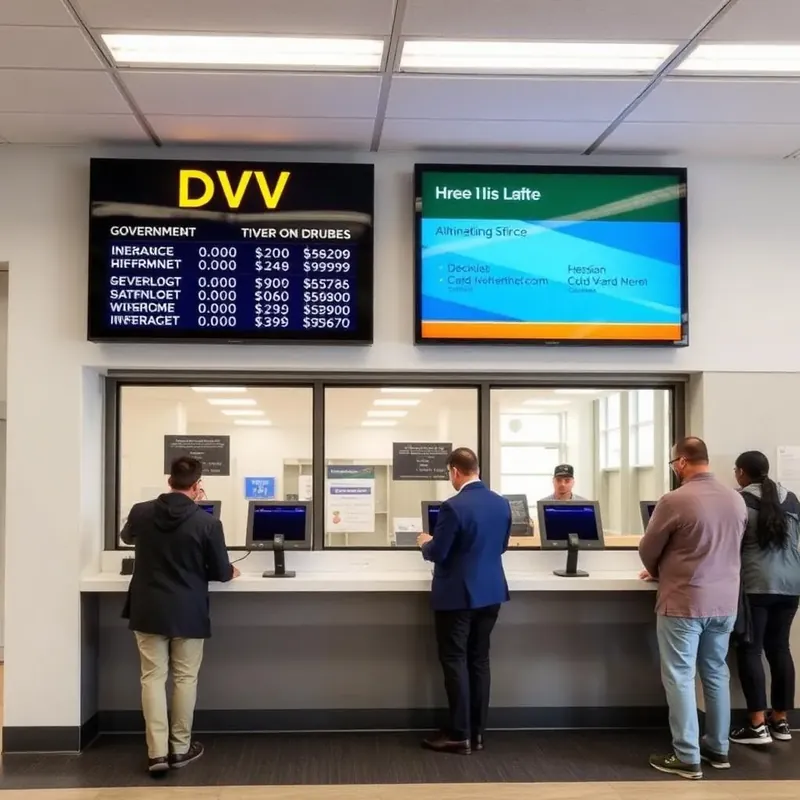
- Queue and service window displays
- Multi-language public notices
- Emergency and Amber alert override
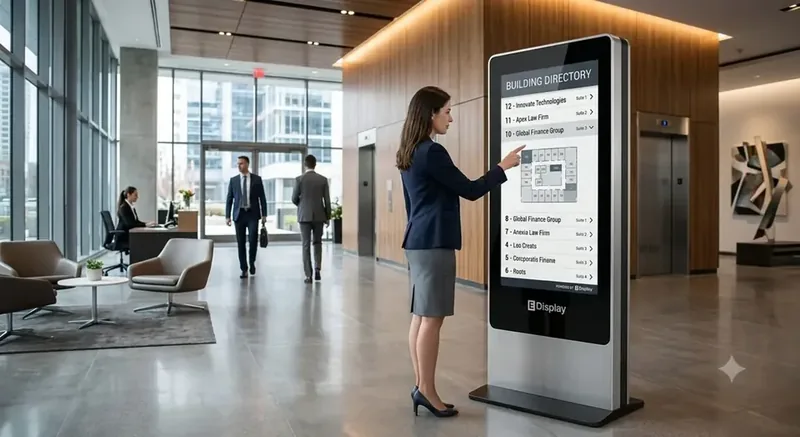
- Accessible, ADA-compliant kiosks
- Content approval workflows
Why teams choose it
Shorter perceived waits
Clear queues cut citizen frustration.
Trusted public info
One approved message across every location.
Emergency-ready
Take over every screen in seconds when needed.
How municipal digital signage works
Three steps from unboxing to a live screen. No IT ticket, no proprietary hardware, no month-long deployment.
Plug in the TX9
Connect the TX9 TV Stick to any TV screen, connect to Wi-Fi, and register it to your E Display CMS account with a 4-digit code.
Design & schedule
Pick a free template or upload your own content, then set playlists, dayparts, and location targeting from the cloud dashboard.
Go live everywhere
Publish to one screen or thousands with a single click. Real-time proof-of-play confirms every screen is on-brand and on-time.
"I am not technically savvy, but the customer rep that worked with me through multiple phone calls explained everything and went above and beyond his job to assist me with this in a timely manner."
Government digital signage FAQs
What do government offices use digital signage for?
Municipal buildings use digital signage for queue and now-serving displays, department wayfinding, public notices and council meeting agendas, service hours and holiday closures, permit and license guidance, multi-language community information, and emergency alerts.
How much does municipal digital signage cost?
Software is $8 per screen per month billed annually ($96 per screen per year) with no per-user license, and annual plans include a free media player. Existing displays work, so a city hall with five screens is about $480 per year in software, a line item most departments can approve without a capital request.
Can we broadcast emergency alerts to every building?
Yes. An emergency message overrides every screen across a building, department, or the whole municipality in one click, and releases back to normal content when the alert clears.
Can content be shown in multiple languages?
Yes. Content can rotate between languages on the same screen or run different language sets per location, which matters for accessibility and community-service obligations.
How do we control which department can publish what?
Role-based permissions scope users to their own screens and content, and approval workflows require a designated approver before an official notice publishes.
Is procurement straightforward for a public agency?
Yes. Pricing is published and flat at $8 per screen per month, quotes and invoices are available for purchase-order processes, and there is no long-term contract requirement beyond the annual term you choose.
Ready to modernize your government & municipal screens?
Get a personalized demo of E Display for government & municipal, see how easy it is to launch, schedule, and scale digital signage across every location.