Retail Digital Signage Software for Stores

Drive sales and elevate the shopping experience with dynamic digital signage. Promote products, display real-time offers, engage shoppers with interactive content, and create branded environments across retail stores and malls.

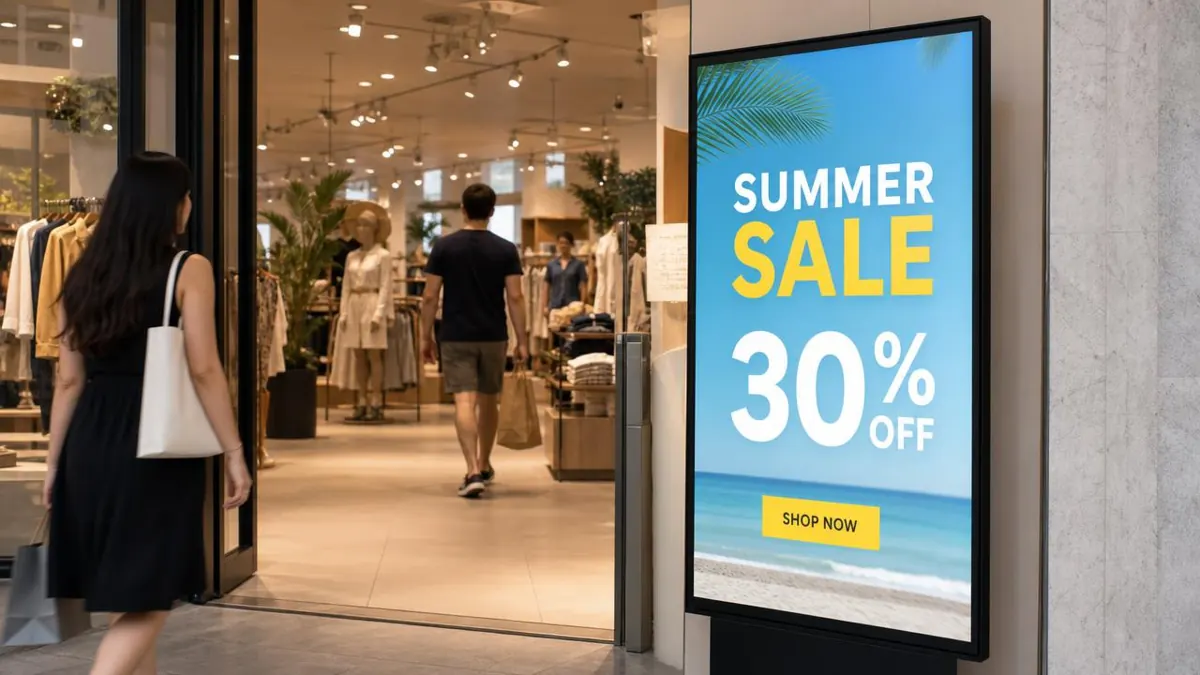
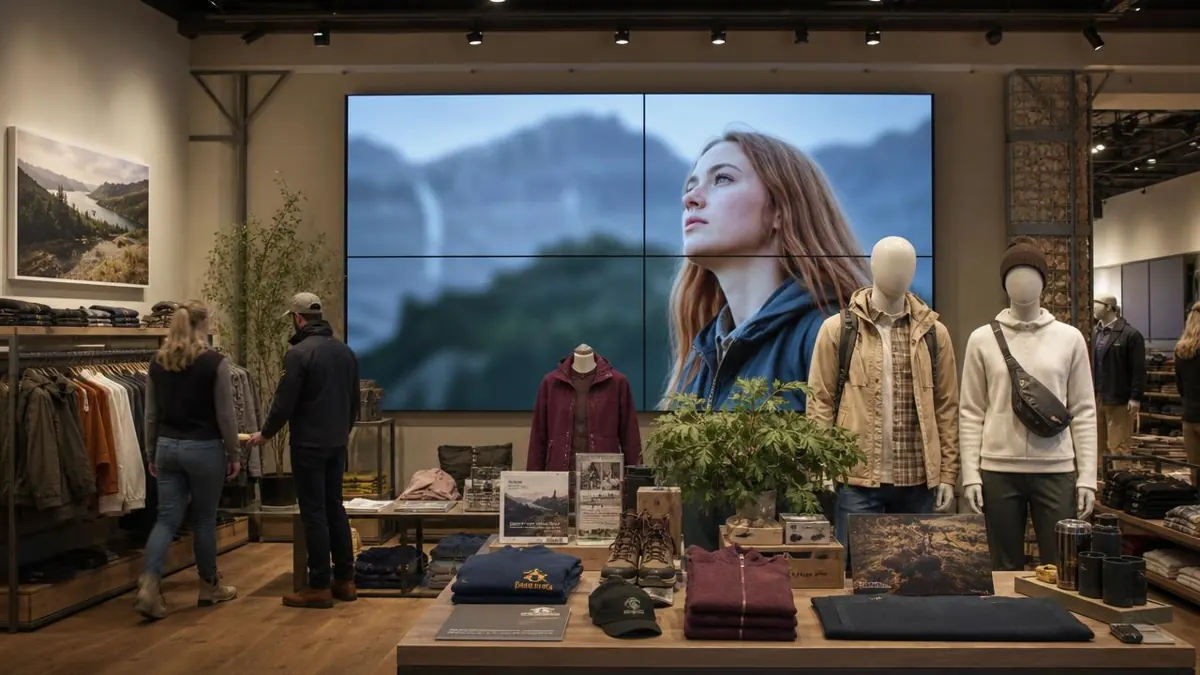
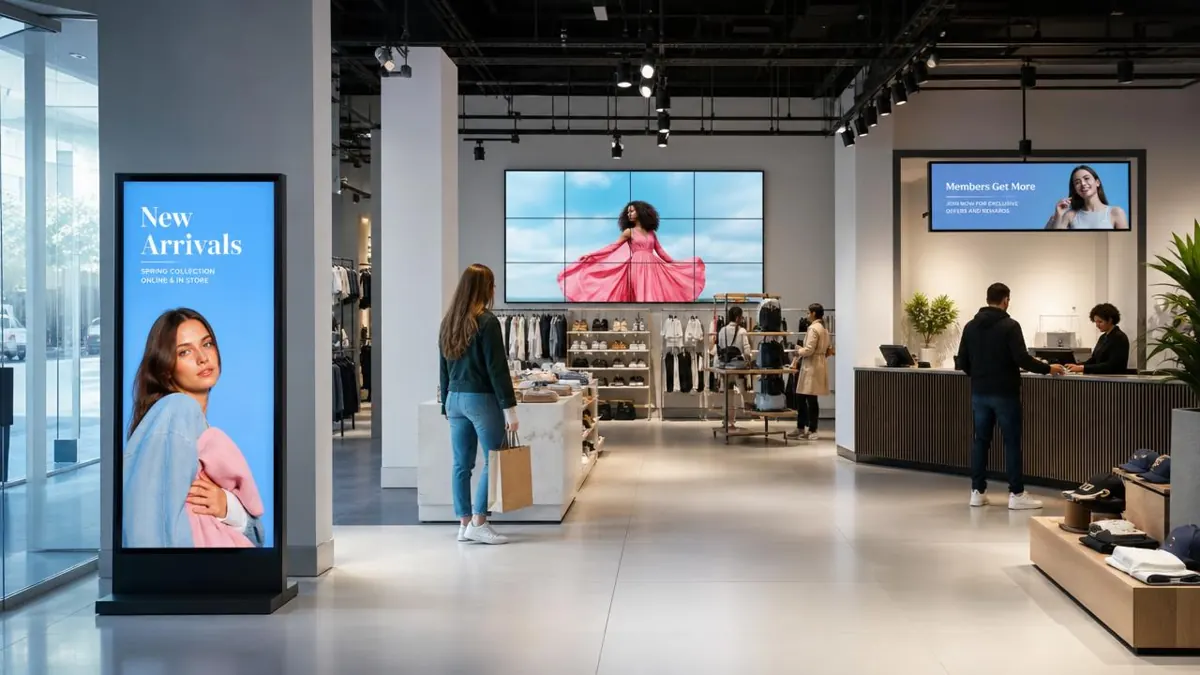
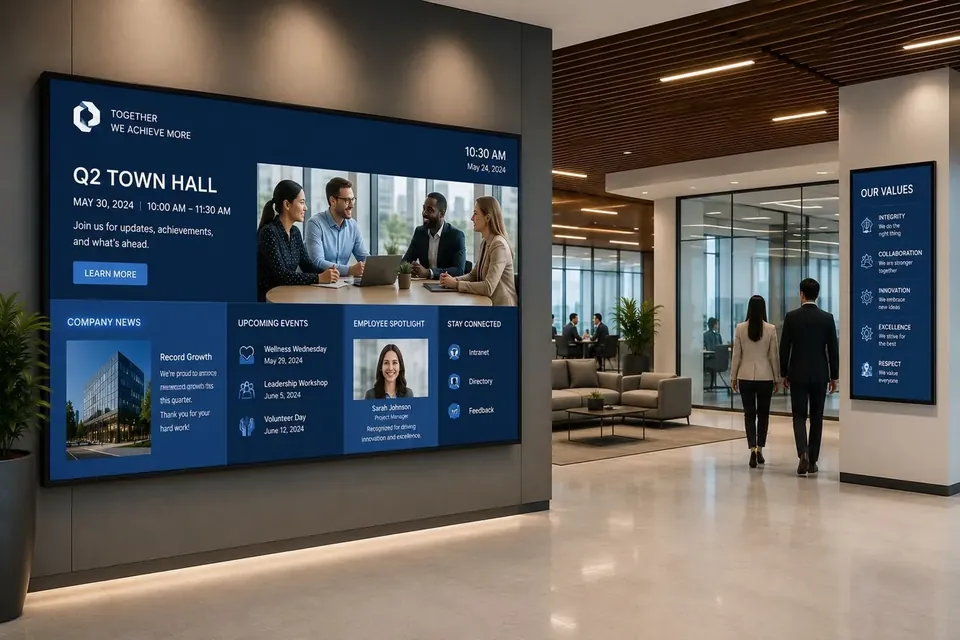
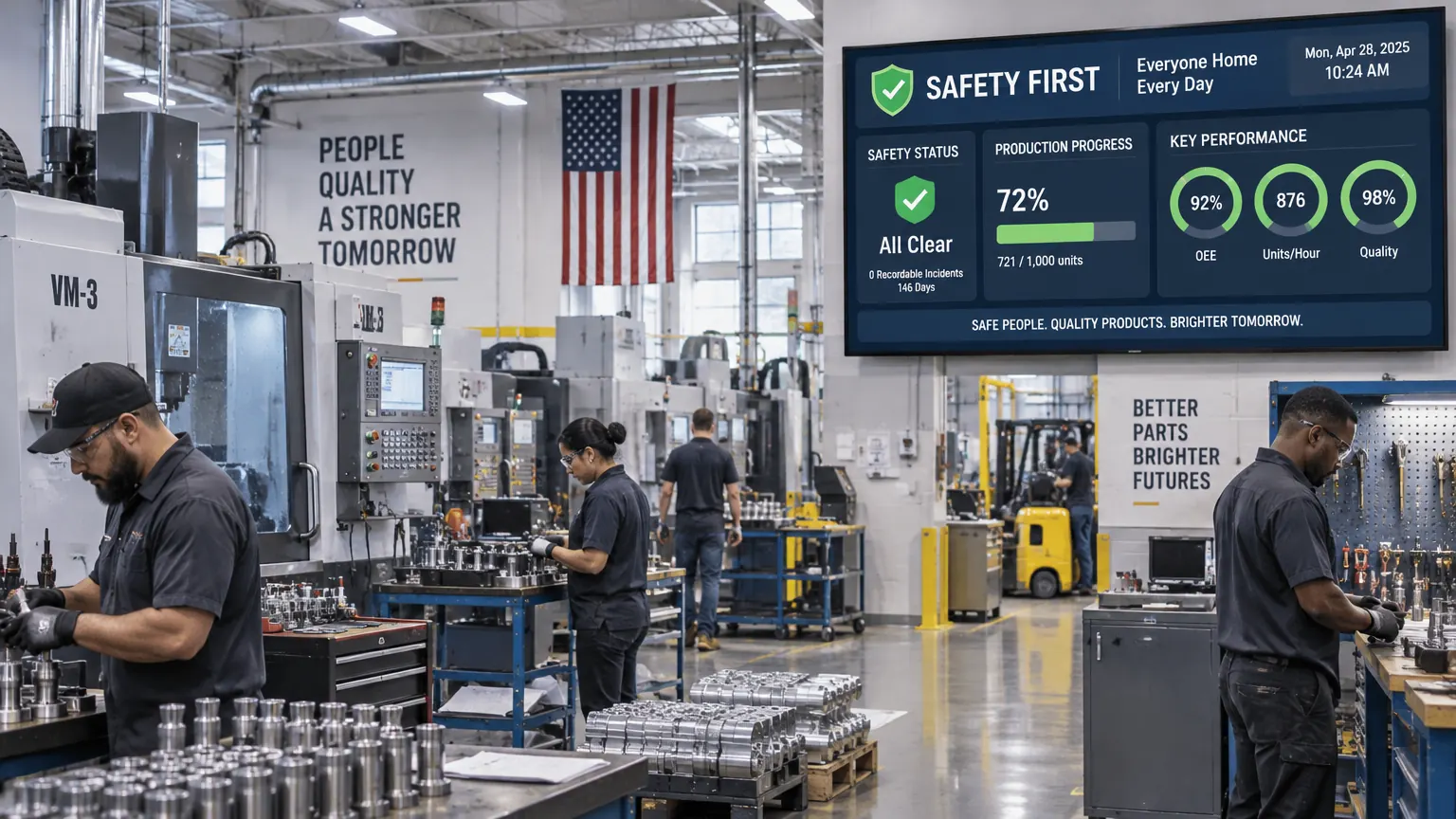
Retail digital signage example 1Retail digital signage example 2Retail digital signage example 3

Why retailers choose E Display retail digital signage

Retail digital signage software from E Display runs every in-store screen, from the storefront window to the shelf edge to the checkout, for $8 per screen per month billed annually, with a free media player on new annual license activations. A head-office marketer publishes a campaign once and it lands on every store's screens in minutes, then comes down the moment the offer ends, with no printing, shipping or store-by-store follow-up.

Every display runs on our compact digital signage media player, or on our player app installed on any supported Windows, Chrome OS, Android TV or Raspberry Pi device, and is managed from a browser dashboard, so a store manager can post a local event while corporate controls the brand campaign. Prices and stock levels can sync from your POS or product feed, dayparting swaps morning and evening offers automatically, and window screens can run bright, motion-heavy creative that stops foot traffic after hours.

Rolling out across a chain stays controlled: group screens by region, banner, or store format, use role-based publishing and approval workflows so franchisees stay on-brand, and rely on proof-of-play reporting to show a vendor their promotion actually ran. Offline caching keeps content playing through a store network outage.

Retail digital signage software is $8 per screen per month billed annually, with a free media player included on new annual license activations, see full pricing, browse the free signage templates you can adapt for your screens, or read about our digital signage media player that runs them.

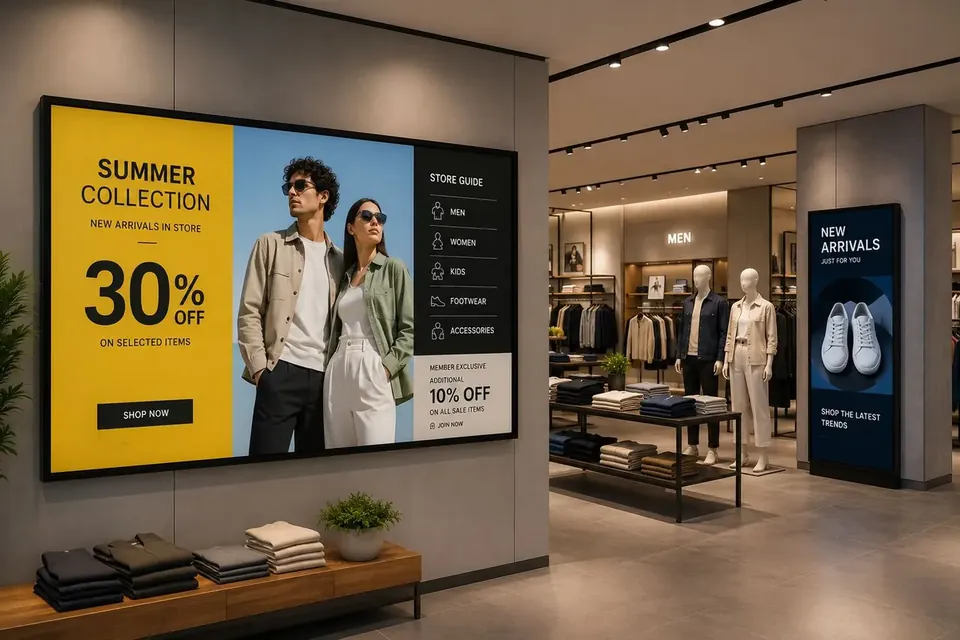
Retail digital signage by store type

Every store format sells differently. Here is what to put on screen, how many screens to start with, and which feature matters most, for the six retail formats that use in-store digital signage the most.

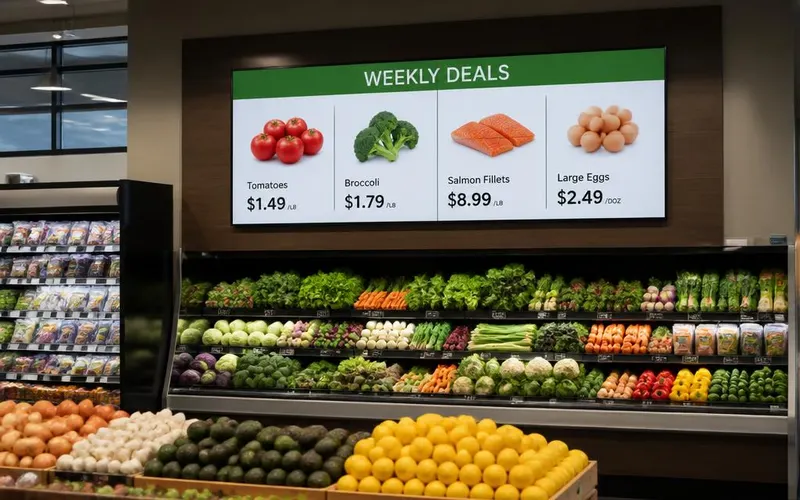
Grocery store produce aisle with a digital signage screen showing weekly deals and prices

Grocery Store Digital Signage

Grocery gets the most out of feed-driven boards. Weekly deals, produce pricing and department specials come from a spreadsheet or price feed, so nothing is retyped and nothing on the floor goes stale.

Show:
Weekly deals, produce pricing, department specials
Start with:
Entrance deal board, 2 department screens
Best feature:
Price feed sync and dayparting
Open a free retail template
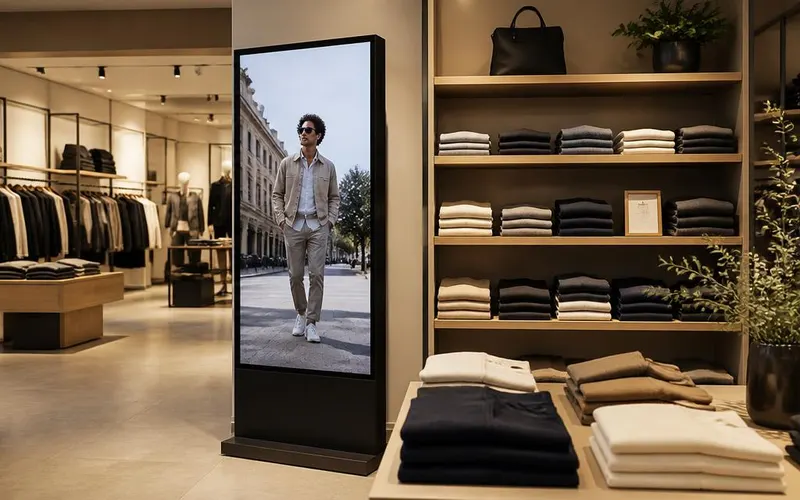
Clothing store interior with a tall portrait digital signage screen playing a fashion lookbook

Apparel & Fashion Store Screens

Apparel sells on mood. Portrait lookbook video near the entrance, fitting-room screens for styling suggestions and a social wall of tagged customer photos by the mirrors put proof at the decision moment.

Show:
Lookbook video, new arrivals, social wall
Start with:
1 portrait entrance screen, 1 fitting-room screen
Best feature:
Social media and video playlists
Open a free retail template
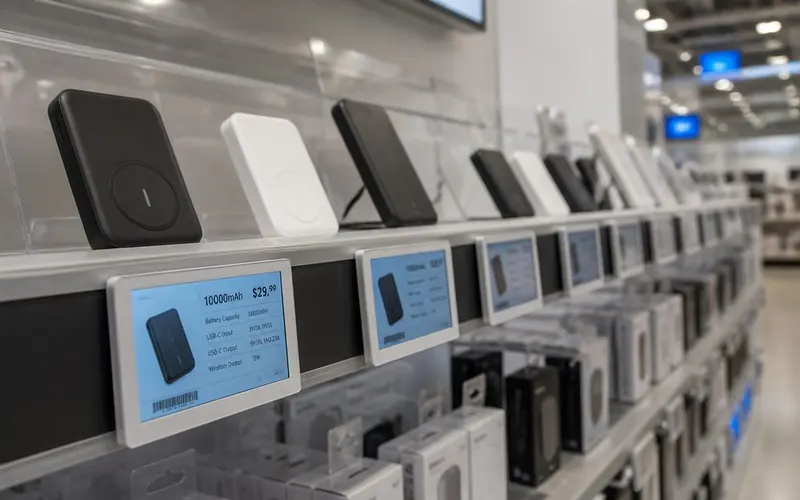
Electronics store shelf with small digital screens showing product specifications and prices

Electronics & Hardware Shelf Screens

Considered purchases need detail. Shelf-edge specification screens answer the questions staff repeat all day, and an endless-aisle kiosk shows sizes, colours and stock the store cannot physically hold.

Show:
Specs, comparisons, stock and price, endless aisle
Start with:
Shelf screens on top-margin categories
Best feature:
Product feed and touchscreen support
Open a free retail template
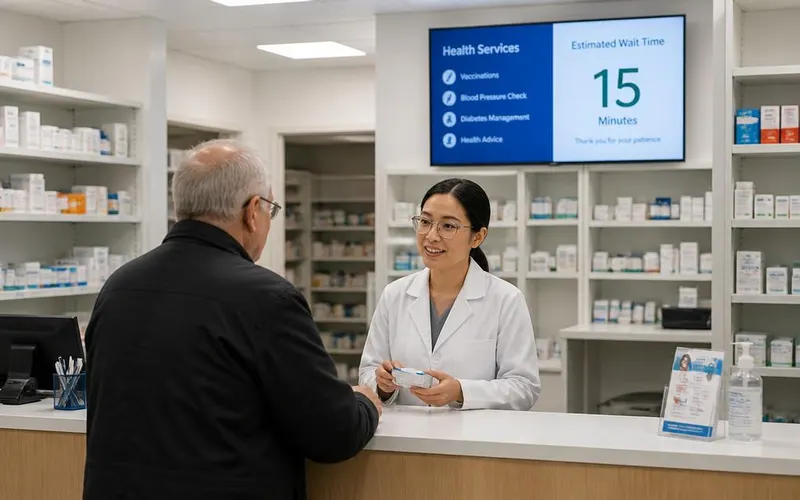
Pharmacy counter with a digital screen showing health services and estimated wait time

Pharmacy & Health Retail Displays

Pharmacy and regulated categories need identical, compliant information in every location. Central publishing with approvals guarantees it, and a counter screen makes the wait feel shorter.

Show:
Services, wait times, health tips, compliant pricing
Start with:
1 screen behind the counter
Best feature:
Approval workflows and locked brand content
Open a free retail template
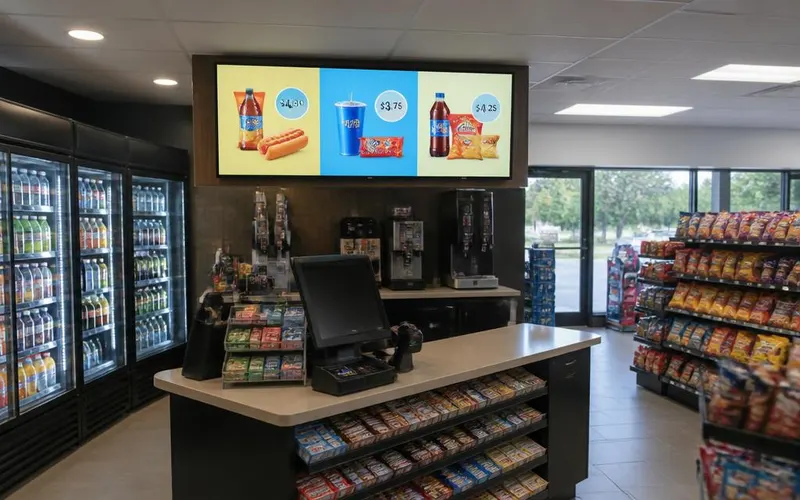
Convenience store checkout counter with a digital signage screen showing snack and drink combo offers

Convenience Store & Forecourt Signage

Convenience runs on impulse. A screen above the counter sells drink-and-snack combos while the customer is standing still, and the same license drives the forecourt or car-wash board outside.

Show:
Combo offers, hot food, lottery and fuel promos
Start with:
1 counter screen, 1 cooler-aisle screen
Best feature:
Dayparting for morning and evening offers
Open a free retail template
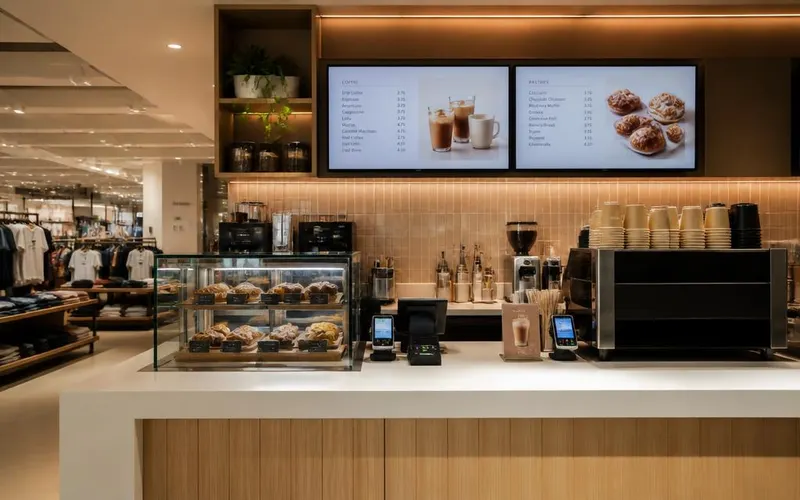
In-store cafe counter with two digital menu screens listing coffee drinks and pastry prices

In-Store Cafe & Food Counter Menus

A coffee bar or food counter inside your store runs on the same $8 license as the sales floor screens. Two menu screens cover drinks and food, and prices change in seconds instead of at a print shop.

Show:
Drink menu, food and pastries, daily specials
Start with:
2 screens above the counter
Best feature:
Free menu board templates and instant price edits
Open a free retail template

Ready-made retail signage templates

Start from a professionally designed retail layout and customize offers, products, and branding in minutes.

See all templates
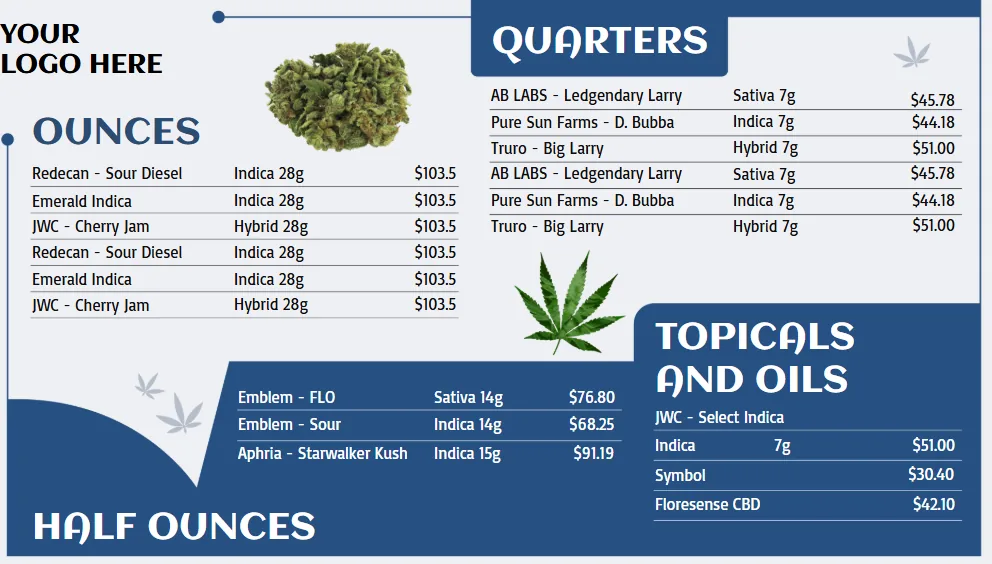
Cannabis Menu retail digital signage template

Cannabis Menu

Retail

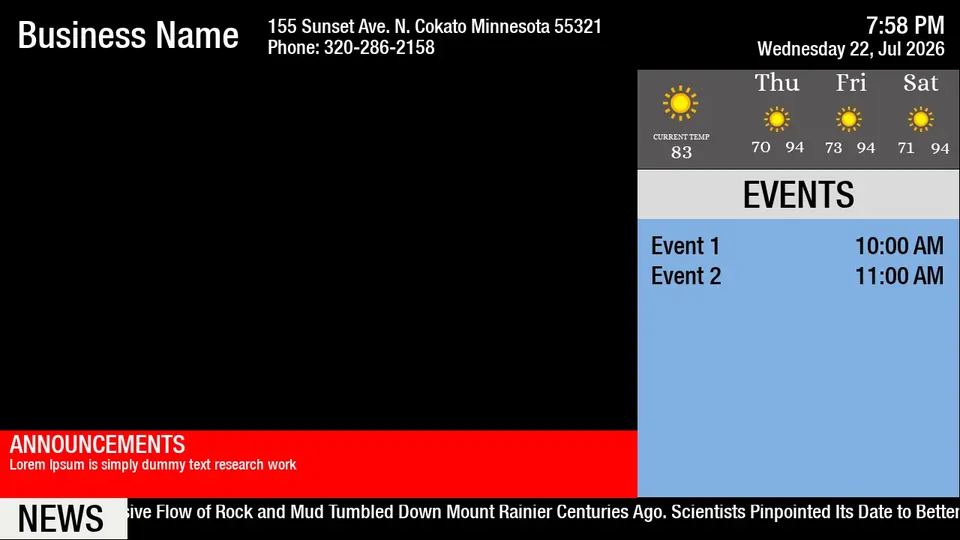
Services & Events retail digital signage template

Services & Events

Services & Events

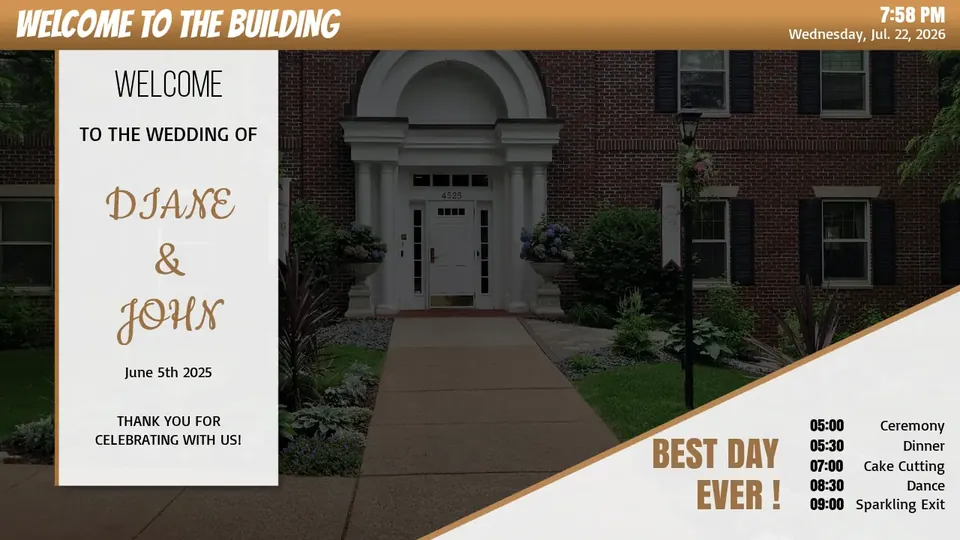
Services & Events retail digital signage template

Services & Events

Services & Events

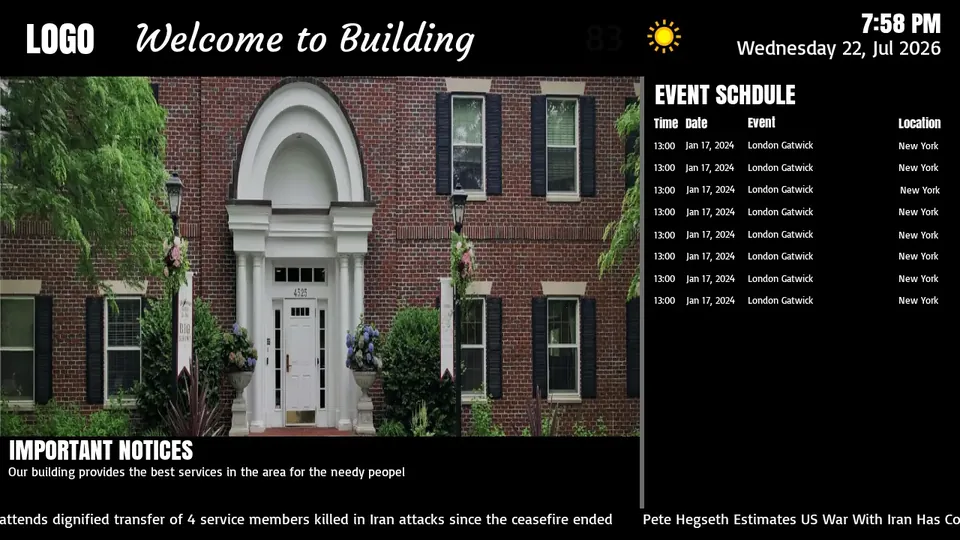
Services & Events retail digital signage template

Services & Events

Services & Events

Where the screens go in a retail store

The stores that get results from digital signage give every screen a single job. An entrance or window display exists to convert passing traffic, so it runs one offer per slide in three to five second rotations with type readable from across the sidewalk. An aisle or endcap screen exists to sell one featured product, so it shows a photo, three benefits and a price, nothing more. A checkout or queue screen exists to capture loyalty sign-ups and low-friction add-ons while a shopper is standing still.

Back-of-house screens are the quiet win. A break room display carrying targets, shift notes and safety reminders reaches part-time staff who never open company email, and it costs the same $8 per month as a customer-facing screen. Most single-location retailers start with three screens (entrance, best-margin aisle, checkout) and add more only once each existing screen has an owner and a clear purpose.

Retail digital signage by store format

Grocery and convenience stores get the most out of feed-driven boards: weekly deals, produce pricing and fuel or lottery promos pulled from a spreadsheet or price feed so nothing is retyped and nothing goes stale on the floor. Apparel and footwear lean on lookbook video, fitting-room screens and a social wall of tagged customer photos near the mirrors, where social proof lands at the decision moment.

Electronics, hardware and other considered-purchase retail benefit from shelf-edge specification screens and interactive endless-aisle kiosks that show sizes, colours and stock the store cannot physically hold. Pharmacy, cannabis and regulated categories use signage to display compliant pricing and product information that must be identical across every location, which is exactly what centralized publishing and approval workflows guarantee. Quick-service food counters inside a retail footprint run the same license as a full digital menu board.

Storefront window displays: brightness, heat and orientation

A window is the harshest place in retail for a screen. A consumer TV behind glass in direct sun will look washed out by mid-morning and will fail early from heat. For sunlit storefronts, use a high-brightness commercial panel rated at 700 nits or more (2,000+ nits for a full south-facing window), with a portrait orientation that matches how people scan a poster and fits narrow glass.

Mounting matters as much as the panel. Leave an air gap and ventilation behind the display, avoid sealing it into a tight enclosure without airflow, and mount at eye level rather than high overhead so the message reads from three metres away. The E Display software and media player are identical whichever panel you choose, so the display spec is the only variable between a back-office screen and a full window video wall.

Multi-store rollouts and what a store actually costs

For a chain, the software cost is linear and predictable: $8 per screen per month billed annually, so a three-screen store is $288 per year and a 50-store chain running three screens each is $14,400 per year in software, with a free media player on each new annual license. The one-time costs are the displays (from about $495 for a commercial 43 inch panel), mounts or enclosures, and local installation labour where you use a contractor.

Operationally, a rollout is limited by installation scheduling rather than software. Each screen is paired by plugging in the media player and entering a 4-digit code, then it inherits whatever playlist its store group is assigned, so a regional manager never needs to touch content. Group screens by region, banner or store format up front, decide who approves creative, and put your recurring boards (weekly deals, pricing) on a data feed before you scale, and adding store 40 takes the same effort as store two.

Deploy in minutes

Plug in a TX9 TV Stick, sign in, and start publishing to any screen.

Beautiful by default

Free template library and drag-and-drop editor — no designer required.

Enterprise-grade

Encrypted delivery, role-based access, and 99.9% uptime SLA.

Measurable ROI

Track dwell time, playback proof-of-play, and campaign performance.

Retail digital signage in the real world

A few retail store and specialty shop digital signage installations running on E Display digital signage software.

See all projects

What's included

  • Product spotlights and promotions
  • Real-time price and inventory sync
  • Interactive shoppable displays
  • Storefront window video walls
  • Analytics on dwell time and engagement

Why teams choose it

Higher conversion at shelf

Motion beats print every time.

Faster campaign rollouts

Push new offers to all stores in one click.

Cohesive branded stores

Every screen speaks the same visual language.

How retail digital signage works

Three steps from unboxing to a live screen. No IT ticket, no proprietary hardware, no month-long deployment.

01

Plug in the TX9

Connect the TX9 TV Stick to any TV screen, connect to Wi-Fi, and register it to your E Display CMS account with a 4-digit code.

02

Design & schedule

Pick a free template or upload your own content, then set playlists, dayparts, and location targeting from the cloud dashboard.

03

Go live everywhere

Publish to one screen or thousands with a single click. Real-time proof-of-play confirms every screen is on-brand and on-time.

"I am impressed how easy it is to do this. The help available is super impressive. Support team has helped me twice (so far) and team was really knowledgeable and patient."

Troy S., Business Owner

Retail digital signage FAQs

What is retail digital signage used for?

Retailers use digital signage for storefront window displays, product spotlights and endcap promotions, live price and inventory displays, queue-line entertainment and impulse offers, loyalty and app sign-up prompts, and interactive shoppable or lookbook kiosks.

How much does retail digital signage cost per store?

Software is $8 per screen per month billed annually ($96 per screen per year), with a free media player on new annual license activations. Add roughly $495–$600 for a commercial 43" display and $250–$350 if you use a local installer. A three-screen store typically lands around $288 per year in software after the first-year hardware spend.

Can prices and stock update automatically from our POS?

Yes. E Display supports POS and product data-feed integrations, so prices, promotions, and out-of-stock states can update on screen automatically instead of being retyped store by store.

Can head office control what individual stores publish?

Yes. Role-based permissions and approval workflows let store managers add local content while brand campaigns stay locked, so nothing off-brand reaches a window display.

Can we prove a supplier's campaign actually played?

Yes. Proof-of-play reporting logs what played, on which screen, and when, the evidence brands and co-op partners ask for before funding in-store campaigns.

Are the screens bright enough for a storefront window?

E Display runs on any display with an HDMI port, including high-brightness window and video-wall panels. For sunlit storefronts we recommend a high-nit commercial screen; the TX9 player and software are identical either way.

Ready to modernize your retail screens?

Get a personalized demo of E Display for retail, see how easy it is to launch, schedule, and scale digital signage across every location.